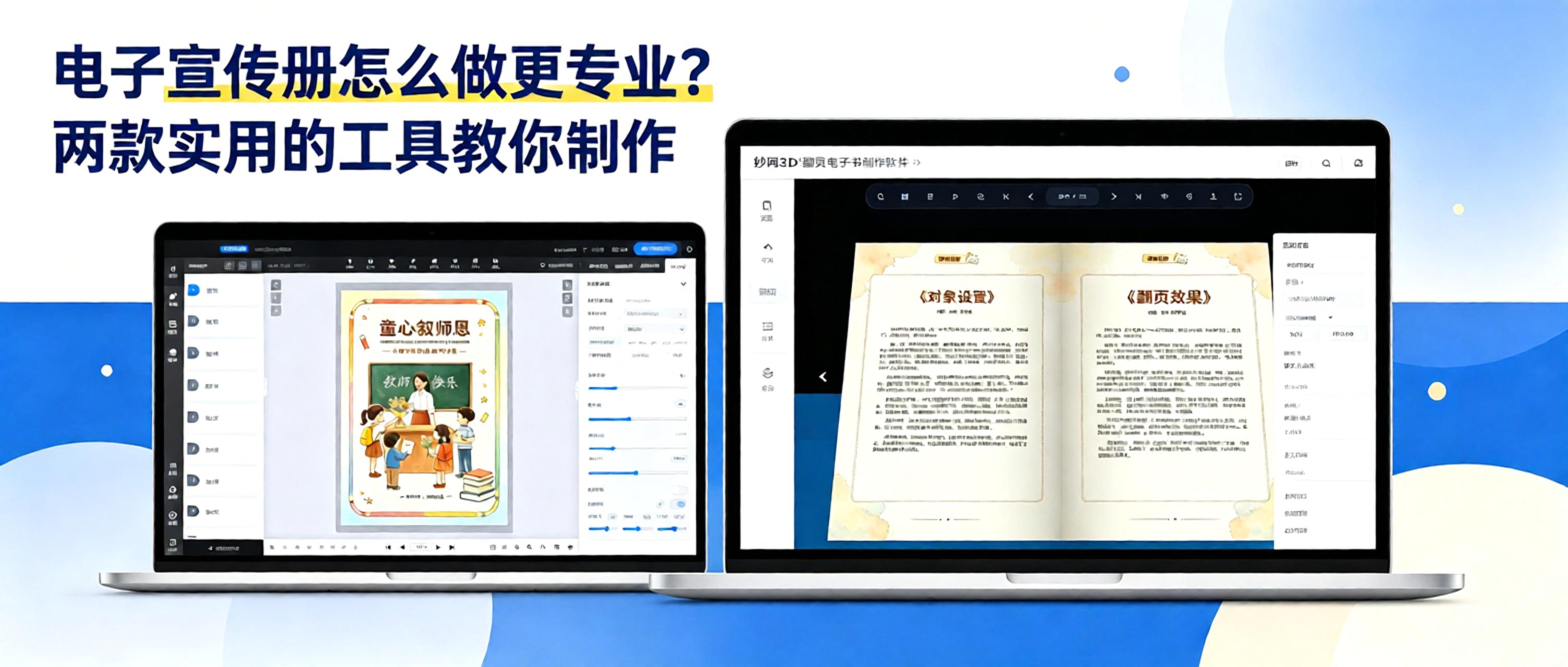
Many businesses create brochures as PDFs or PowerPoint files and send them directly to clients. However, large files load slowly, are inconvenient to browse, and must be resent whenever products are updated. An interactive digital brochure with page-turning effects lets clients scan a QR code to browse online. Updates only require republishing, improving both the user experience and efficiency.
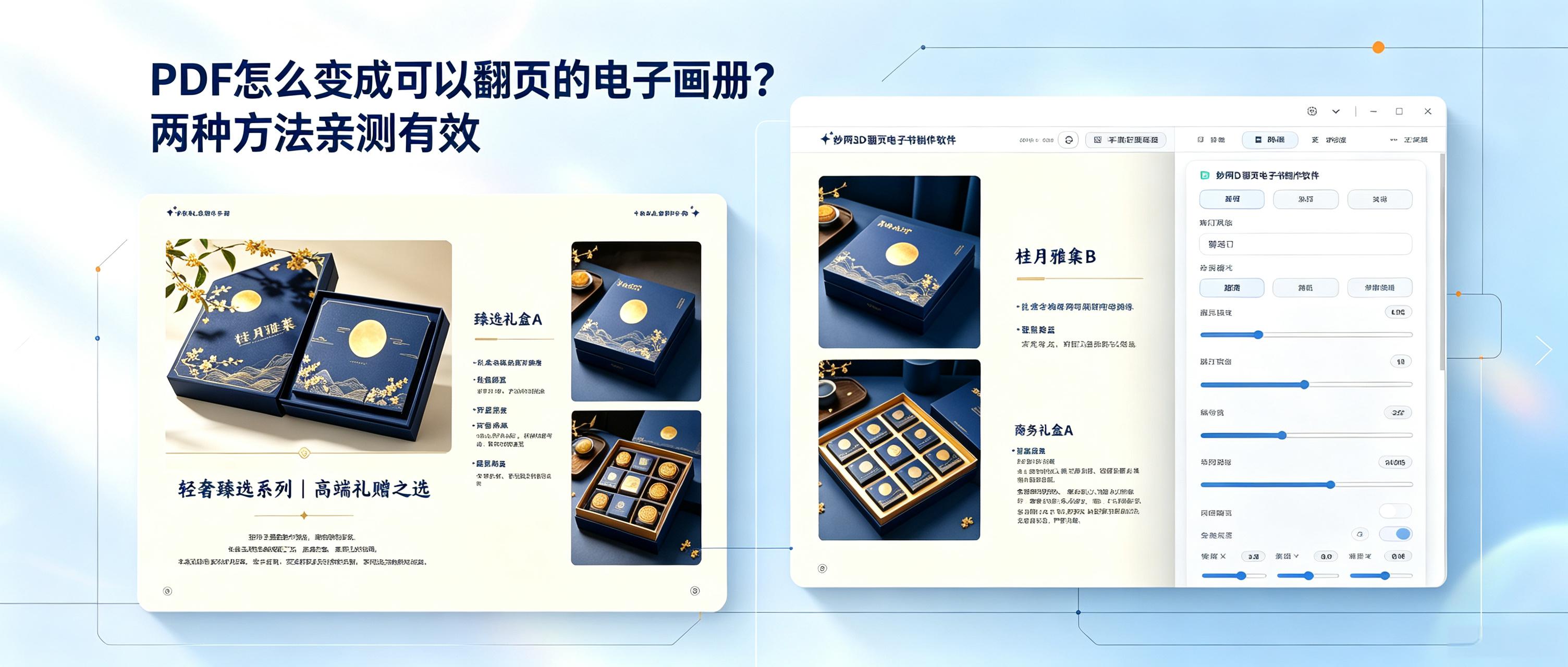
It’s simple: use a tool to turn static PDF pages into a book with page-turning animations, then export it in multiple formats as a link to share with customers or promote your brand. No design skills needed—upload your file, adjust a few settings, and create a digital brochure you can flip through on phones and computers in minutes.
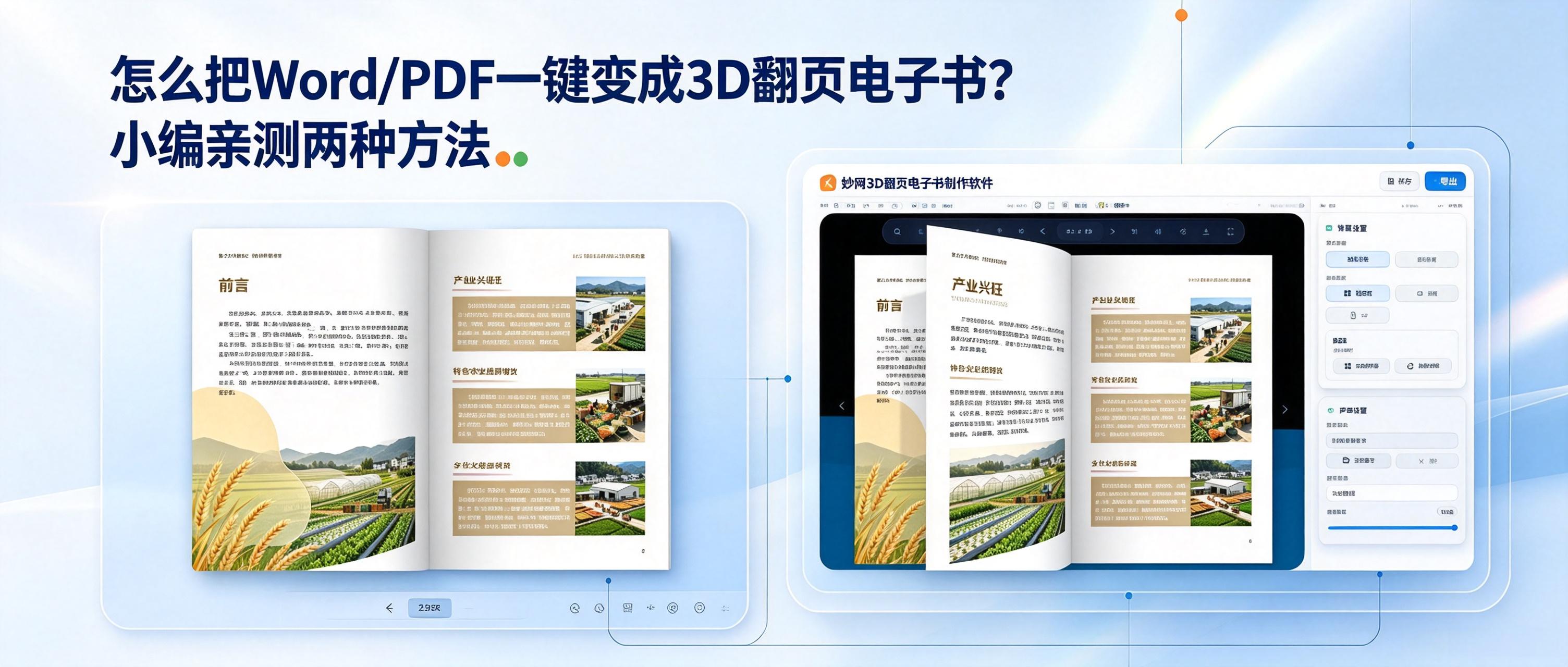
How can these static files be turned into more engaging 3D flipbooks, making the dull file-reading experience 100% better? There are currently two simple and practical methods: one online and one local.
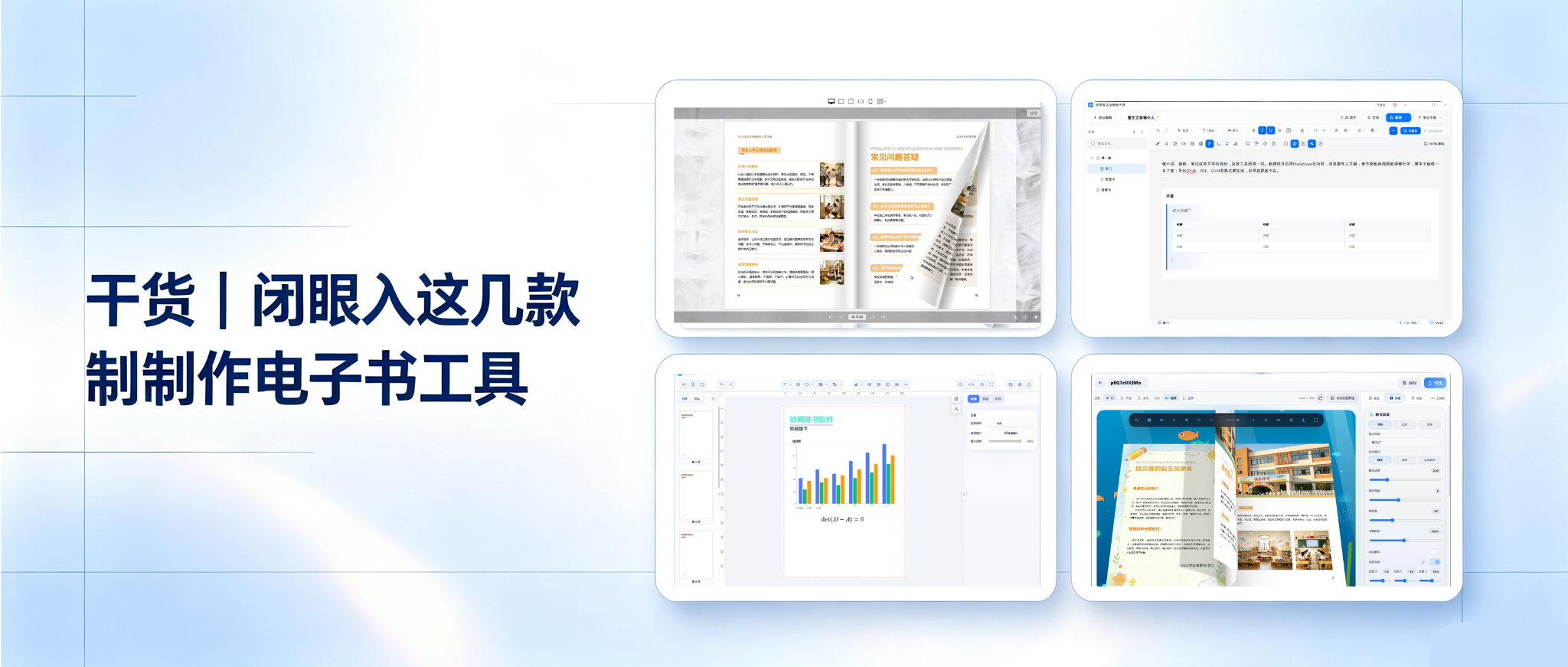
Want to create an ebook but worried about pitfalls? Can’t find a tool that feels right? Some are complicated, some produce mediocre results, and some lack format support. Today, we’re sharing several ebook-making tools you can master in just 3 minutes.
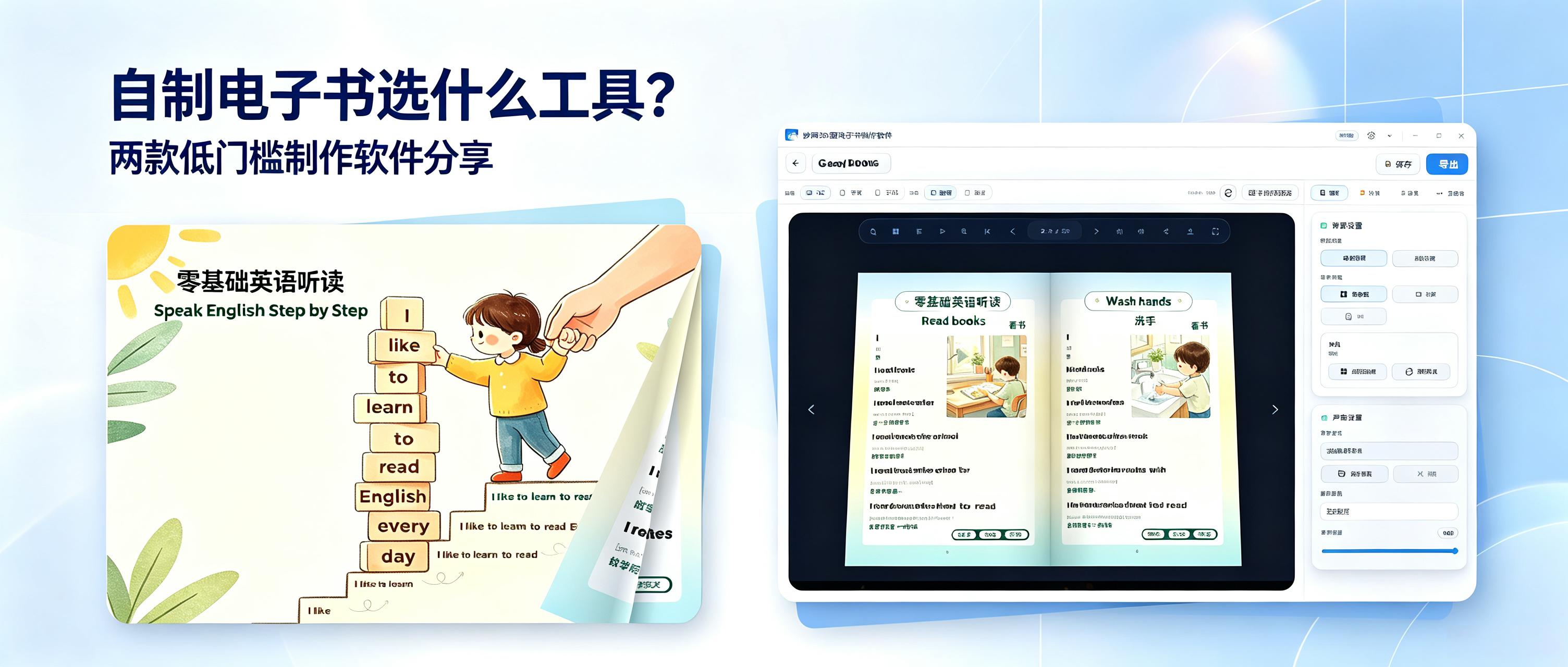
What software should you use to create your own e-book? Here are two easy-to-use e-book creation tools for businesses, individuals, education, commerce, and more. They are highly practical, so give them a try if you're interested.
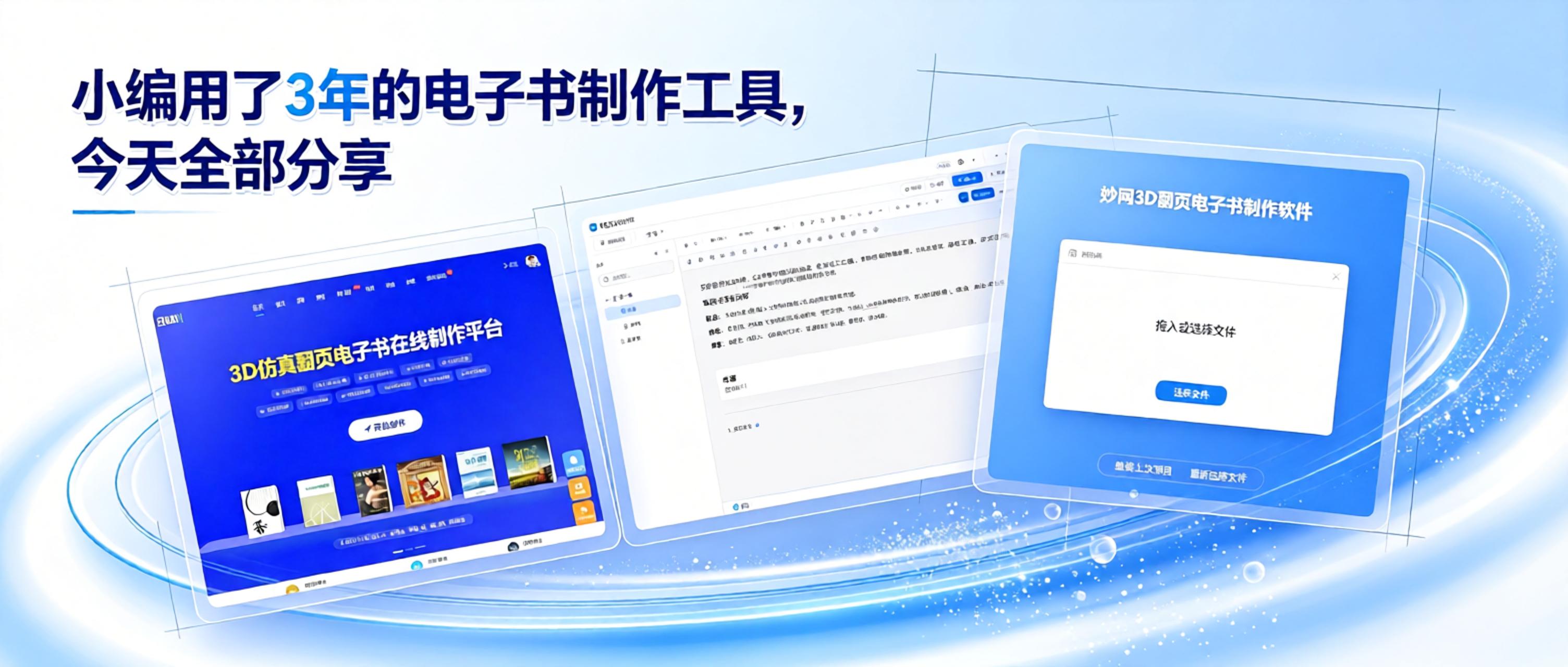
You don't need to wrestle with complex professional software or learn obscure layout code. With the right tool, anyone can quickly create neatly formatted e-books ready to read and share. Today, I'm sharing three beginner-friendly tools I've personally tested, so even complete novices can quickly create a finished book with no experience.
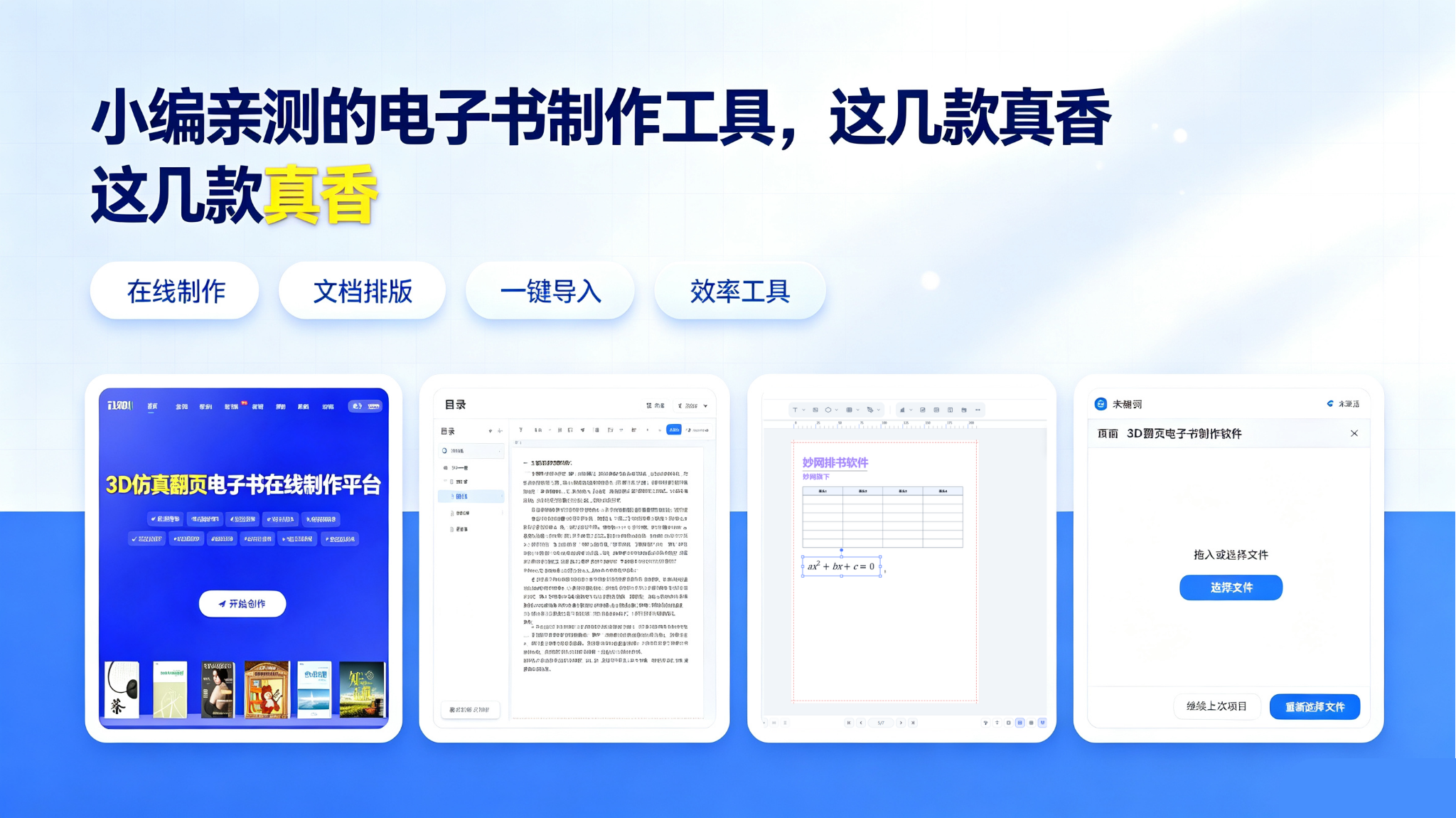
We recommend 4 powerful ebook creation tools. Learn everything from the basics to practical applications across industries, with multiple ways to create ebooks explained step by step. Each tool has its own strengths, so save this guide and explore them at your own pace.
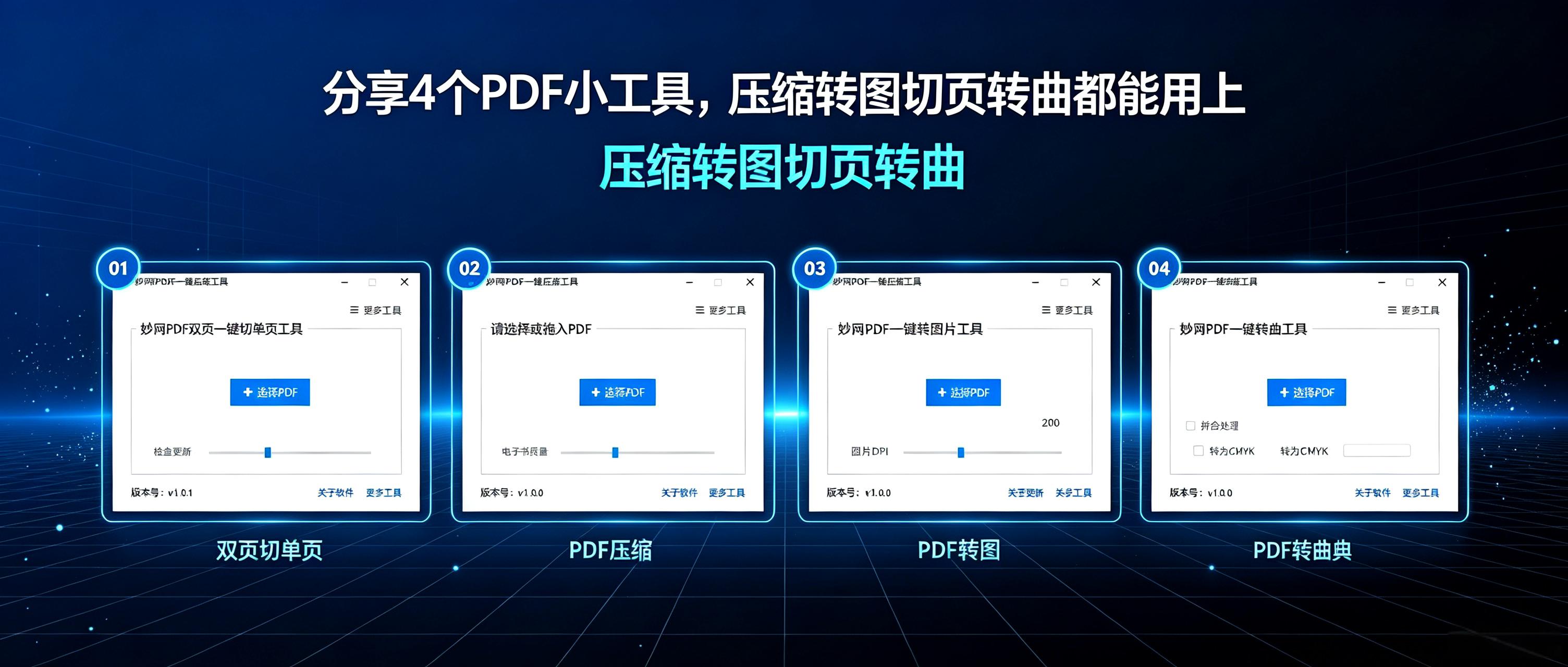
PDFs are often essential for graphic design and digital brochures, but converting them into 3D flipbooks can cause failed conversions, inconsistent sizes, or missing fonts. Here are four free, practical PDF tools that handle everything from compression to converting text to outlines.
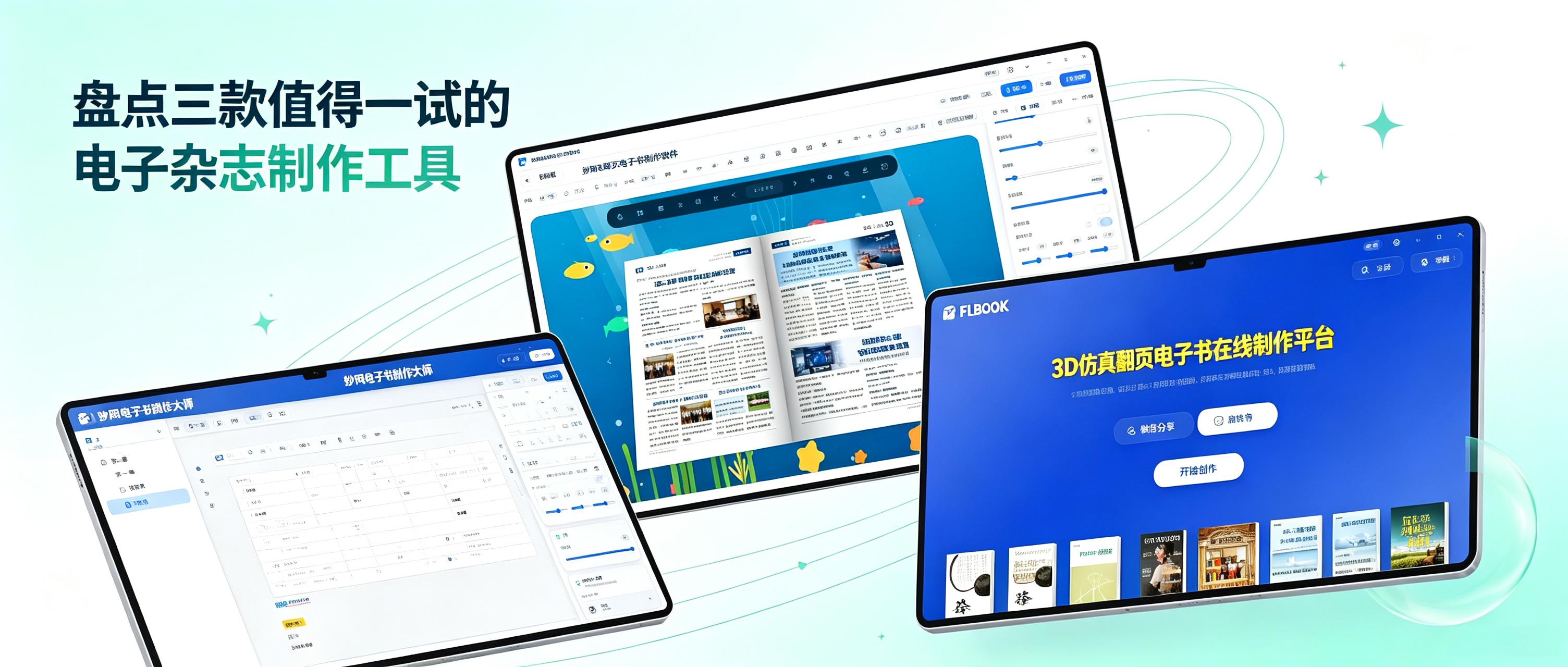
When creating a digital magazine, the biggest frustration is spending a great deal of time on the layout, only to discover after exporting that it cannot be opened on a phone or is incompatible with a computer. You may even have to spend ages explaining to others what software they need to view it. Another problem is carefully organized content being forced into a limited number of levels because the tool does not support complex directory structures, making it completely illogical to read. In fact, choosing the right tool can save you a lot of hassle. After recently trying several digital magazine creation tools, I have compiled a list of three worth checking out.
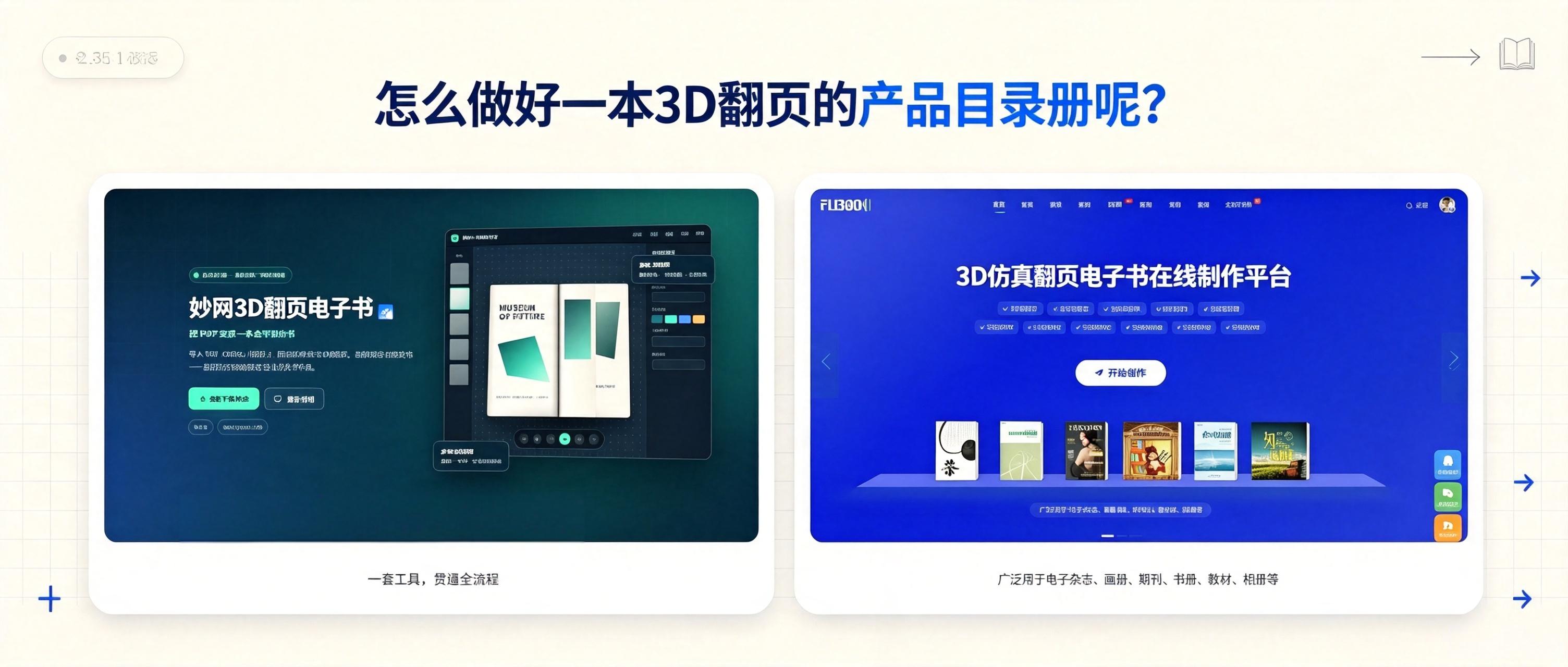
How can you turn existing product materials into a 3D flipbook catalog? Here are two methods, each producing a different effect. See which one you prefer.


