


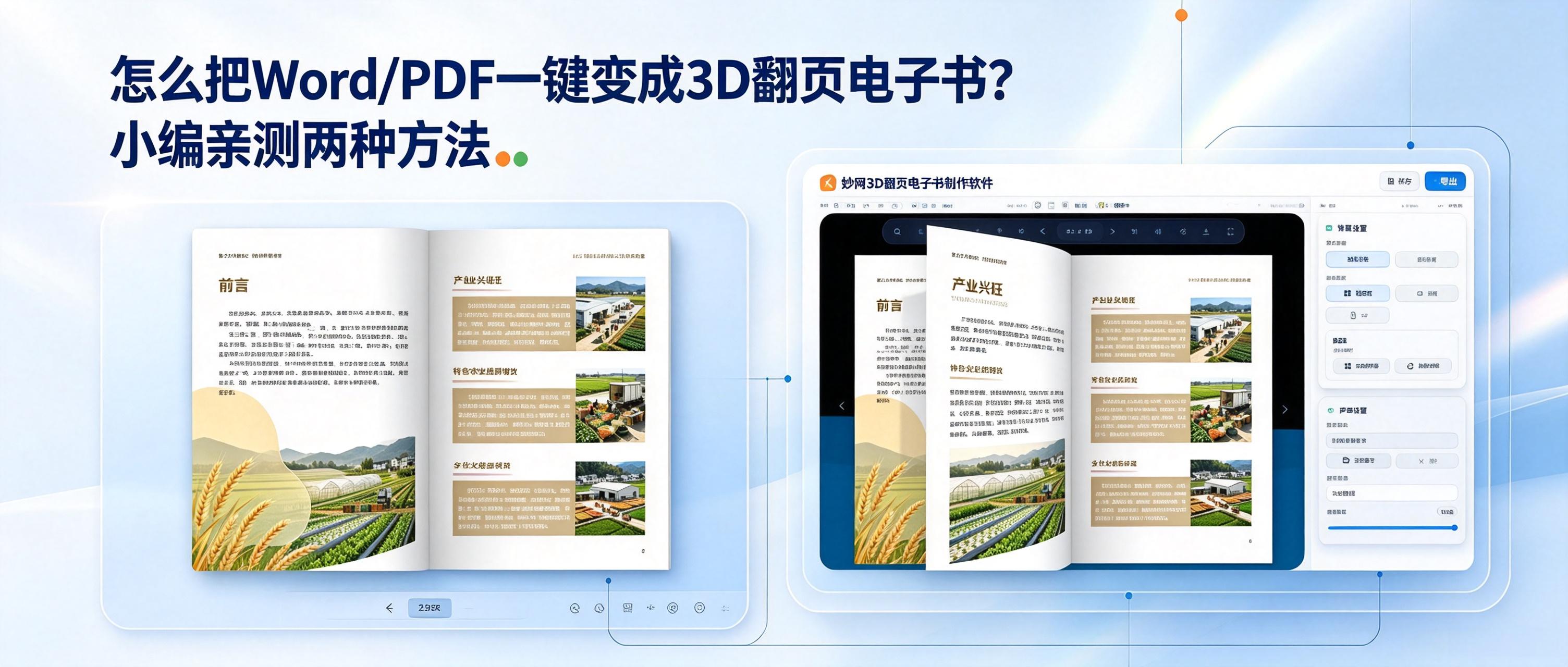
How can you turn these static files into a more appealing 3D page-flipping e-book? How can you enhance the dull file-reading experience by 100%? At present, there are mainly two simple and practical methods: one online and one locally.
Method 1: FLBOOK Online Conversion
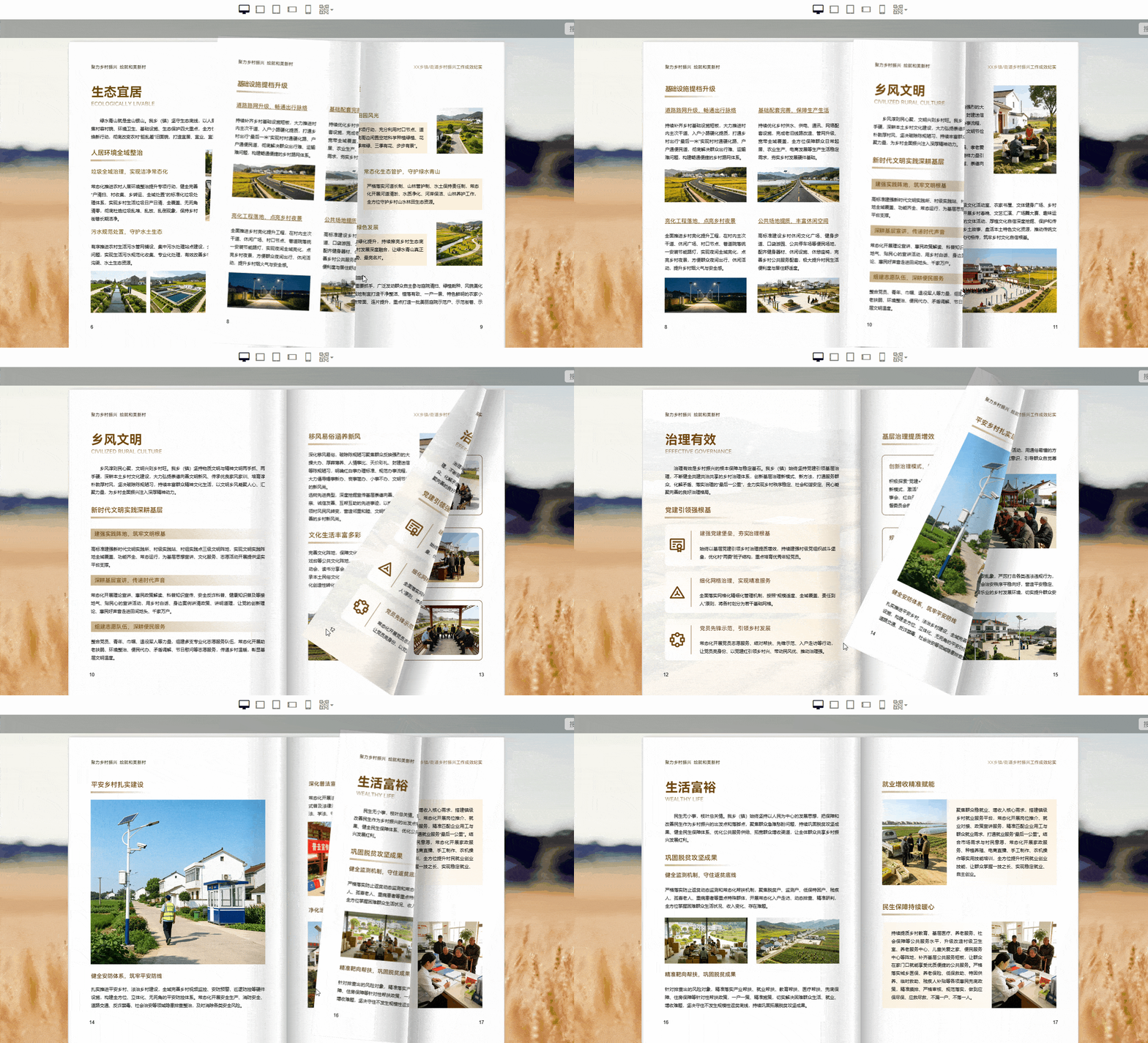
FLBOOK is an online digital book creation platform that runs in a web browser, with no installation required and a quick learning curve. After registering, upload files such as Word documents and PDFs directly. The system will automatically recognize them and generate digital books with page-turning effects. Once finished, you can generate a link to share with customers or friends. It is ideal for anyone who wants to quickly create a finished product without downloading anything.
Method 2: MW 3D flipbook software
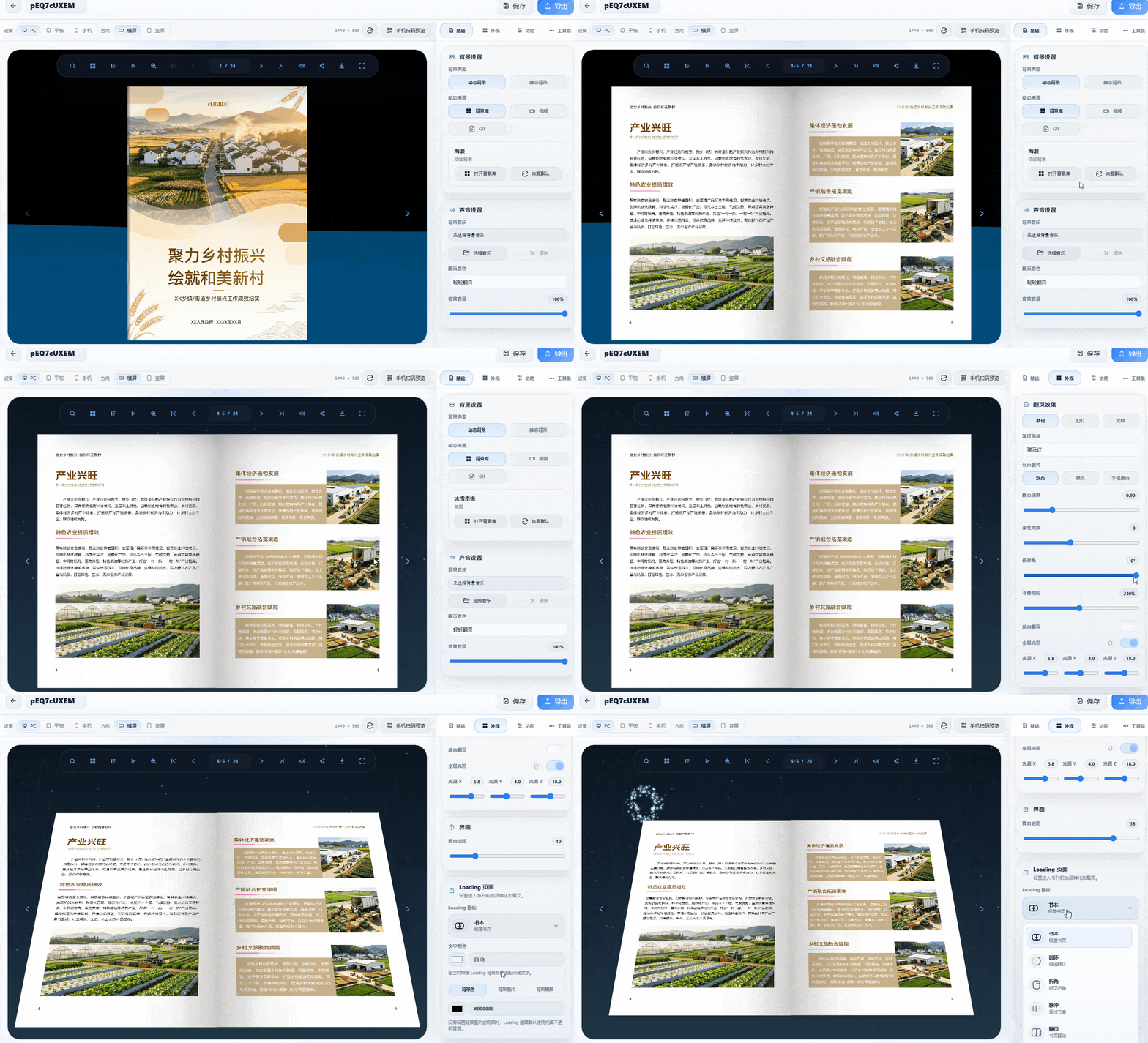
MW 3D flipbook software for users who need precise adjustments. After downloading and installing, import Word or PDF files, then customize the loading page, animated background, and stage visuals to enhance the ebook. Export the finished ebook as a web page or installer for easy distribution and storage
Follow the 【MWsoftware】 official account to get the tool