
Ever had this awkward moment: a carefully crafted H5 brochure, invitation, or event catalog looks great in mobile preview, but falls apart once shared? With so many different screens today, many H5 tools only adapt to portrait phone displays—on widescreen you get blank space, distortion, or even key content cut off. I tried FLBOOK's native adaptive H5, so there's no need to build multiple versions. No matter what device someone opens it on, they see the full content with a comfortable reading experience. FLBOOK comes with native adaptive capability across all devices, no manual layout tweaking needed—one work au

How do you create a mechanical equipment catalog that looks more professional and adapts to multiple devices? Here are two tools I recommend for personal use, with remarkable results in presentation. No professional design skills required—basic features are free to use, making it easy to produce catalogs for multiple equipment models. Browsing is stable on desktop, mobile, tablet, foldable phones, widescreen and portrait modes, with distinct visuals across devices. The first is FLBOOK, a handy and convenient tool that works right in your browser. You can batch upload designed equipment photos and spec sheets, organize materials for various machines, and generate posters or share links with one click.

In whole-home customization sales, visual materials are key to winning over clients. Choose tools based on your needs: for high-end brand brochures, use MW 3D page-flipping e-book software; for brochures that need fast delivery and online sharing, use the FLBOOK online flipping platform. Easily break free from paper brochures and make your case presentations more efficient and impressive.

For digital albums, should you choose a cloud-based online tool or local desktop software? We recently tested two free album-making tools to see where each excels and how to choose. 1. FLBOOK: Free online album creation tool FLBOOK is a cloud-based album platform that works right in your browser, no installation needed. Easy to start online: after signing up, upload PDF/WORD/PPT/JPG files to automatically generate a page-flipping ebook Rich templates: includes many free album templates, suitable for brochures, magazines, and portfolios One-click sharing: generate a link or QR code for mobile
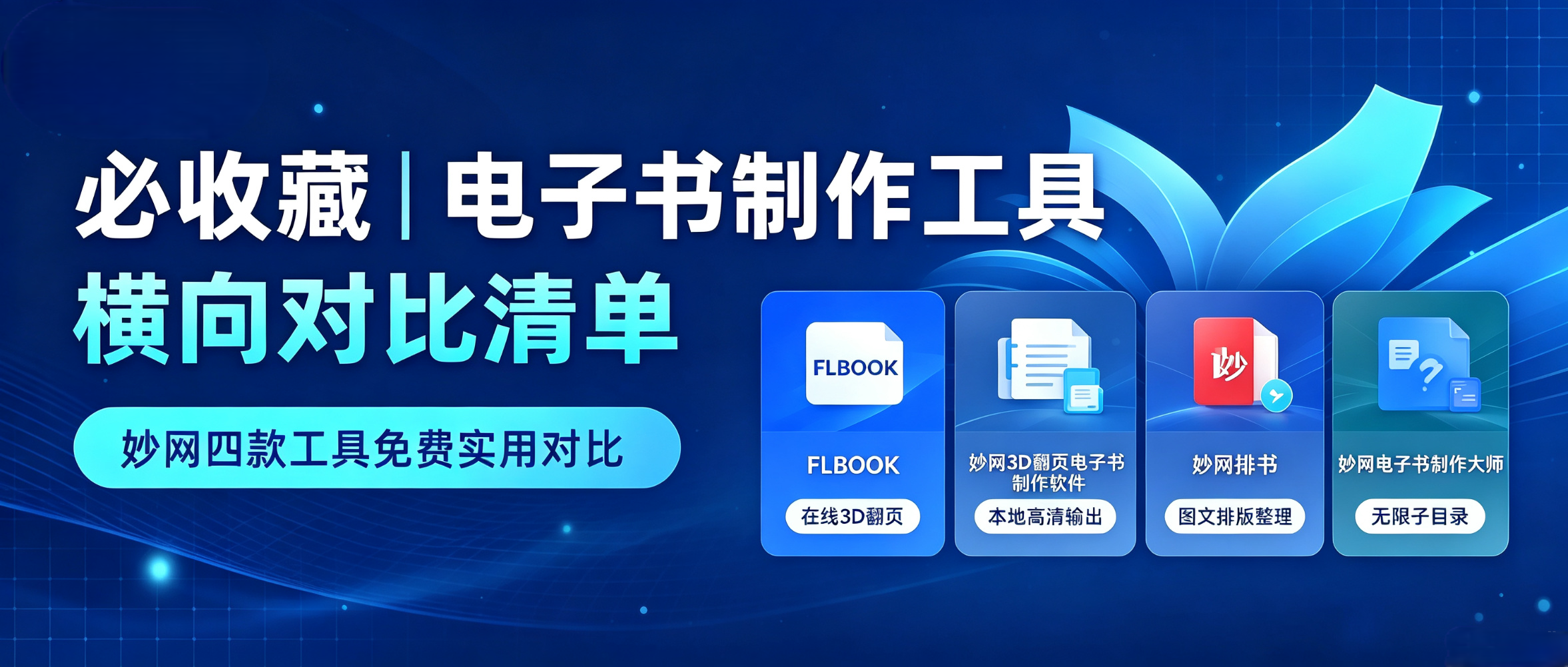
Want to create a digital brochure but not sure which tool to choose? This free, practical list of digital brochure creation tools compares several options in detail, saving you the time of trial and error. This image is AI-generated 1. FLBOOK Positioning: online flipbook creation tool. Advantages: no installation required; upload a PDF or Word file to generate a flipbook; create with templates or design freely with embedded videos, audio, and links; generates links or QR codes; readable on phones and computers. Best for: brochures, product catalogs, and content that needs quick sharing and updating. Difference: online operation
Whether you are building a personal portfolio, creating teaching materials, or designing a corporate product manual, once you complete this workflow, subsequent projects become a simple copy-and-paste task.
![[Personal Use] Years of experience in creating digital business cards, with free templates ready to use](https://res.mwkj.net/site-1790218257792-77332001680108.jpg)
In today's mobile-first era, traditional paper business cards struggle to keep pace with business demands: they are inconvenient to carry, easily lost, and require reprinting whenever contact details change, leading to waste. Still carrying a thick stack of paper cards for client meetings? Here is a practical tool I use to quickly create digital flip-card business cards. They can be viewed instantly on mobile devices, making business communication much easier.
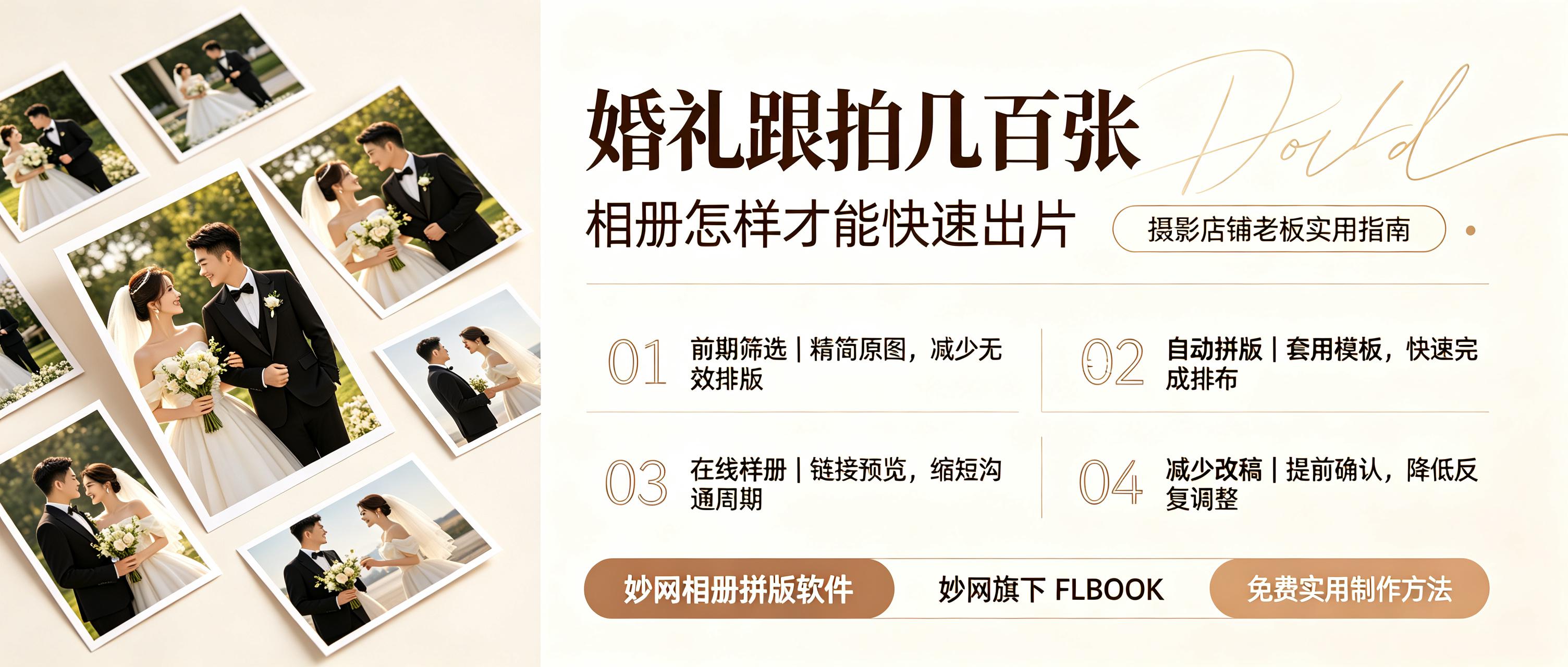
How to quickly turn hundreds of photos into a sample album for the couple? Clients are rushing, manual layout is slow, samples are delayed, and final payments are also slow. How to speed up sample creation? Here are two tools with templates that can produce samples in 10 minutes. 1. Use FLBOOK to create digital samples and send them to clients with one click. FLBOOK is an online digital album tool. Studio owners don't need to install any software; just open the official website in a browser and register to use it. Unlimited free templates: The template center has many wedding-style templates. Filter by "Free" to use them directly. Simple operation: Replace images
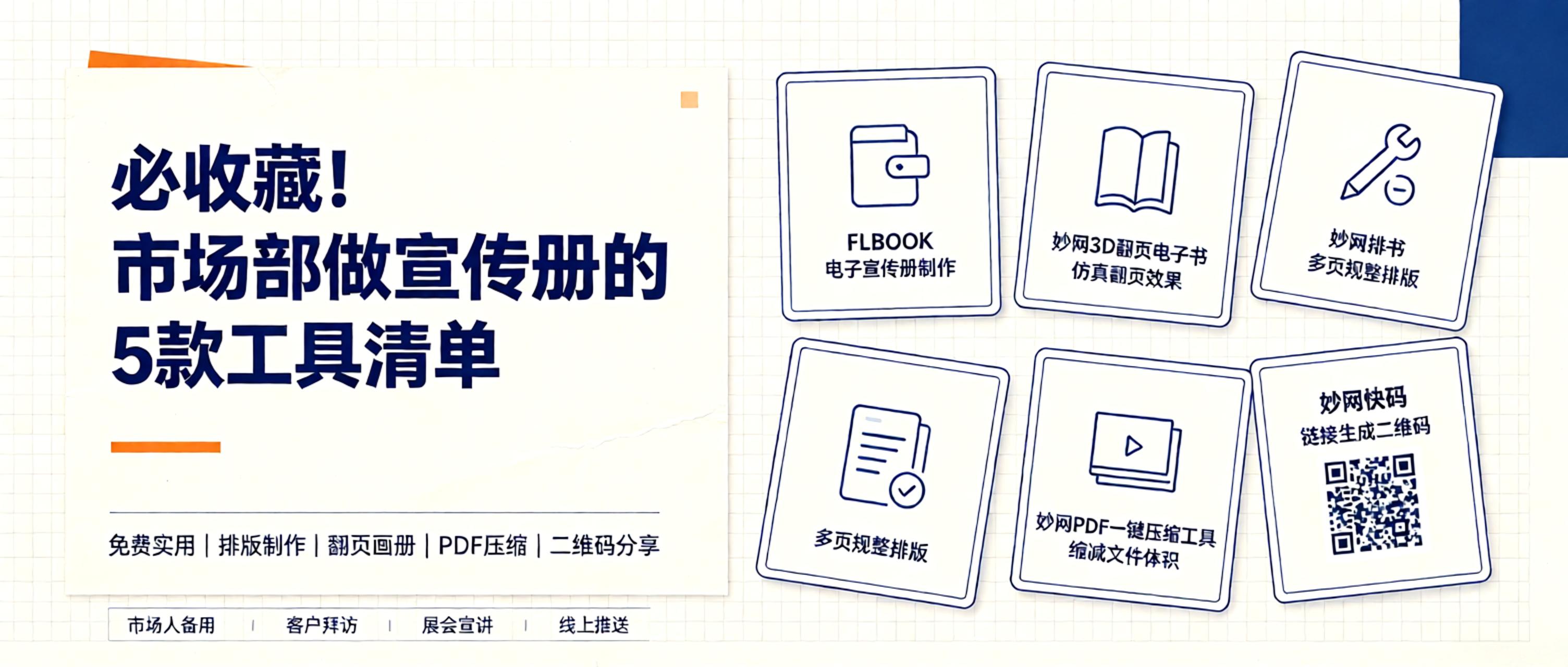
Why create brochures? A well-designed digital brochure clearly presents your brand story, product highlights, and contact info. Easily shareable via WeChat and email, it builds more trust than scattered images. What tools can help? Ideally, simple and affordable. 1. FLBOOK: Create online instantly. FLBOOK is an online platform for digital brochures. Upload PDFs or images to generate flipbook-style brochures and catalogs. Use templates and add multimedia elements like videos and links.

PDF is essential for work and study, but bloated software with paywalls and ad-heavy online tools that risk data leaks are common pain points. My go-to MW suite handles reading, splitting, compressing, image conversion, and curve conversion. These lightweight, single-file tools are free, ad-free, and unlimited, ideal for students, professionals, and designers.


