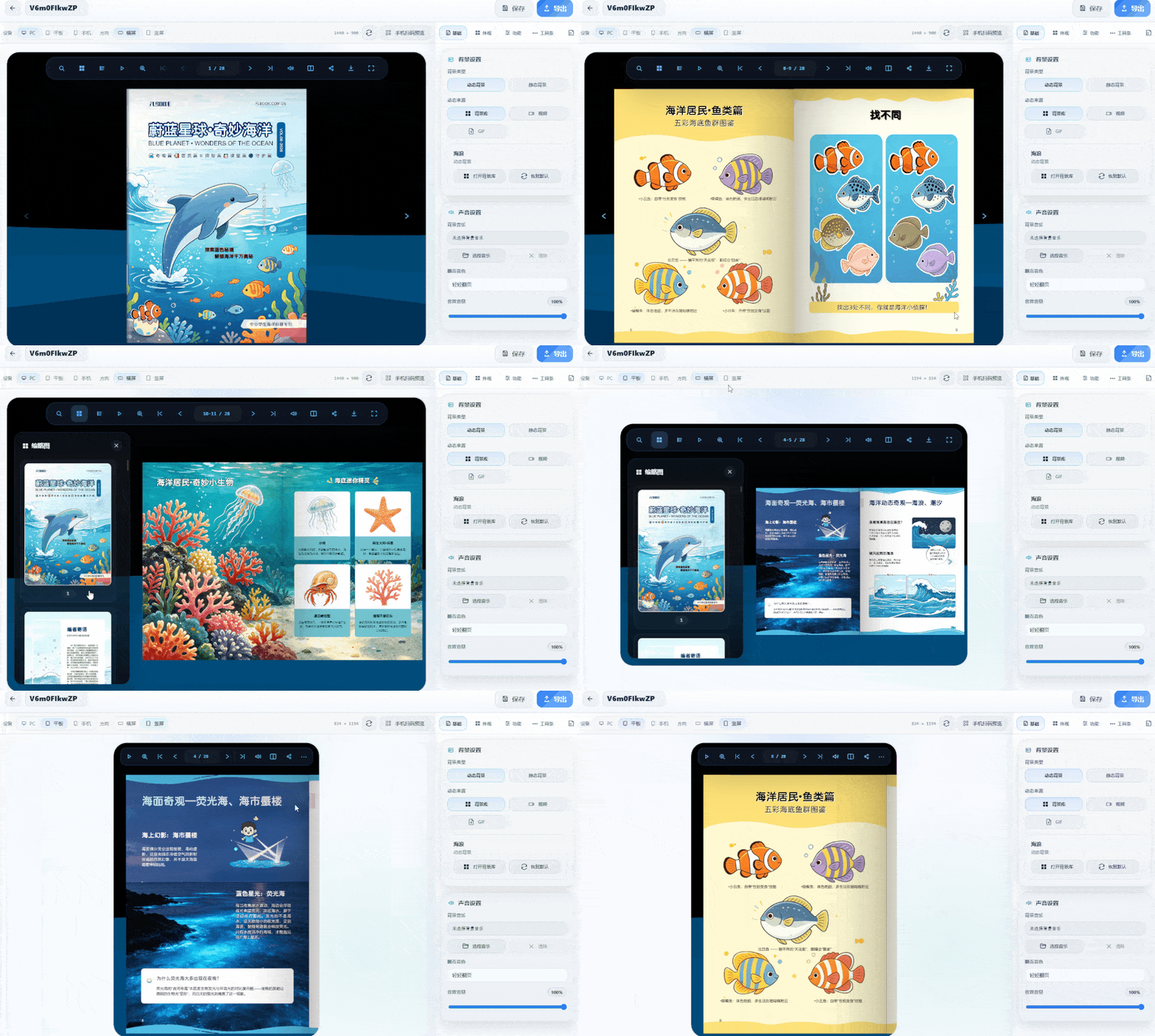
What is a particle effect background? When turning pages, the background isn't a solid color or blank—it features dynamic particle effects like starry skies and light spots that gently flow as you flip. Adding this background to popular science publications fits the content perfectly. For example, an astronomy chapter paired with starry-sky particles instantly maximizes the atmosphere as readers turn pages. Is it complicated to make? Not at all. It uses desktop software—just import a PDF or images directly, no re-layout needed. The software renders 3D effects with WebGL, and page curvature and spine shadows are generated automatically. The particle background is configured in the asset library.
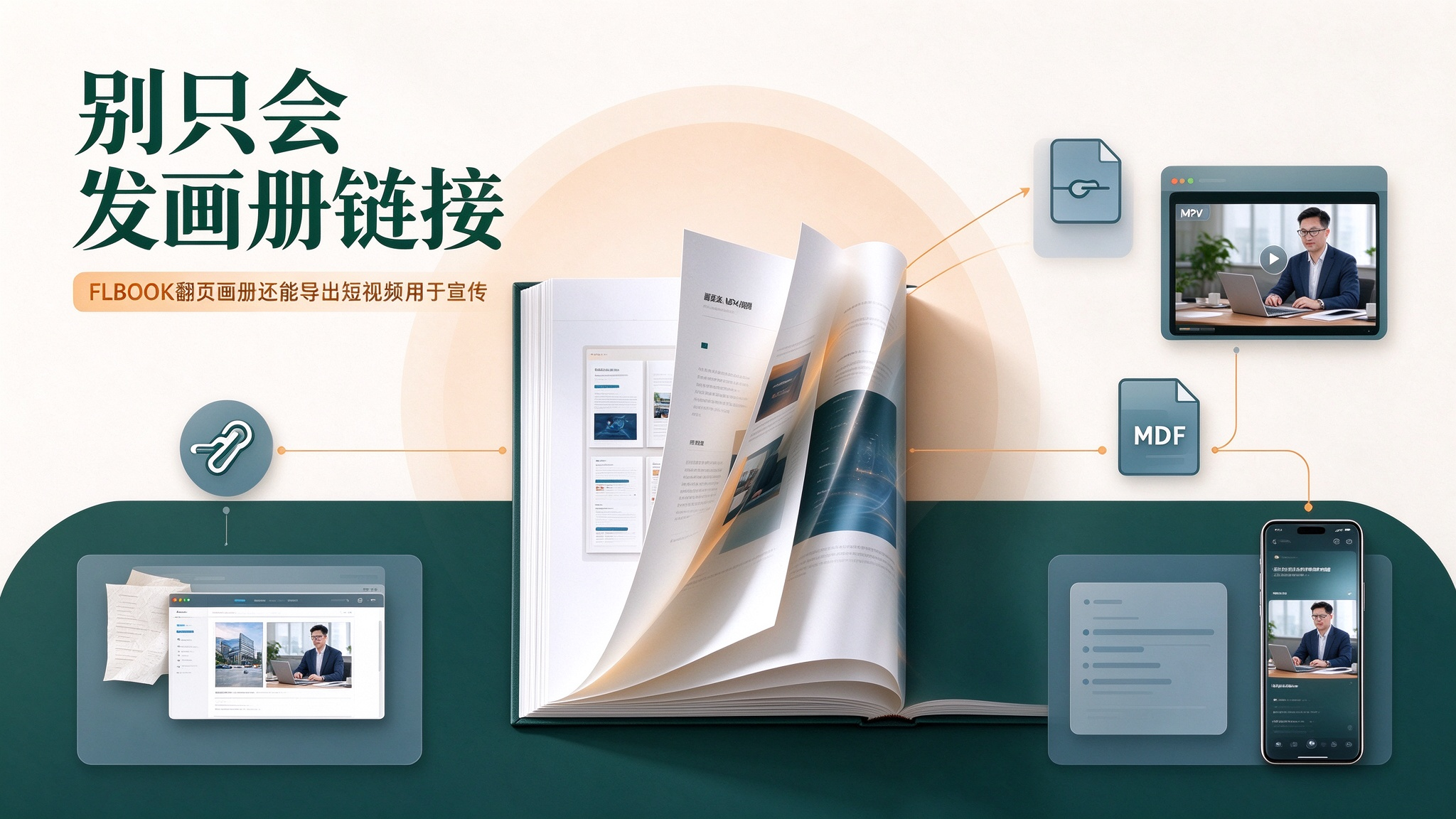
Last week I helped a friend who sells skincare products out of a bind. She needed a product brochure video for Douyin and had been asking around. I glanced at her computer — her product brochure had already been turned into a page-flipping e-book on FLBOOK, and she had even sent the link to clients. I told her: don't spend that money — a few clicks can export this flipbook as an MP4, and you can post it yourself. She was stunned: "Isn't a flipbook only good for sharing links?" That's a common misunderstanding about FLBOOK. It does excel at online page-flipping with "links + QR codes," but the same brochure can also be exported as a video file in one click — this makes the brochure "self
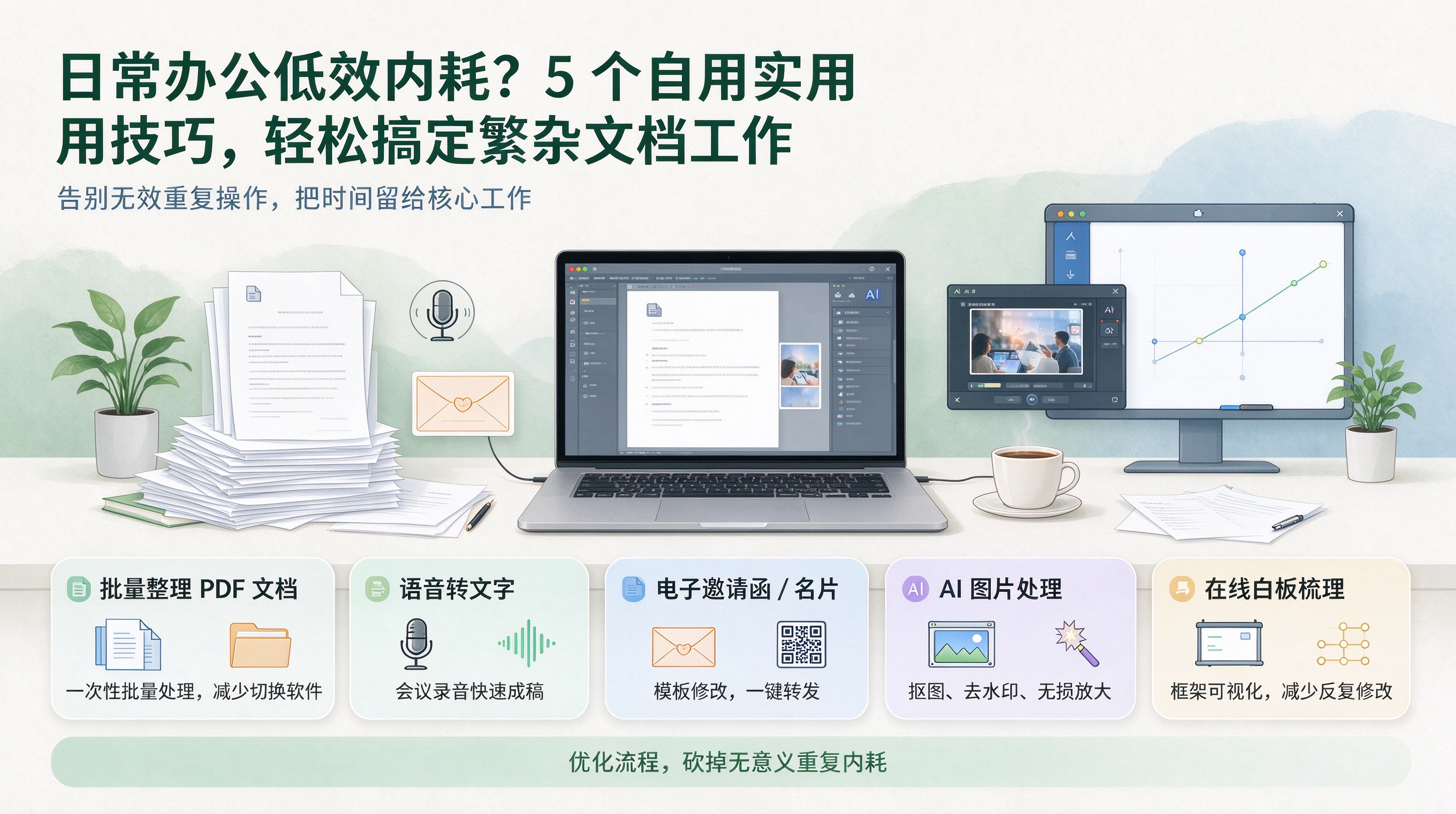
At work, a lot of energy gets wasted on repetitive chores like organizing documents, adjusting formats, and processing materials. As a project deadline approaches, documents and files pile up, and copying, pasting, reformatting, and converting files drain enormous effort—plus it's easy to make mistakes. I'd like to share a few hassle-free tips I use every day. They're simple to pick up and don't require much time to learn.
If you already have a laid-out PDF and want to turn it into a page-flipping digital album, you don't need to hire a designer again. A PDF's biggest flaw is that it's "static" — convert it into a flipping album and the same content becomes a 3D album with page-turn shadows, readable on phones, computers and tablets, accessible via QR code scan. We tested two tools from China; both are easy and great to use. 1. FLBOOK: works right in your browser, upload a PDF and get a flipping e-book. FLBOOK, under MW, is an online platform — no download or installation needed. After signing up, enter the creation page and upload your PDF, PP

How do you create a mechanical equipment catalog that looks more professional and adapts to multiple devices? Here are two tools I recommend for personal use, with remarkable results in presentation. No professional design skills required—basic features are free to use, making it easy to produce catalogs for multiple equipment models. Browsing is stable on desktop, mobile, tablet, foldable phones, widescreen and portrait modes, with distinct visuals across devices. The first is FLBOOK, a handy and convenient tool that works right in your browser. You can batch upload designed equipment photos and spec sheets, organize materials for various machines, and generate posters or share links with one click.
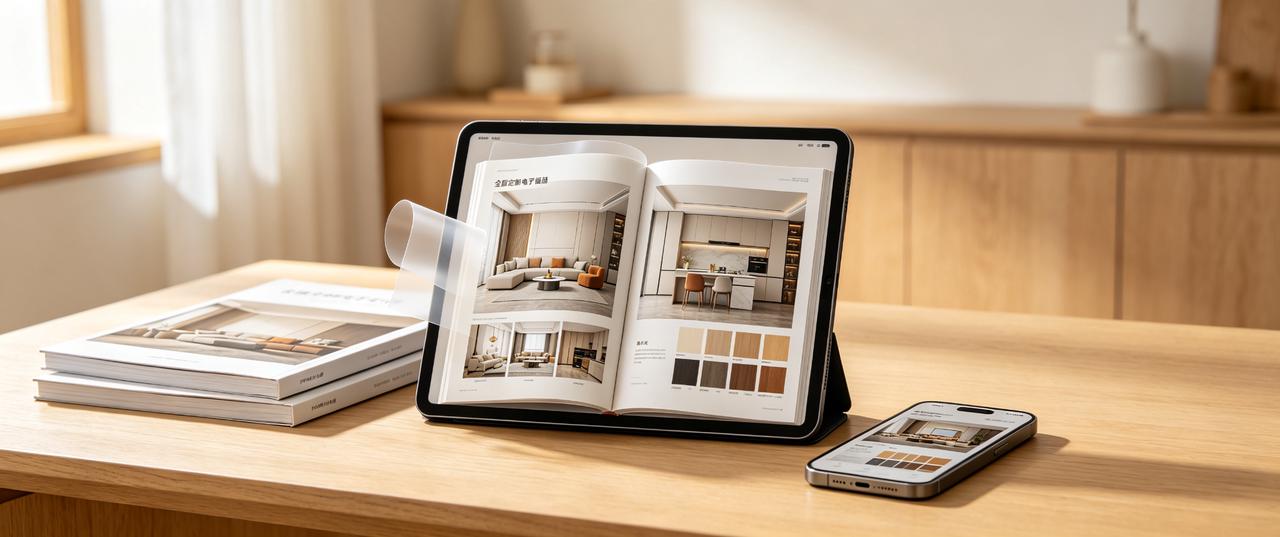
Which software is best for whole-home customization catalogs? How to choose without pitfalls? Key factors: 1. Usage scenario: Will it be shared via WeChat or displayed on store tablets? Is offline use required? 2. Update frequency: Prices and cases change often. Frequent updates make online editing more efficient than repeated exports. 3. Display effect: Do you need page-turning effects and video embedding for a premium look?
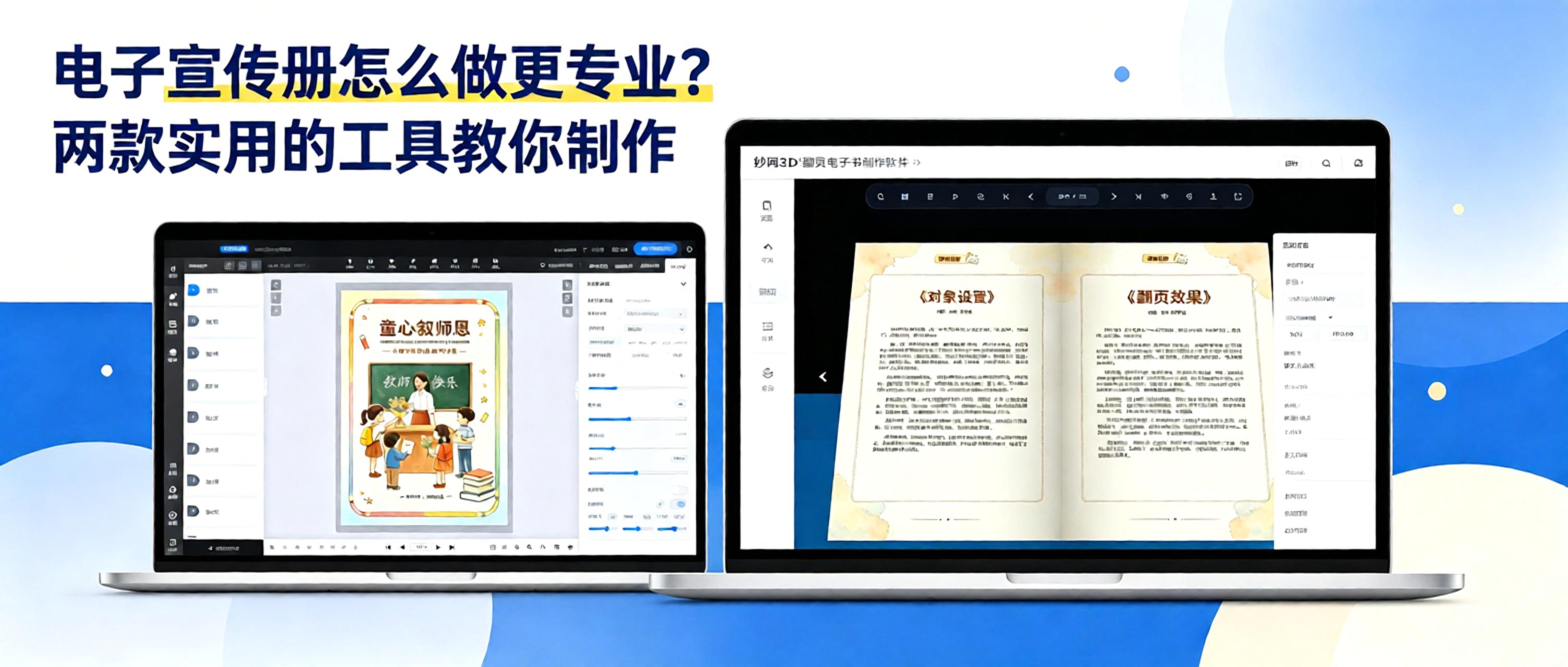
Many businesses create brochures as PDFs or PowerPoint files and send them directly to clients. However, large files load slowly, are inconvenient to browse, and must be resent whenever products are updated. An interactive digital brochure with page-turning effects lets clients scan a QR code to browse online. Updates only require republishing, improving both the user experience and efficiency.
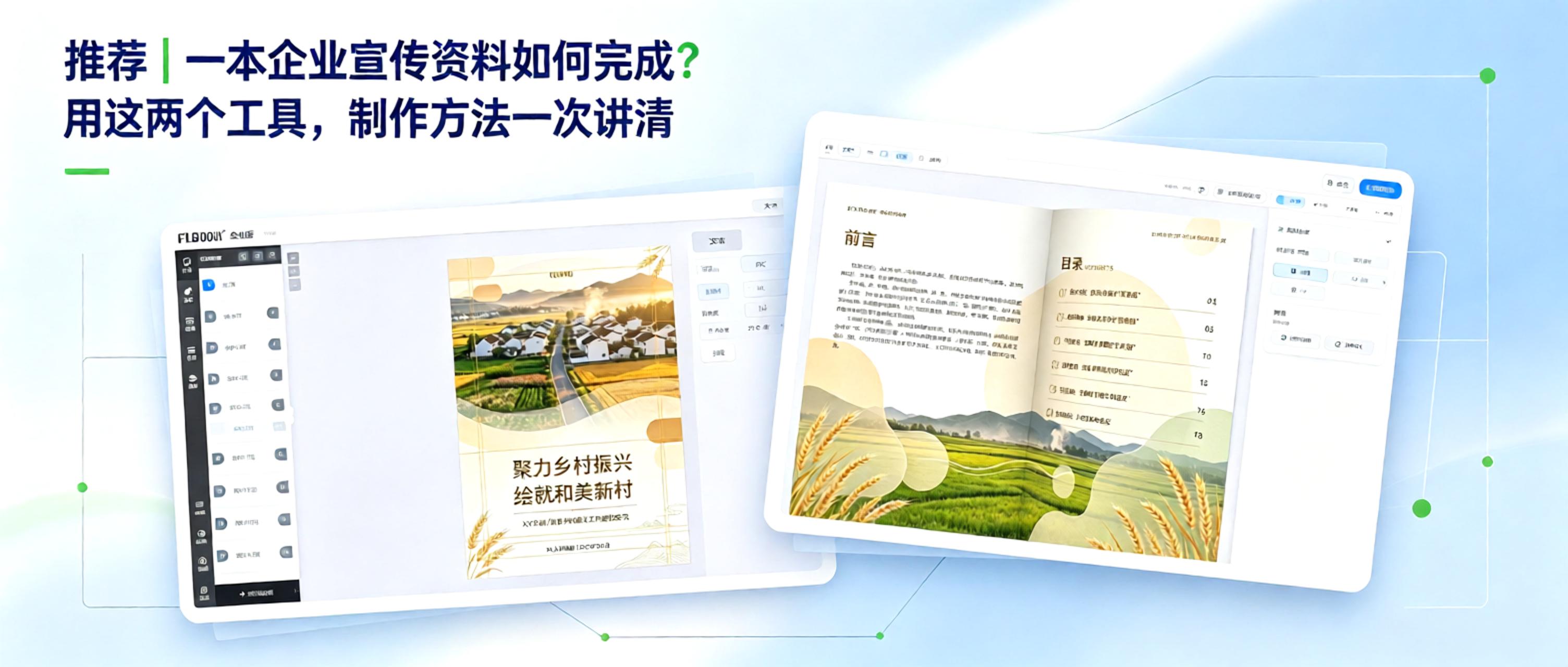
From Concept to Finished Product: How to Create Corporate Marketing Materials Creating corporate marketing materials comes down to two key questions: 1. How can content be organized efficiently? 2. How can the final product look professional? With free, practical tools, even non-designers can manage the entire process, from polished layout to professional presentation.
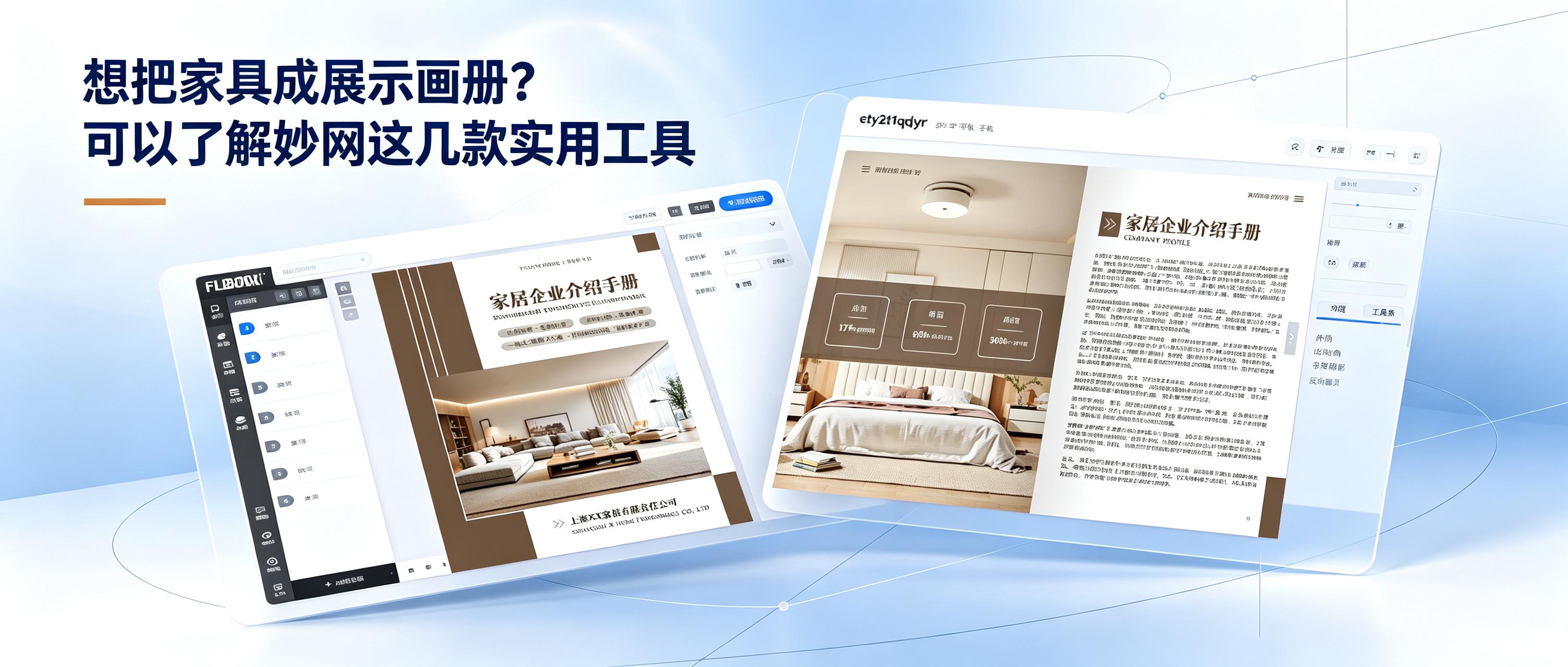
How can you sell furniture more effectively? Here are a few ways to improve performance. Furniture retail is no longer just about waiting for customers to walk in. Growth depends on running online and offline channels side by side. Offline sales rely on the immersive experience of physical stores, where customers can touch materials, assess dimensions, and try out comfort—forming the foundation for closing a sale. Online channels amplify your reach beyond geographic limits. Digital catalogs, short videos, and social media keep products on display around the clock. Potential customers can browse new sofas and solid-wood beds while scrolling on their phones, effectively strengthening brand image. Once a strong reputation is established, the brand's alternative name becomes the first thing people think of when searching.
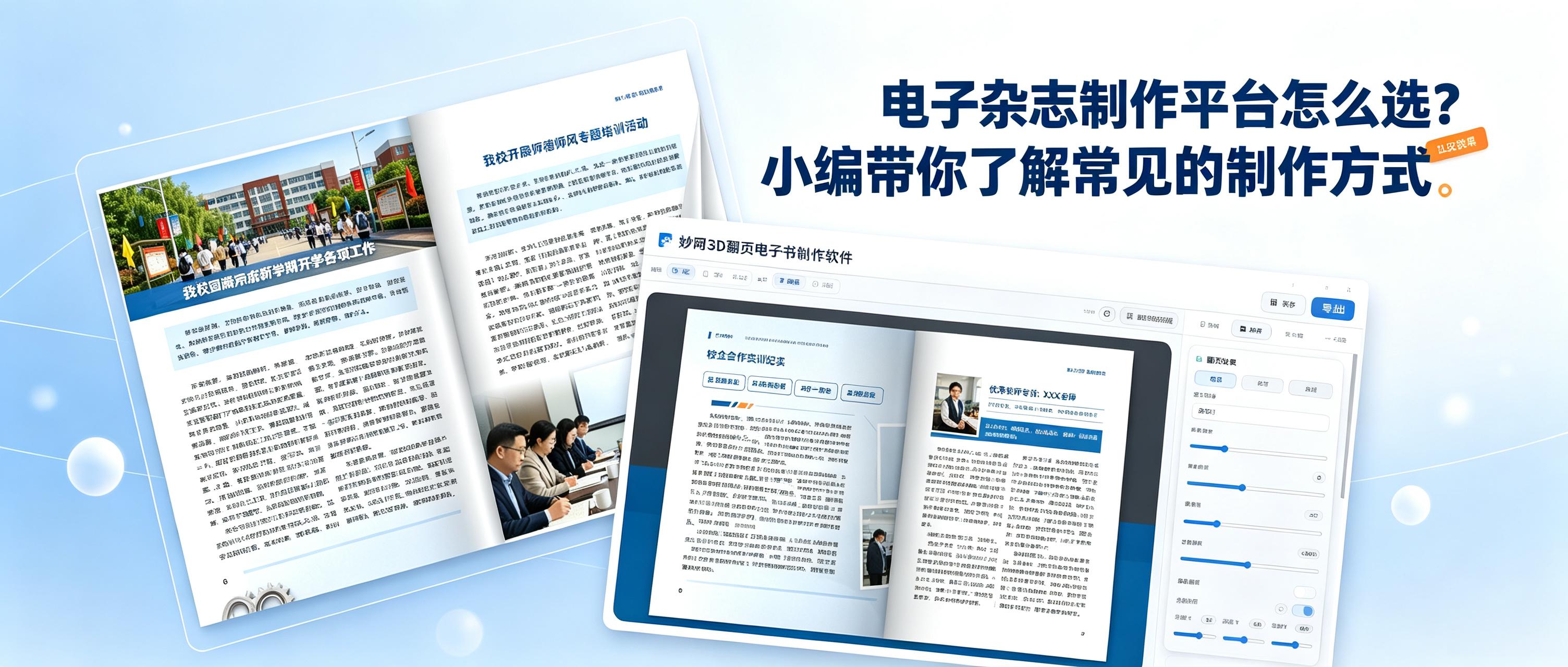
How do you choose an easy-to-use tool for creating digital magazines? Be sure to check these key points: 1. Does it support a 3D page-turning effect? 2. Can you share quickly? 3. Can you set permissions to protect your work? 4. Does the platform regularly add the features users need? These two tools meet all the points above and are very easy to use.


