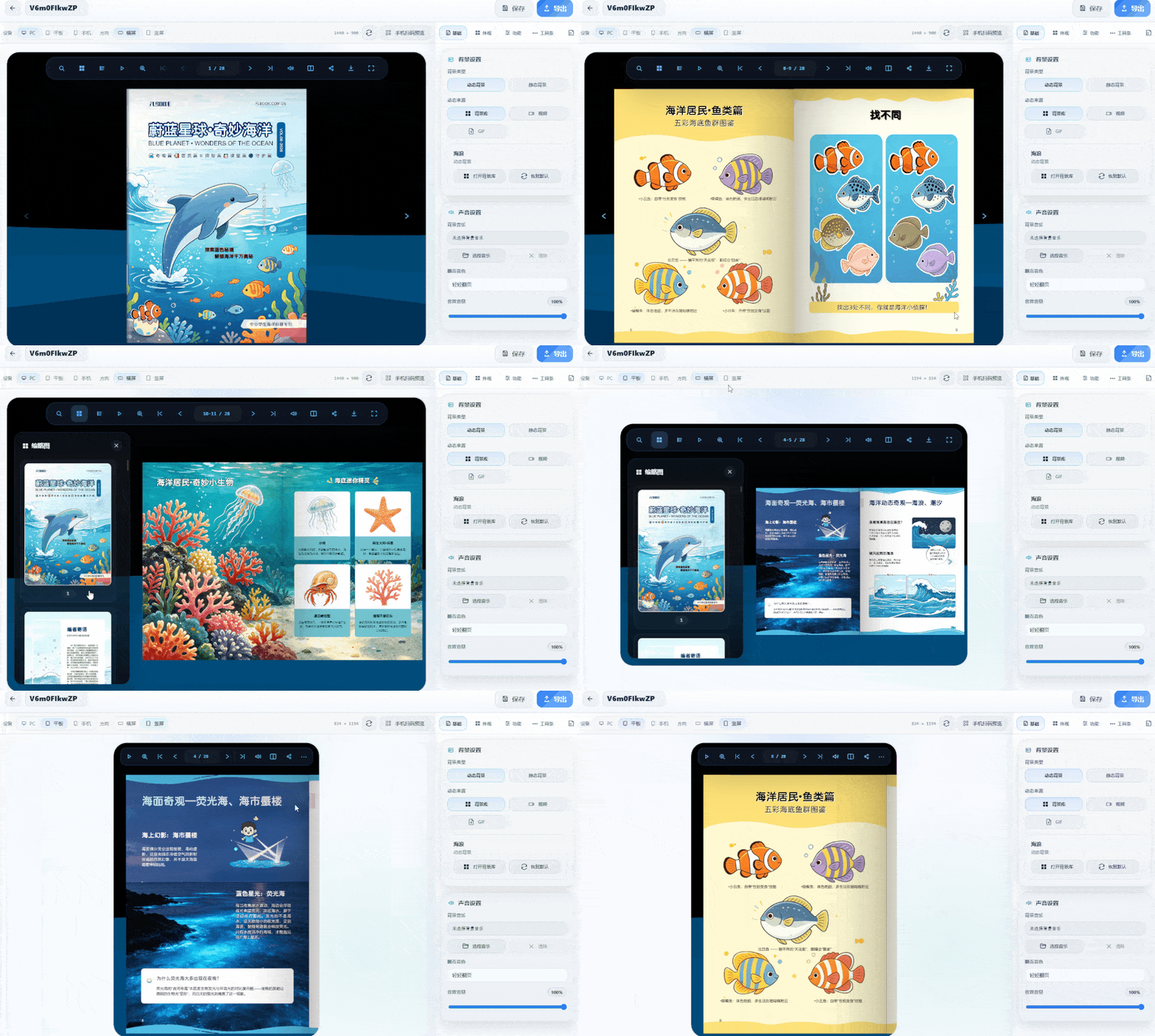
What is a particle effect background? When turning pages, the background isn't a solid color or blank—it features dynamic particle effects like starry skies and light spots that gently flow as you flip. Adding this background to popular science publications fits the content perfectly. For example, an astronomy chapter paired with starry-sky particles instantly maximizes the atmosphere as readers turn pages. Is it complicated to make? Not at all. It uses desktop software—just import a PDF or images directly, no re-layout needed. The software renders 3D effects with WebGL, and page curvature and spine shadows are generated automatically. The particle background is configured in the asset library.
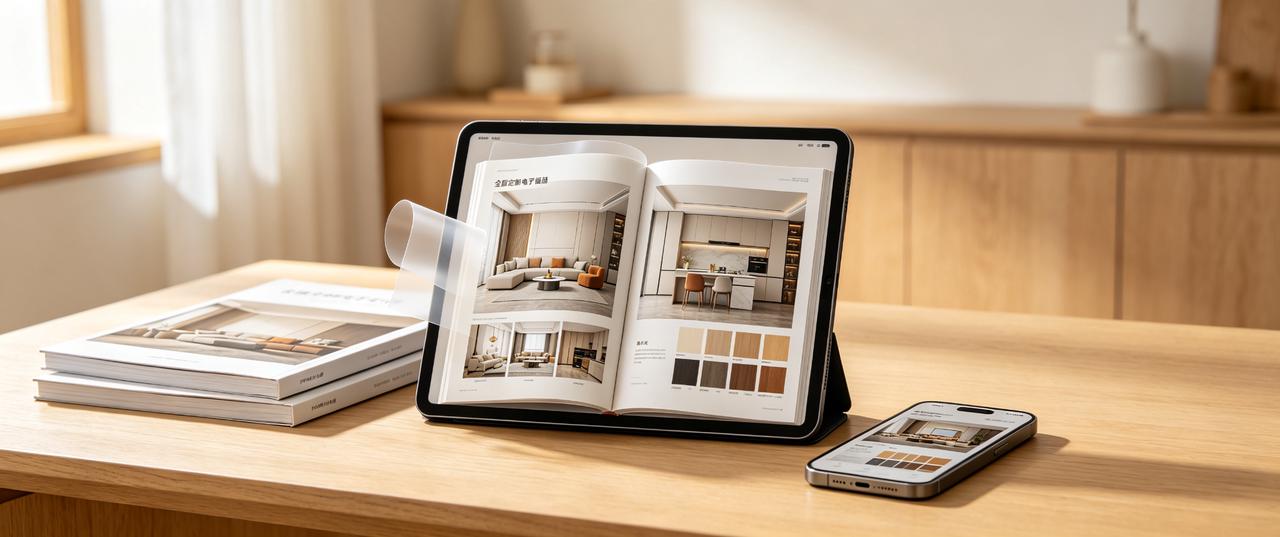
Which software is best for whole-home customization catalogs? How to choose without pitfalls? Key factors: 1. Usage scenario: Will it be shared via WeChat or displayed on store tablets? Is offline use required? 2. Update frequency: Prices and cases change often. Frequent updates make online editing more efficient than repeated exports. 3. Display effect: Do you need page-turning effects and video embedding for a premium look?
Many businesses create brochures as PDFs or PowerPoint files and send them directly to clients. However, large files load slowly, are inconvenient to browse, and must be resent whenever products are updated. An interactive digital brochure with page-turning effects lets clients scan a QR code to browse online. Updates only require republishing, improving both the user experience and efficiency.
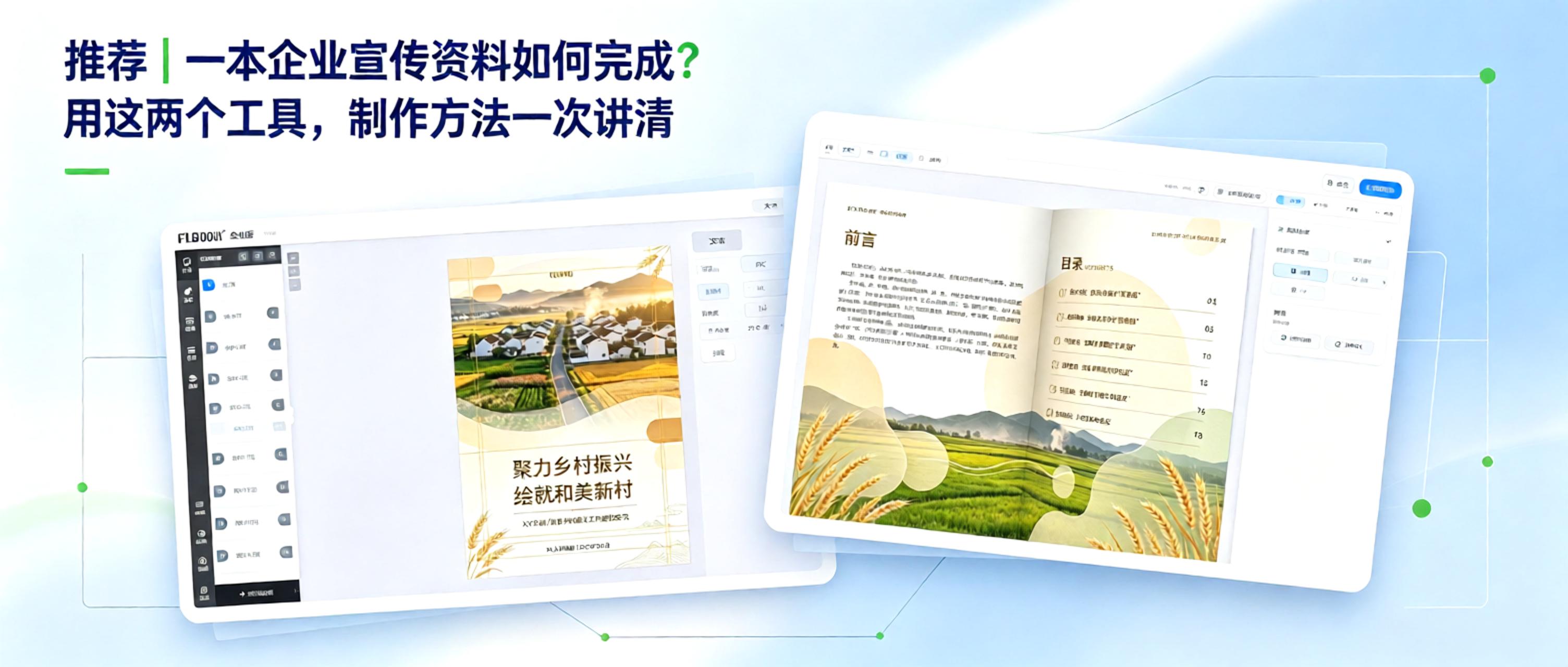
From Concept to Finished Product: How to Create Corporate Marketing Materials Creating corporate marketing materials comes down to two key questions: 1. How can content be organized efficiently? 2. How can the final product look professional? With free, practical tools, even non-designers can manage the entire process, from polished layout to professional presentation.
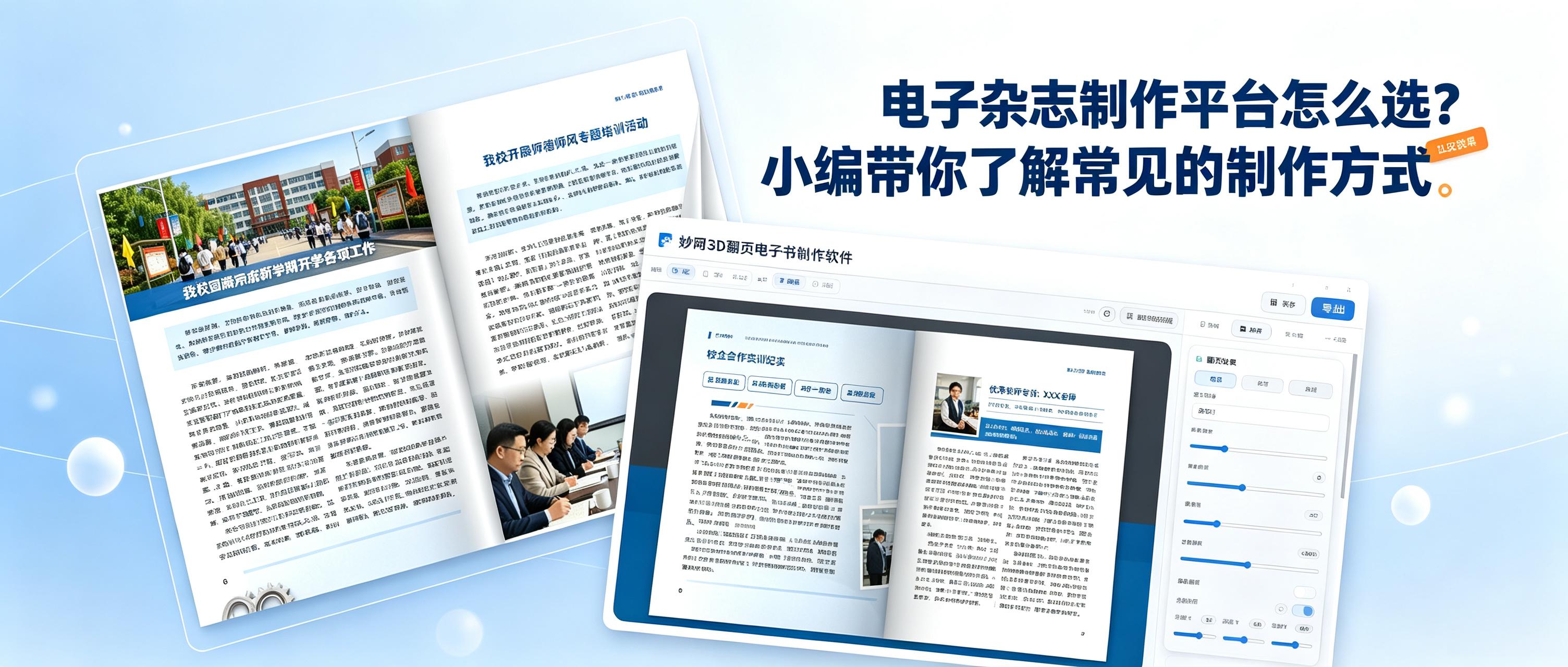
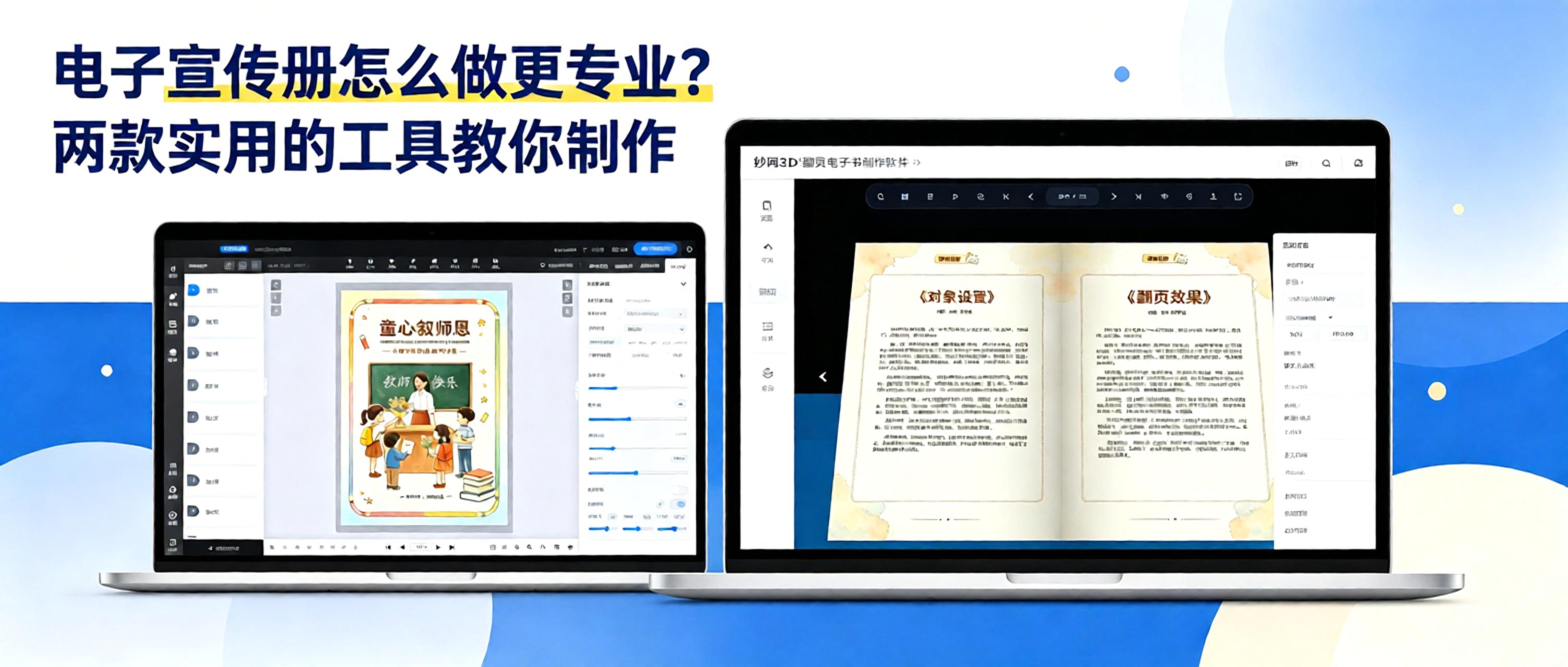
How do you choose an easy-to-use tool for creating digital magazines? Be sure to check these key points: 1. Does it support a 3D page-turning effect? 2. Can you share quickly? 3. Can you set permissions to protect your work? 4. Does the platform regularly add the features users need? These two tools meet all the points above and are very easy to use.
In digital publishing, whether you work for a publishing house, magazine, or content studio, you need to turn traditional content into e-books, digital brochures, and digital publications for easy online distribution and reading. Every step, from layout and production to output, requires the right tools. Today, we’re sharing four e-book creation tools from MW, covering needs across the workflow.


