手上有排好版的PDF,想直接做成能翻页的电子画册,真不必再找人重做设计。PDF最大的毛病是"死",把它转成翻页画册之后,同样的内容变成了能左右翻阅、带书页光影的立体画册,Mobile、电脑、Tablet打开就能看,扫码即读,这次实测了国内出产的两款工具,Action很方便,很好用 一、FLBOOK:浏览器打开就能做,PDF上传即成翻页电子书 Part of MW的FLBOOK是在线平台,不用Download安装,Sign Up后进入创作页,把PDF、PP
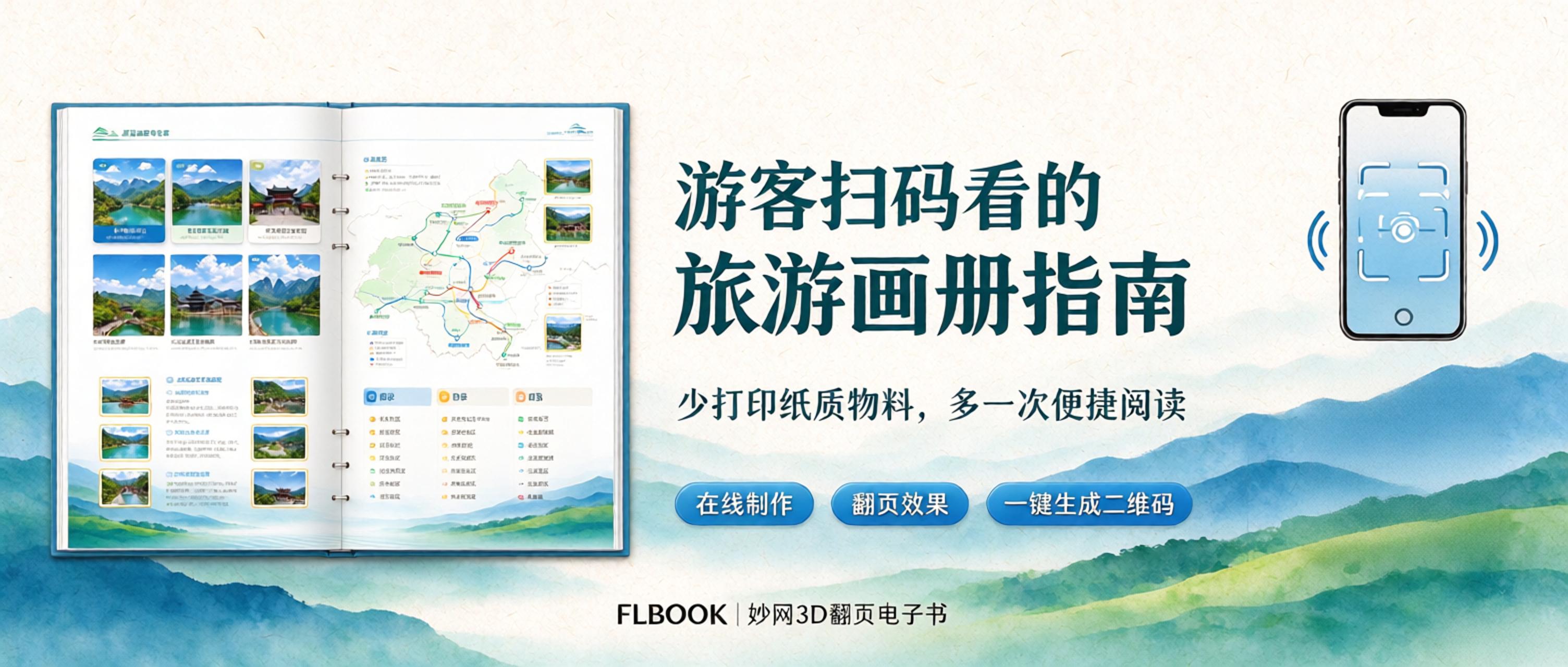
我们是一个地方文旅小团队,做旅游站和景区内容运营 以前每年都要印一批旅游画册指南,导览图、线路手册、美食地图,一印几千册。游客这边也不方便,册子拿着占手,想存想转发都麻烦 今年开始,我们把画册改成扫码直接看的Mobile电子画册:QR code贴在游客中心、码头、民宿前台,游客扫开就能翻页查看,也能转给同行的人,也算跟上了绿色低碳和智慧文旅的方向 一、我们是怎么做的 流程不复杂:先把画册排好版,Export PDF,再用

屏幕Time可以好好利用,用互动点读书,把看屏幕变成有趣的早教时光。幼儿启蒙讲究视听结合,点读书点击画面就能发声,图文搭配音频,能有效抓住孩子注意力,锻炼专注力与语言感知力,引导孩子主动阅读。
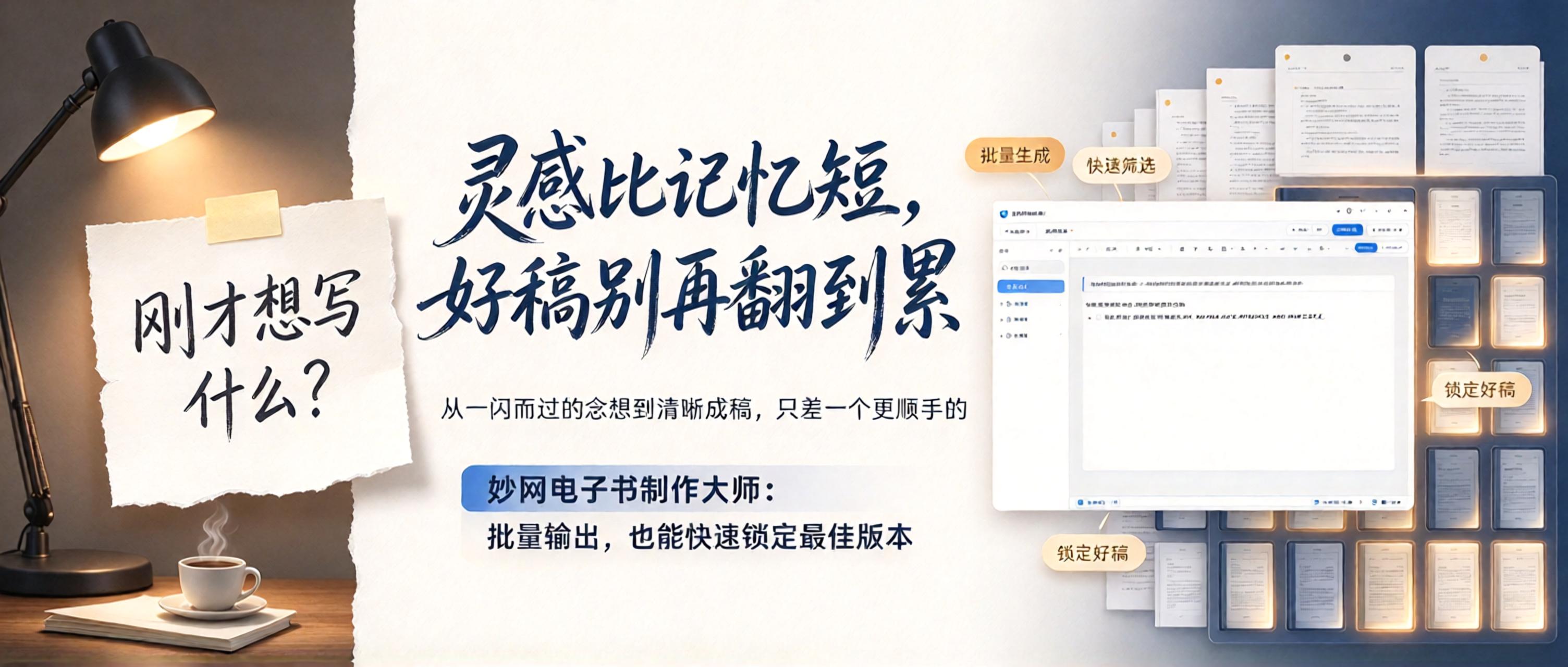
灵感这玩意儿,比金鱼的记忆还短暂。念头一闪而过,转眼就记不起刚才想要落笔的内容。身为写作爱好者,为捕捉灵感熬到深夜,却对着屏幕无从下笔,早已是常态。 如今 AI 固然能批量生成文稿,产出的Text有时甚至比亲笔写的还要出彩。可想要从中挑出最合意的那一篇,往往需要反复翻阅筛选。 直到最近深度体验了MW E-book Creator,我才算摆脱了这种窘境。 为什么我Recommended使用MW E-book Creator? 一、一边写一边存,不怕中途
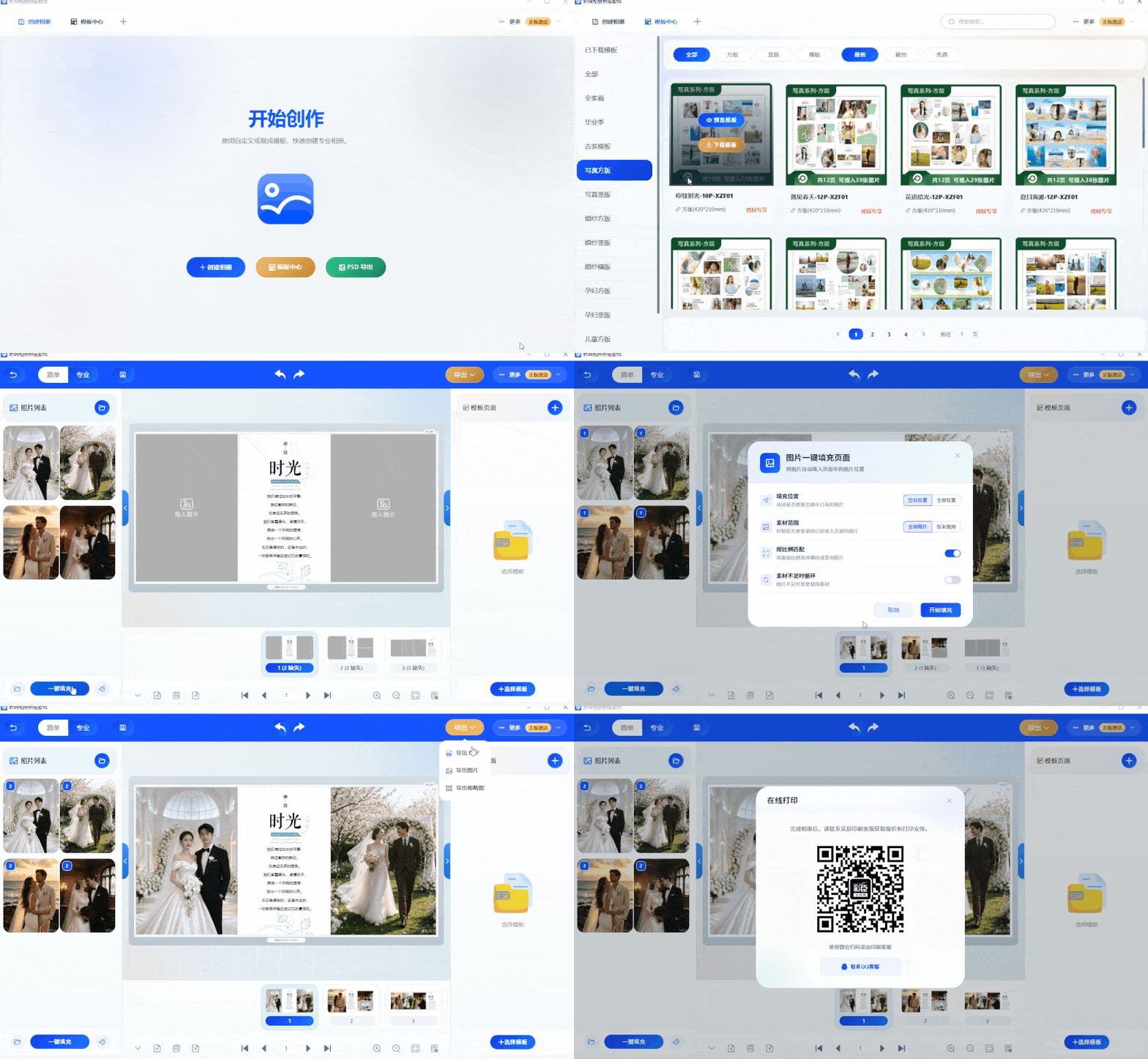
I originally tried this crystal album creation software just to grab a freebie, but after only 7 days, I was completely won over! Running a photo studio means constantly serving clients, so it's hard to find spare time for layout design and album creation! Hiring a dedicated designer means paying wages even in the off-season—unbearable costs. Today I'm sharing the crystal album creation software I use: no ads, no forced purchases. Direct access to the only channel: https://soft.mwkj.net/sites/mwphoto/ At first glance I thought it required payment, but the templates are genuinely refined, and you basically don't need extra
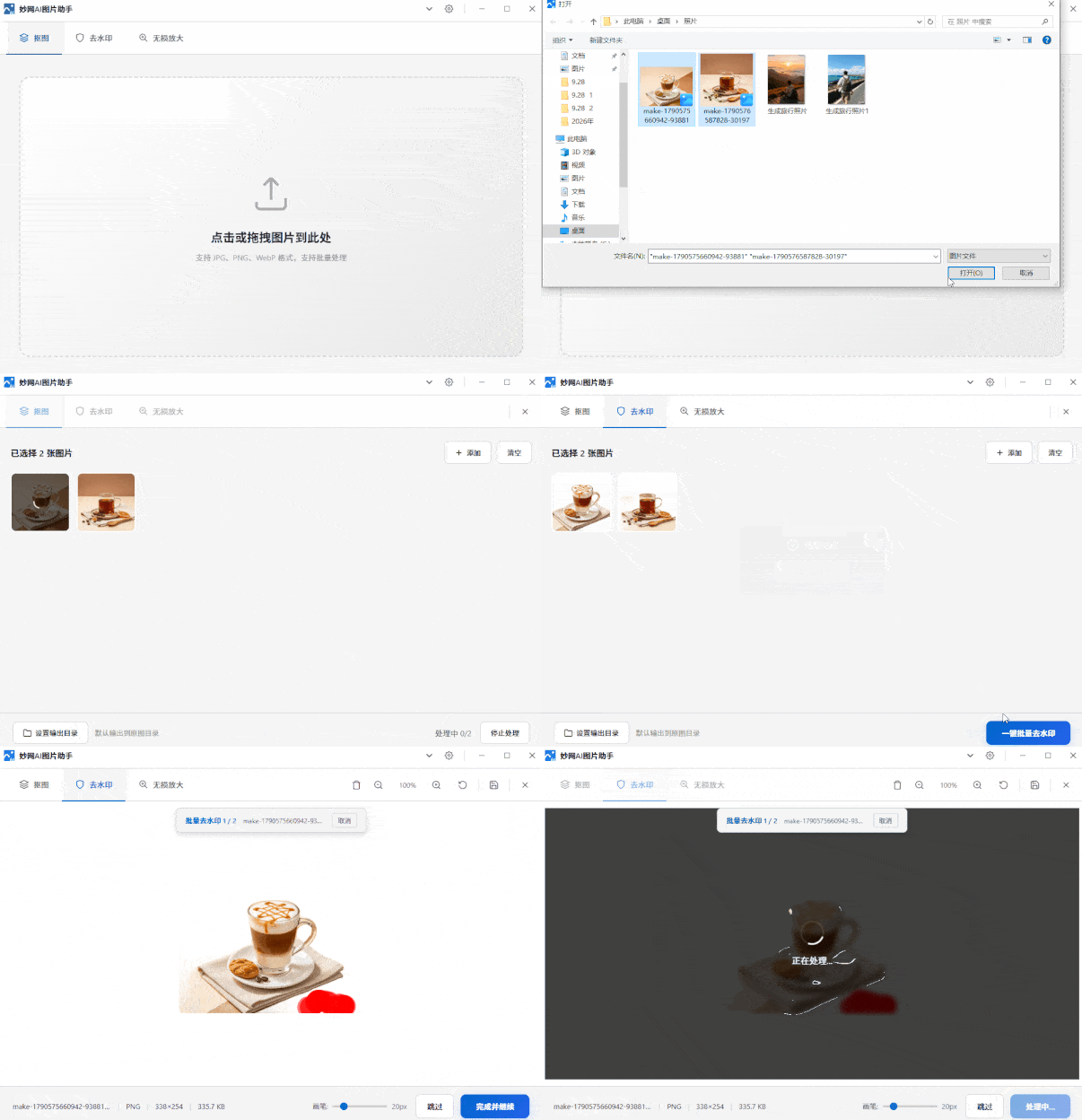
How hard is it to remove the background from an image with a watermark? Doing it manually, I only finished two images in half a day—even at my skilled pace. Since AI tools emerged, it's clear manual cutouts can't match AI. It cleanly removes watermarks, delivers sharp, crisp cutout edges, and supports lossless upscaling. MW AI Image Assistant is one of the best. Direct link: https://soft.mwkj.net/sites/mwaiimgtool/ It's a free desktop tool from MW software, with a small installer and minimal disk usage. Interface

Experience with flipbook H5 albums: Flipbook H5 comes with a realistic page-turning animation—just open the link and browse directly, no download needed. Pages can embed videos, background music, and jump links, making the content more dynamic. Generate links and QR codes that open in WeChat with one tap; update content in the backend without changing the link, so customers always see the latest version. Permission settings are supported, and files can also be sent directly to print, covering both digital and paper versions. With its strong atmosphere, it's ideal for brand brochures, event albums, and invitations.

Life and work are full of moments that call for an invitation. If you don't want to pay a designer but still want something elegant, try the FLBOOK web version — anyone can quickly create a polished, professional-looking invitation.
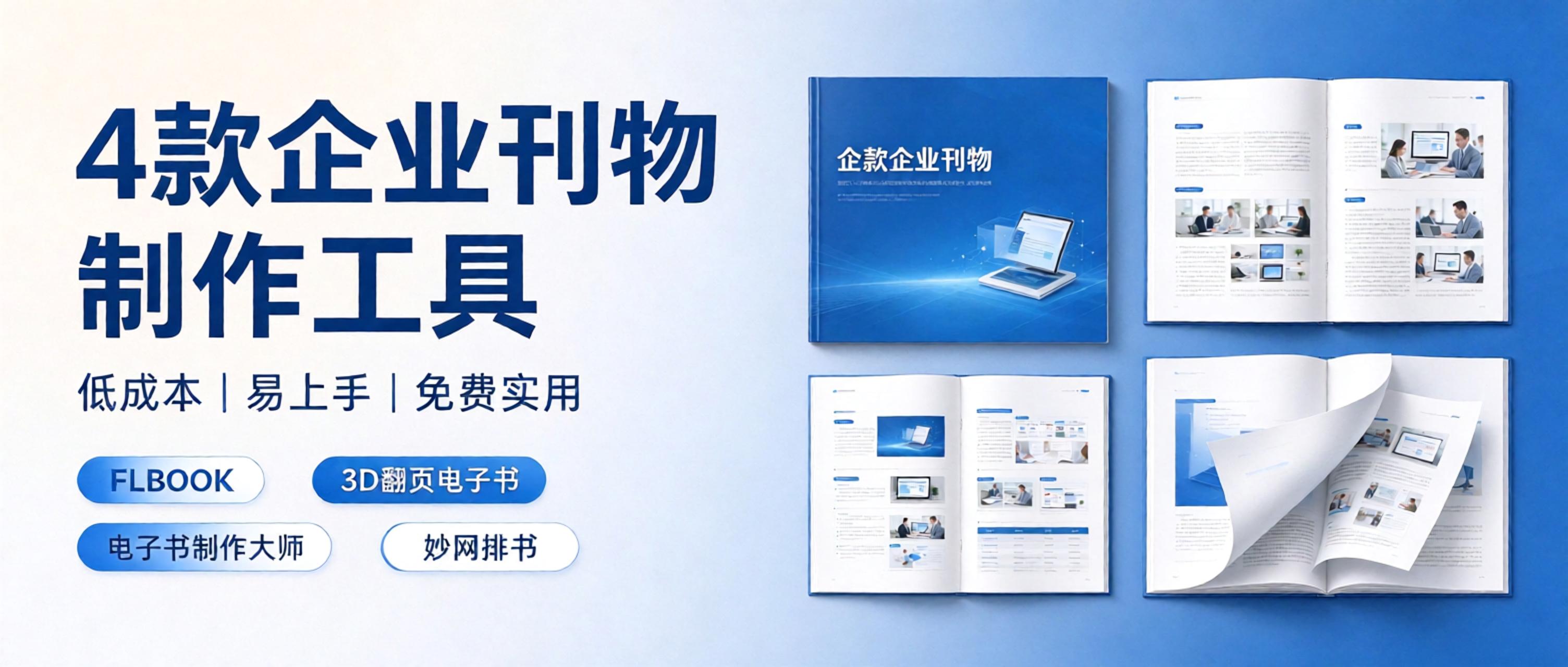
You carefully design the digital version, then find the formats don't match when you want to print it; the printer's proof looks great, but sending an online version to remote clients means building a new H5. All that back-and-forth doubles your time cost. Is there a tool that handles both digital and print in one go? Yes, there is. I. One piece of content, two outputs. The core logic of the FLBOOK online magazine website is simple: create your brochure content once, and the platform keeps the digital version for you; for printing, you can contact support to have it printed on paper. For the digital version, an H5 link is generated automatically once the work is published.
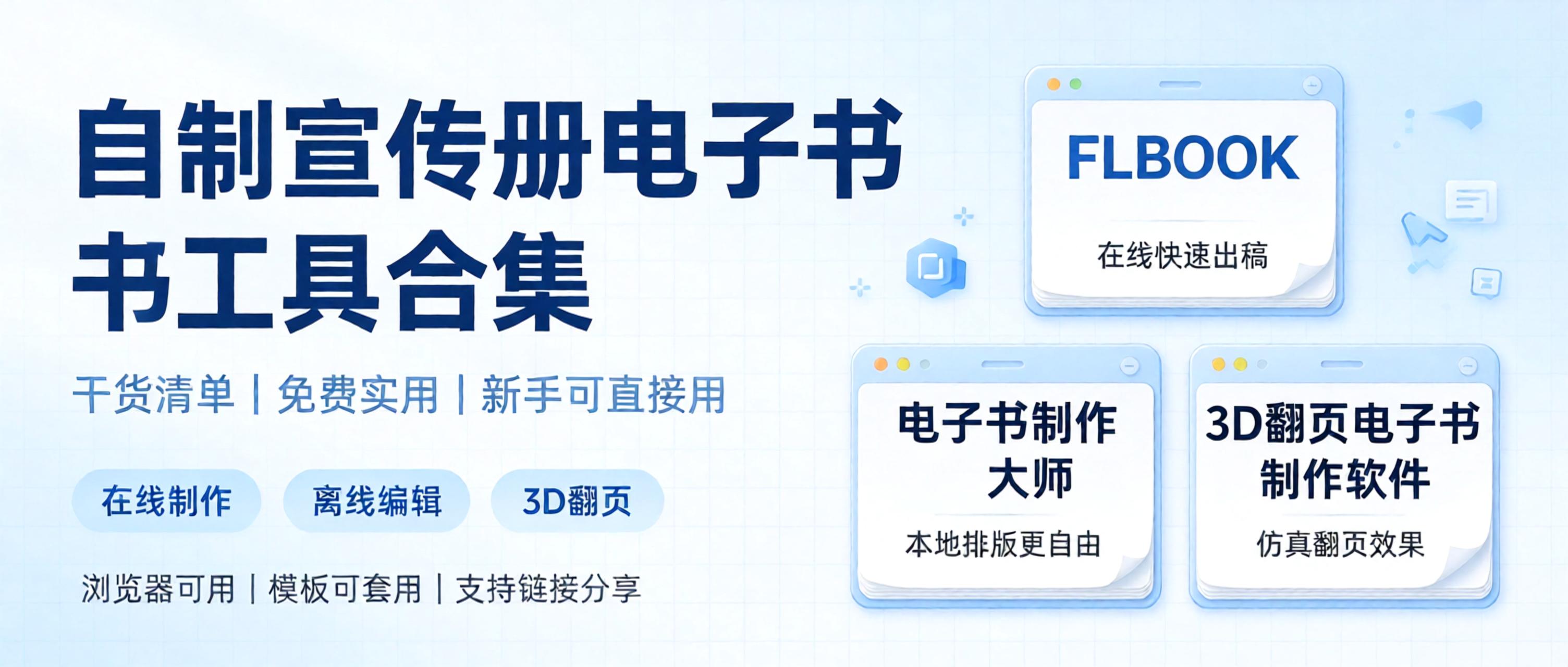
A roundup of practical e-book creation tools, focusing on ease of use with free features available. Perfect for beginners making page-flipping e-books and corporate brochures, compiled into a handy list so you can pick what suits your needs. 1. FLBOOK — an online digital brochure creation platform, ideal for users who don't want to download software and want quick results. Upload existing PDFs, images, or PPT files, and the system automatically generates a digital brochure with page-flipping effects. Free to use: basic features are free; just sign up to get started, no client installation needed. Templates: built-in layouts for corporate promotions and product brochures—just swap in your text and images.


