No need to wrestle with complex professional software or learn obscure typesetting code. With the right tool, anyone can quickly create a neatly formatted e-book that is ready to read and share. Today, I’m sharing all three beginner-friendly tools I’ve personally tested, so even complete newcomers can quickly produce a finished book with zero experience.

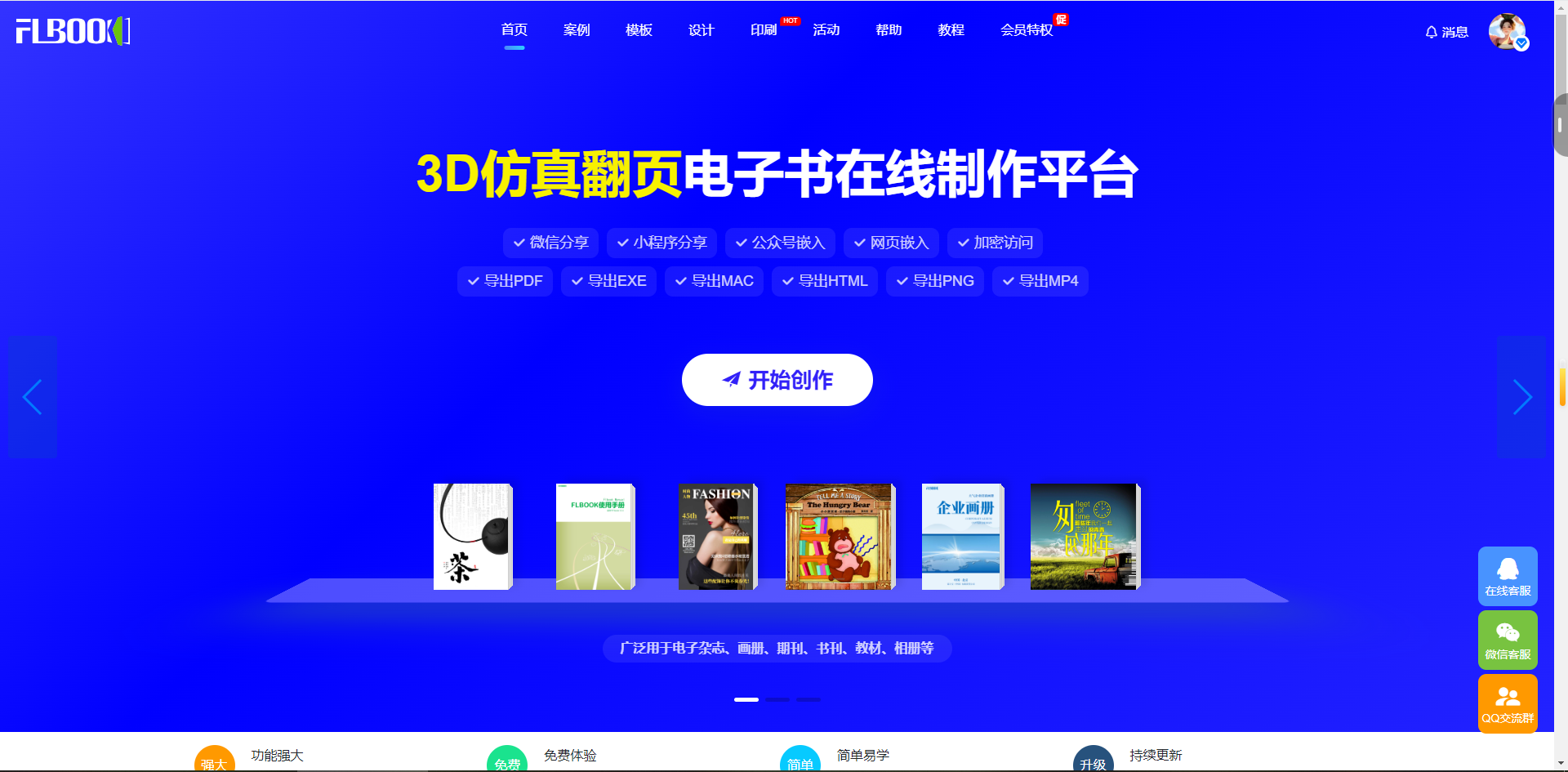
1. FLBOOK
Use: Create page-flip e-books online without installing software, ideal for quick results.
Features: Browser-based and ready to use. Supports PDF import and automatically creates a page-flip effect. Create with templates or design from scratch. Export links and QR codes for easy sharing on WeChat, official accounts, and websites.
Advantages:No installation or download needed, available anytime, ideal for urgent drafts.
2. MW E-book Creation Master
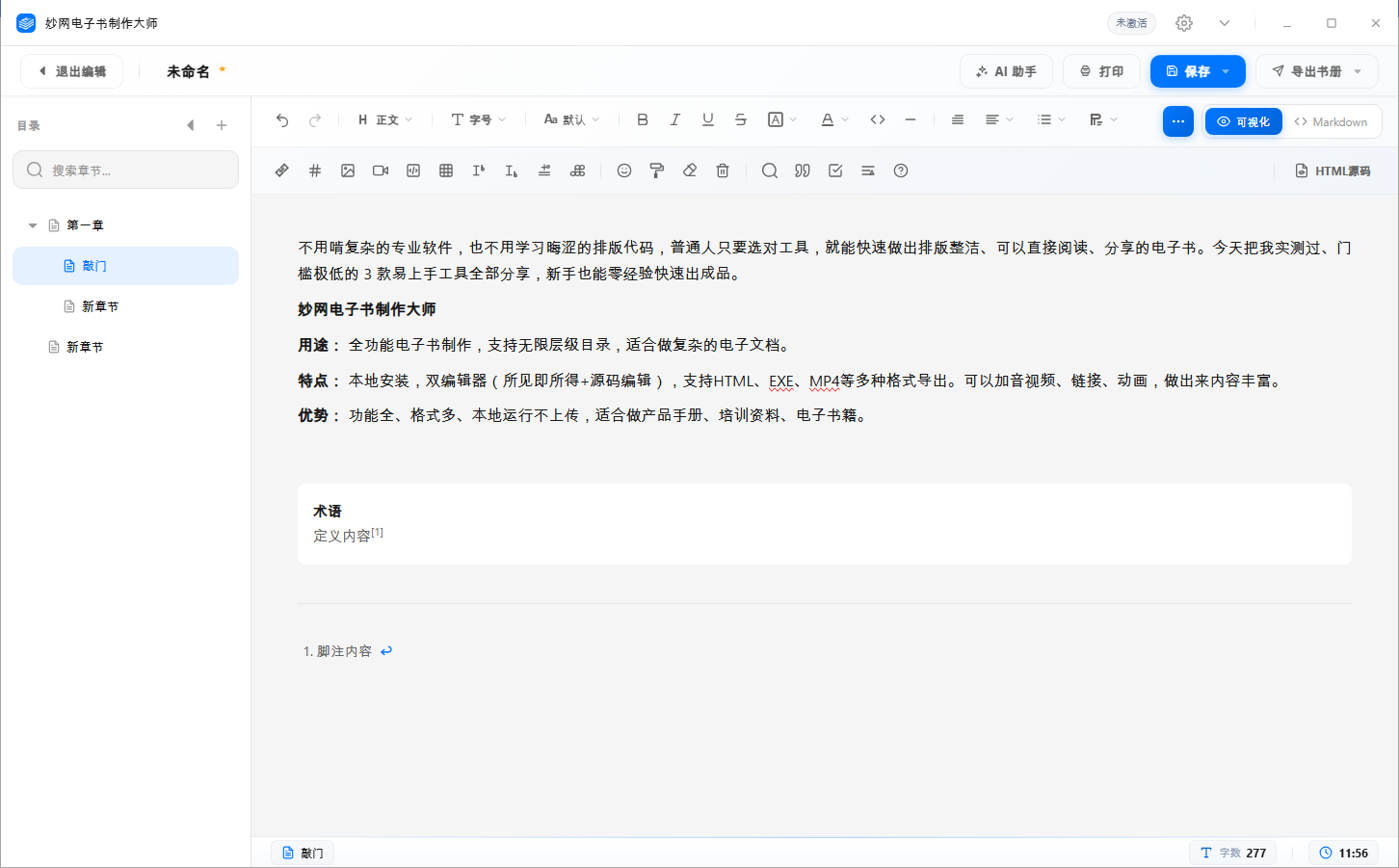
Use: Full-featured e-book creation with unlimited directory levels, ideal for complex electronic documents.
Features: Local installation with two editors (WYSIWYG + source code), supporting export to HTML, EXE, MP4, and more. Add audio, video, links, and animations for rich content.
Advantages: Full-featured, supports many formats, runs locally without uploading. Ideal for product manuals, training materials, and e-books.
3. MW3D Page-Turning E-Book Creator
Uses: Create e-books with realistic 3D page-turning effects, ideal for scenarios that prioritize visual experience.
Features: Truly realistic 3D page-turning effects——curved pages, lighting and page-turning sounds make it feel just like reading a real book. Supports export in multiple formats, including HTML, EXE, MAC, MP4 and APK, and works on computers, phones and tablets.
Advantages: The most realistic page-turning effects and the best visual experience, ideal for brand brochures, portfolios and digital magazines.