


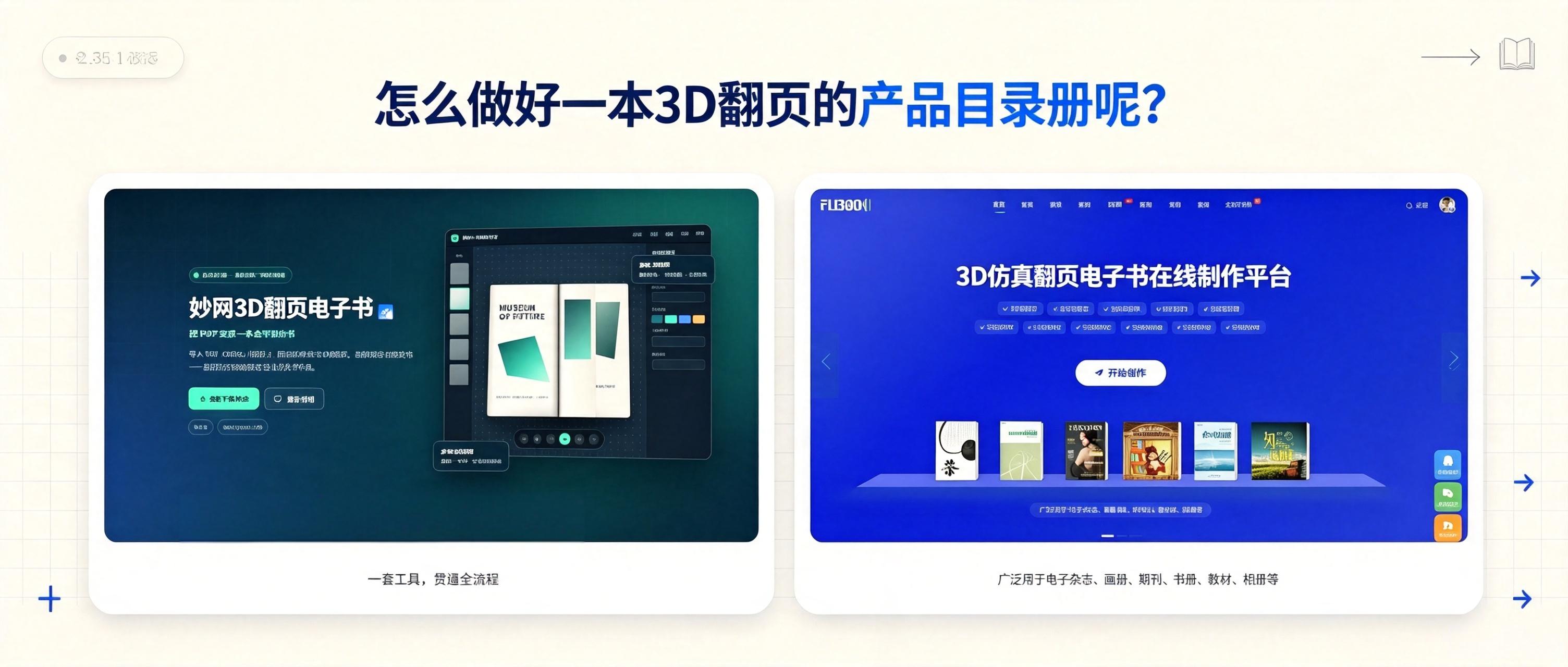
How can you turn your existing product materials into a 3D page-turning catalog? Here are two methods to share, but they produce different results. See which one you prefer.
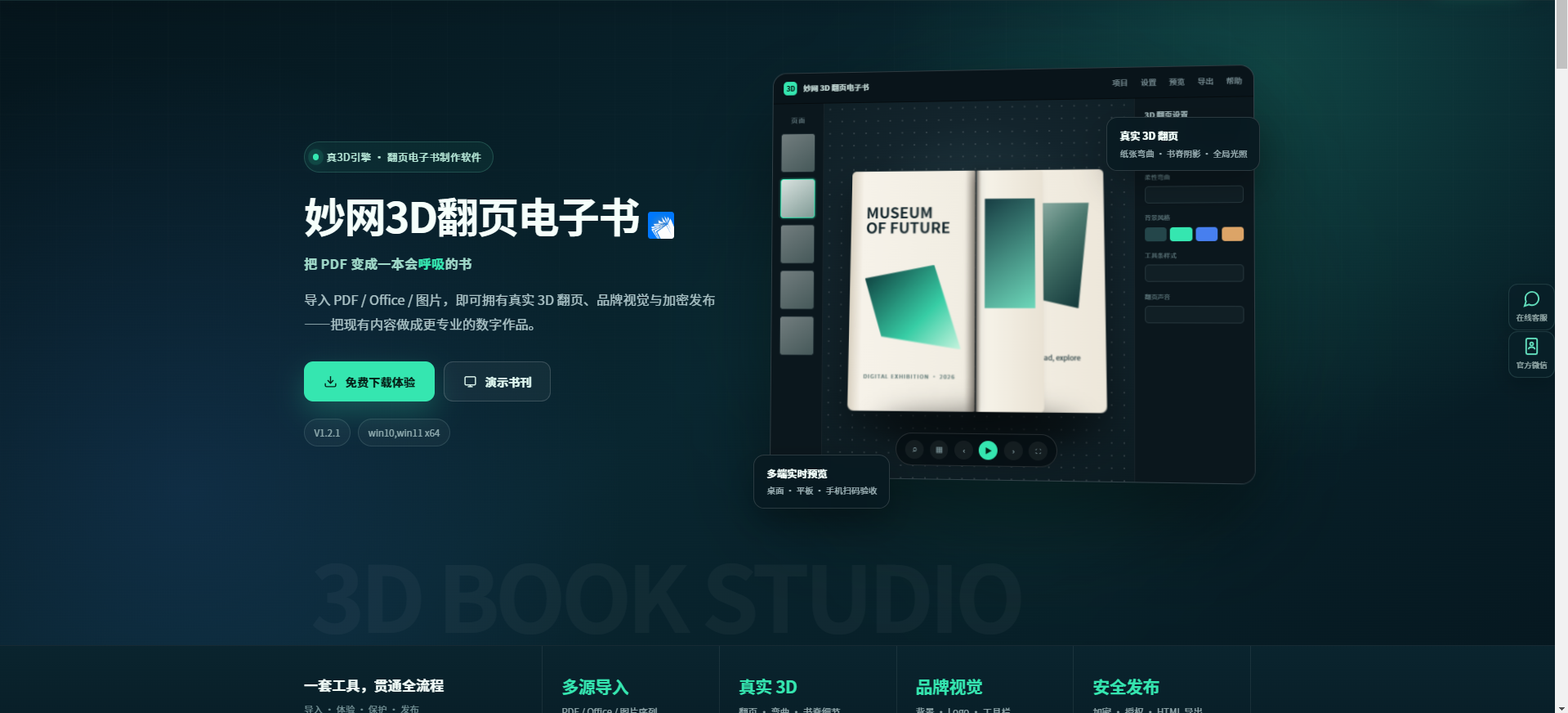
1. With MW 3D Page-Flipping eBook Software, simply drag your finished PDF, Word document, or images into the software to see the page-flipping effect. If the background feels too plain, just choose an animated background from the built-in library. The page-flipping effects, appearance colors, and loading page can all be adjusted to your liking. Once everything is complete, there are plenty of export formats available——in addition to the common HTML web format, it can also generate EXE, MP4, APK, and Mac versions. Your files remain on your own computer throughout the entire process and are not uploaded to any cloud service.
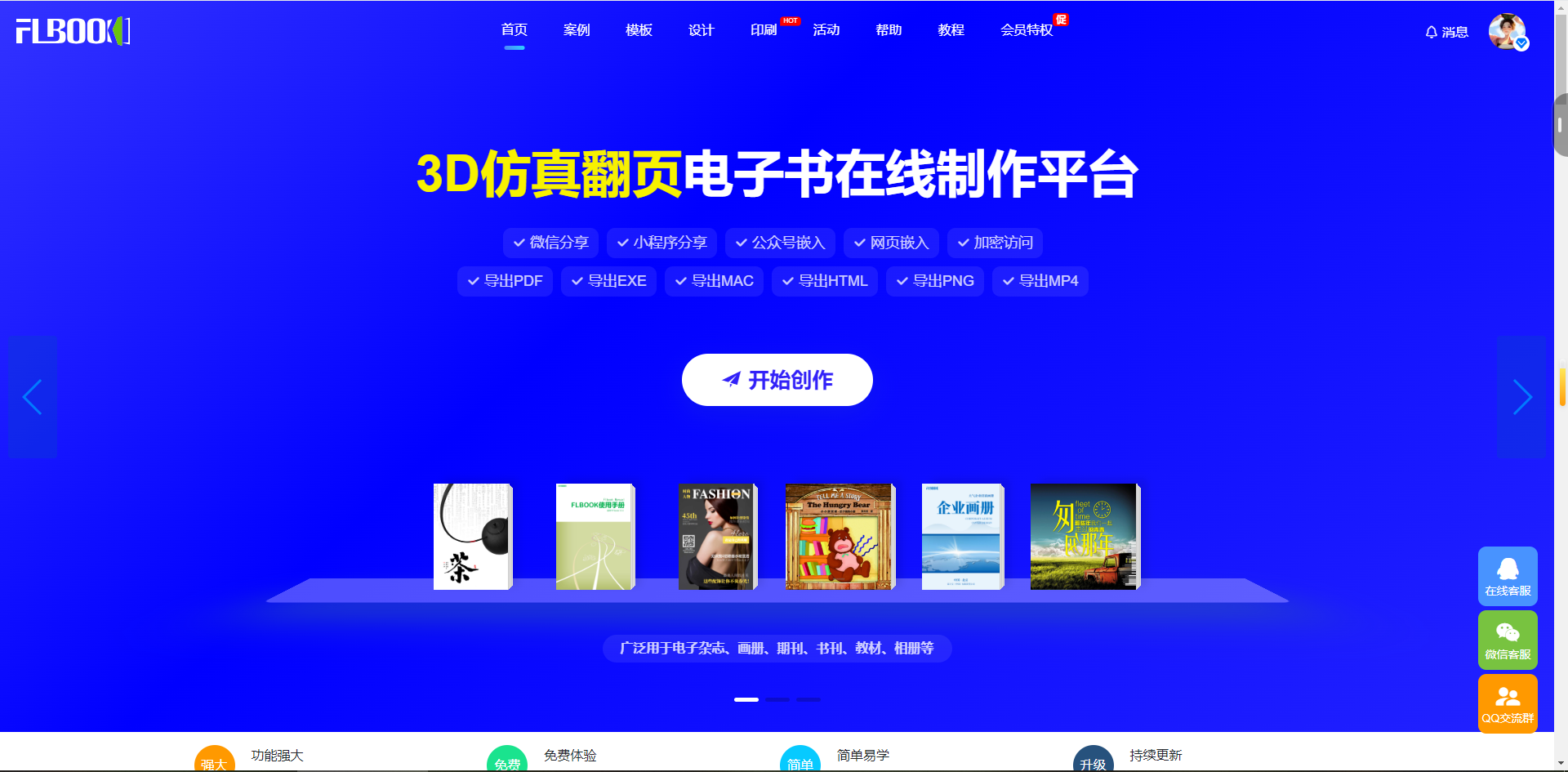
2. Use FLBOOK. After registering and logging in, click “Start Creating” and simply drag in your PDF, Word, or PPT file. The system will automatically convert the static document into an e-book with a 3D simulated page-turning effect. If you want to make it more engaging, you can also add interactive elements such as videos, audio, and links. Once finished, an online link or QR code will be generated, which you can send to clients so they can view it directly on their phones or computers.
Creating a 3D page-turning product catalog like this doesn't take too long. As for which one to choose, it comes down to personal preference.