


When creating a corporate brochure, many people design a PDF or PPT and send it directly to clients. However, this approach has several problems: the file is large, takes a long time to open, and is inconvenient for clients to browse. When products are updated, the file must be sent again. If you create an electronic brochure with a page-turning effect, clients can scan a QR code to browse it, and updates only require republishing. This improves both the experience and efficiency.
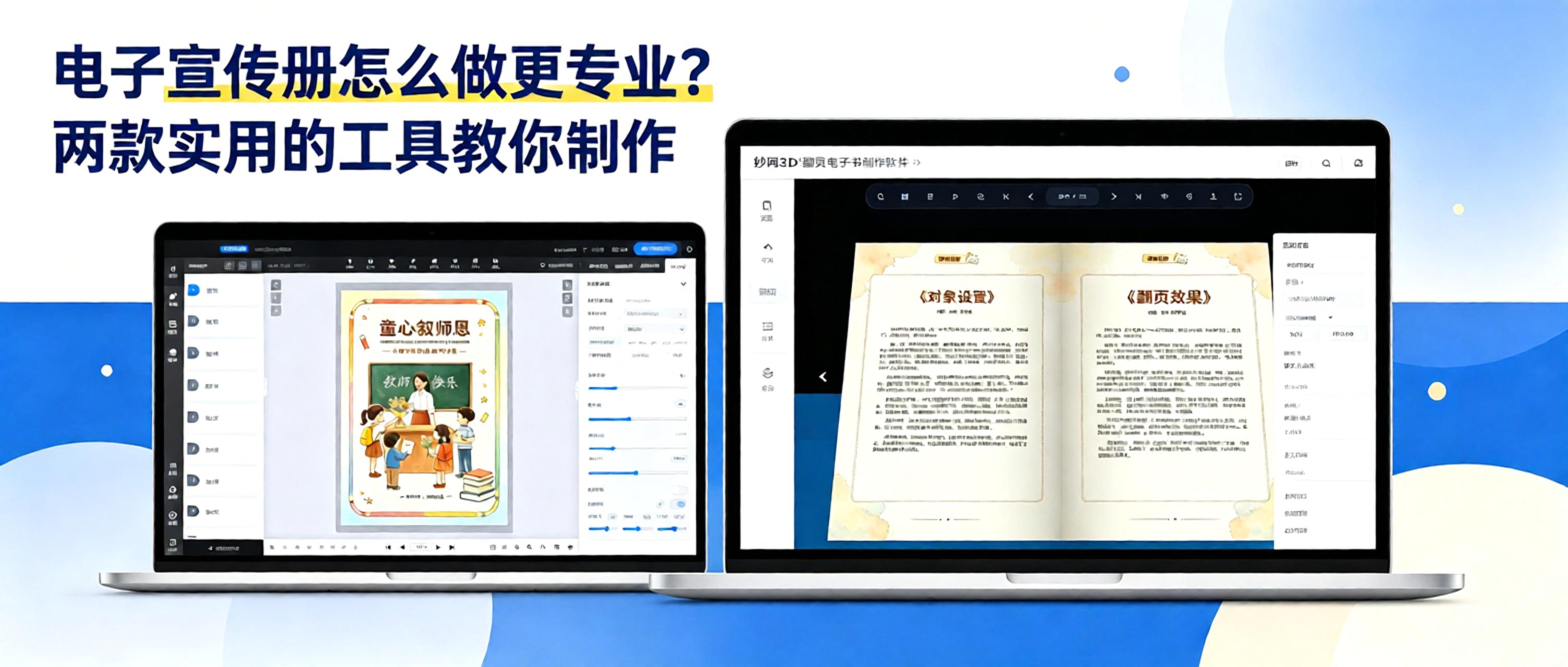
Today, we’re introducing two tools for creating electronic brochures. Both are great to use—we’ve personally tested them for you.
Method 1: MW3D Flipbook——Create offline, keep your data secure
If data security and personalized customization are important to you, this software is an excellent choice.
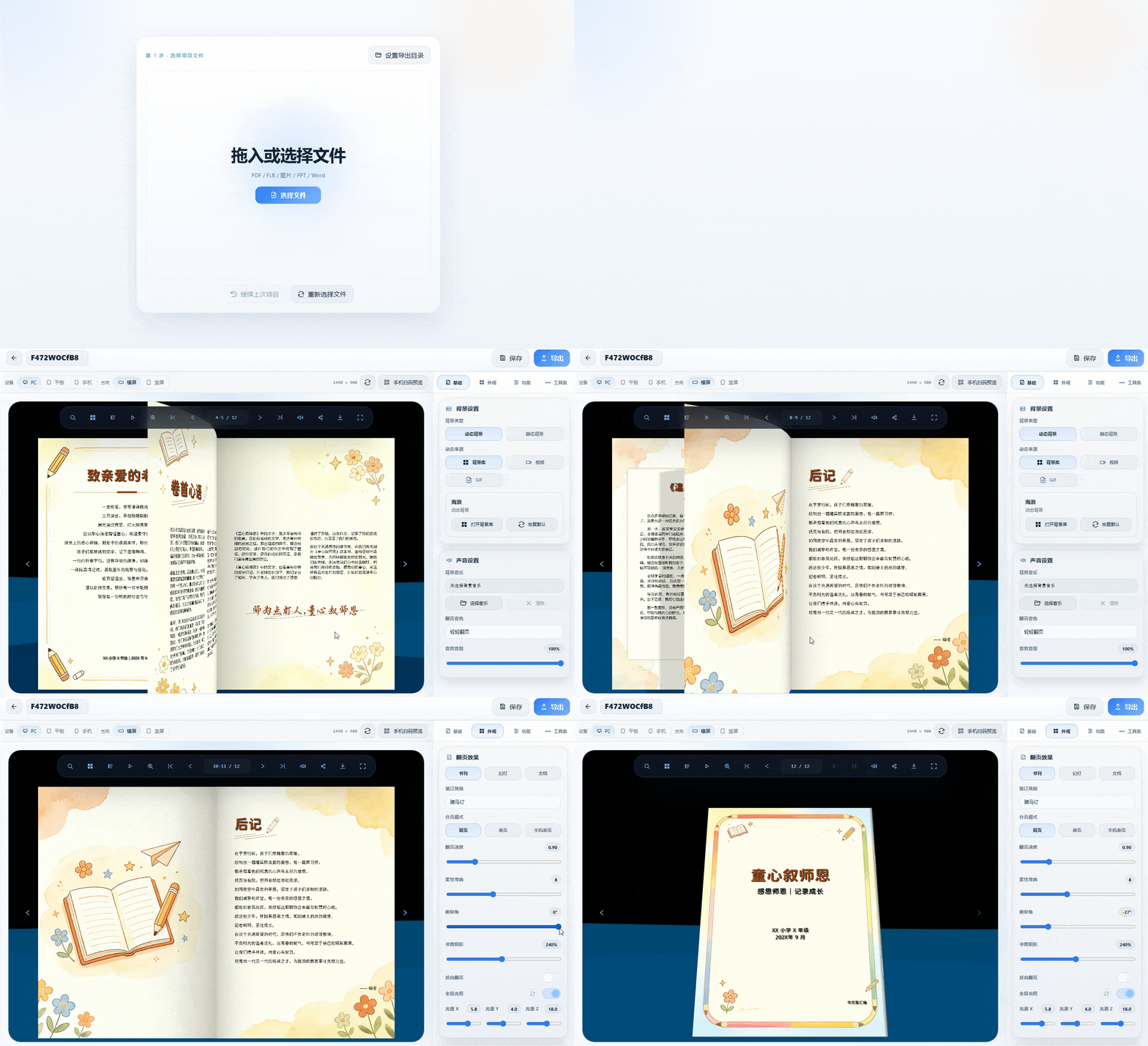
1. Key benefits: Supports convertingPDF, Word, or imagesDrag and drop to generate a 3D page-turning effect. Built-indynamic background libraryandbackground music library, allowing you to freely adjust the page-turning effects, appearance colors, and loading page. The entire process takes place locally on your computer, with no need to upload anything to the cloud, keeping your content private.
2. Export and sharing: Supports exportHTML web pages, standalone EXE files, MP4 videos, APK packages, Mac versionsand other formats for distribution across different devices. After previewing on a computer, scan the generated QR code with a phone to read directly, with a consistent experience
Method 2: FLBOOK—Create online, share quickly
For scenarios requiring quick launch and easy sharing, FLBOOK provides a convenient online solution.
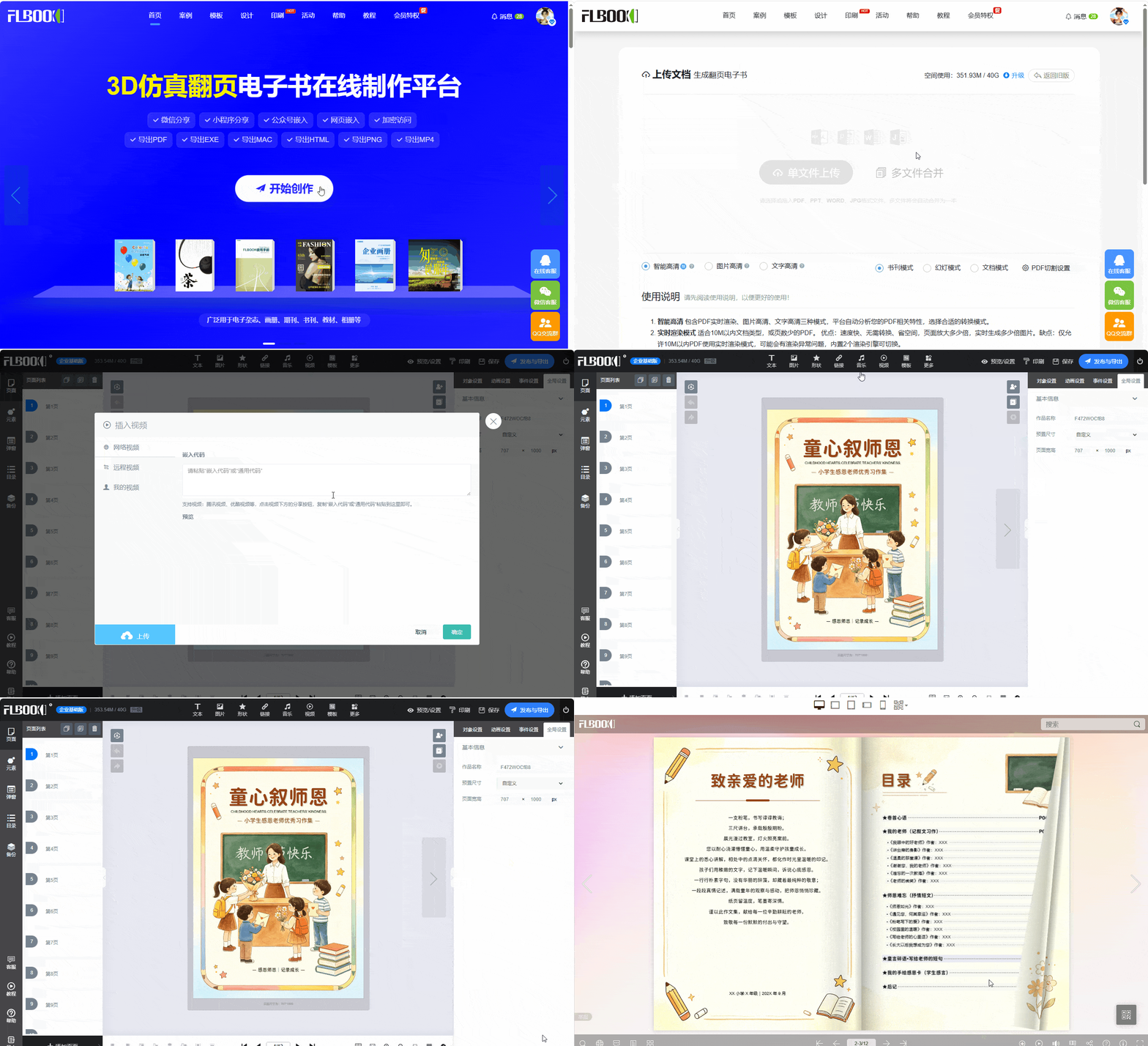
Easy to UseAfter registering and logging in, click “Start Creating” and upload.PDF, Word, or PPT files, the system can automatically convert static documents into ones with3D simulated page-turning effecte-book
2.Rich interactivity: Building on page-turning, you can further addvideos, audio, linksand other interactive elements to make the brochure more engaging. Once completed, directly generate anonline link or QR code, and send it to customers with one click via WeChat, email, and other channels. It can be viewed smoothly on both mobile phones and computers.
Follow the 【MW Software】 official account for tool and operation help.