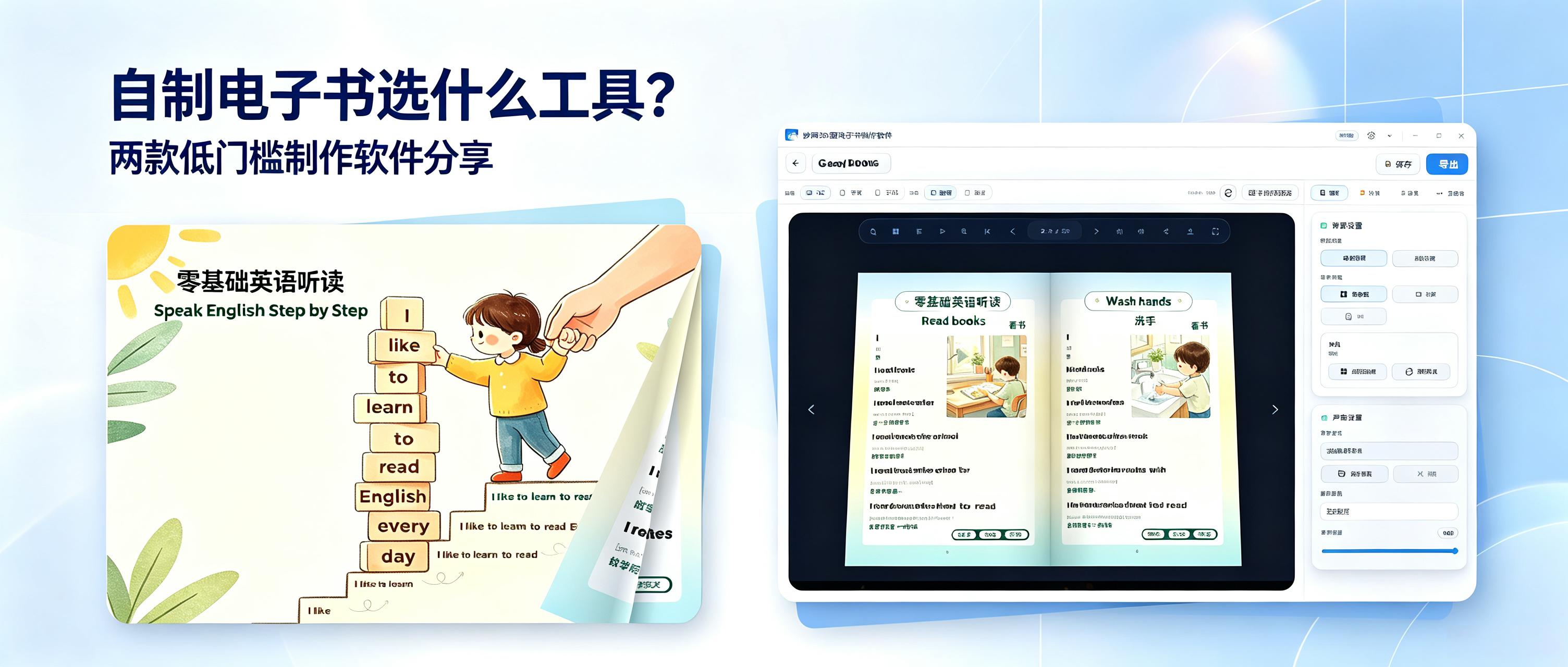
What software should you use to create your own e-book? Here are two easy-to-use e-book creation tools for businesses, individuals, education, commerce, and many other scenarios. They are highly practical and worth trying.
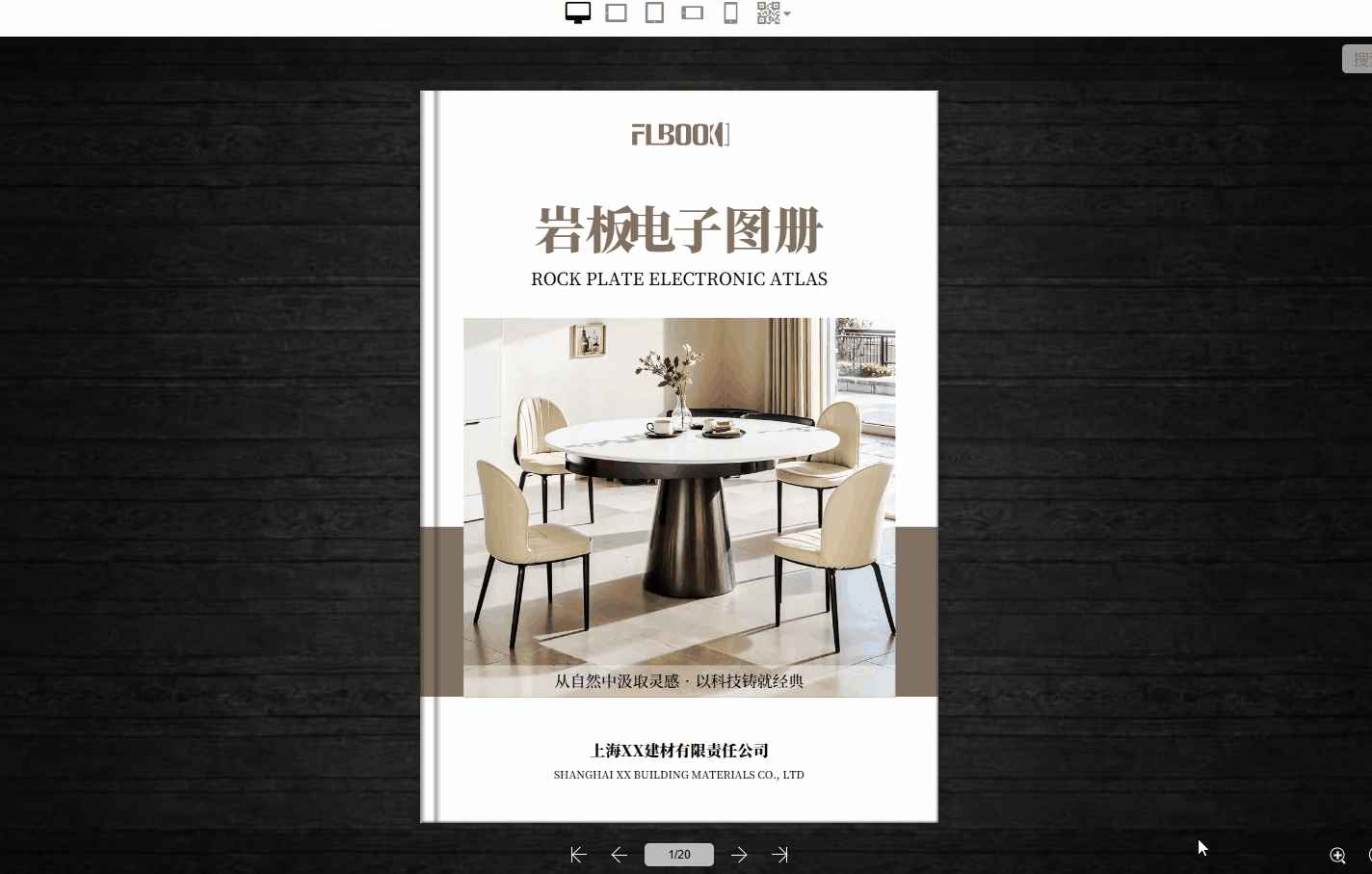
1. FLBOOK (Online E-book Creation Tool)
Fully online, with no downloads or installation required. It works on any device and is effortless to use. The platform includes a vast selection of high-quality templates, supports embedding images, text, audio, and video, and is compatible with various media formats. Content automatically adapts for viewing on phones, computers, and other devices. It is lightweight, runs smoothly, and uses minimal storage. With a wide range of applications, individuals can create reading notes and personal portfolios; educators can make course materials and study guides; businesses can produce promotional brochures, product manuals, and event materials. It is highly practical.
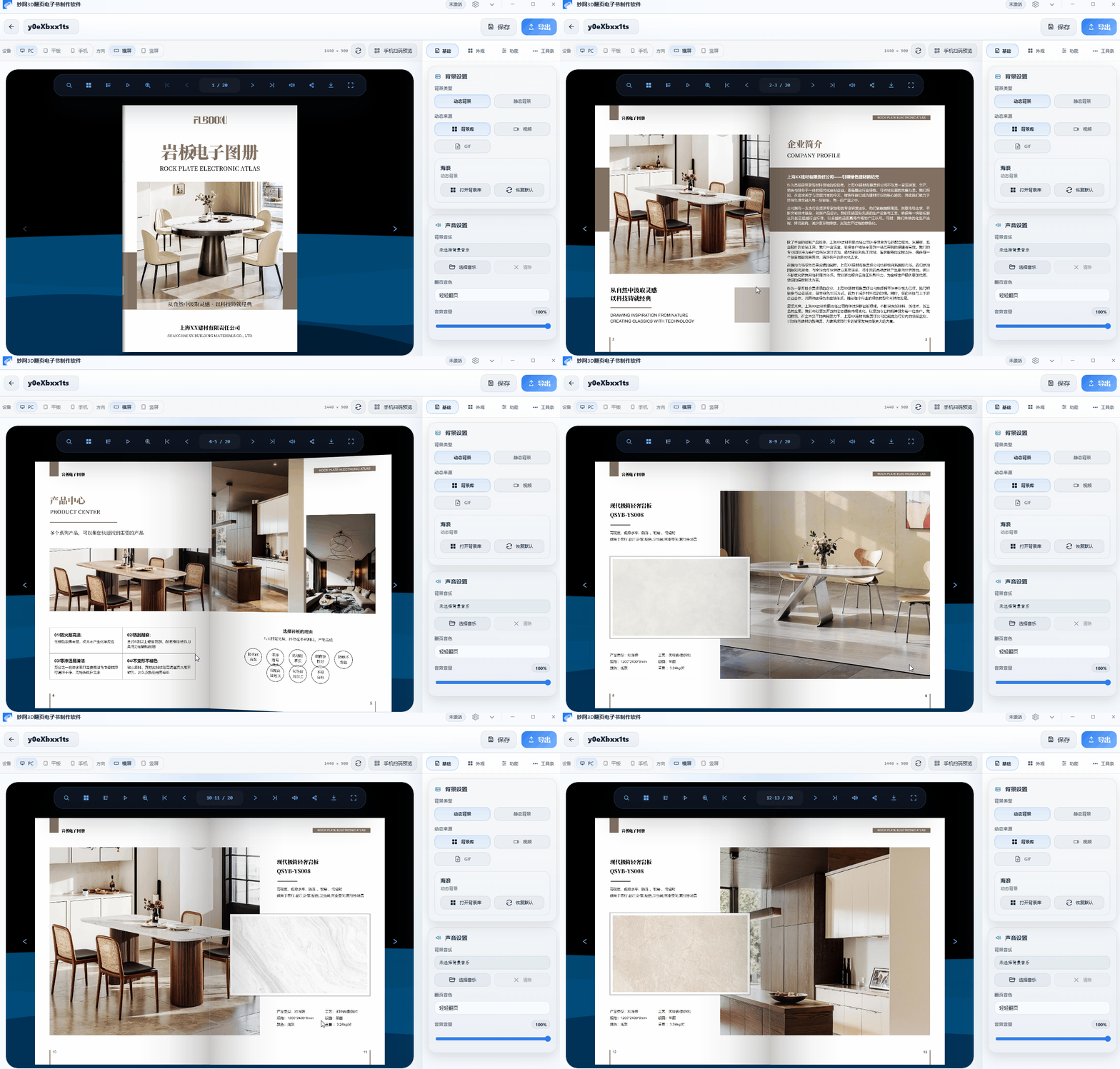
2. MW3D Page-Turning E-book Creation Software
Featuring realistic 3D page-turning effects, it delivers an immersive, high-quality viewing experience. Finished e-books are high-definition and uncompressed, with no loss of image quality. You can customize page-turning sounds, page backgrounds, and toolbar styles, as well as set reading permissions for both visual appeal and privacy. It supports professional-grade output. Educators can use it to create journals and course collections, while businesses can produce formal business materials, brand publications, and professional document collections. It is an excellent choice for creating high-quality e-books.