
What do overworked workers fear most? Not revisions or overtime, but searching everywhere for tools just to get work done! You spend hours searching, only to find seven-day trials or paywalls. Time wasted, wallet emptied, and the work still isn’t done. Today, we’re sharing 16 free, lightweight, and useful tools from MW.
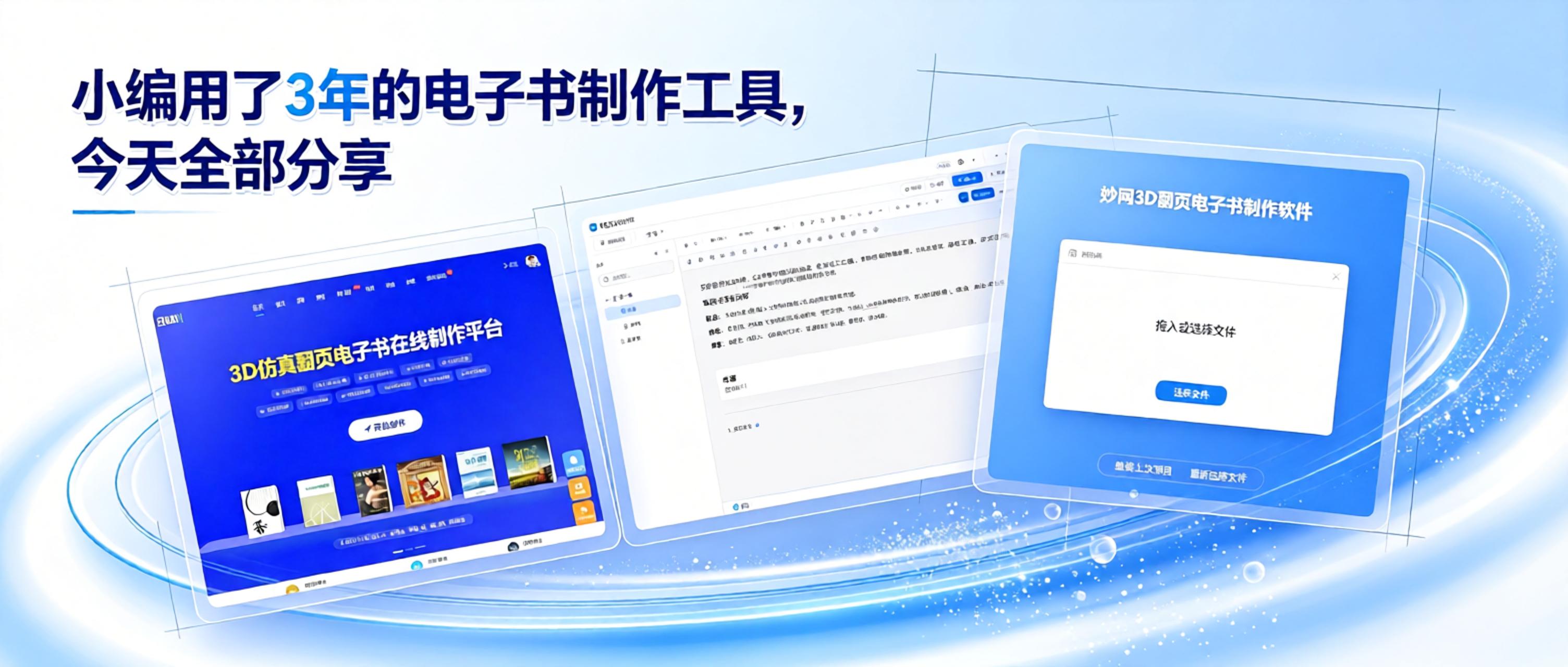
You don't need to wrestle with complex professional software or learn obscure layout code. With the right tool, anyone can quickly create neatly formatted e-books ready to read and share. Today, I'm sharing three beginner-friendly tools I've personally tested, so even complete novices can quickly create a finished book with no experience.
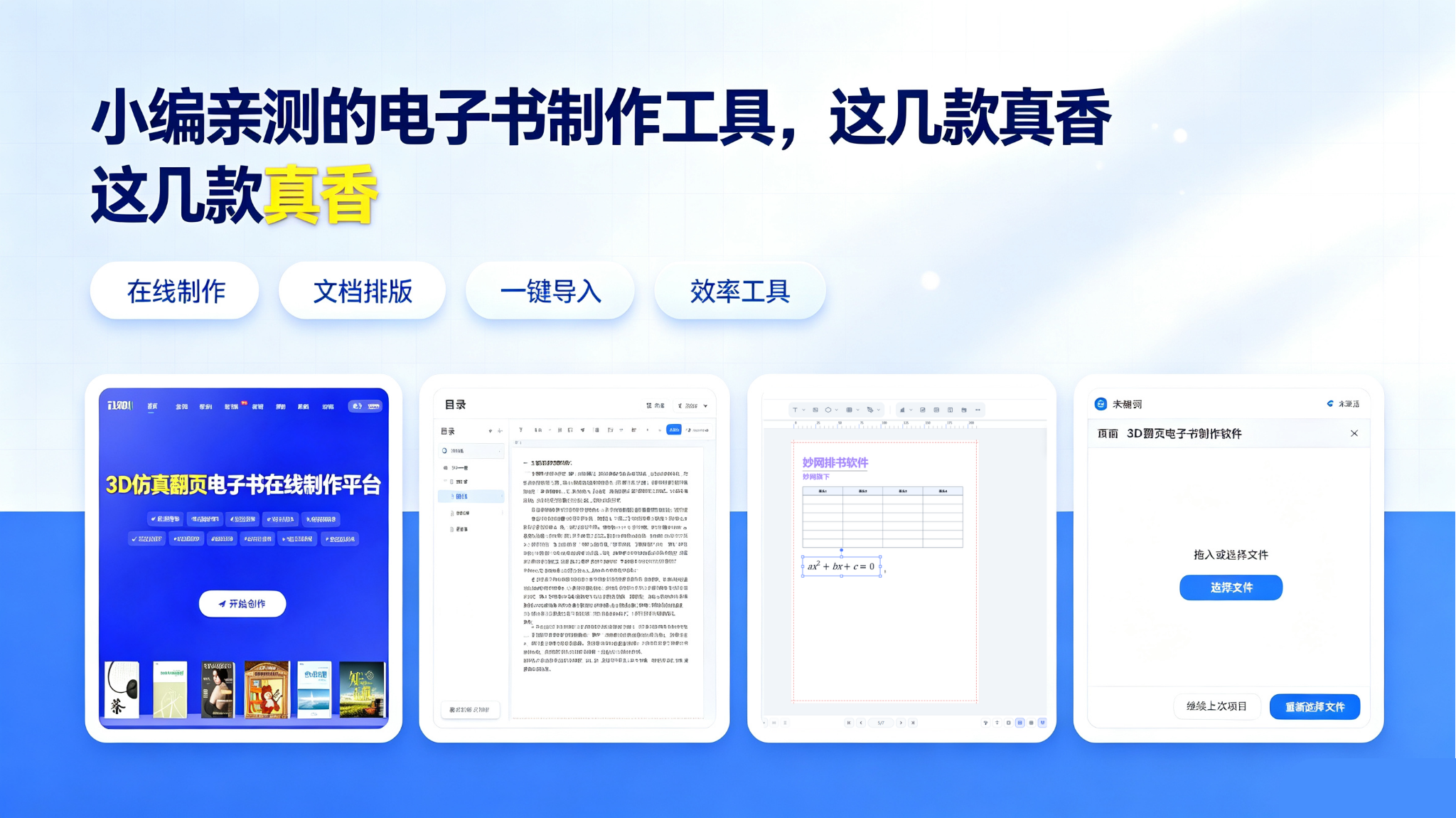
We recommend 4 powerful ebook creation tools. Learn everything from the basics to practical applications across industries, with multiple ways to create ebooks explained step by step. Each tool has its own strengths, so save this guide and explore them at your own pace.
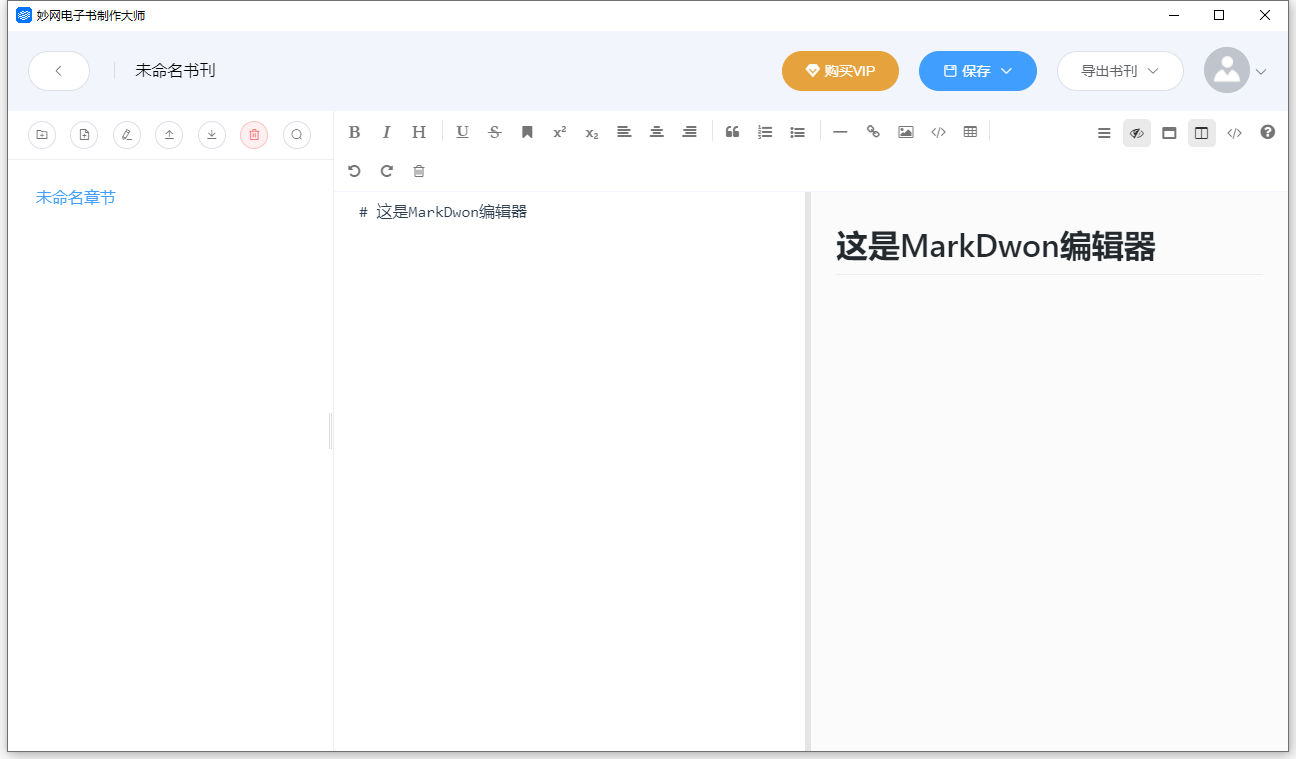
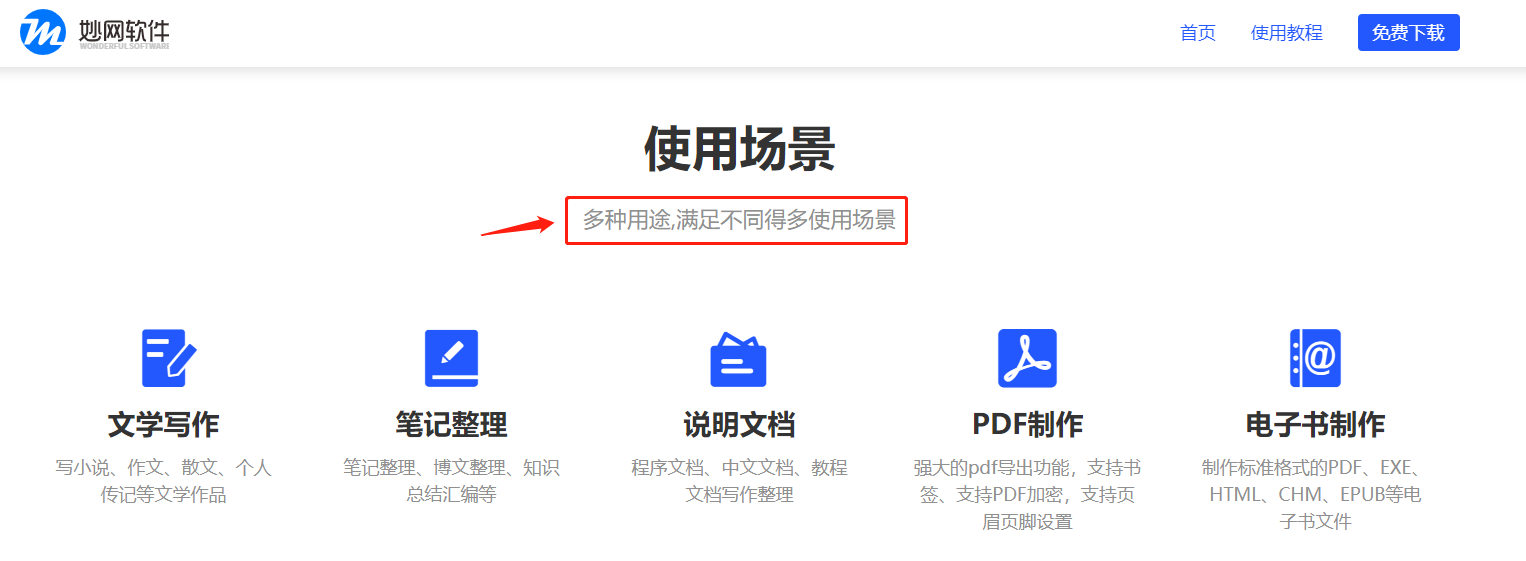
很多刚接触电子书的朋友,很想自己制作电子书。虽Download了大量软件,也看了很多教程,却始终不得要领,不知道如何制作电子书。 这里给分享一个电子书制作Software:MW eBook设计大师,拥有可视化Edit,让你轻而易举的就能完成电子书的制作! MW E-book Creator软件是一款Easy to use、功能强大的电子书制作软件,可以输出五种格式的电子书,可以方便快速的将资料、文档等制作成电子书形式,方便查阅和保存,也可以整理笔记、写作、写
如今越来越多的年轻人喜欢在公交、地铁上使用各种移动产品来阅读电子书,然而不同的移动产品支持不同的File格式。如果你觉得查找某种格式的电子书非常麻烦,不方便阅读。 这里给分享一个电子书制作Software:MW eBook设计大师。让你轻松制作电子书,整理图文资料,而且还可以一键Export五种格式并快速分享! 如何利用MW eBook设计大师Quick creation电子书以及如何一键Export多种格式电子书呢? 1.首先浏览器输入MW eBook设计大师,
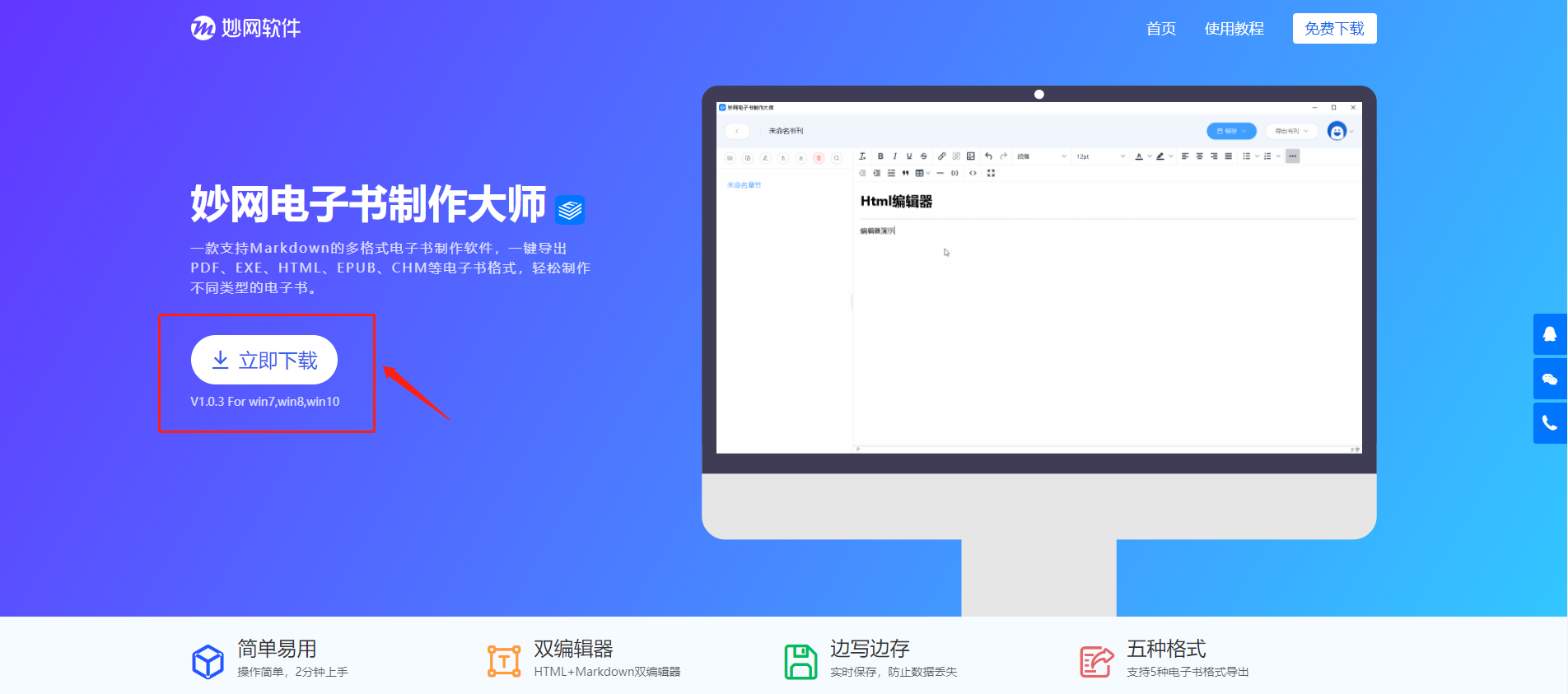
很多需要制作电子书的小伙伴想知道怎样制作电子书,对此比较感兴趣。这里给分享一个电子书制作Software:MW eBook设计大师,作为一款功能强大的电子书制作软件,拥有可视化Edit,可以Help你Quick creation电子书,一键Export! MW E-book Creator软件是一款Easy to use、功能强大的电子书制作软件,可以Export五种格式的电子书,可以方便快速的将资料、文档等制作成电子书形式,方便查阅和保存,也可以整理笔记、写作、写小说、制作说明书、制


