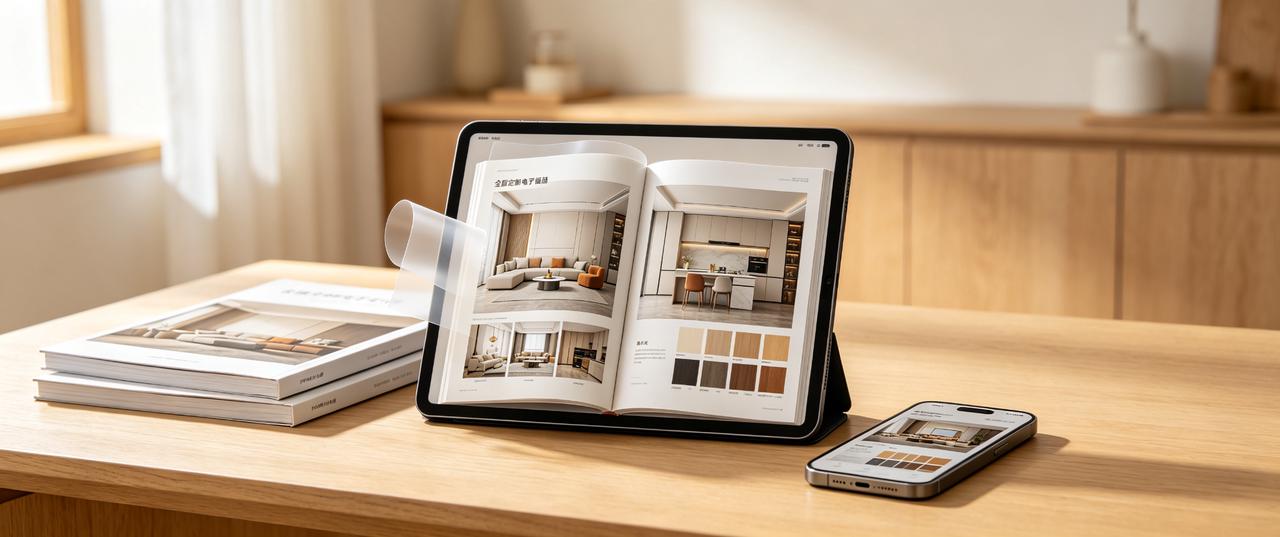
Which software is best for whole-home customization catalogs? How to choose without pitfalls? Key factors: 1. Usage scenario: Will it be shared via WeChat or displayed on store tablets? Is offline use required? 2. Update frequency: Prices and cases change often. Frequent updates make online editing more efficient than repeated exports. 3. Display effect: Do you need page-turning effects and video embedding for a premium look?
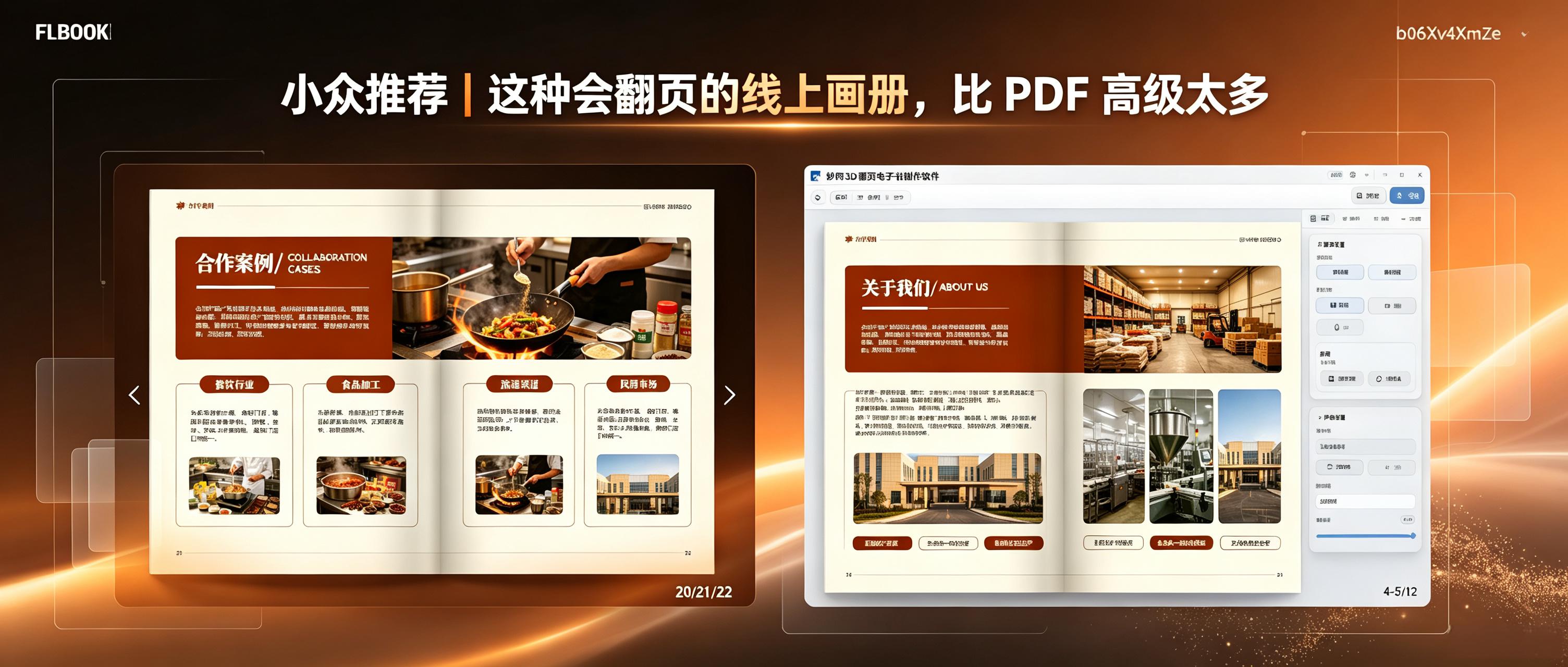
What is the difference in experience between an online catalog and a standard PDF? PDFs are more oriented towards document storage, suitable for downloading and printing; online flip-page catalogs focus on web browsing, allowing direct reading by opening a link or scanning a QR code, with adaptive screens on mobile devices that recreate the feel of turning pages in a physical book. How to create an online flip-page catalog? Method 1: Create online and quickly generate a shareable link. FLBOOK is an online electronic catalog creation platform. Upload a PDF or edit directly online, and the system will automatically generate a catalog that can be browsed by flipping pages. Once completed, it generates a link and QR code that can be sent to clients for them to scan and view. The operation is simple, and it can also be used like PPT
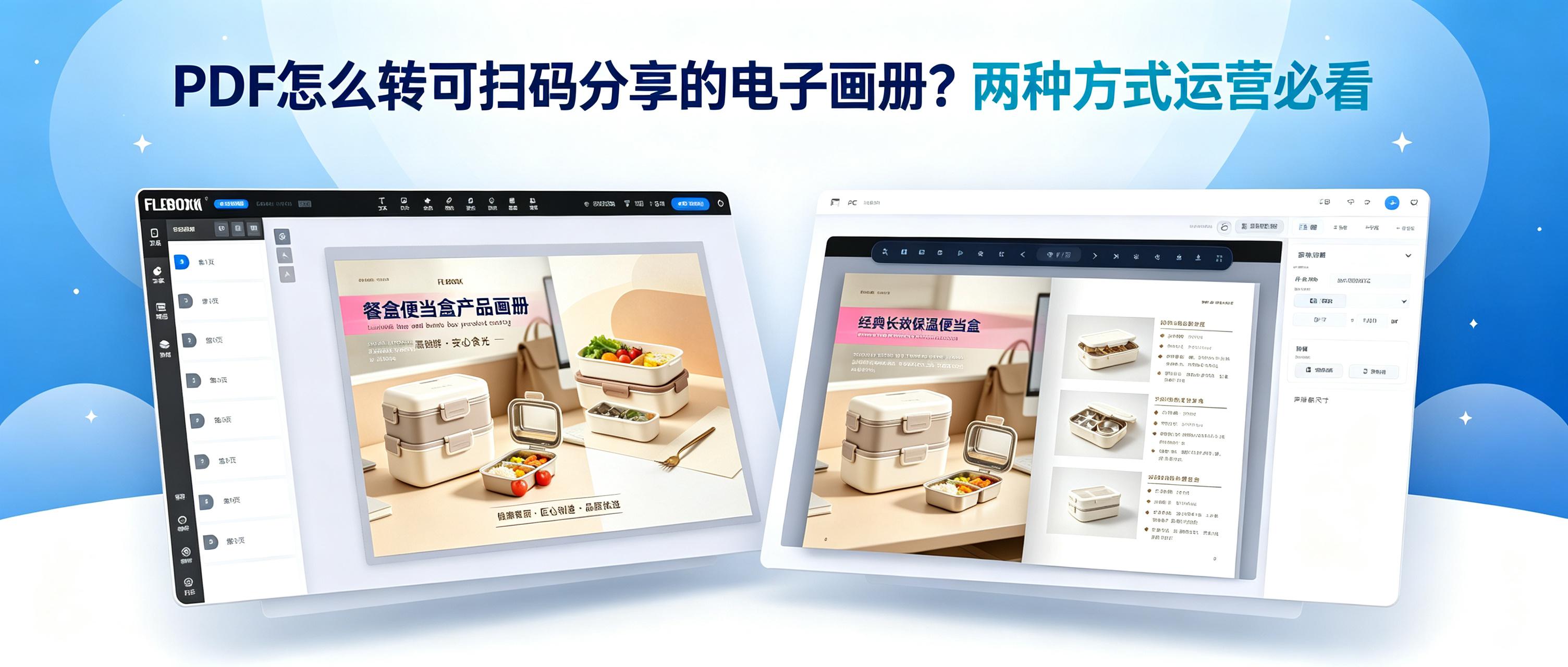
What do operators fear most? Products sitting unsold. Why? Poor promotion and presentation. The solution? Convert PDFs into flip-page e-catalogs so customers don't need to wait for downloads. Learn how to convert PDFs into flip-page e-catalogs with these two methods.
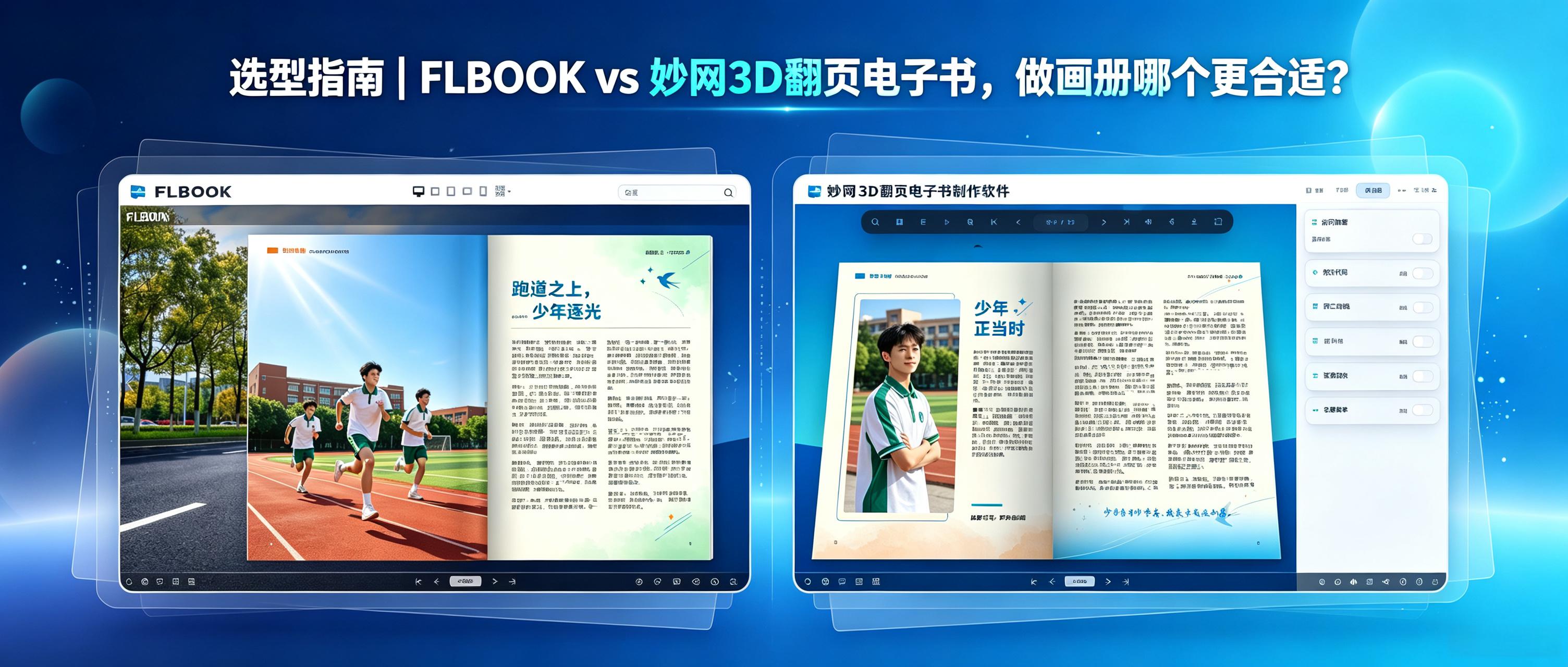
FLBOOK vs MW3D page-flip e-book, which is better for creating catalogs? FLBOOK and MW3D page-flip e-book, although from the same system, have different product positioning. One leans towards lightweight online creation, the other towards professional desktop processing. Only by understanding their differences can you determine which is more suitable for making catalogs. FLBOOK: Online Web Version FLBOOK generates H5 e-books with a low barrier to entry. Catalog templates can be directly applied, and creation is completed by replacing images and text; if subsequent modifications are needed
![[For the editor’s own use] This local AI photo-editing tool is perfect for busy professionals](https://res.mwkj.net/site-1789012542556-281559775894341.jpg)
This tool combines essential image-processing features: AI background removal, watermark removal, and lossless image upscaling. No need to install and switch between multiple apps. Its clean, ad-free interface is easy to use—just drag and drop to import images.
Why do studio album workflows often stall in production? 1. Manual layout reliance: Drag-and-drop adjustments are time-consuming, and repeated client revisions can mean starting over. 2. Inefficient tools: Limited batch processing, with no one-click templates or automatic layouts. 3. Delayed approval: In-person proofing or large-file transfers create back-and-forth and extend turnaround time.
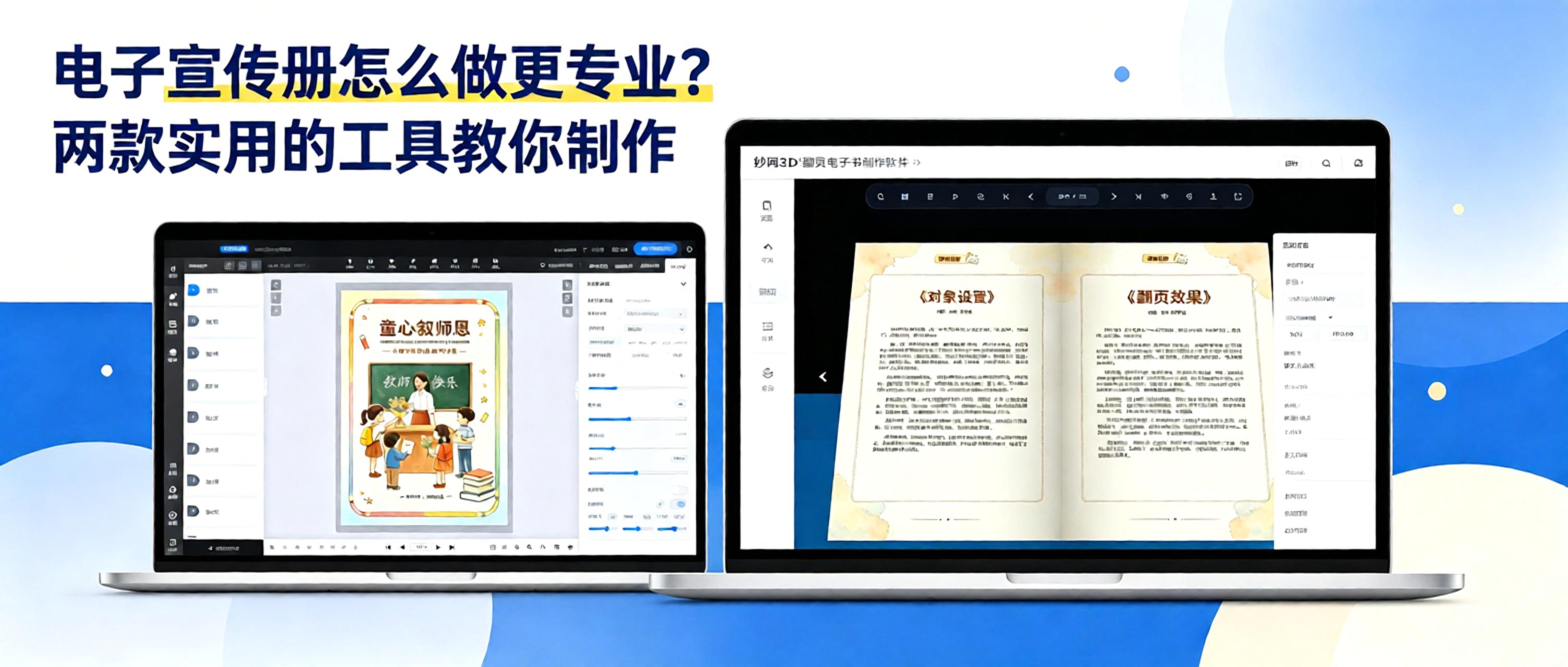
Many businesses create brochures as PDFs or PowerPoint files and send them directly to clients. However, large files load slowly, are inconvenient to browse, and must be resent whenever products are updated. An interactive digital brochure with page-turning effects lets clients scan a QR code to browse online. Updates only require republishing, improving both the user experience and efficiency.
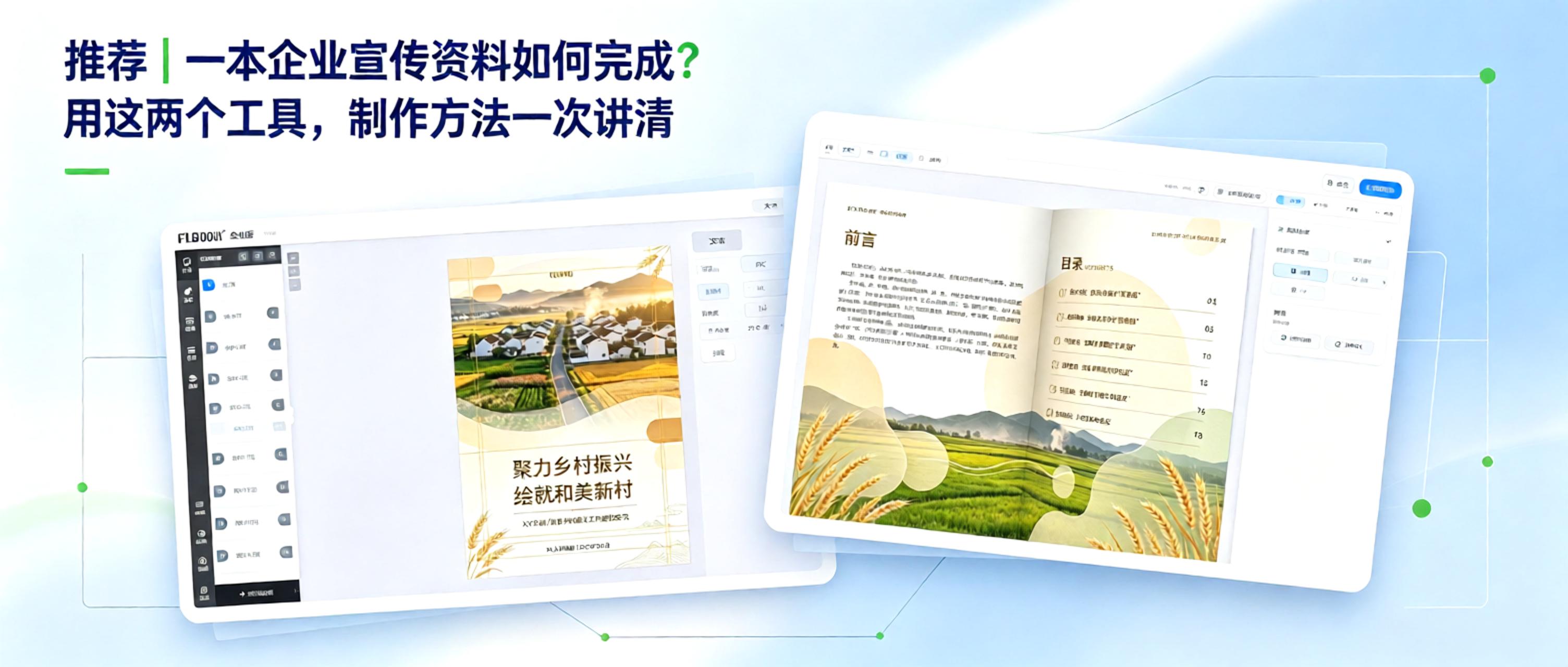
From Concept to Finished Product: How to Create Corporate Marketing Materials Creating corporate marketing materials comes down to two key questions: 1. How can content be organized efficiently? 2. How can the final product look professional? With free, practical tools, even non-designers can manage the entire process, from polished layout to professional presentation.
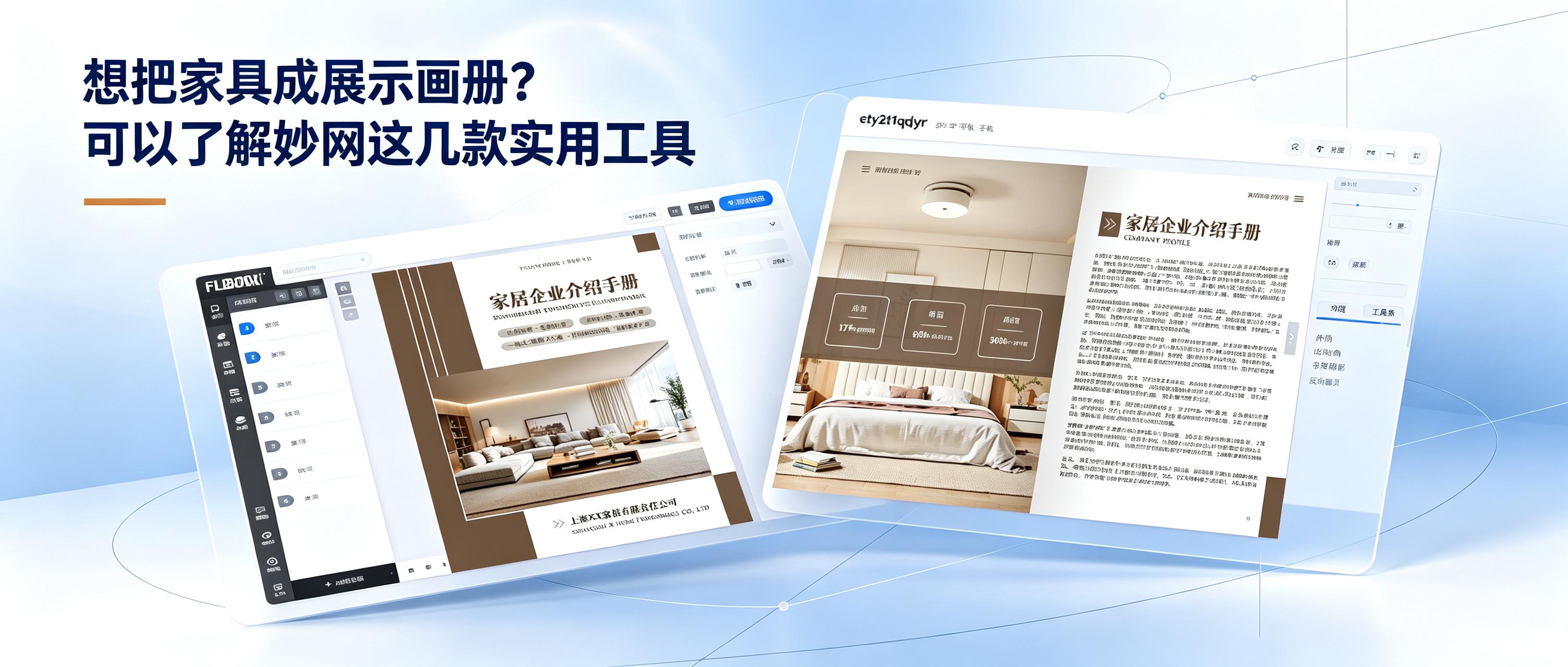
How can you sell furniture more effectively? Here are a few ways to improve performance. Furniture retail is no longer just about waiting for customers to walk in. Growth depends on running online and offline channels side by side. Offline sales rely on the immersive experience of physical stores, where customers can touch materials, assess dimensions, and try out comfort—forming the foundation for closing a sale. Online channels amplify your reach beyond geographic limits. Digital catalogs, short videos, and social media keep products on display around the clock. Potential customers can browse new sofas and solid-wood beds while scrolling on their phones, effectively strengthening brand image. Once a strong reputation is established, the brand's alternative name becomes the first thing people think of when searching.
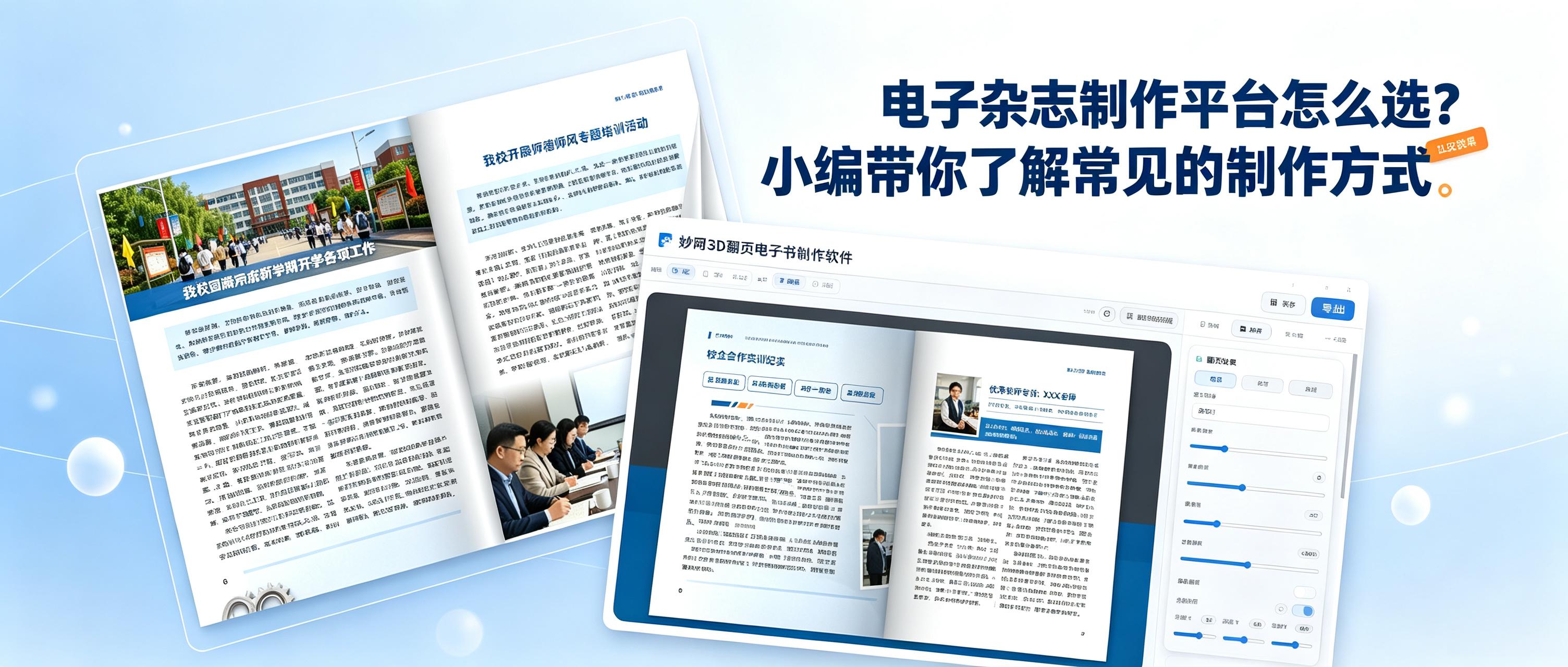
How do you choose an easy-to-use tool for creating digital magazines? Be sure to check these key points: 1. Does it support a 3D page-turning effect? 2. Can you share quickly? 3. Can you set permissions to protect your work? 4. Does the platform regularly add the features users need? These two tools meet all the points above and are very easy to use.


