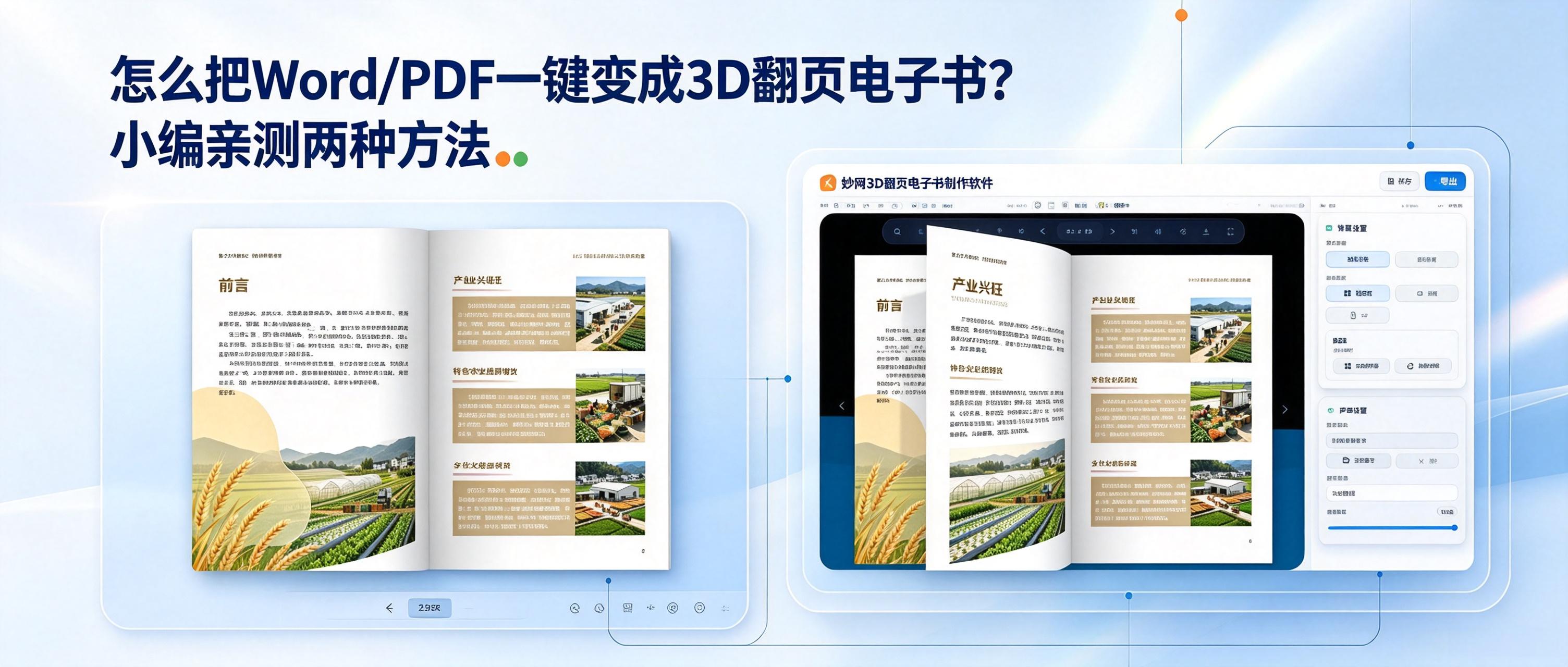
How can these static files be turned into more engaging 3D flipbooks, making the dull file-reading experience 100% better? There are currently two simple and practical methods: one online and one local.
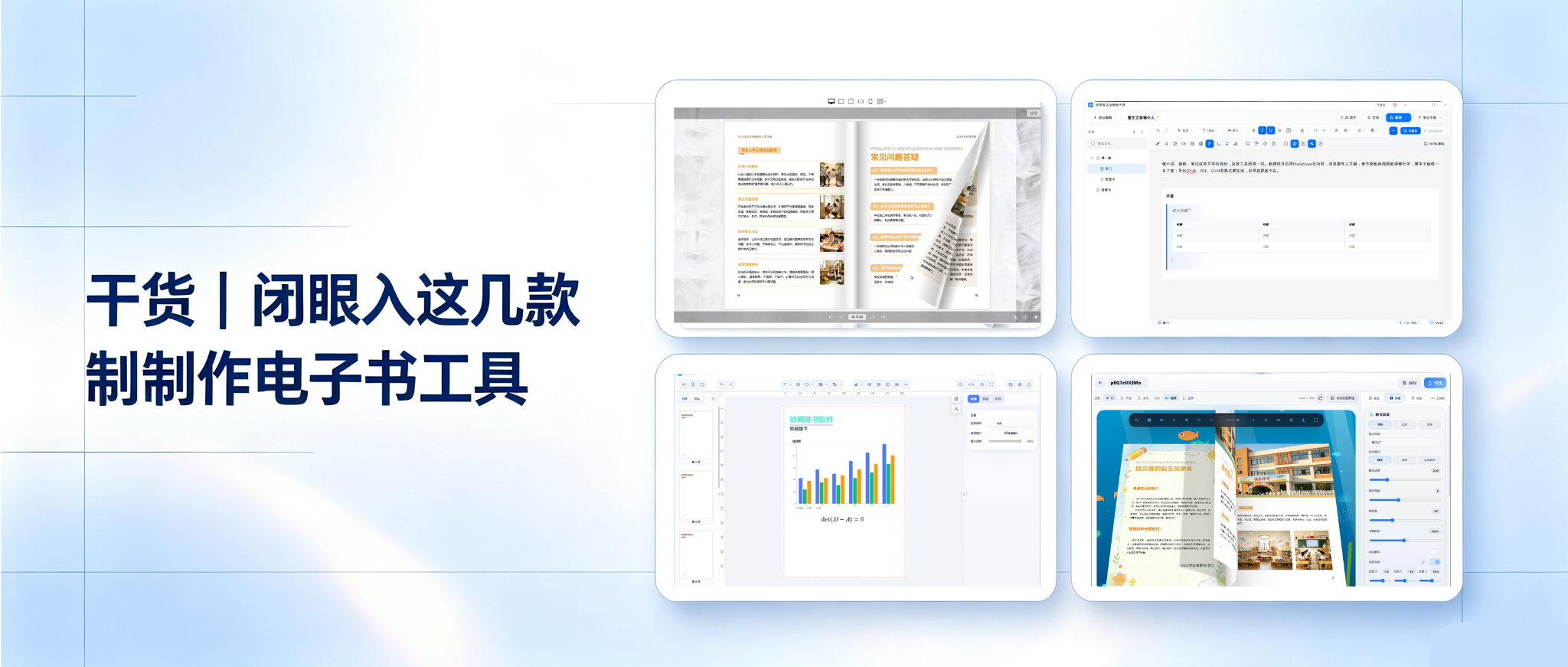
Want to create an ebook but worried about pitfalls? Can’t find a tool that feels right? Some are complicated, some produce mediocre results, and some lack format support. Today, we’re sharing several ebook-making tools you can master in just 3 minutes.
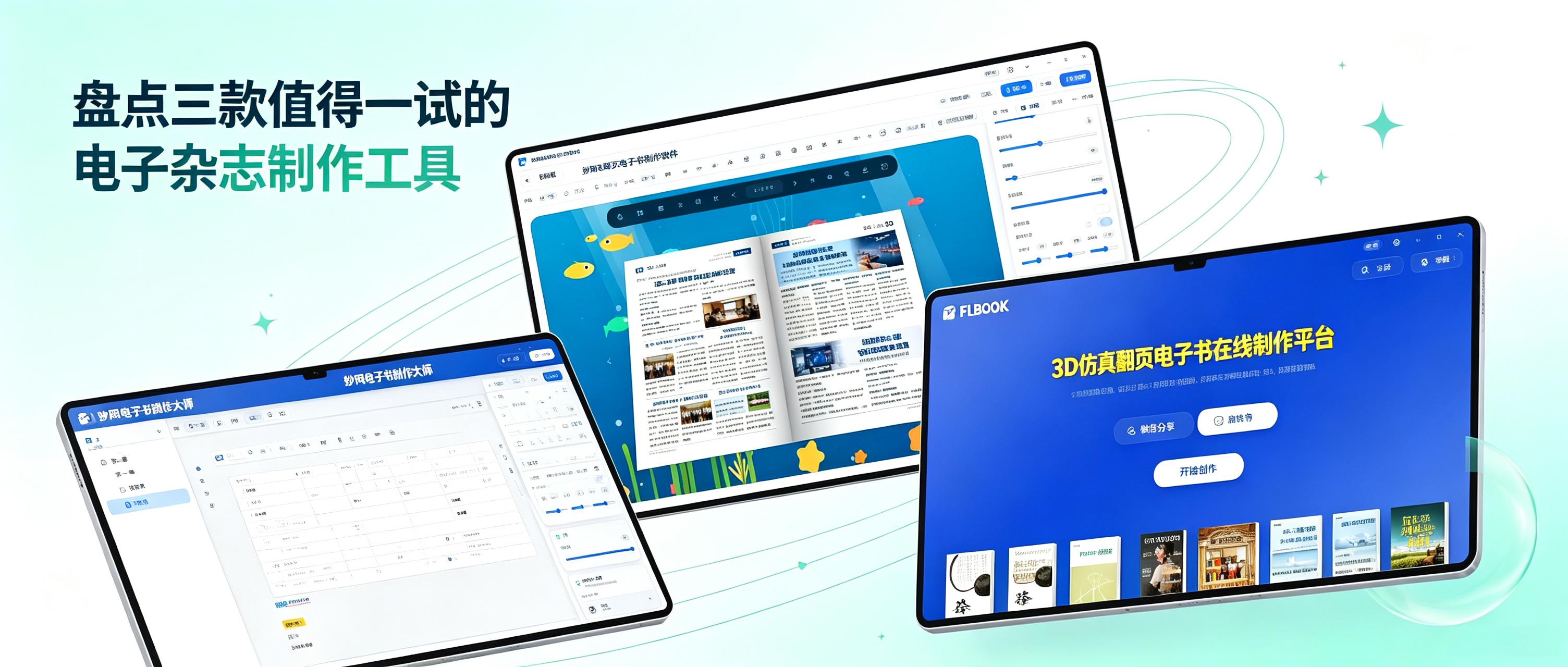
When creating a digital magazine, the biggest frustration is spending a great deal of time on the layout, only to discover after exporting that it cannot be opened on a phone or is incompatible with a computer. You may even have to spend ages explaining to others what software they need to view it. Another problem is carefully organized content being forced into a limited number of levels because the tool does not support complex directory structures, making it completely illogical to read. In fact, choosing the right tool can save you a lot of hassle. After recently trying several digital magazine creation tools, I have compiled a list of three worth checking out.
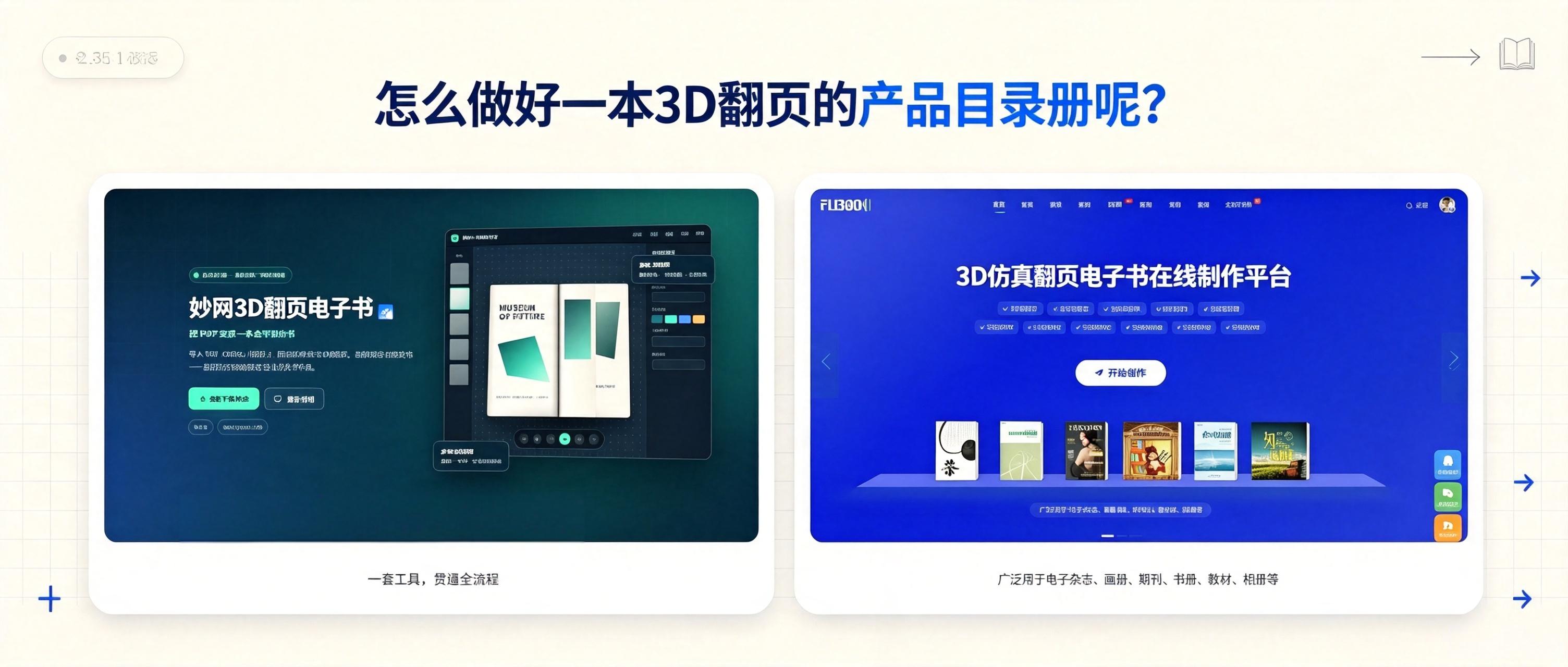
How can you turn existing product materials into a 3D flipbook catalog? Here are two methods, each producing a different effect. See which one you prefer.
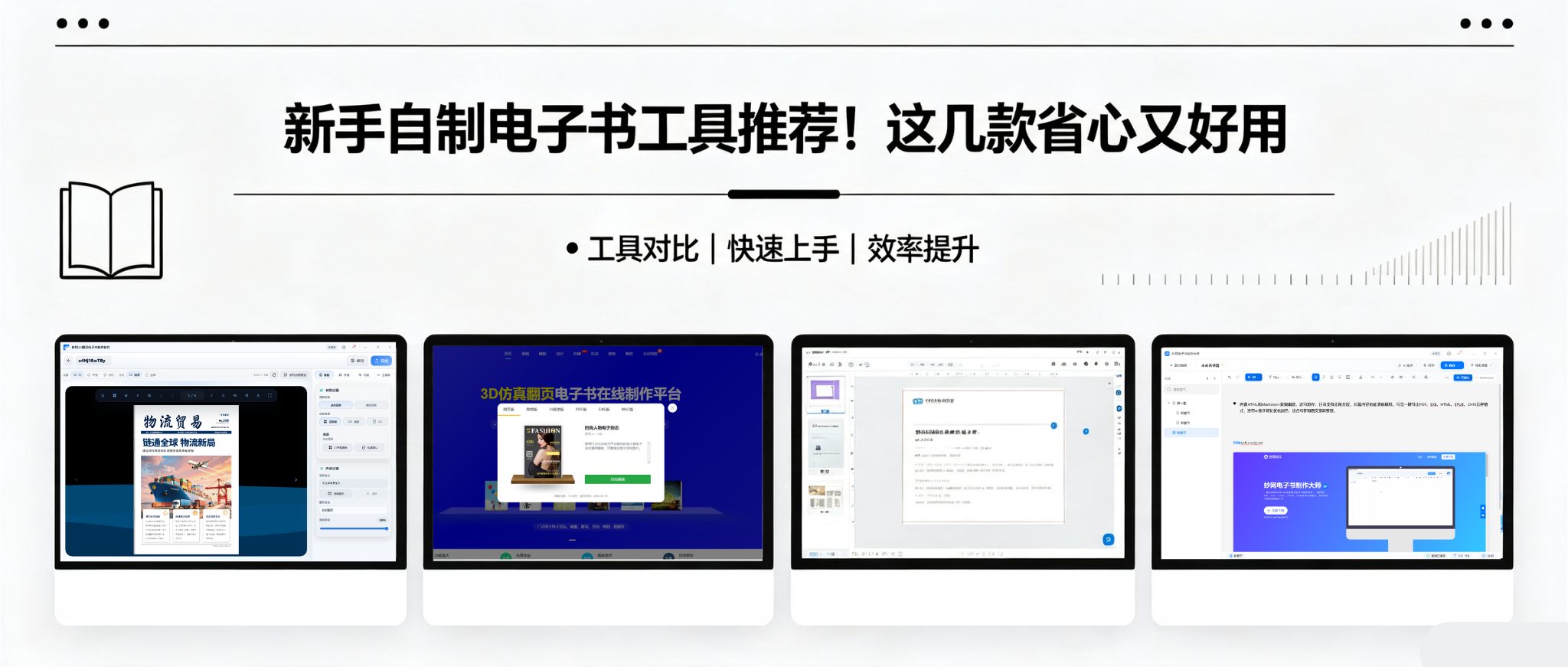
Want to create your own e-book but don't know where to start? I tried several tools and found that each has its own strengths, so I selected a few to share with you.
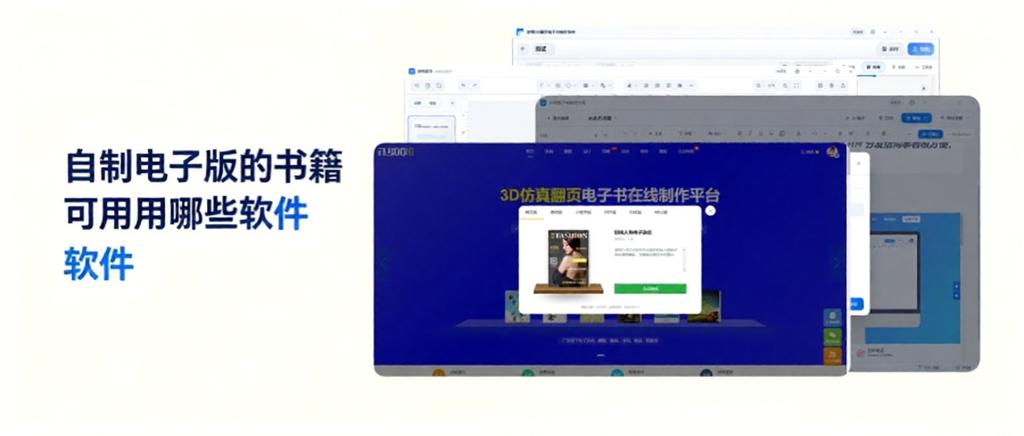
最近想自己动手做一本电子书,不想找外包。在网上找了一圈工具,发现不同类型的电子书用的工具不太一样。有的侧重排版,有的侧重Page-turning effect,有的是全流程在线做。把试过的四款整理出来,给有同样Request的人参考。
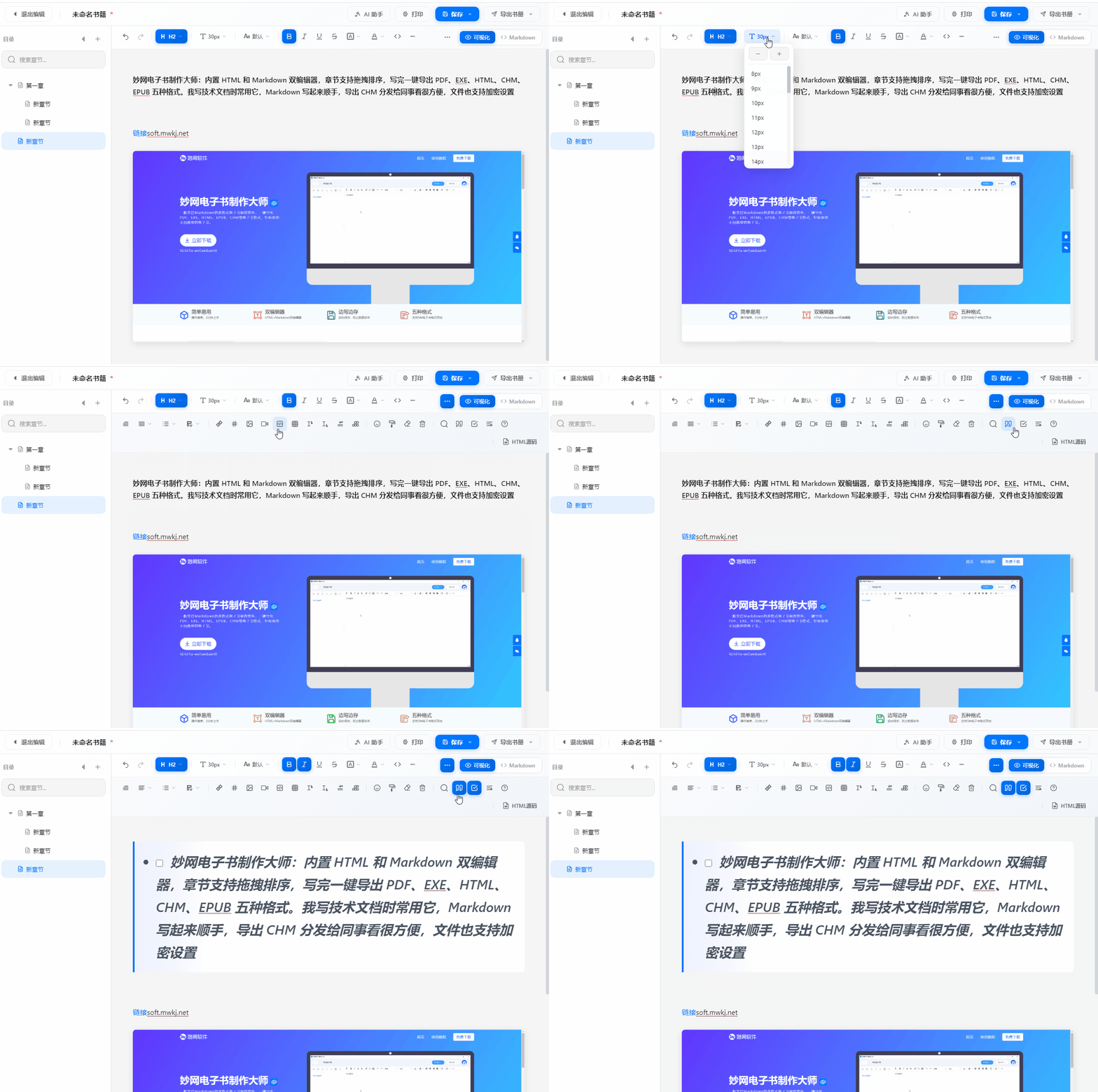
做电子书,工具选对了能少走不少弯路。我实际体验了三款软件,发现它们各有侧重,适合不同阶段的Request。
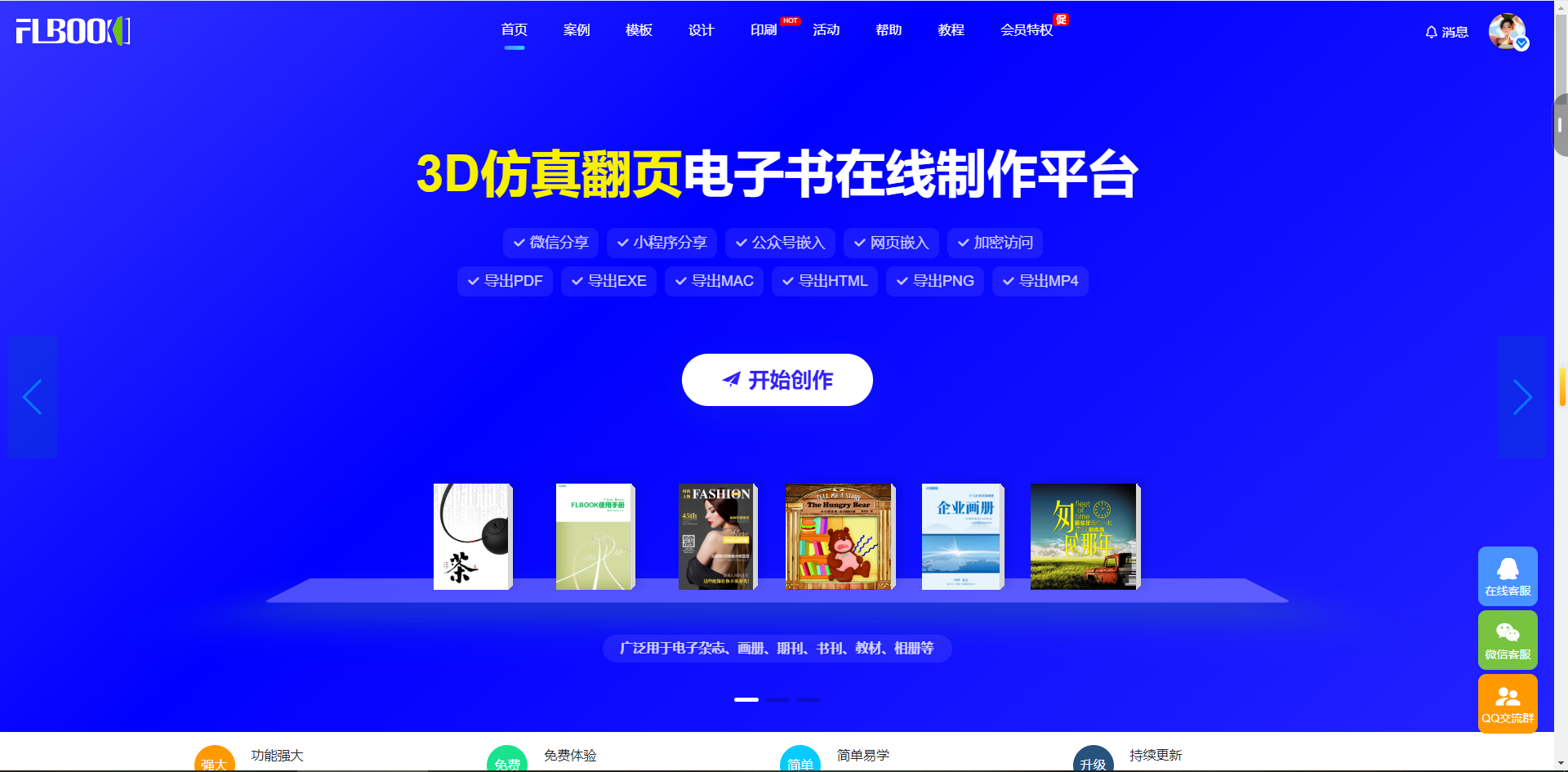
2026年,有两个最新颖的翻页电子书制作方法。一种极简快速,一种精致专业。但具体怎么做?以下了两个方法可以收藏。
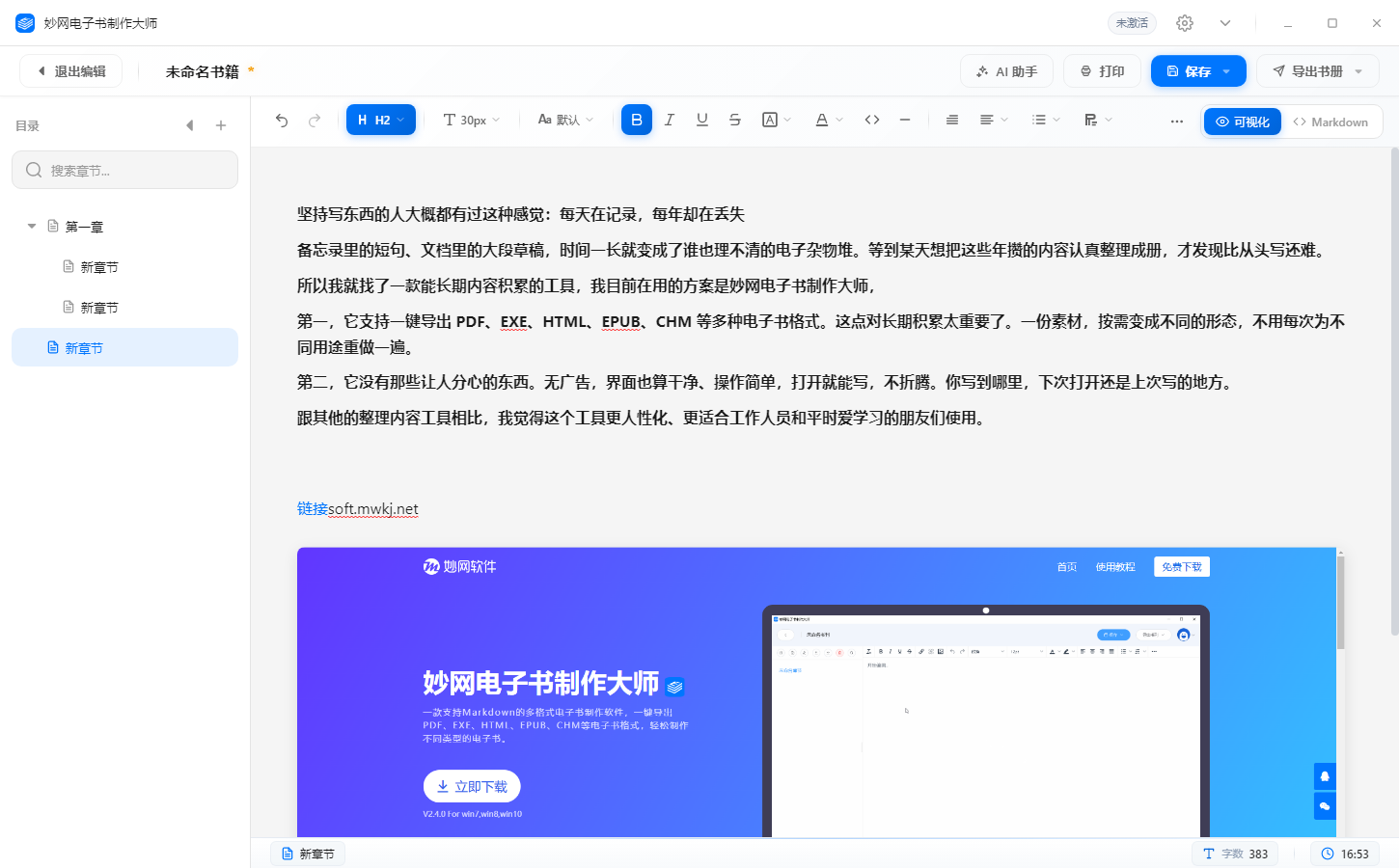
坚持写东西的人大概都有过这种感觉:每天在记录,每年却在丢失 备忘录里的短句、文档里的大段草稿,Time一长就变成了谁也理不清的电子杂物堆。等到某天想把这些年攒的内容认真整理成册,才发现比从头写还难。
我的笔记一直很散。WeChat收藏、备忘录、随手写的小纸片,到处都是。想用的时候翻半天找不到,好不容易翻到,上下文又断了——等于白记。 我受够了这种"记了像没记"的感觉。后来下定决心:把同一类笔记归拢成一本自己的小册子,专门以后方便查。


