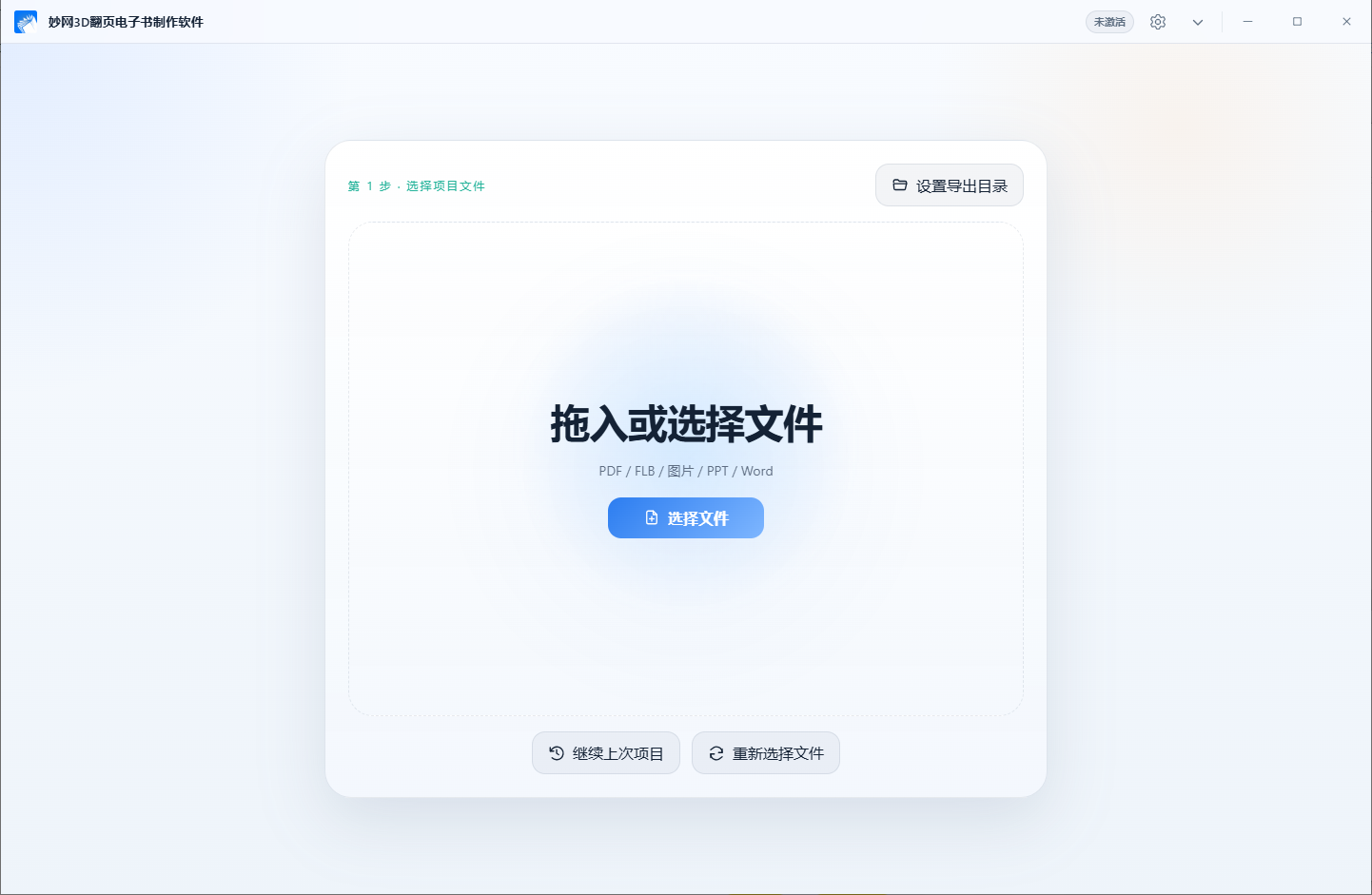
We recommend 4 powerful tools for creating e-books! Starting with the basics and moving on to practical applications across various industries, we’ll explain multiple ways to create them, step by step. Each tool has its own unique strengths, so if you’re interested, save this article and take your time exploring them.
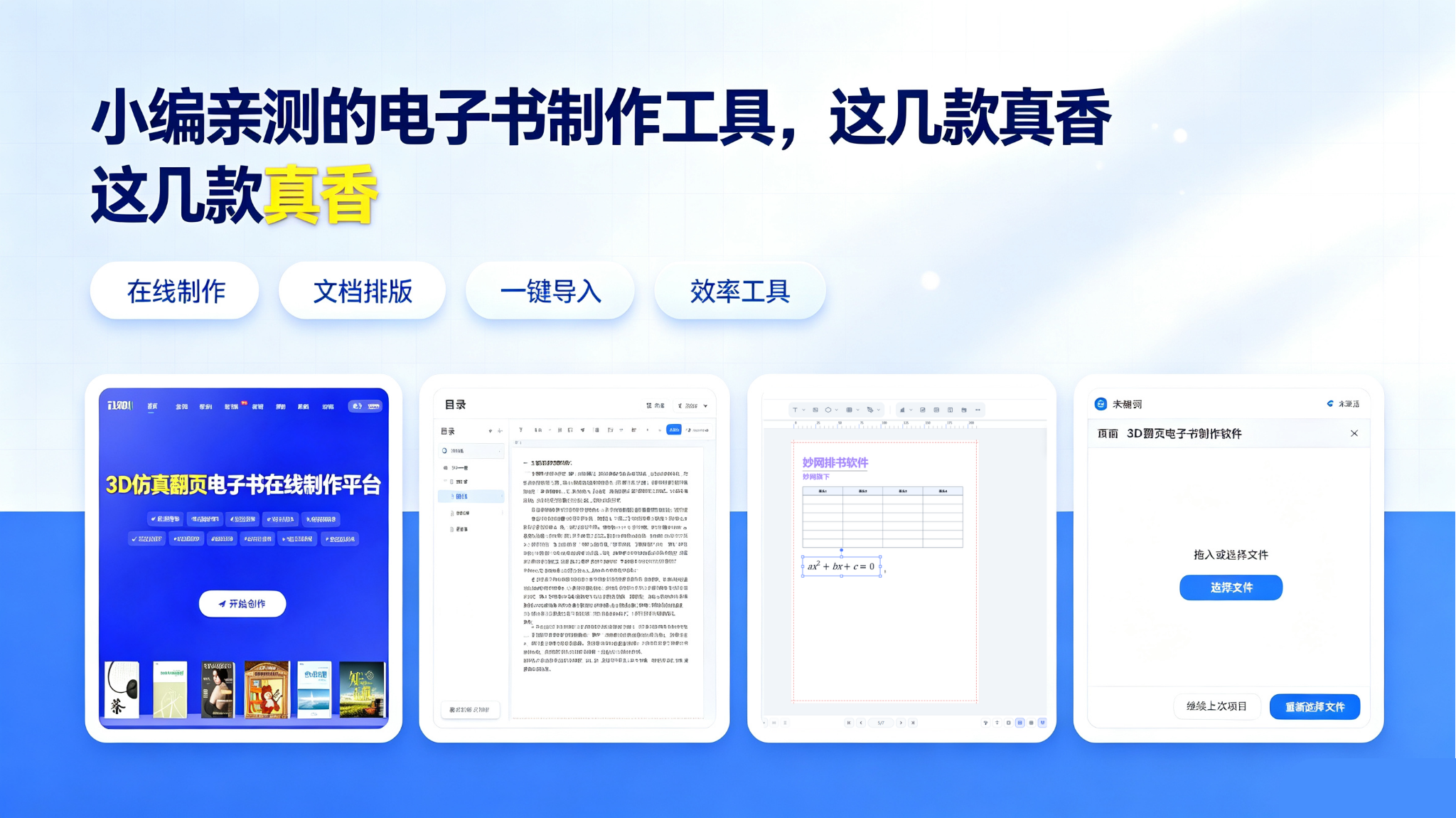
FLBOOK (online flipbook platform), no software download required. Step 1: Register and log in on the official website; Step 2: Click Start Creating to use an industry template or upload a PDF or PPT for one-click conversion; Step 3: Edit online, replace text and images, and add interactive content such as videos and links; Step 4: Publish to generate a QR code and web link for direct sharing on WeChat.
Ideal for corporate brochures, promotional periodicals, and product manuals, with highly convenient online distribution.
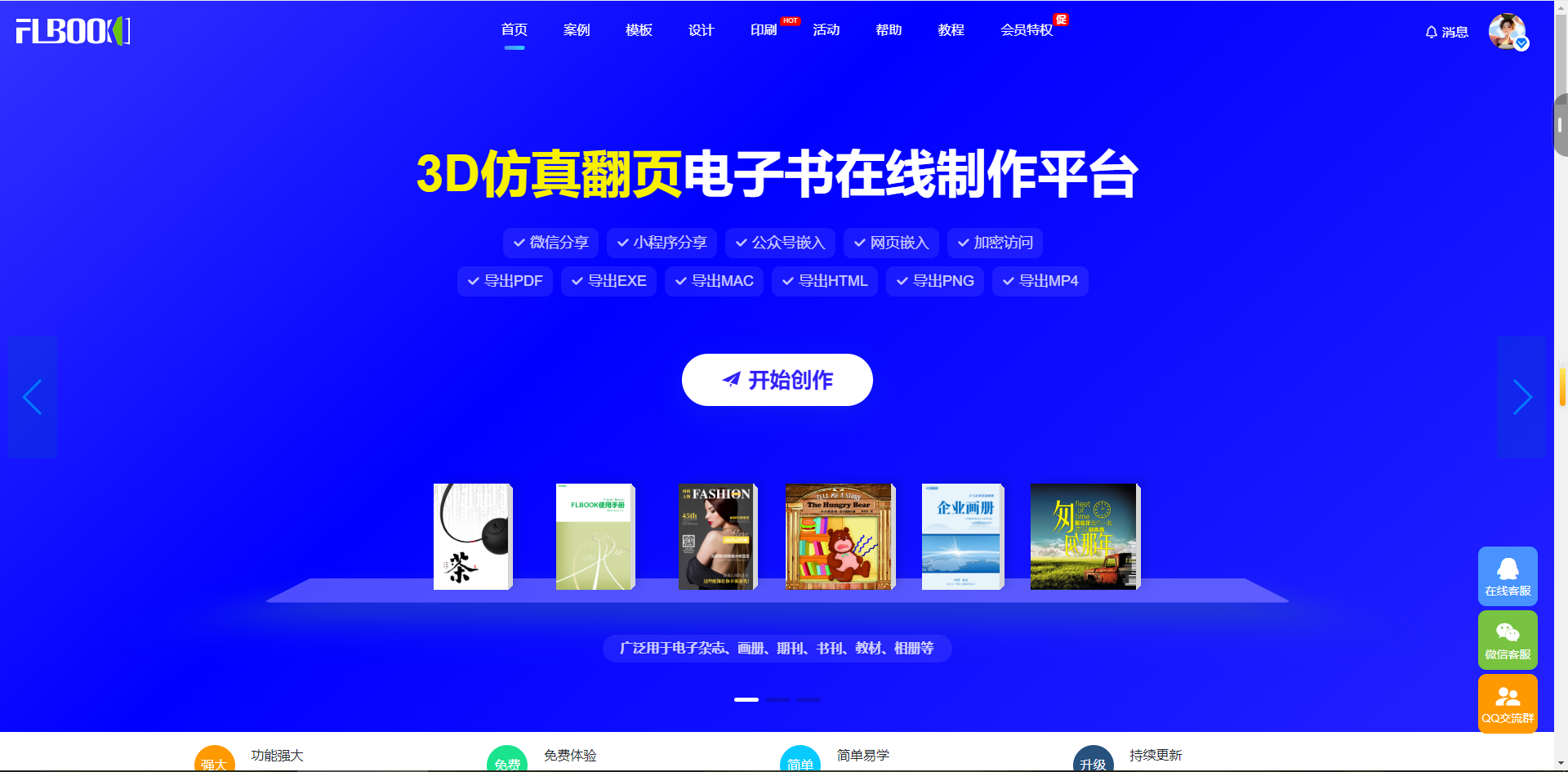
MWeBook Maker, a local writing tool. After downloading, installing, and signing in, create a new book or publication. Beginners can choose the visual editor, while users familiar with code can choose Markdown mode; create a multilevel table of contents on the left and write content directly on the right. The software saves automatically. Finally, export to PDF, EPUB, CHM, and other formats with one click.
Ideal for writing novels, tutorial documents, and technical manuals, it focuses on typesetting for content creation.
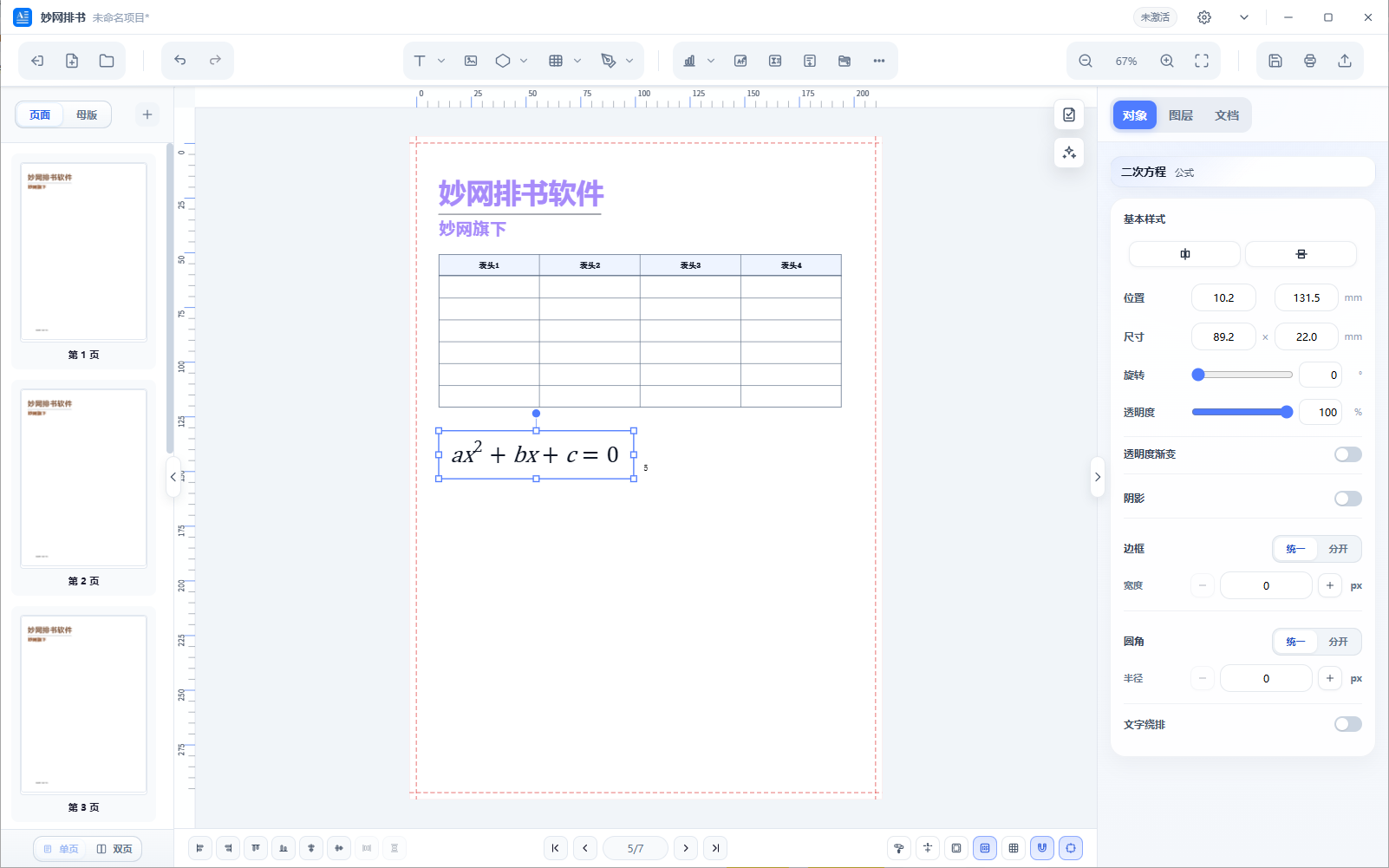
MWBook Layout, a professional print-grade typesetting tool. Create a project, then set up master pages to unify headers and page numbers; import text and images, freely drag and drop to arrange your layout, with support for text wrapping around images; adjust layout details page by page and complete proofreading; export high-resolution PDF files.
Suitable for books, commemorative albums, art books, and textbooks. Once complete, you can publish it as an e-book or send it directly to a printing house.
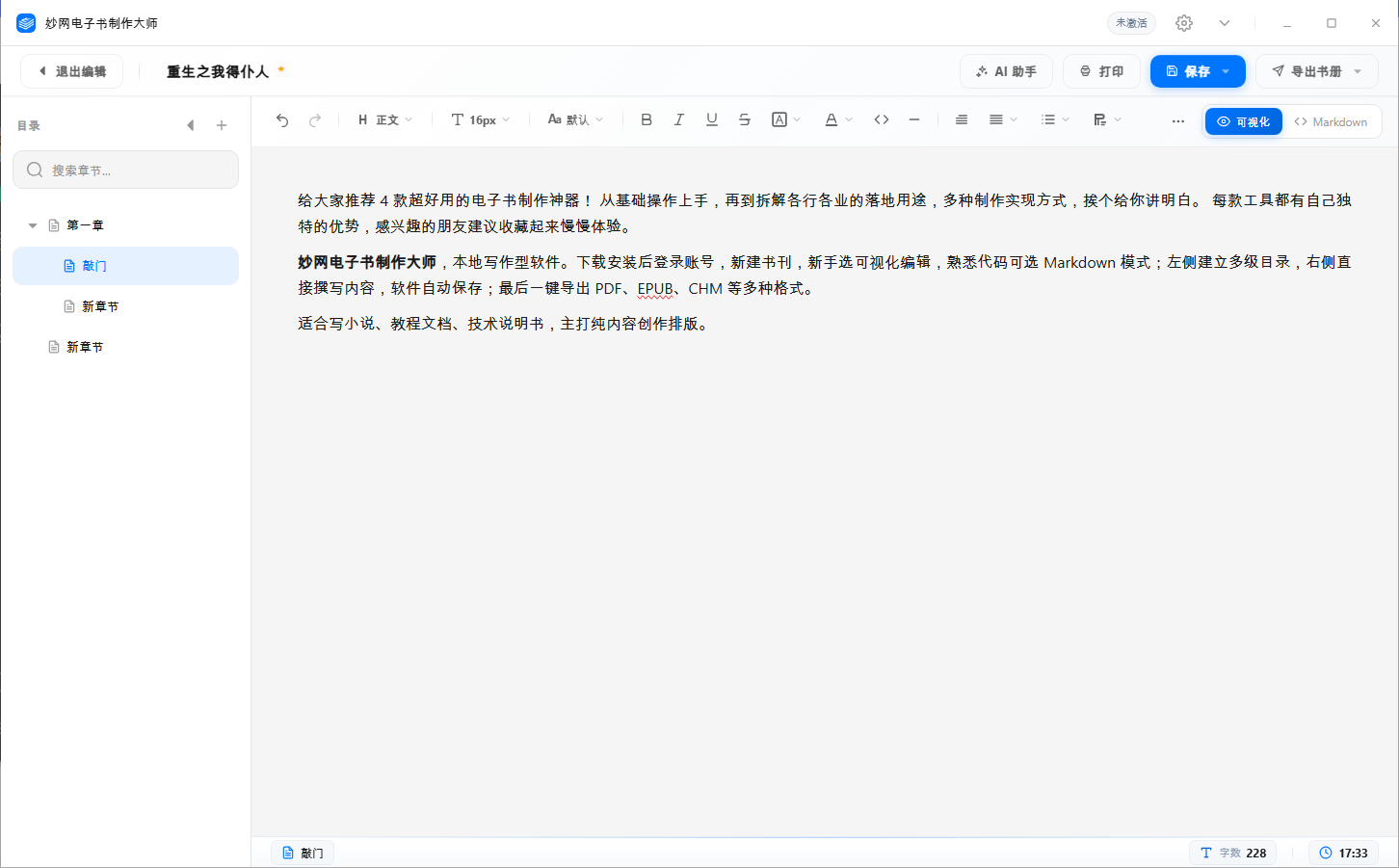
MW 3D Page-Turning E-Book Software, a local immersive page-turning tool. Open the software and drag in PDF, Word, or image files; customize 3D page-turning effects, animated backgrounds, and page-turning sounds; scan the QR code to preview the mobile experience, and set reading encryption; finally, export finished HTML, EXE, or MP4 files.
Suitable for corporate brochures, company journals, promotional brochures, textbooks, and more, with a three-dimensional 3D effect.