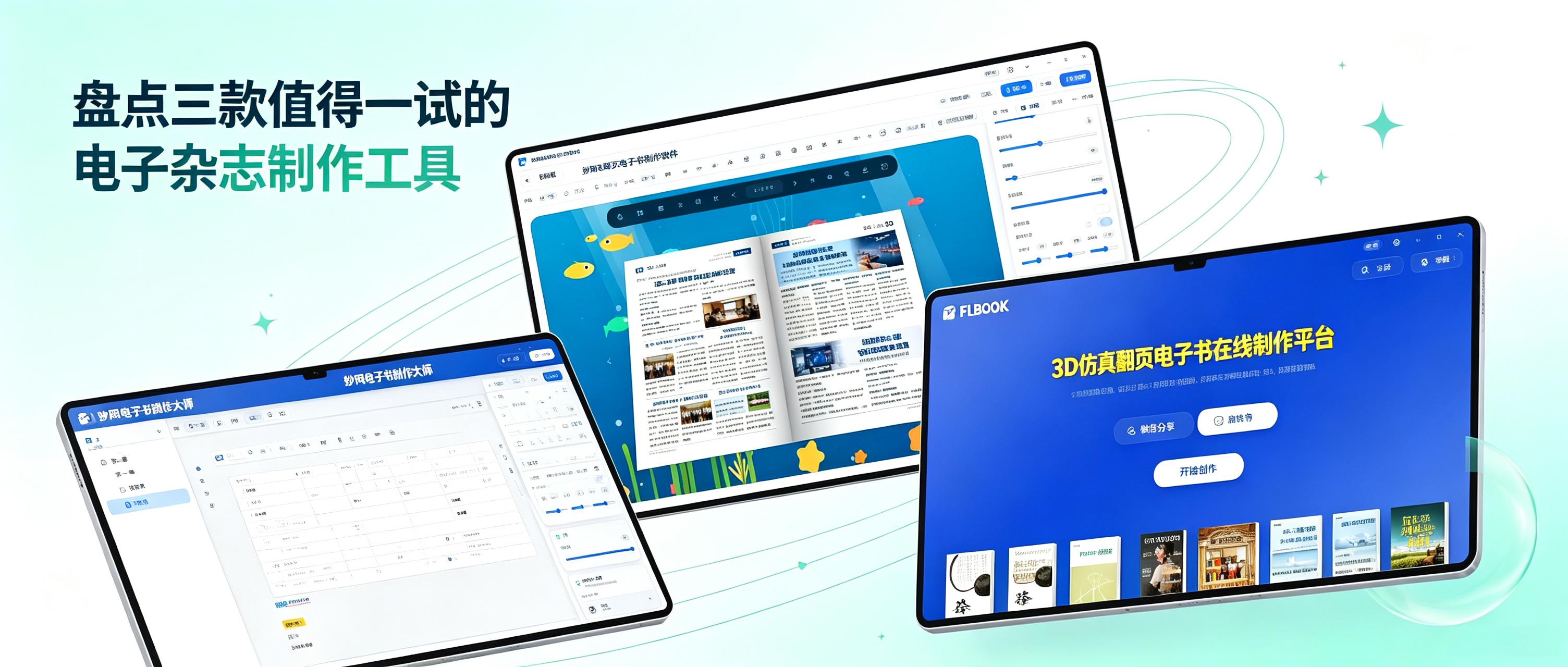
When creating an e-magazine, the worst thing is spending a great deal of time on the layout only to find after exporting that it won’t open on your phone or is incompatible with your computer. Then, when you send it to someone else, you have to spend ages explaining “what software to use to view it.” Or, after painstakingly organizing your content, you find that the tool doesn’t support complex directory structures, so you can only force everything into a limited number of levels, making it completely illogical to read. In fact, choosing the right tool can save you a lot of hassle. I’ve recently tried several e-magazine creation tools and selected three that are worth a look.
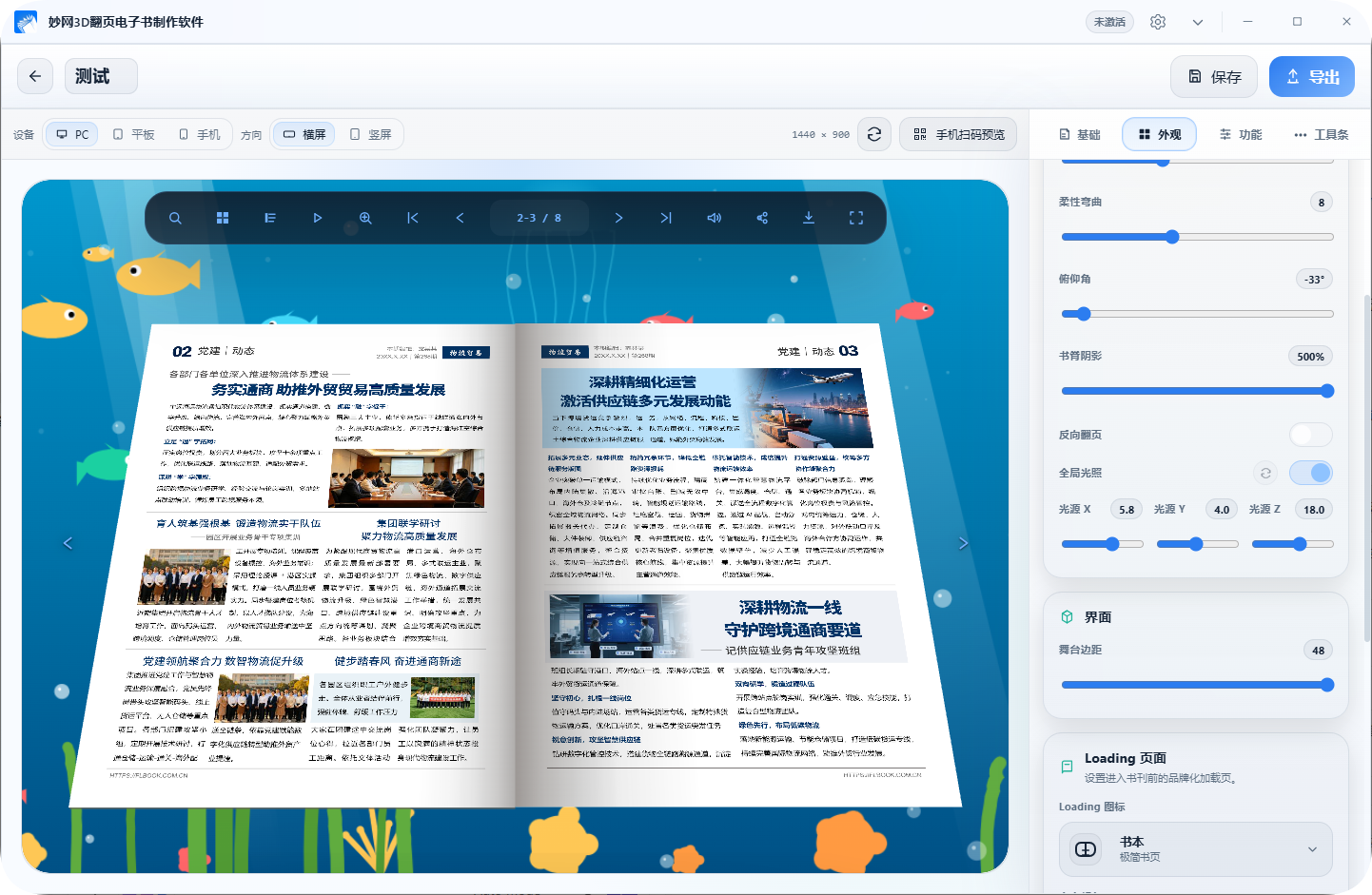
MW 3D E-book Creation Website: This is desktop software focused on “fast conversion”. If you already have PDF files, Office documents, or image materials, it can generate e-books with a 3D simulated page-turning effect. The built-in background library and page-turning effects can be adjusted. In addition to the common HTML format, it can also export EXE, MP4, APK, and Mac versions, which can be viewed on computers, phones, and tablets.
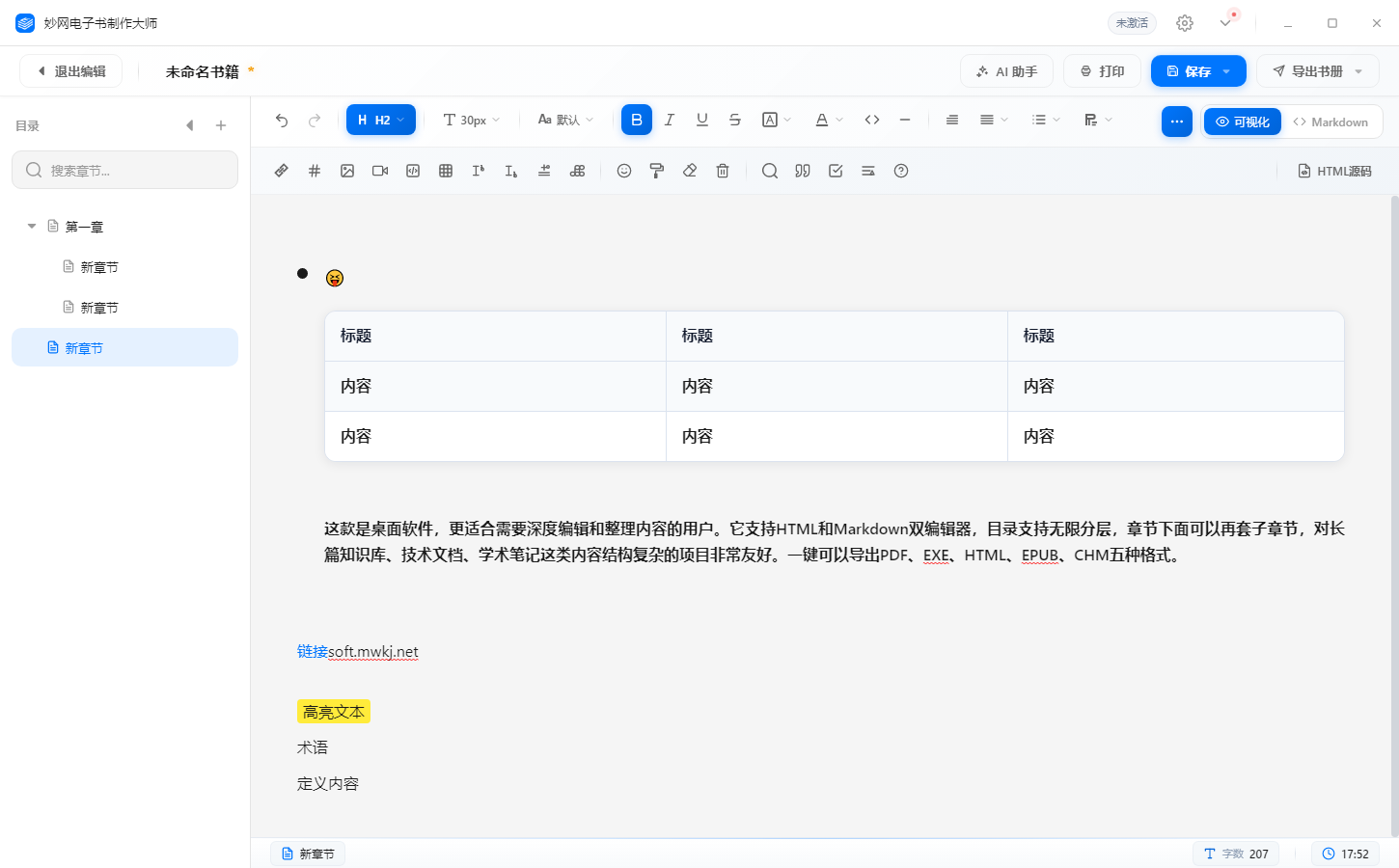
MW eBook Maker Master: This is desktop software, better suited for users who need to deeply edit and organize content. It supports dual HTML and Markdown editors, with an infinitely hierarchical table of contents. Subsections can be nested under chapters, making it particularly suitable for projects with complex content structures, such as long-form knowledge bases, technical documentation, and academic notes. It can export to five formats with one click: PDF, EXE, HTML, EPUB, and CHM.
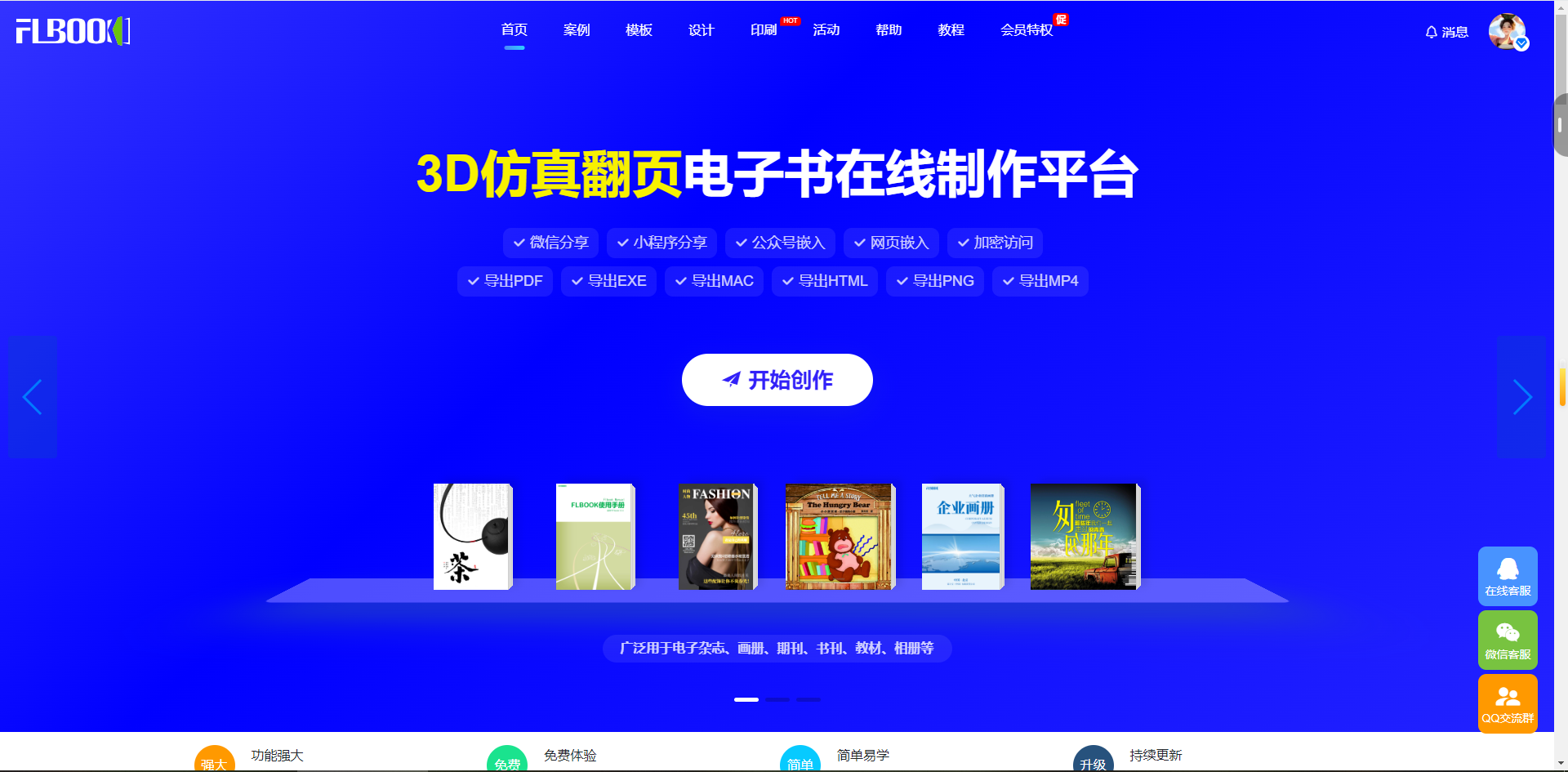
FLBOOK: This is an online creation platform that offers three creation modes: freely designing from scratch, quickly generating content using ready-made templates, or automatically converting existing files such as PDF/PPT/Word/JPG by uploading them directly. It supports inserting rich media elements such as animations, audio, video, and links. Once creation is complete, you can generate a QR code or short link for easy embedding in official accounts or websites