


How to Turn a PDF into a Page-Turning Digital Brochure: Two Proven Methods
The principle is simple: use a tool to turn static PDF pages into a book model with page-turning animation, then generate multiple link-exportable formats to share with customers or use for brand promotion. No design skills required—upload a file, make a few simple settings, and get a digital brochure that can be flipped left and right and viewed on phones and computers in just a few minutes
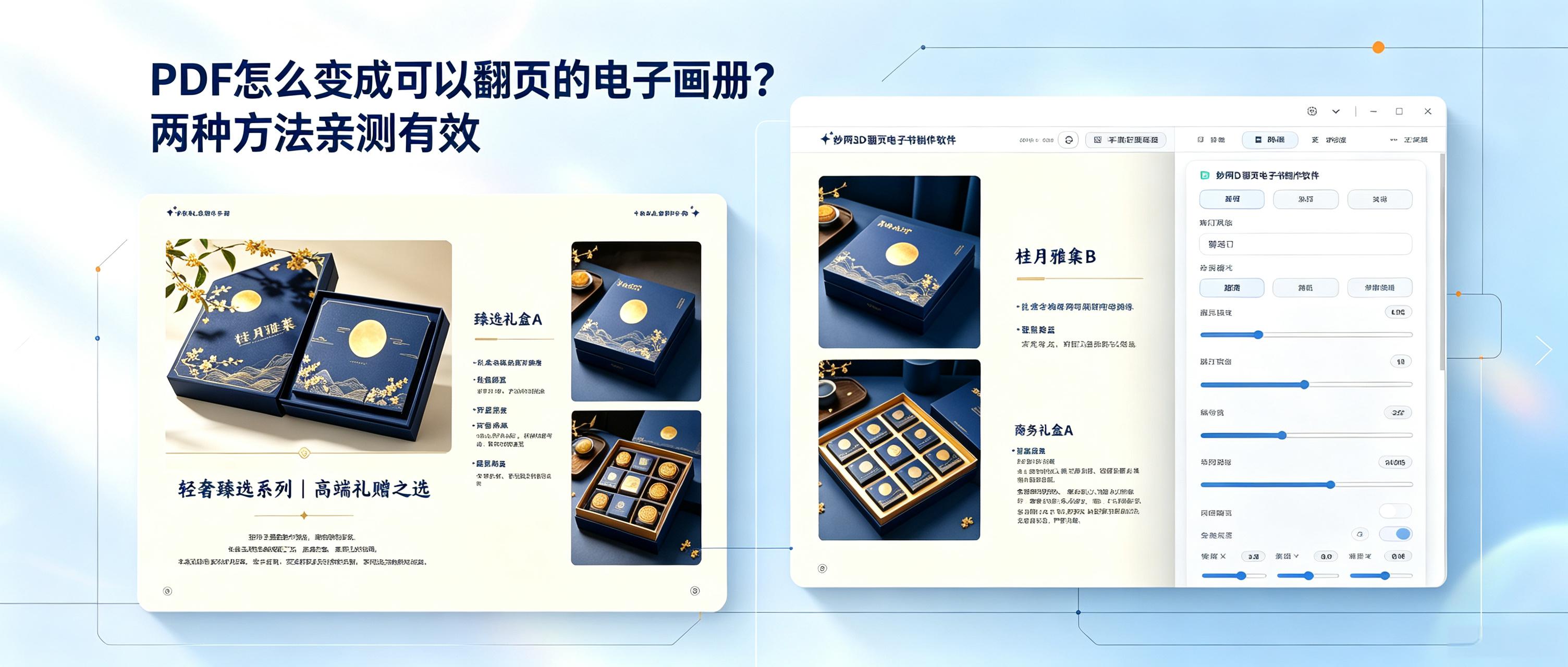
Here are two personally tested and effective methods.
The first method is to use FLBOOK under MW.This is an online tool for creating page-flipping digital brochures. It can be opened and used directly in a browser, with no software installation required. Upload PDF or image files to convert them into digital brochures with a 3D simulated page-flipping effect. FLBOOK includes a template library, supports adding animated effects and embedding audio and video, and offers visitor statistics and reader comments. Content can be edited online after modification, with no need to republish. It is suitable for scenarios that require online collaboration.
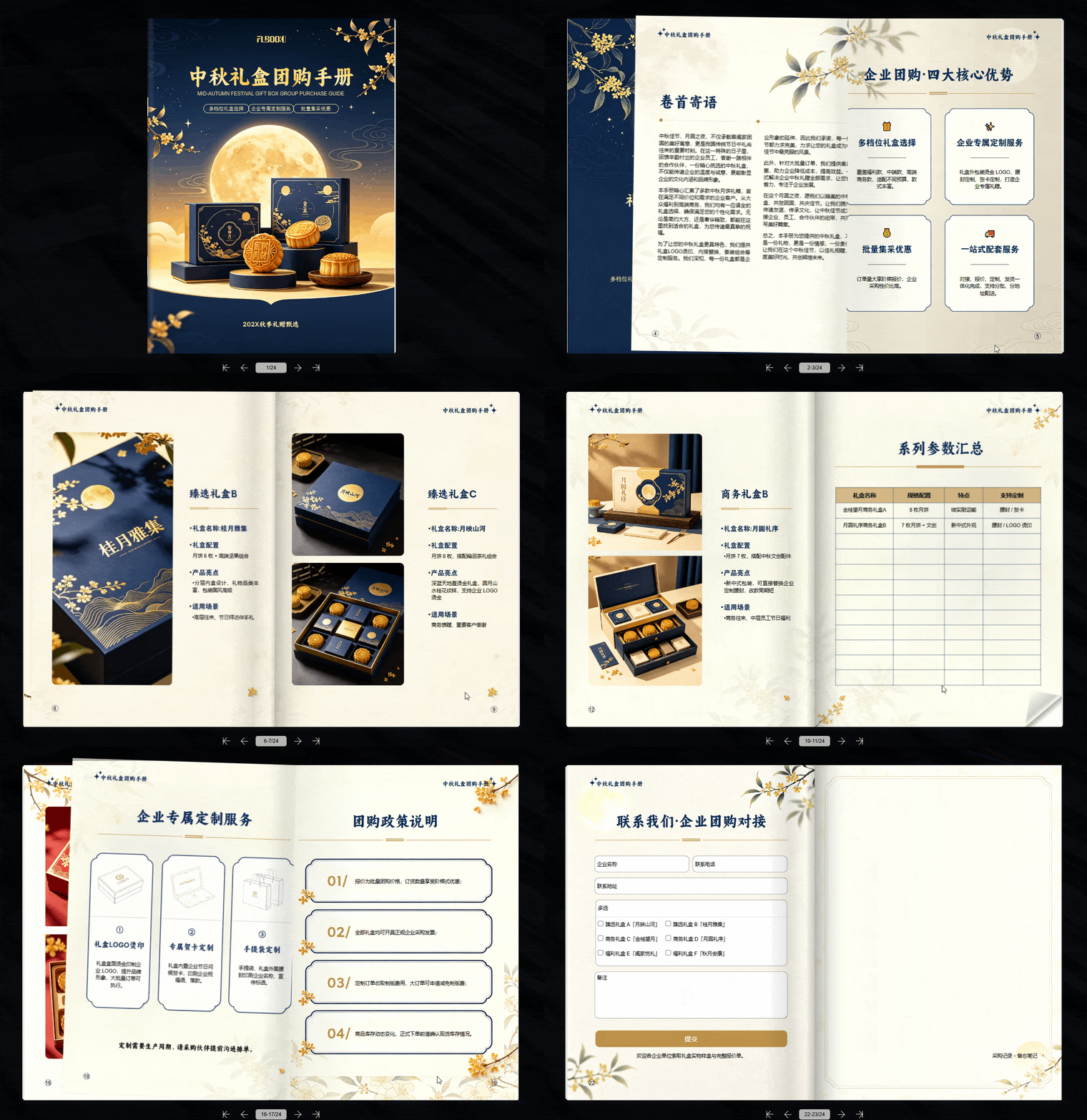
Official website: https://flbook.com.cn/
The second method is to use MW3D page-turning e-book creation software:This is desktop software that uses a real 3D engine. After importing PDFs, Office documents, or images, it can generate e-books with realistic page-turning effects in one click. It supports exporting to multiple formats, including EXE, HTML, MP4, and APK, making it convenient to view content on computers and mobile devices. It also includes a background library for customizing the visual style. It is suitable for creating digital content such as brochures, magazines, and promotional materials.
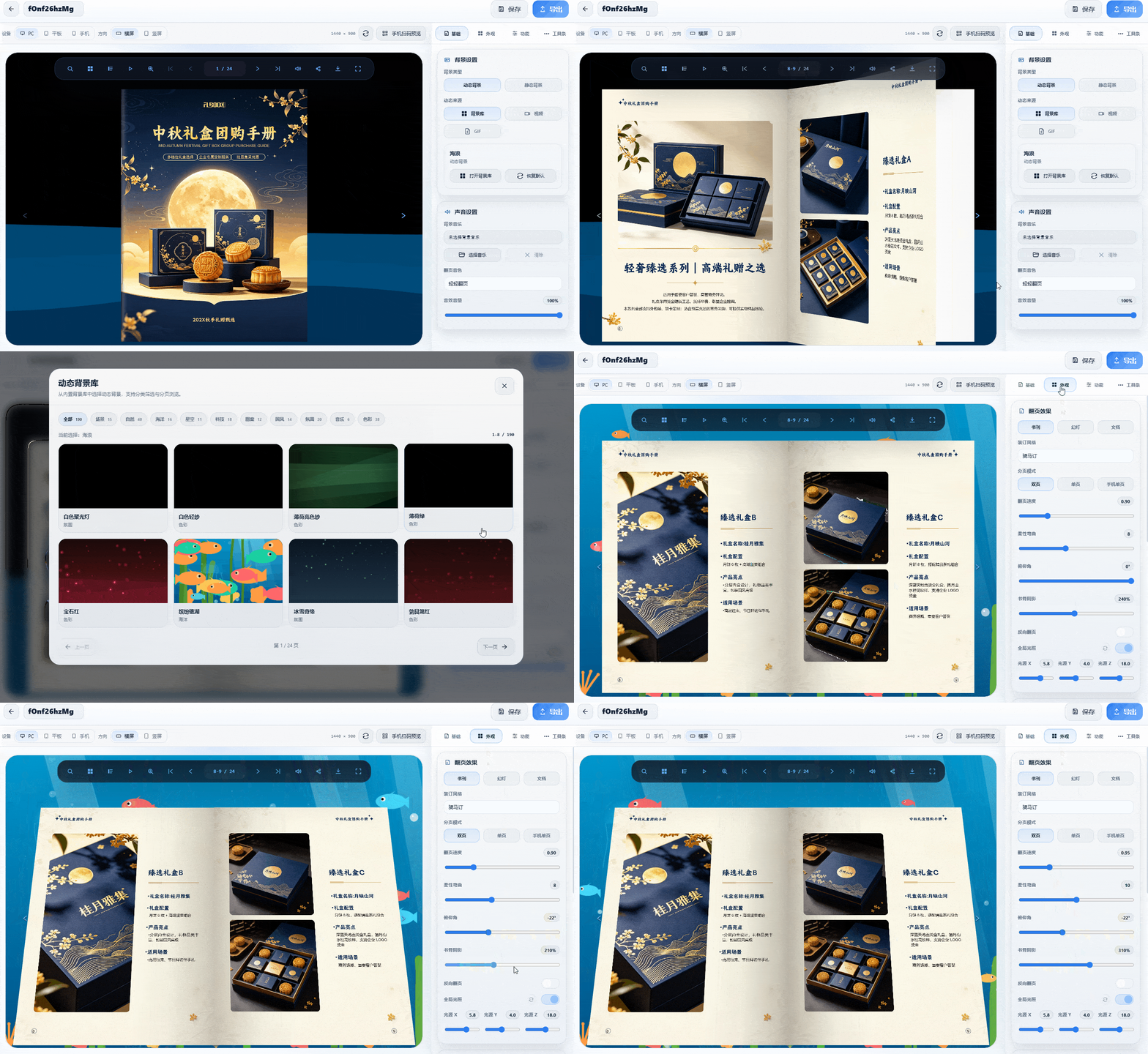
Official website: https://soft.mwkj.net/sites/mw3dbook/