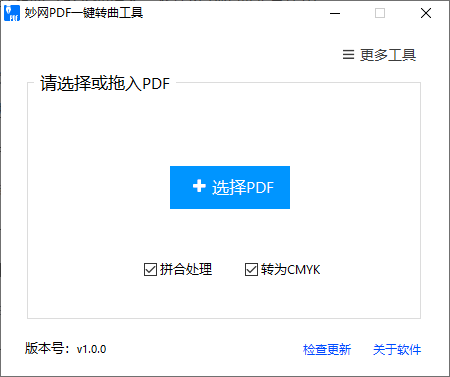
Graphic design and digital catalog work often require PDFs, but if you want to convert them into 3D page-flip e-books, PDFs may cause conversion failures, inconsistent dimensions, missing fonts, and other issues. In such cases, you need some PDF utilities. Here are four free and practical PDF tools, from compression to outlining text.

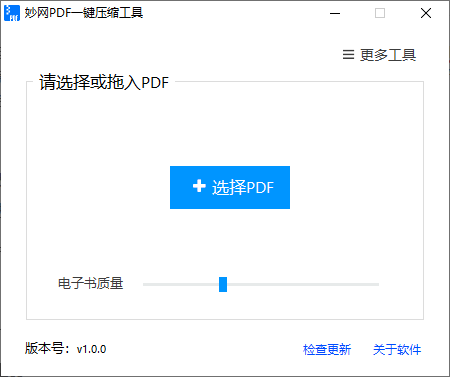
1. MW Compression Software
Purpose: Used to compress PDF files. Drag in PDF files for quick compression; batch compression is supported.
Steps: Drag the PDF in → wait for compression; the file is ready in seconds.
2. MW PDF-to-Image Tool
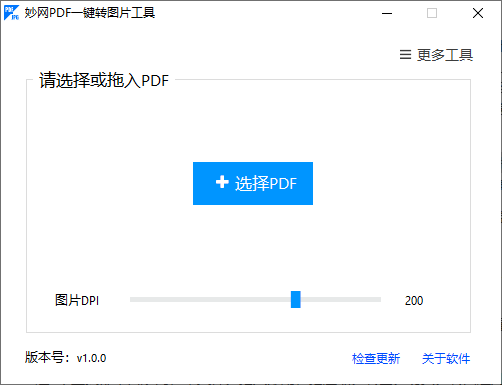
Purpose: A free tool for converting PDFs to JPG images with one click, supporting batch conversion.
Steps: Import PDF → Wait for export; images are automatically saved with page-number filenames.
3. MW PDF Page Splitter
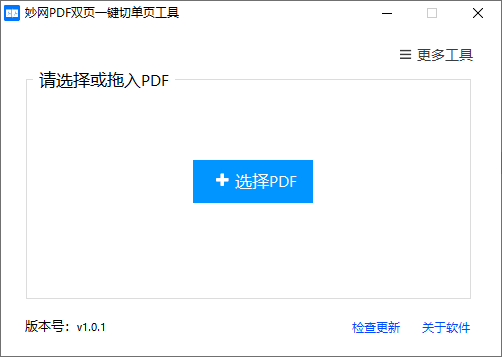
Purpose: Quickly split two-page layout PDF files into single-page files
Steps: Import PDF → wait a few seconds. A new PDF file is generated automatically.
4. MWPDF Outline Conversion Tool
Purpose: Used to convert text to outlines and merge PDF files. Drag in PDF files for quick outline conversion; batch conversion is supported.
Steps: Import PDF → wait for conversion; all text becomes vector outlines.