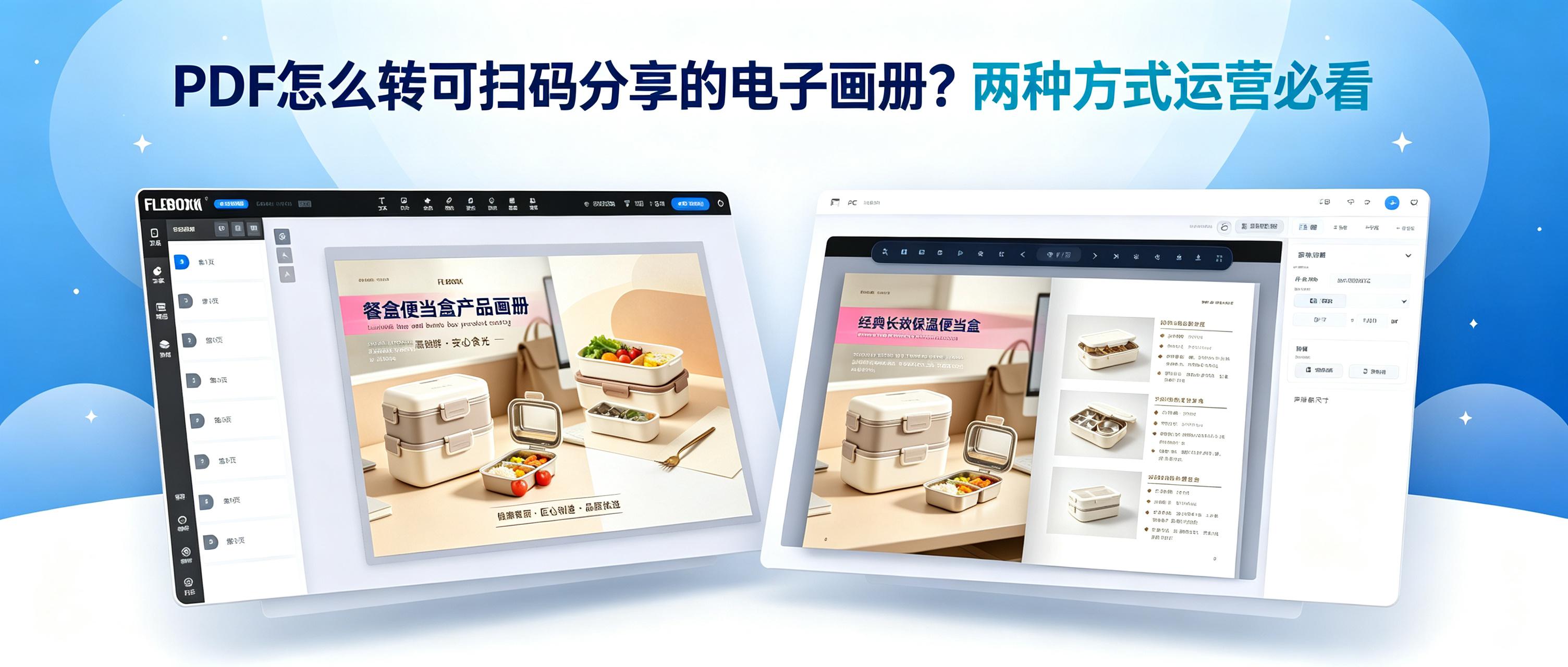
What do operators fear most? Products sitting unsold. Why? Poor promotion and presentation. The solution? Convert PDFs into flip-page e-catalogs so customers don't need to wait for downloads. Learn how to convert PDFs into flip-page e-catalogs with these two methods.
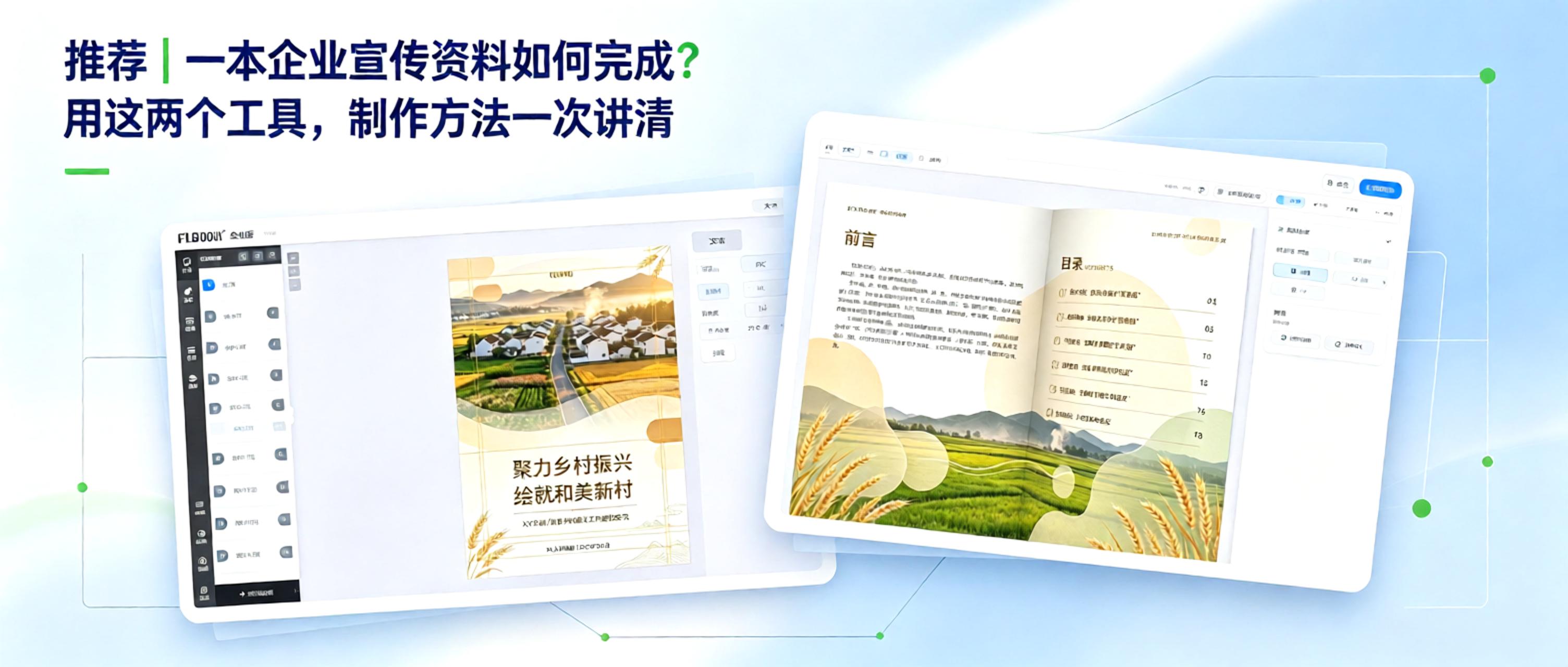
From Concept to Finished Product: How to Create Corporate Marketing Materials Creating corporate marketing materials comes down to two key questions: 1. How can content be organized efficiently? 2. How can the final product look professional? With free, practical tools, even non-designers can manage the entire process, from polished layout to professional presentation.
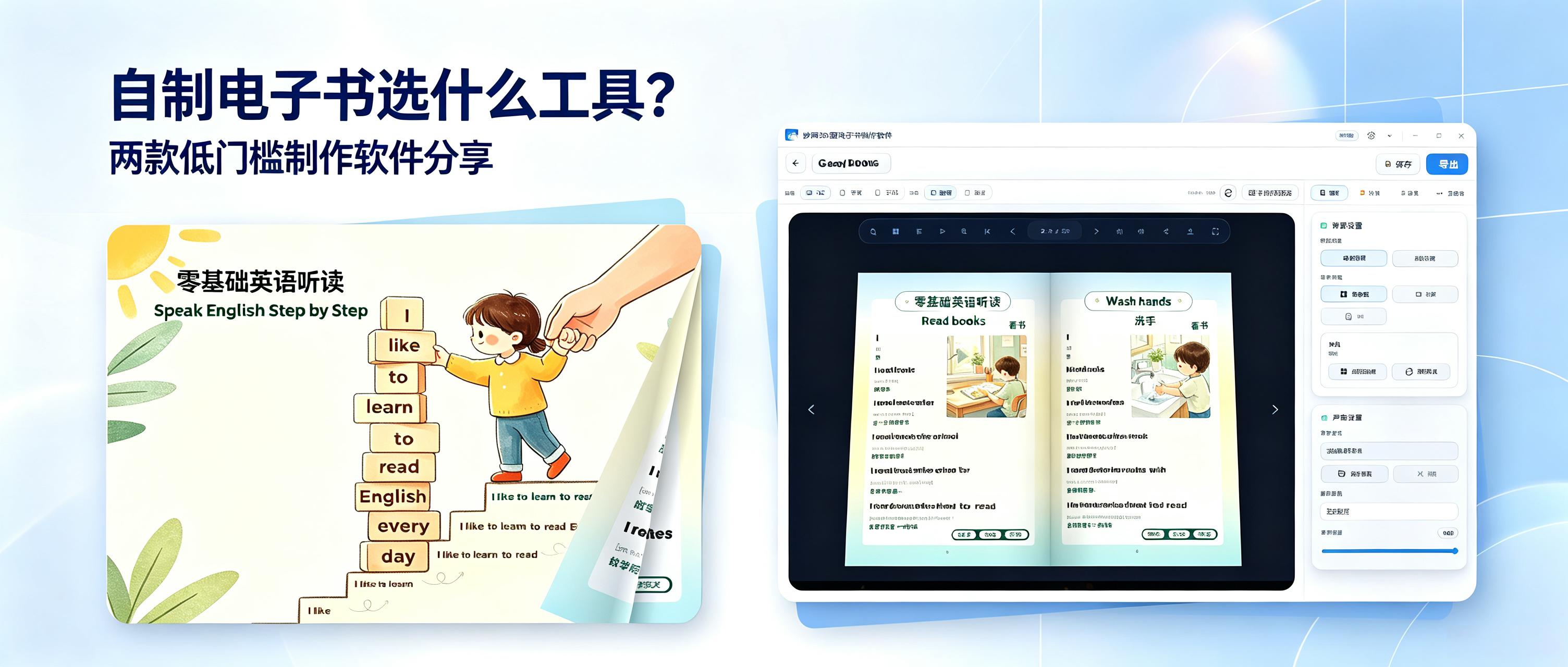
What software should you use to create your own e-book? Here are two easy-to-use e-book creation tools for businesses, individuals, education, commerce, and more. They are highly practical, so give them a try if you're interested.
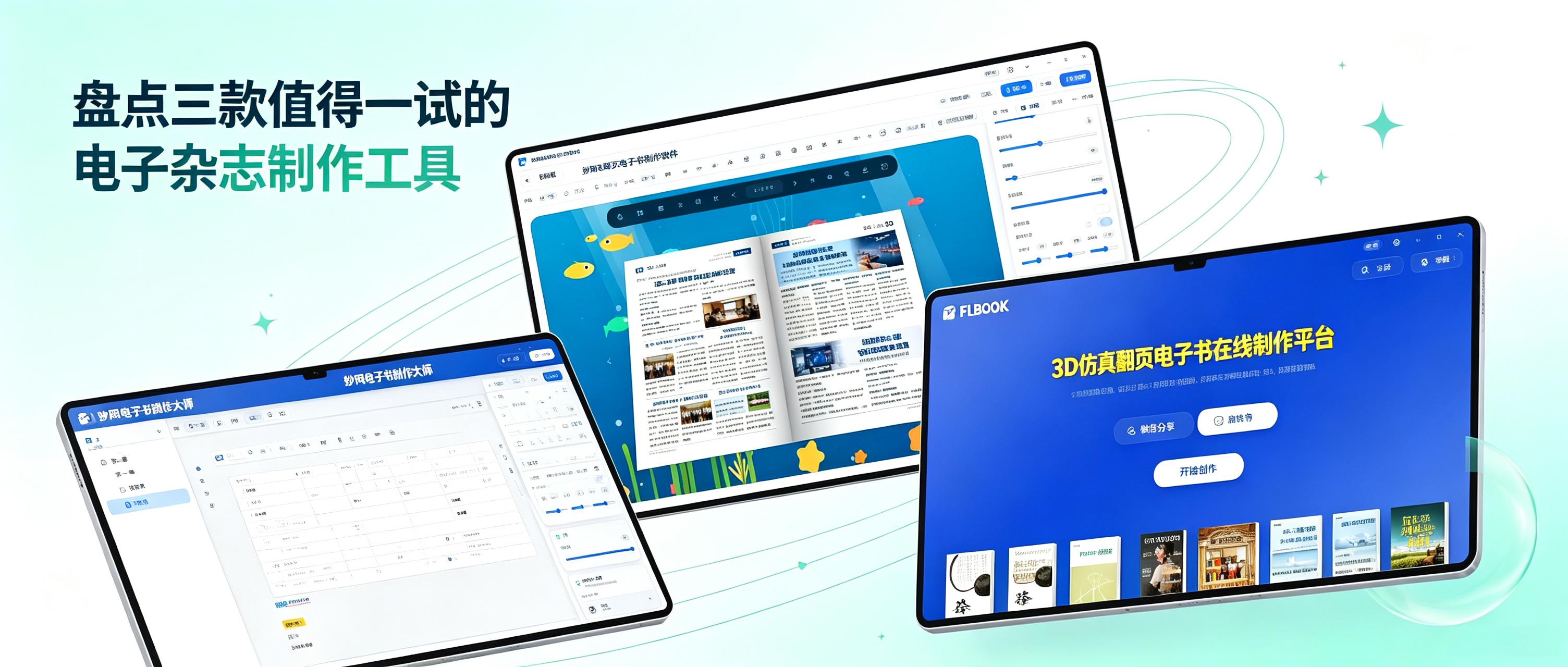
When creating a digital magazine, the biggest frustration is spending a great deal of time on the layout, only to discover after exporting that it cannot be opened on a phone or is incompatible with a computer. You may even have to spend ages explaining to others what software they need to view it. Another problem is carefully organized content being forced into a limited number of levels because the tool does not support complex directory structures, making it completely illogical to read. In fact, choosing the right tool can save you a lot of hassle. After recently trying several digital magazine creation tools, I have compiled a list of three worth checking out.
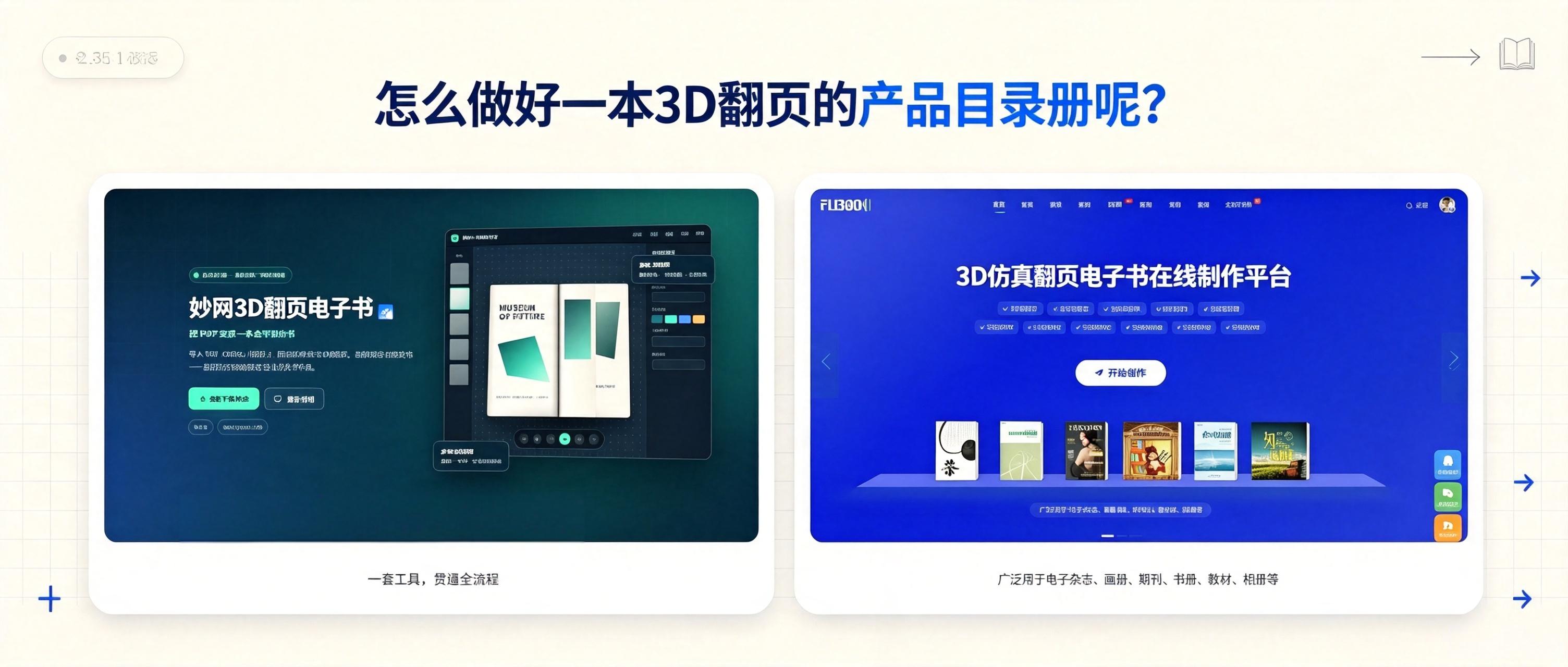
How can you turn existing product materials into a 3D flipbook catalog? Here are two methods, each producing a different effect. See which one you prefer.
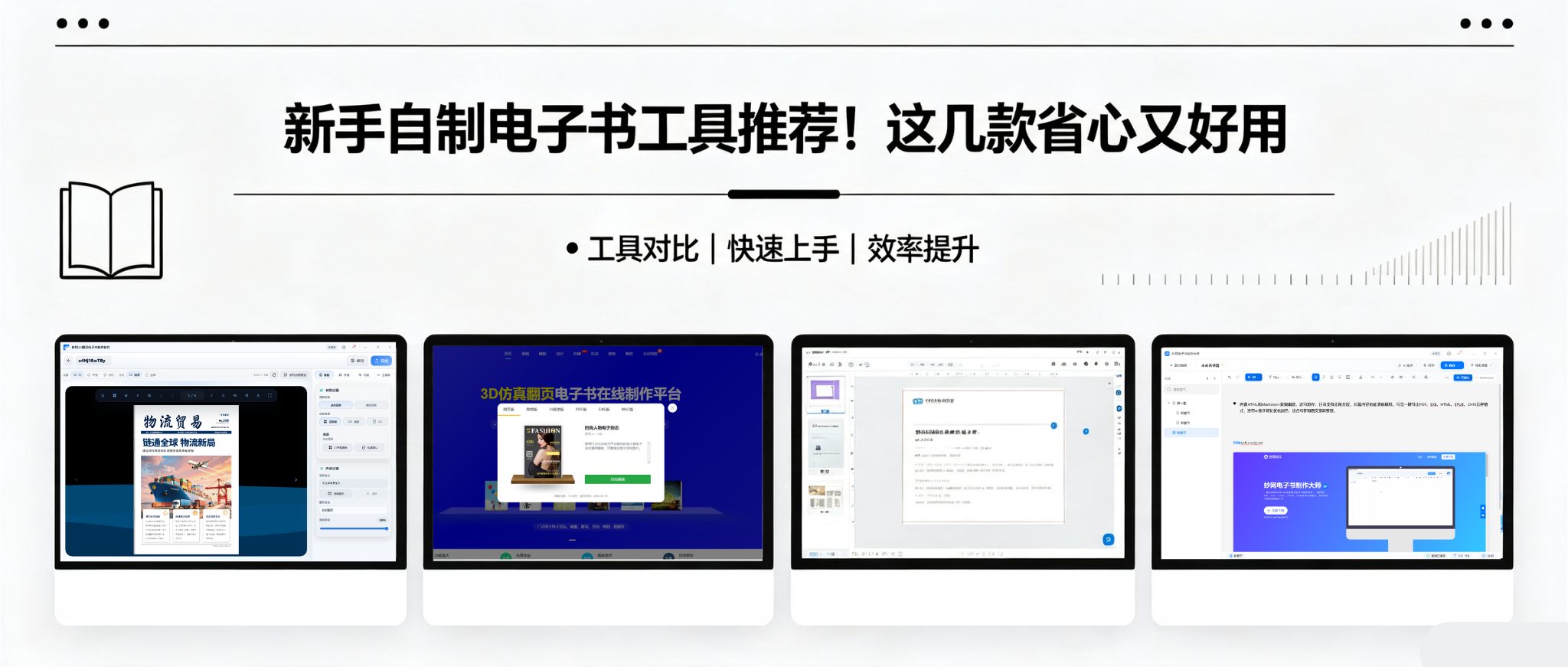
Want to create your own e-book but don't know where to start? I tried several tools and found that each has its own strengths, so I selected a few to share with you.
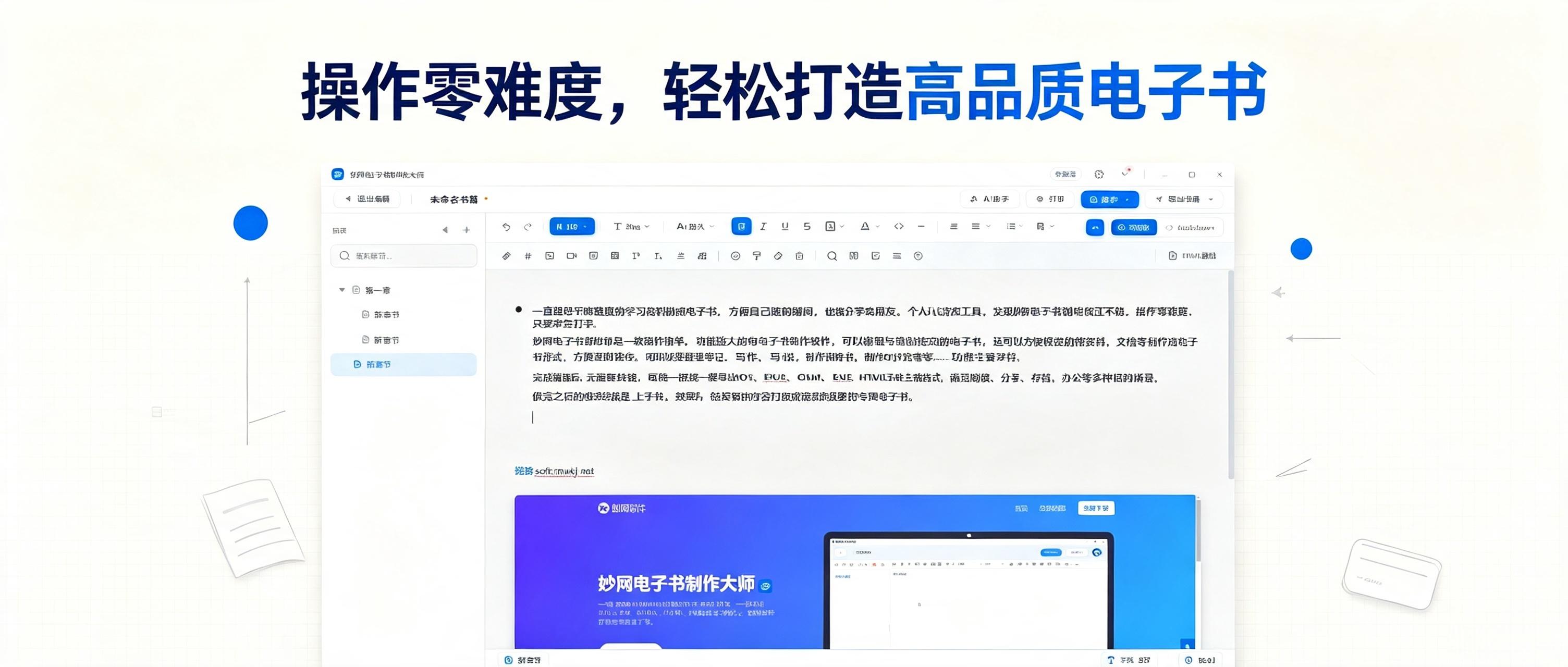
I had always wanted to turn the study materials I organize into an eBook so I could browse them anytime and share them with friends. I tried several tools and found MW eBook Maker quite good. It requires no technical skills at all—if you can type, you can use it.
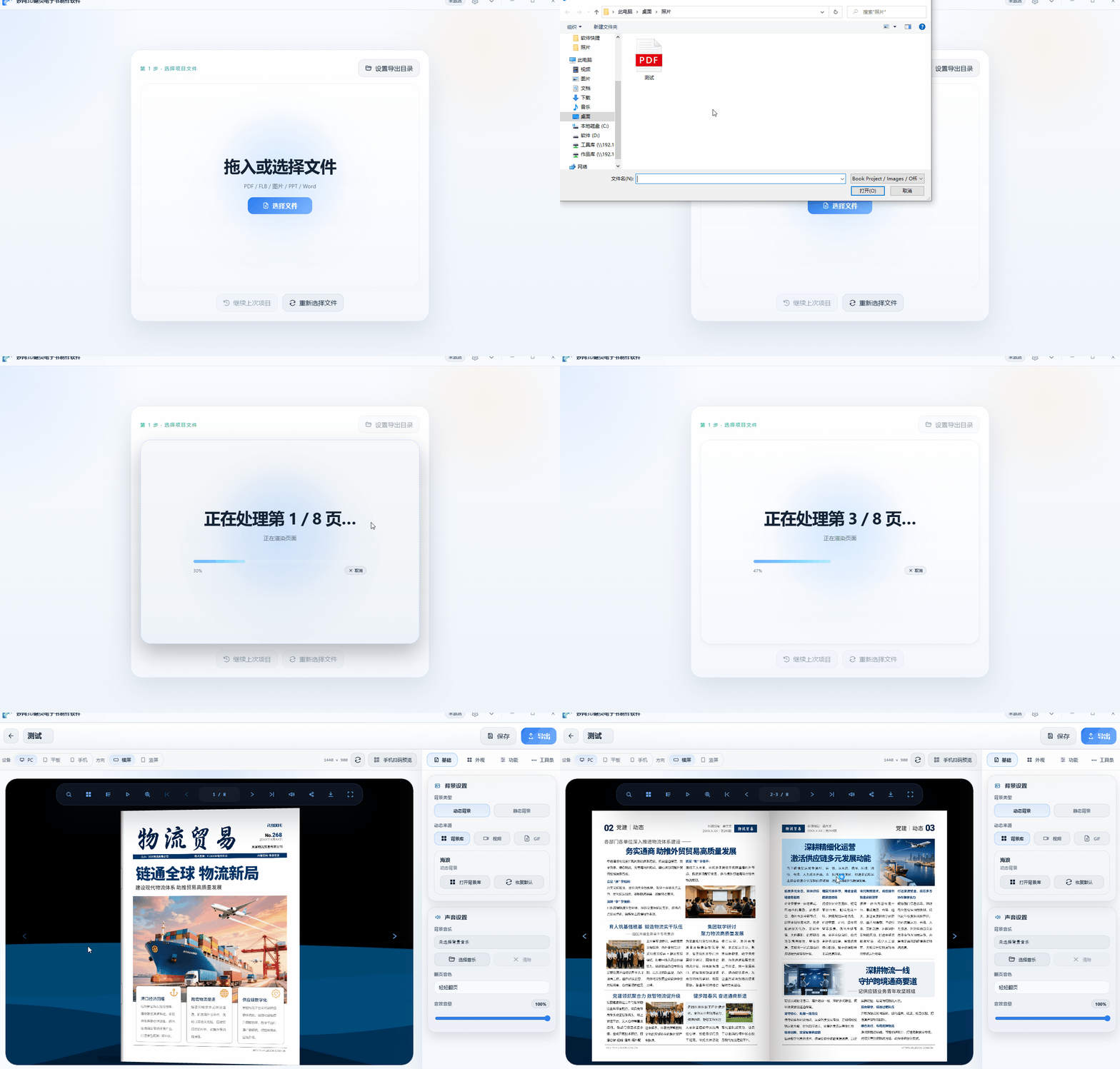
平时给客户发产品资料,我用的就是这种翻页电子画册,可以在Mobile端阅览。跟翻真书一样,下面给大家出一篇制作这种效果的全过程。 想要做出质感逼真、粒子特效背景的3D翻页电子书要怎么制作呢? 找到一款本地软件,做出来效果确实不一样。把过程写出来分享一下。
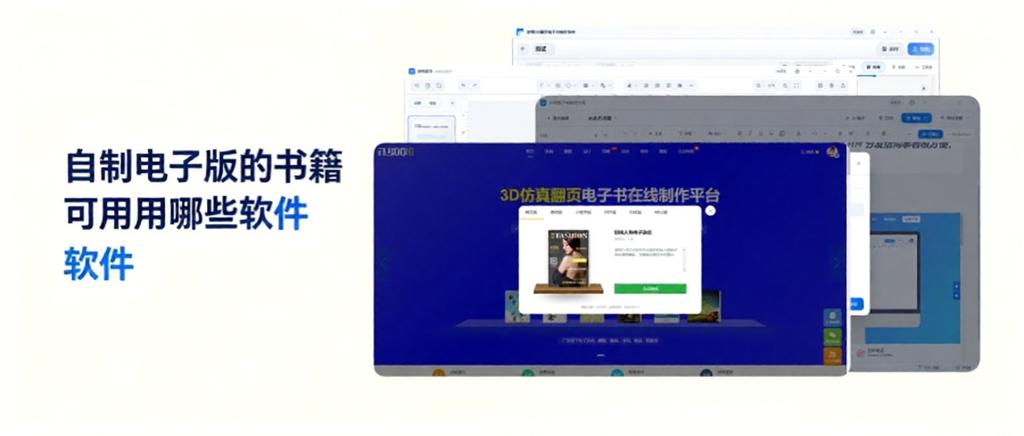
最近想自己动手做一本电子书,不想找外包。在网上找了一圈工具,发现不同类型的电子书用的工具不太一样。有的侧重排版,有的侧重Page-turning effect,有的是全流程在线做。把试过的四款整理出来,给有同样Request的人参考。
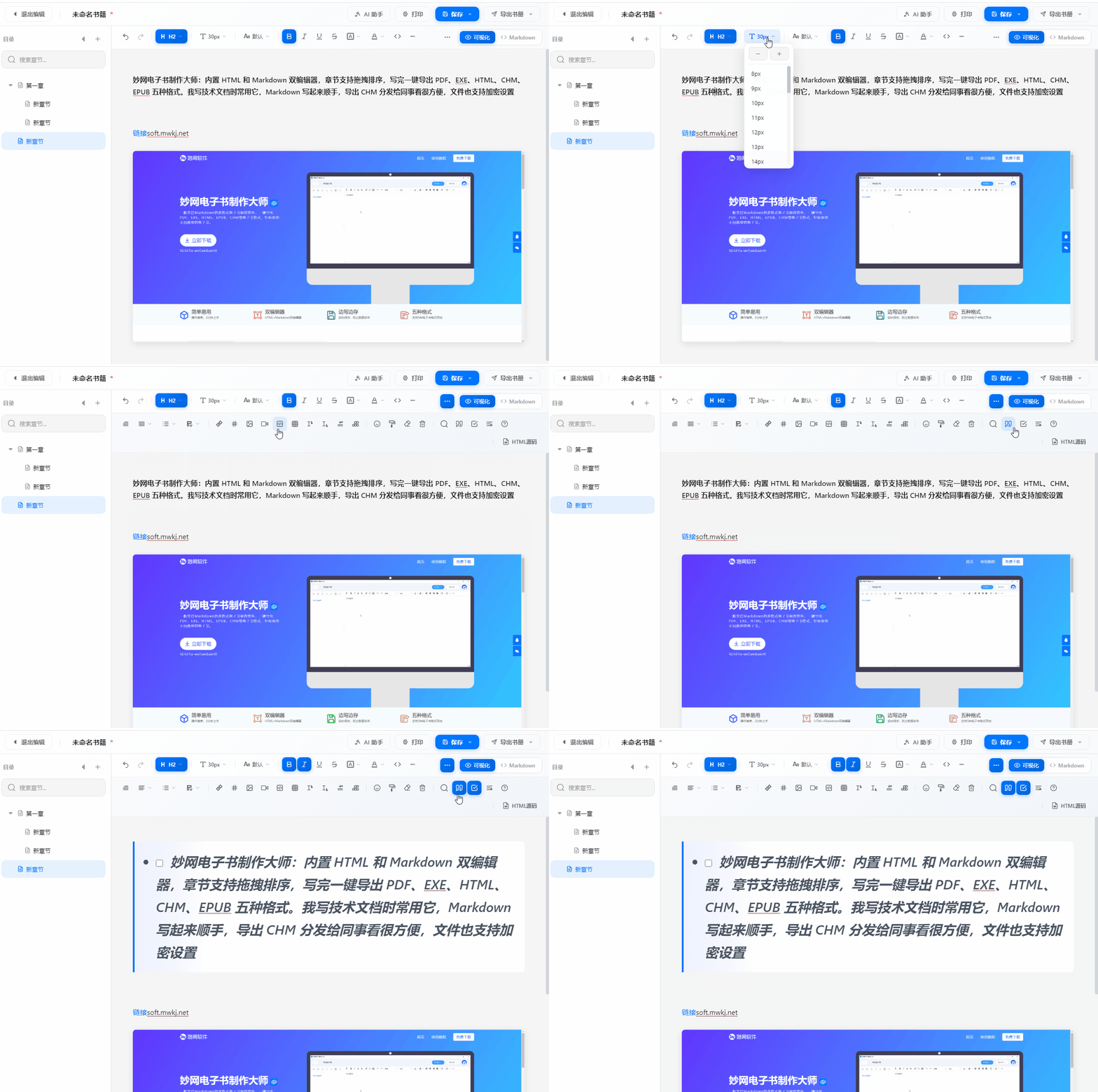
做电子书,工具选对了能少走不少弯路。我实际体验了三款软件,发现它们各有侧重,适合不同阶段的Request。


