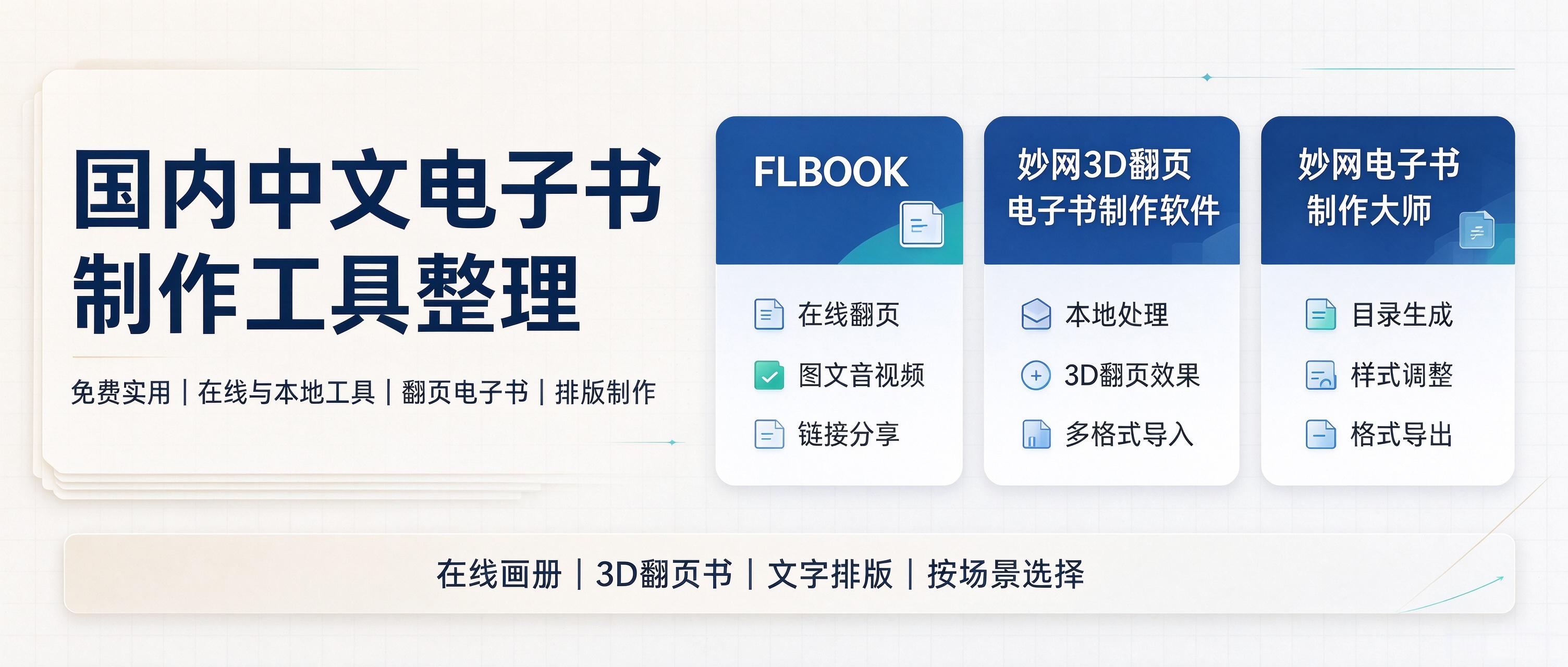
When it comes to making e-books, there are actually plenty of tools to choose from in China, but few are truly good, free, and versatile across multiple scenarios. I spent some time testing several tools with great experiences, each with its own advantages and different presentation effects—worth saving! 1. FLBOOK: Create online, with backup and storage for your works. Works directly in the browser, no software installation needed. Upload high-resolution PDFs or images to generate 3D realistic page-flipping books in vector quality that stay sharp at any zoom level; when finished, share via a QR code or link, and you can even put multiple albums together on a virtual bookshelf for centralized sharing. Free
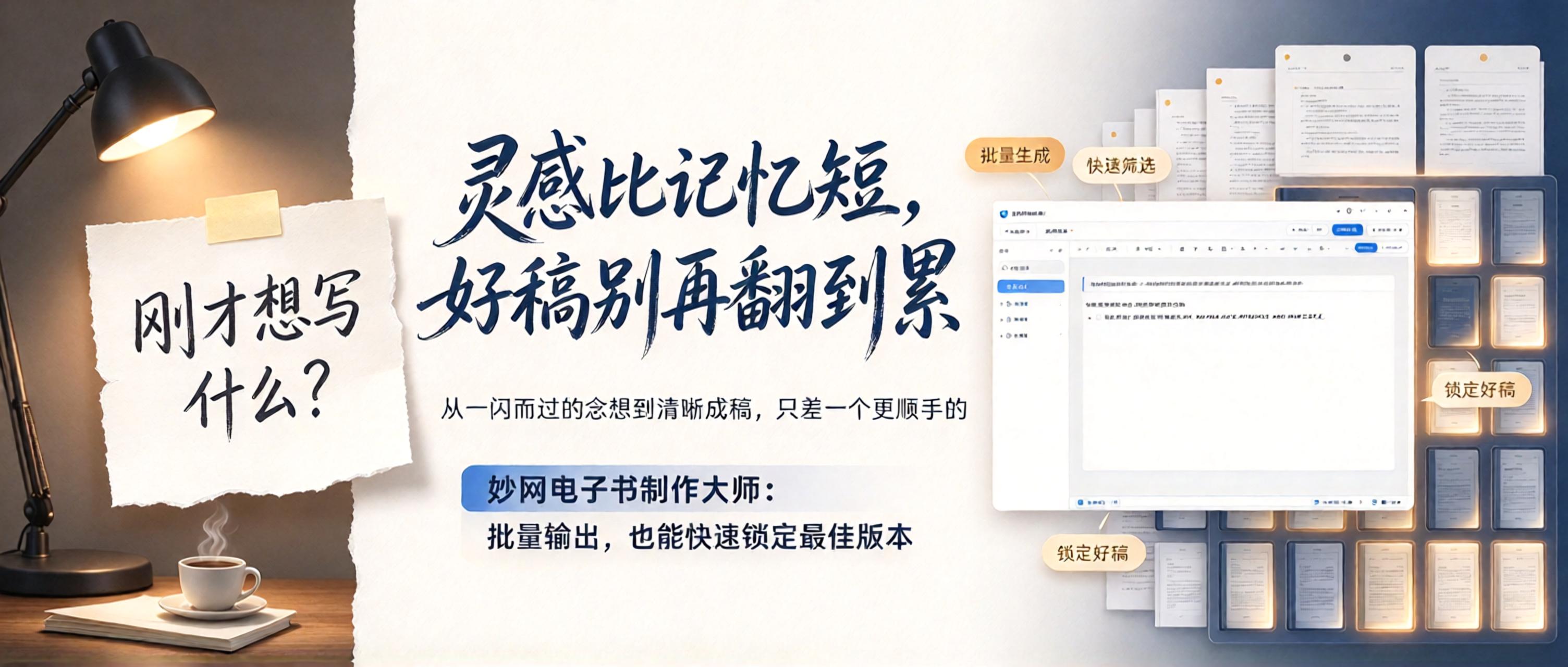
Inspiration is more fleeting than a goldfish's memory. A thought flashes by, and moments later you can't recall what you were about to write. As a writing enthusiast, staying up late to capture ideas only to stare blankly at the screen has long been the norm. AI can now mass-generate text that sometimes even outshines what you'd write yourself—but picking the best version means endless sorting and skimming. It wasn't until I recently tried MW eBook Maker that I finally escaped this predicament. Why do I recommend MW eBook Maker? 1. Auto-save while you write—no more losing work
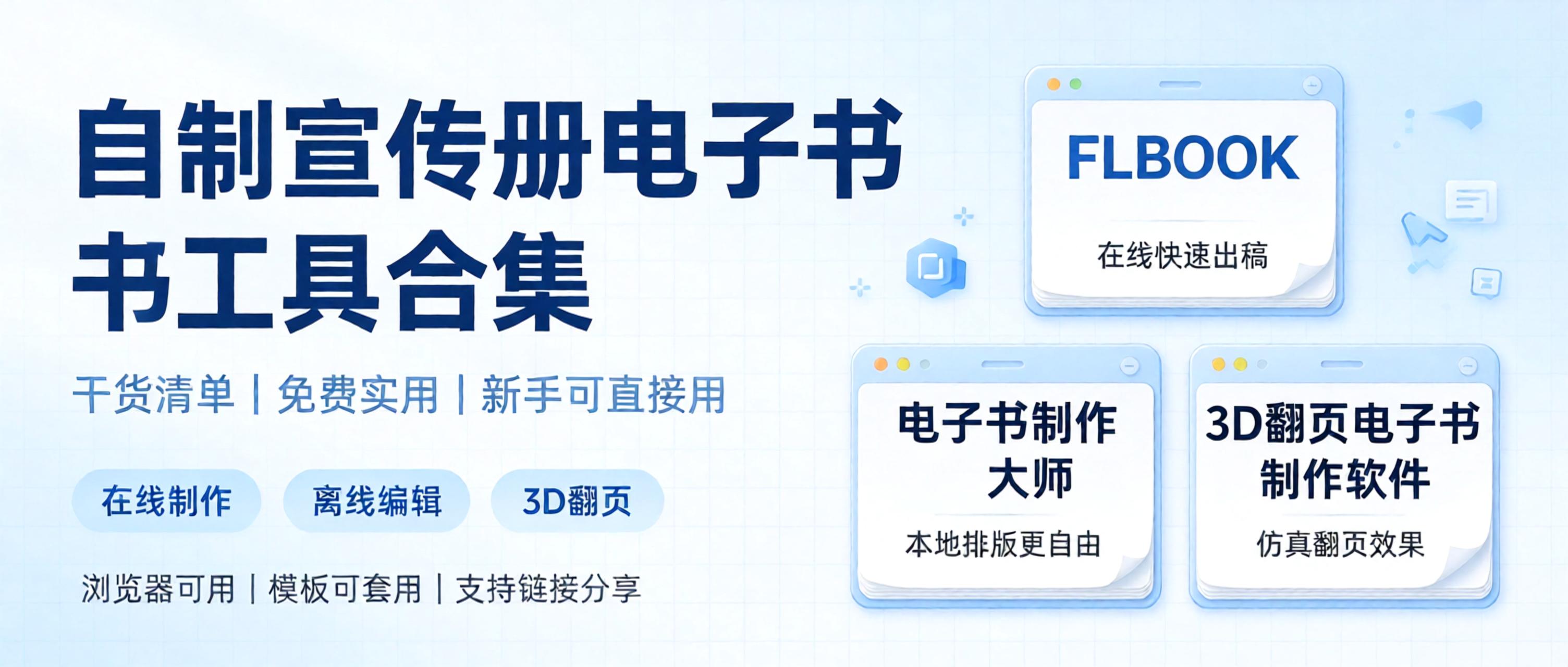
A roundup of practical e-book creation tools, focusing on ease of use with free features available. Perfect for beginners making page-flipping e-books and corporate brochures, compiled into a handy list so you can pick what suits your needs. 1. FLBOOK — an online digital brochure creation platform, ideal for users who don't want to download software and want quick results. Upload existing PDFs, images, or PPT files, and the system automatically generates a digital brochure with page-flipping effects. Free to use: basic features are free; just sign up to get started, no client installation needed. Templates: built-in layouts for corporate promotions and product brochures—just swap in your text and images.
Want to create a digital brochure but not sure which tool to choose? This free, practical list of digital brochure creation tools compares several options in detail, saving you the time of trial and error. This image is AI-generated 1. FLBOOK Positioning: online flipbook creation tool. Advantages: no installation required; upload a PDF or Word file to generate a flipbook; create with templates or design freely with embedded videos, audio, and links; generates links or QR codes; readable on phones and computers. Best for: brochures, product catalogs, and content that needs quick sharing and updating. Difference: online operation
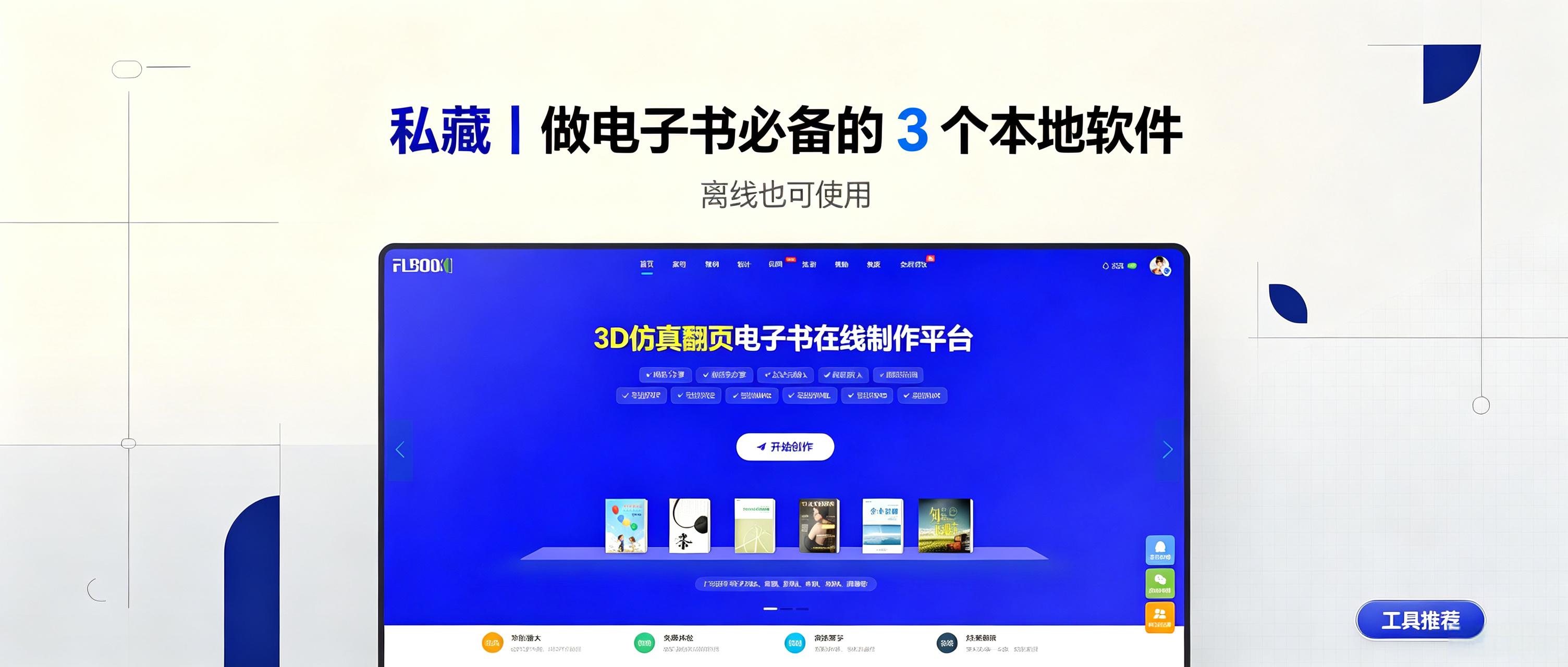
Online catalogs are easy to share but fail without internet access at trade shows, client visits, or outdoor displays. Sensitive content may also require local storage instead of cloud hosting. Desktop software solves this by enabling offline e-book viewing. This article reviews three practical local e-book tools for personal archives, manuals, and portfolios, helping you create e-books at low cost. 1. MW3D page-turning e-books: turn documents into interactive books. Ideal for corporate catalogs and product
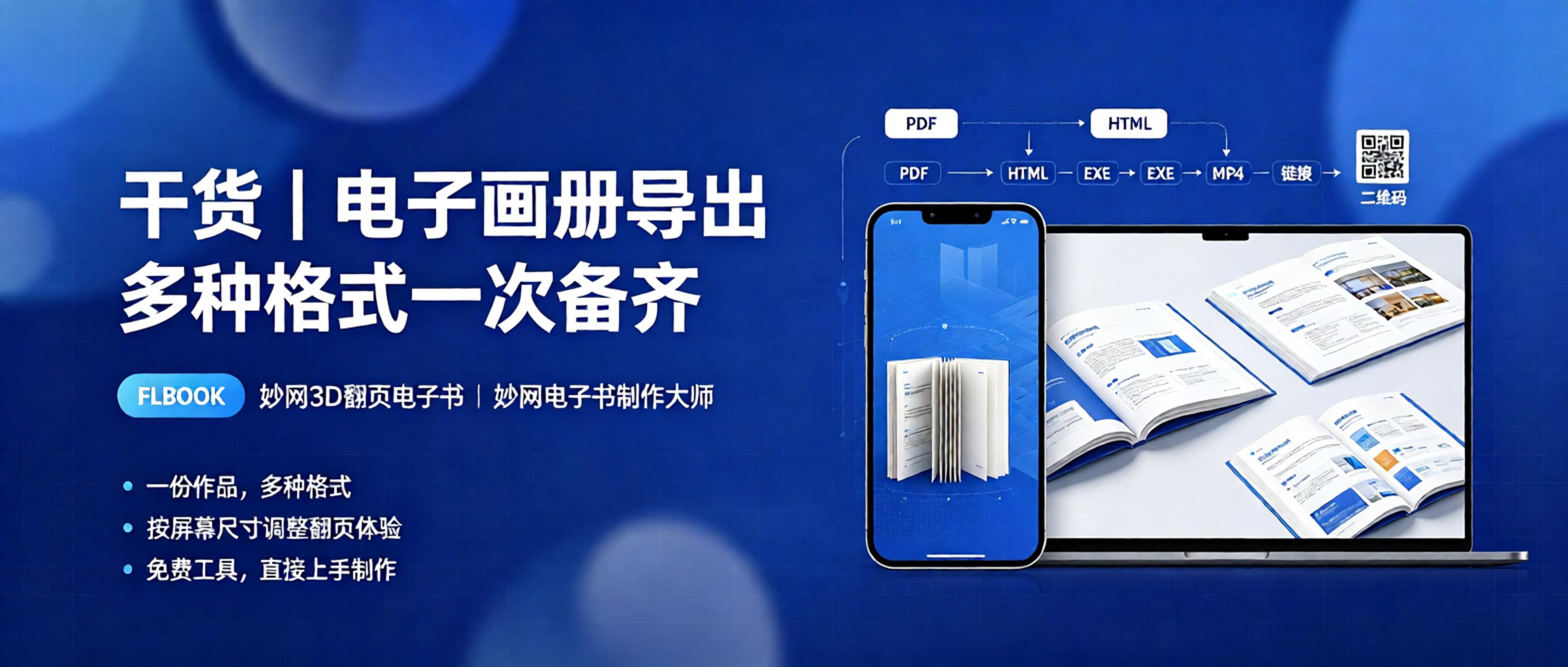
When organizing product catalogs and corporate brochures, format compatibility is often a hurdle: clients want Mini Program versions, printers need PDF files, exhibitions require offline files, and mobile users expect H5 flip-page digital catalogs. Converting formats across multiple tools is time-consuming and messy. Fortunately, many tools support creating once and exporting in multiple formats, eliminating repetitive tasks. Today, we share three digital catalog creation tools that support multi-format output. This image is AI-generated. 1. FLBOOK: H5 digital catalog with a flip experience optimized for mobile screens. FLBOOK is an H5 digital catalog that can be created online for free.
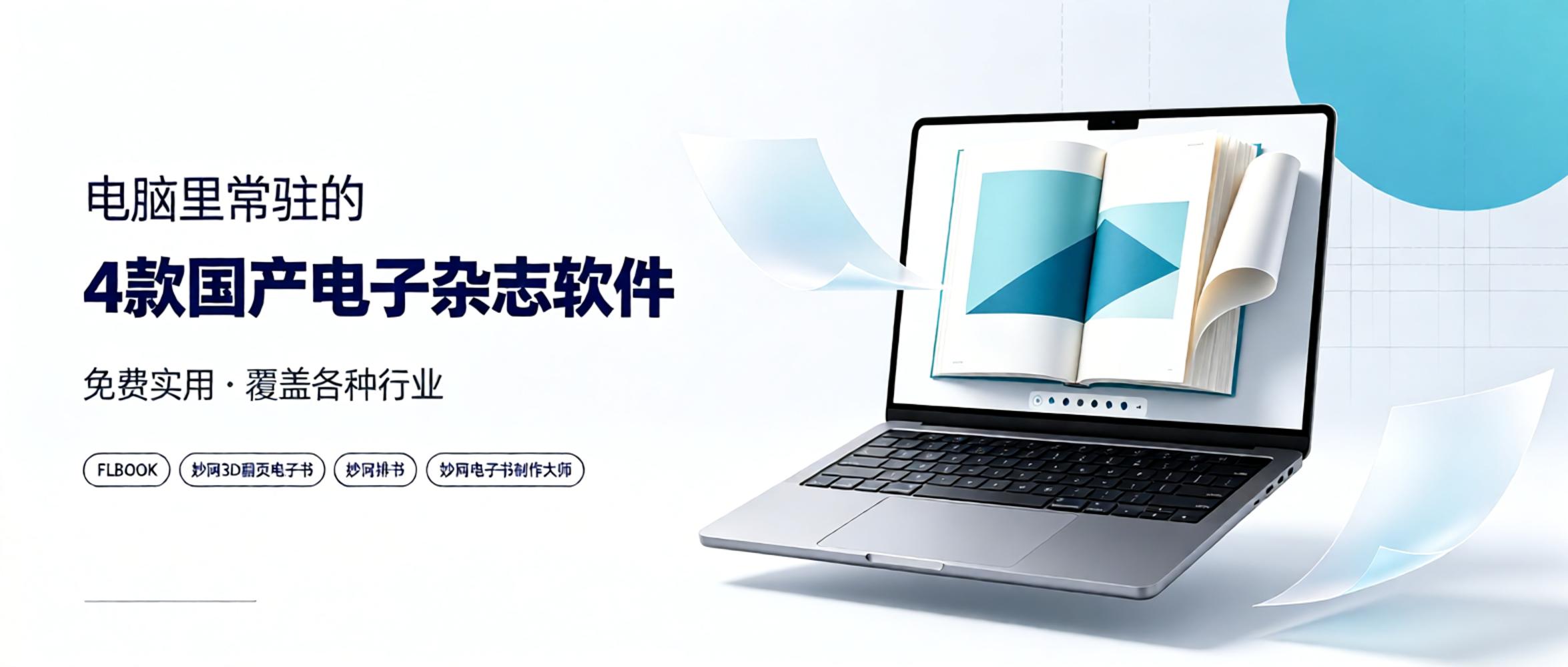
As a staff member at an e-magazine publisher, I have tried many tools over the past few years, from foreign to domestic, free to paid. In the end, these four domestic software programs remain installed on my computer. Why choose them? On one hand, they are truly user-friendly, covering various needs from online sharing to professional publishing. On the other hand, the pricing is reasonable; most basic features are free, which is sufficient for individuals or small teams. If you need long-term production and want to unlock more professional features, upgrading to a membership is also affordable. Today, I will share my personal experience with everyone. 1. FLBOOK — Online H5 Album Tool Type:
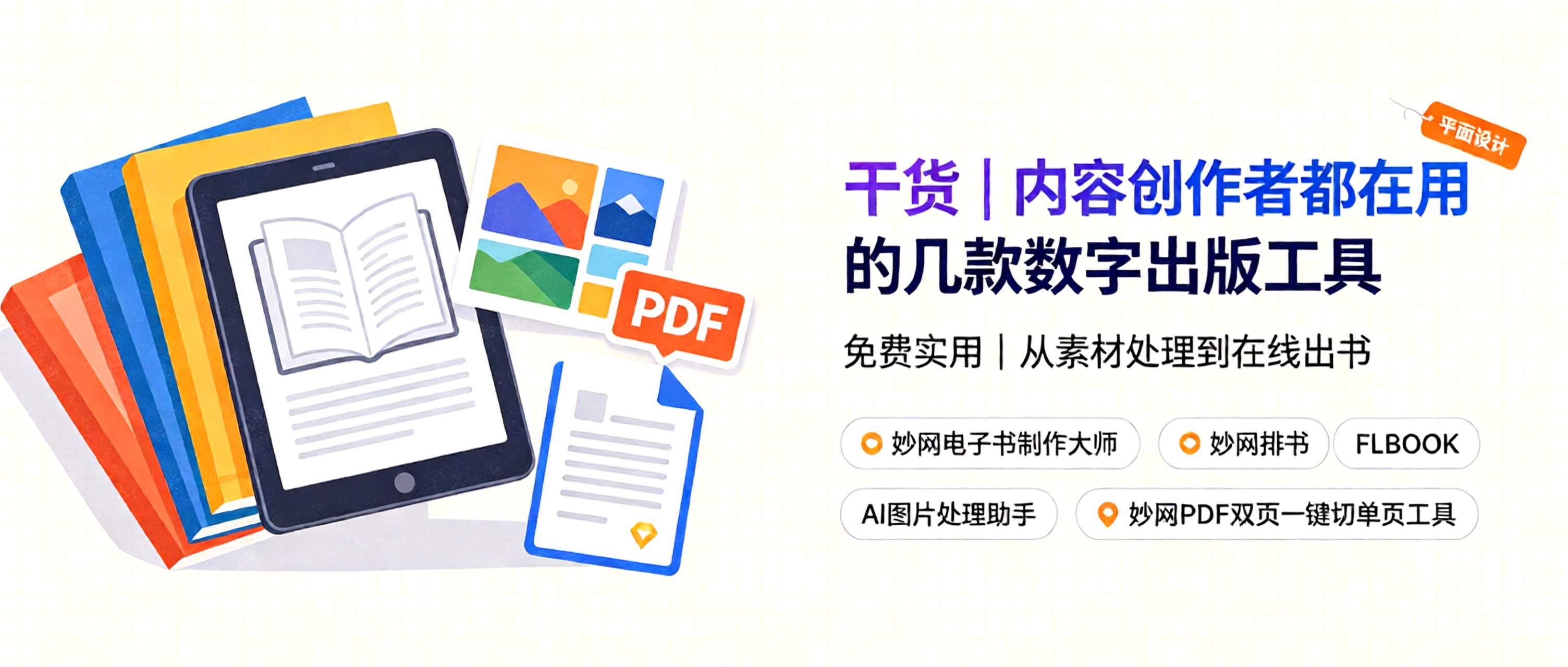
Where should content creators start with digital publishing e-books? 1. Children's picture books: Leverage visual storytelling to create e-books suitable for digital reading, expanding revenue in the children's book market. 2. Paid science and knowledge books: Share expert insights in niche fields as paid e-books to build a professional personal brand and monetize knowledge. 3. Early childhood educational e-books: Focus on early education content, creating interactive read-along digital books to capture the toddler digital reading market. 4. Novel writing: Compile original and fantasy stories into books, publishing them via digital formats. This image is AI-generated. How
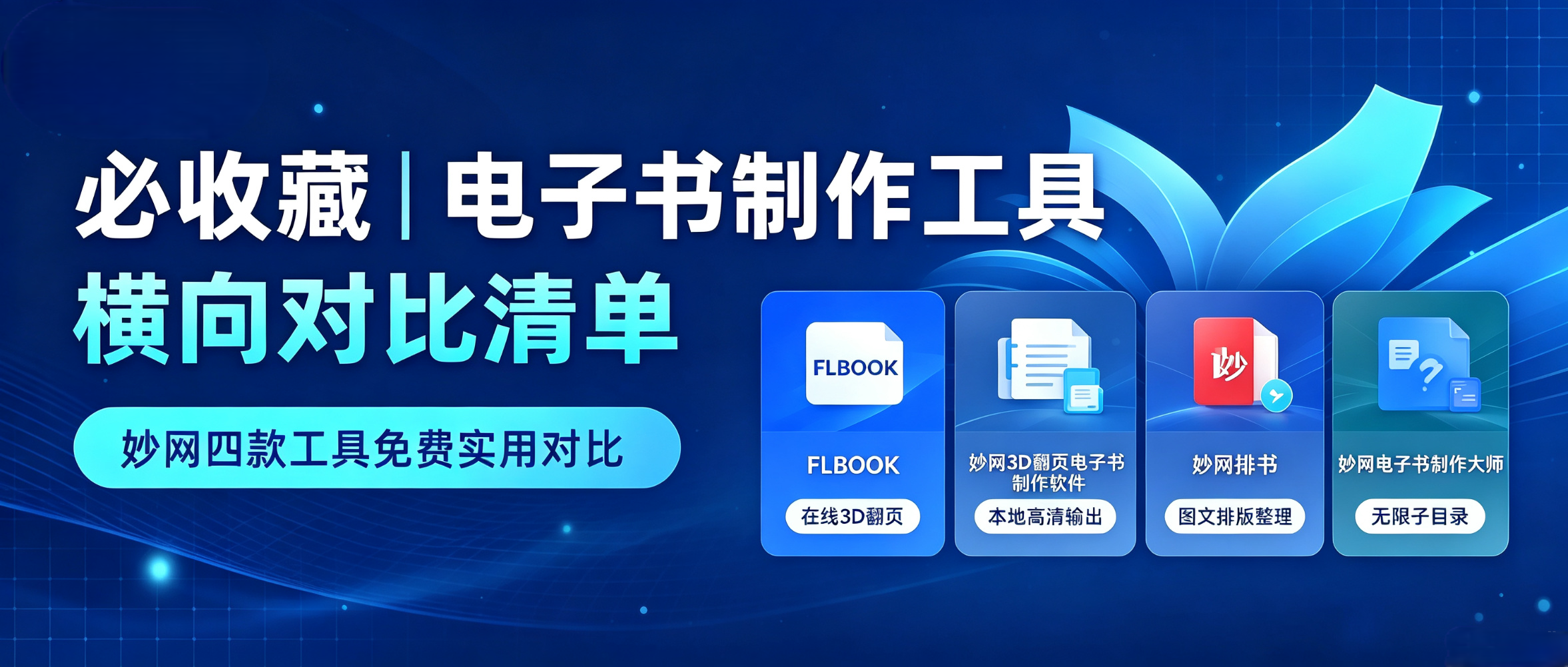
In digital publishing, whether you work for a publishing house, magazine, or content studio, you need to turn traditional content into e-books, digital brochures, and digital publications for easy online distribution and reading. Every step, from layout and production to output, requires the right tools. Today, we’re sharing four e-book creation tools from MW, covering needs across the workflow.
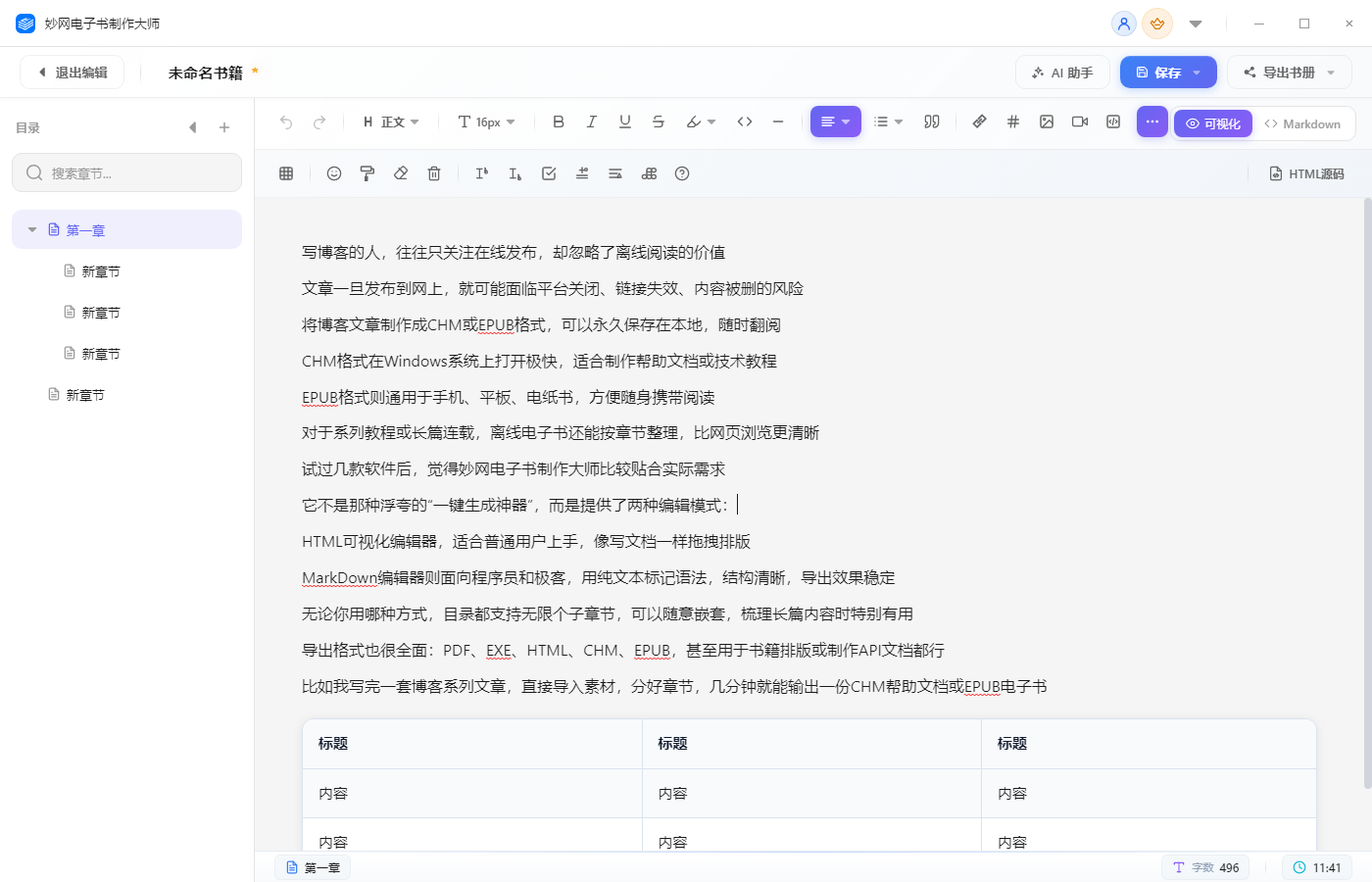
写Blog的人,往往只关注Publish online,却忽略了离线阅读的价值 文章一旦发布到网上,就可能面临平台关闭、链接失效、内容被删的风险 将Blog文章制作成CHM或EPUB格式,可以永久保存在本地,随时翻阅 CHM格式在Windows系统上打开极快,适合制作Help文档或技术教程 EPUB格式则通用于Mobile、Tablet、电纸书,方便随身携带阅读 对于系列教程或长篇连载,离线电子书还能按章节整理,比网页浏览更清晰 试过几款软件后


