


Want to make your own ebook but don't know where to start? I tried several tools and found that each has its own strengths, so I've selected a few to share with you.
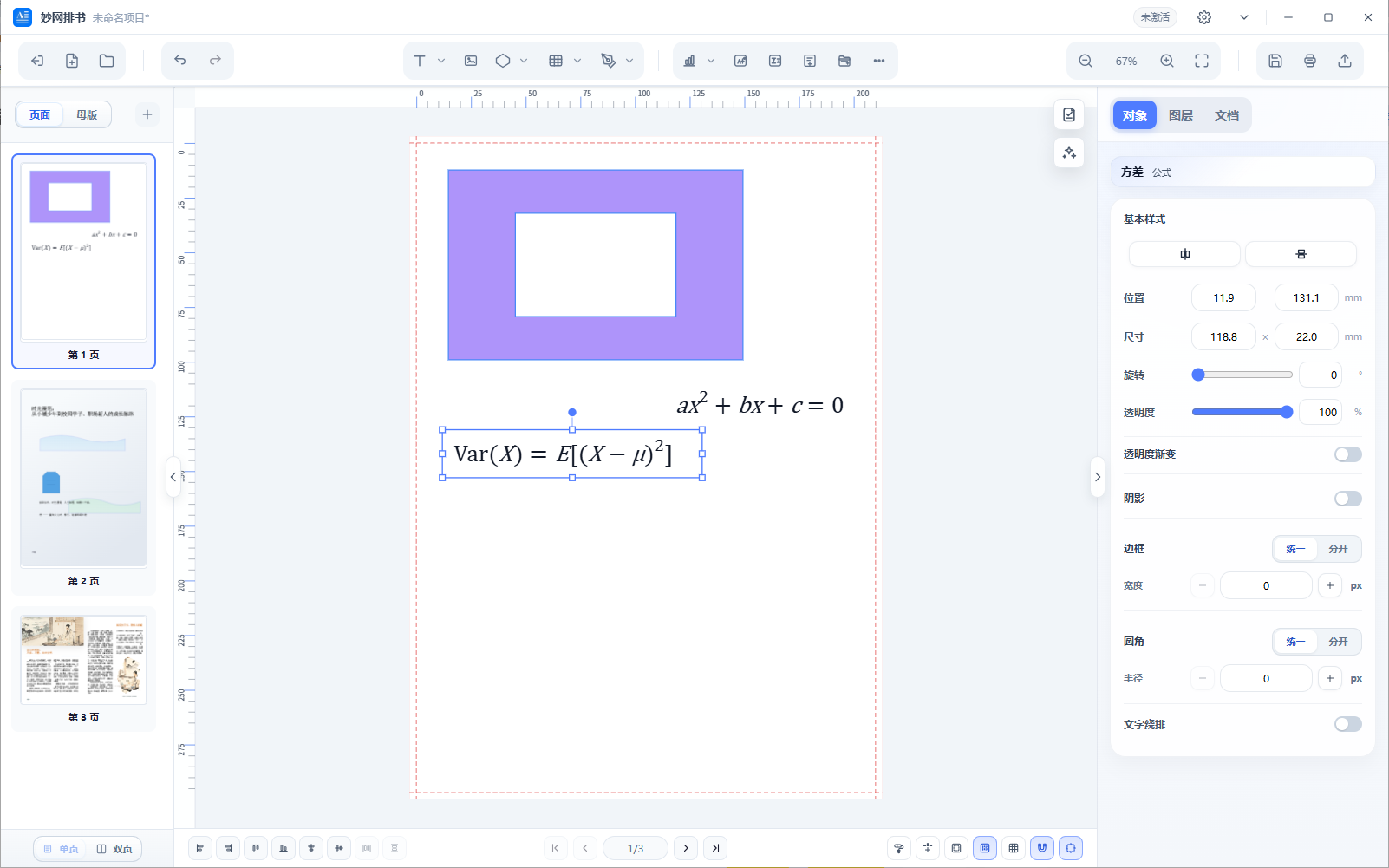
MW Book Layout: Desktop software focused on book and publication layout, supporting layers, columns, and mixed text-and-image layouts. It is suitable for creating preliminary layouts for lengthy books, magazines, and picture albums. With an intuitive interface, it exports finished layouts as PDFs or images for subsequent tools to combine into final products, making it suitable for scenarios that require precise layout.
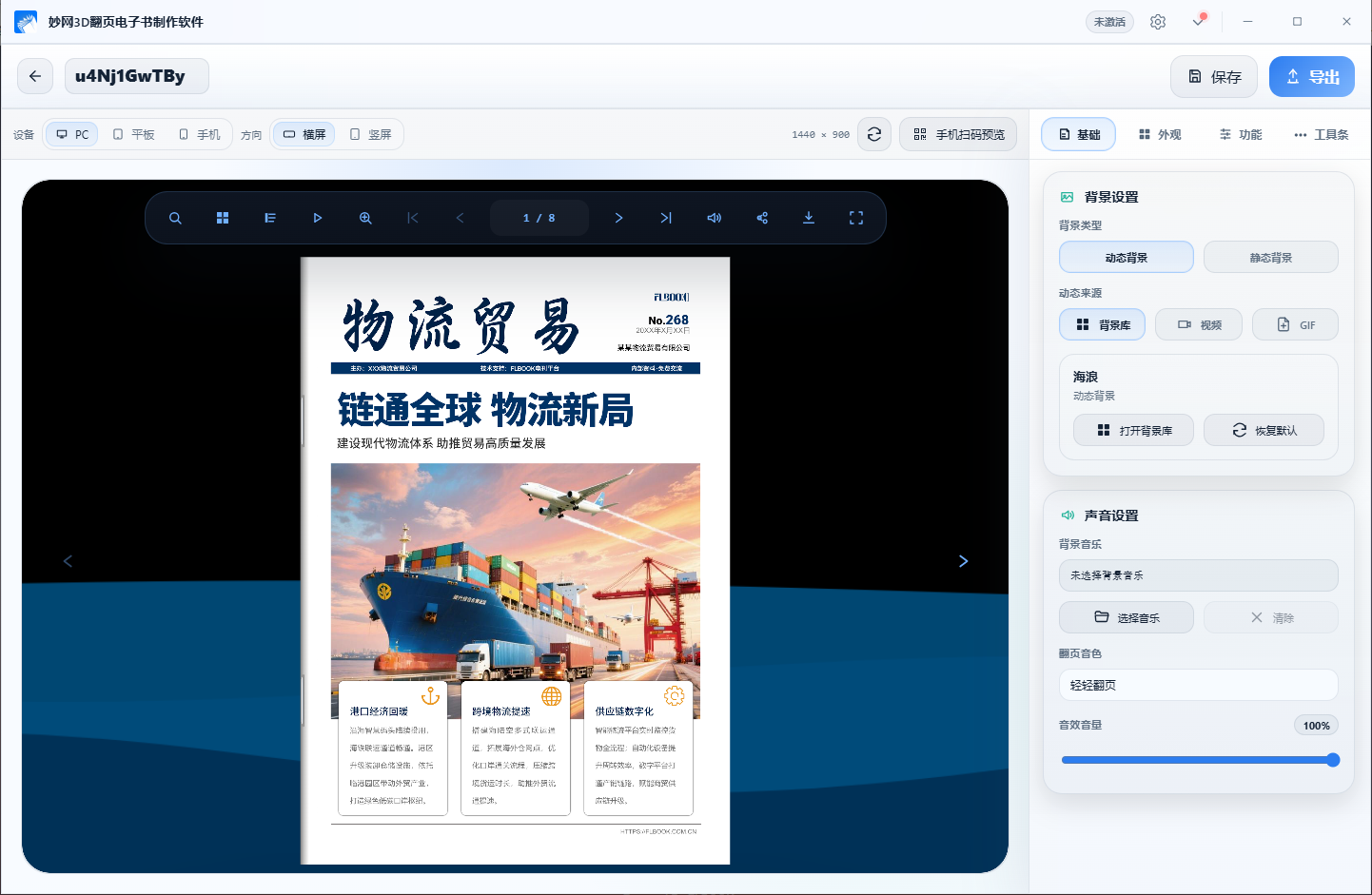
MW 3D E-book Creation Website: Import PDFs or images to generate e-books with realistic 3D page-turning effects in one click. The pages feature curvature and spine lighting and shadows, and page turning includes sound, creating an experience close to flipping through a physical book. It can export formats such as HTML, EXE, MP4, and APK, making it suitable for showcasing albums, magazines, and brochures.
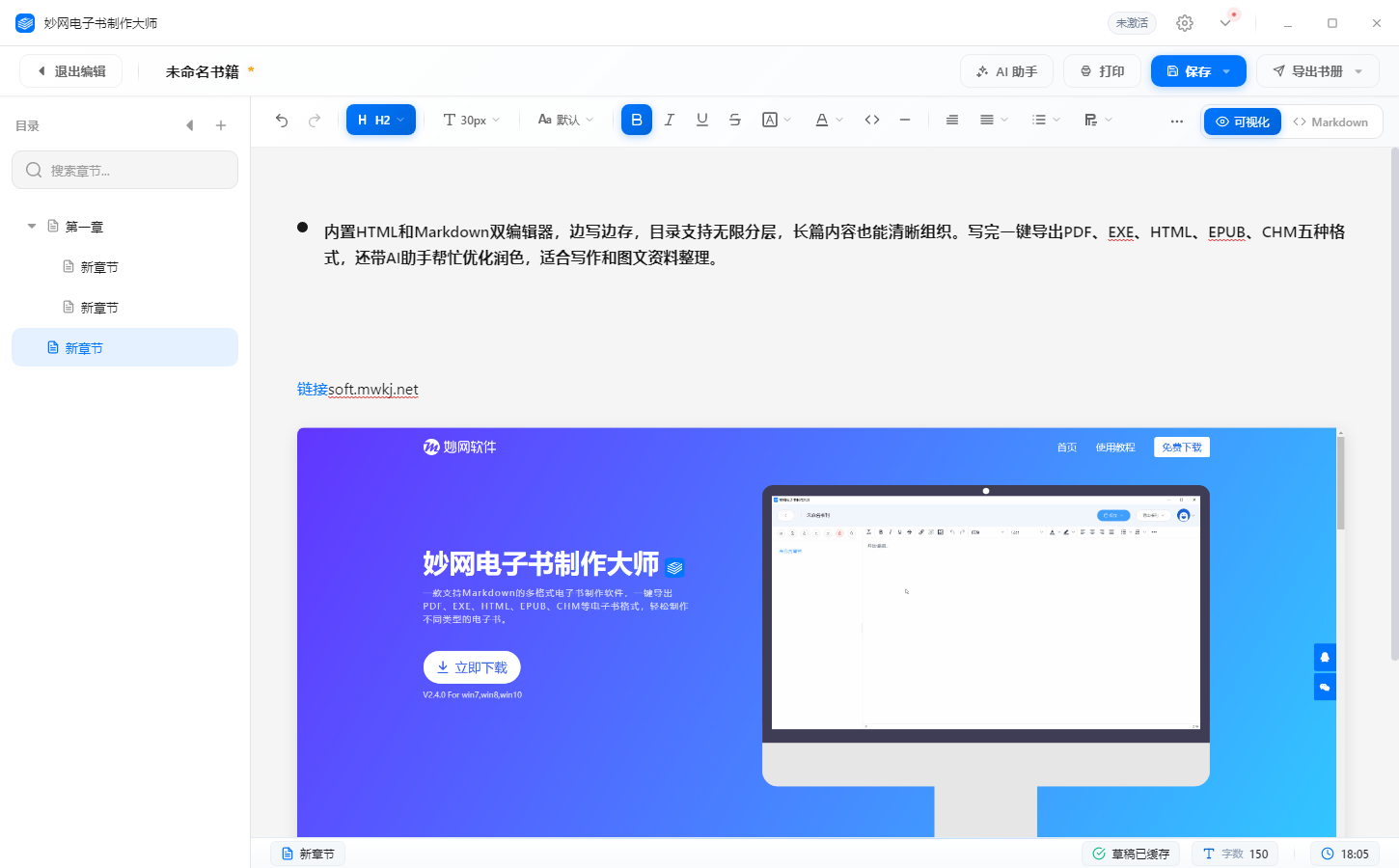
MW eBook Maker: Built-in HTML and Markdown dual editors let you write and save simultaneously, while the table of contents supports unlimited nesting for clear organization of long-form content. When finished, export in one click to five formats: PDF, EXE, HTML, EPUB, and CHM. It also includes an AI assistant to help optimize and polish your writing, making it suitable for writing and organizing text-and-image materials.
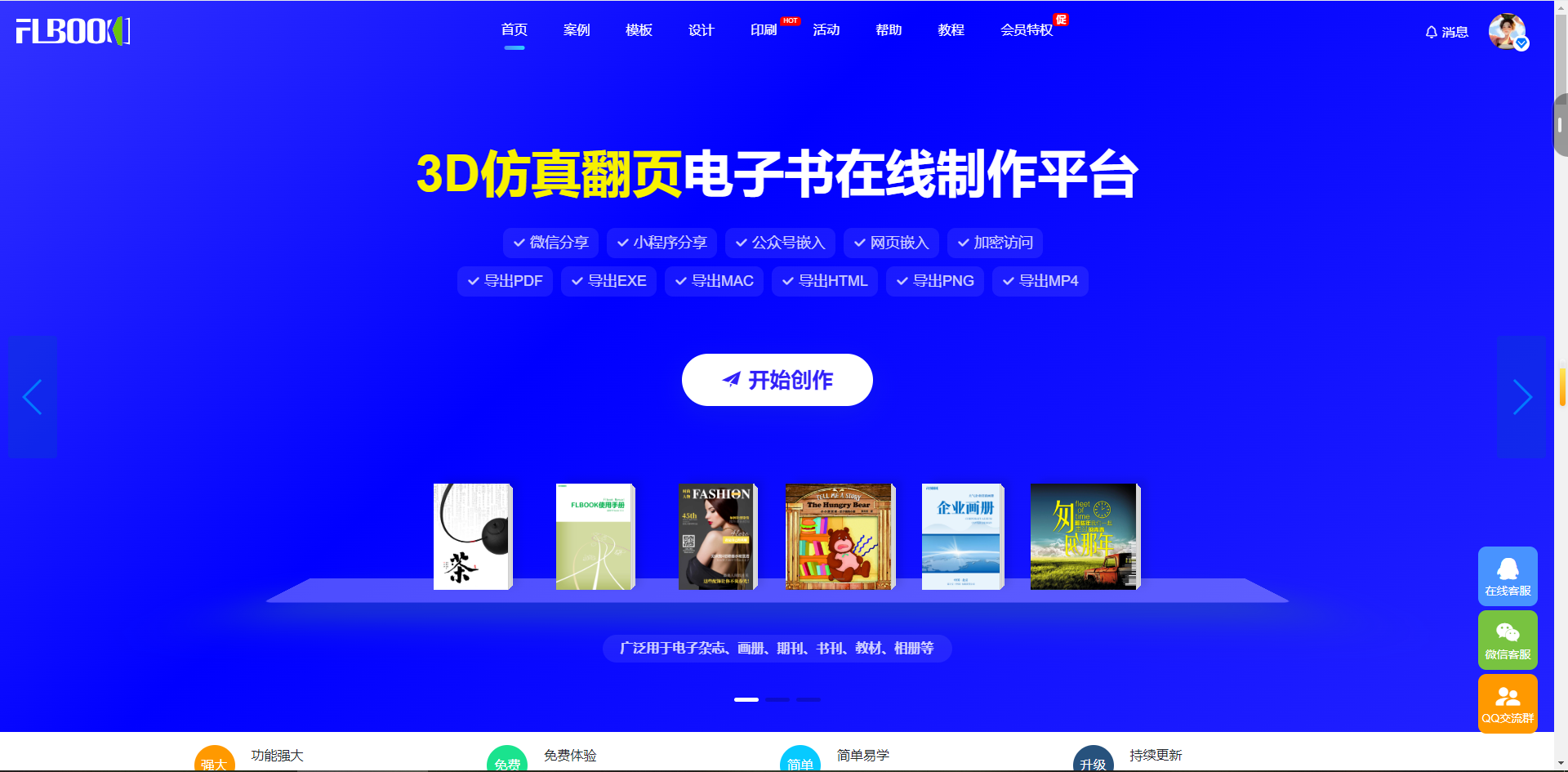
FLBOOK: An online platform that supports batch uploading of PDFs, PPTs, Word documents, and images, automatically merging them into a single publication. The generated e-book can be shared directly online. With a low barrier to use, it is suitable for scenarios where pages have already been designed and need to be quickly converted into a shareable digital publication.
These tools serve different purposes, so choose the one that best fits your needs.