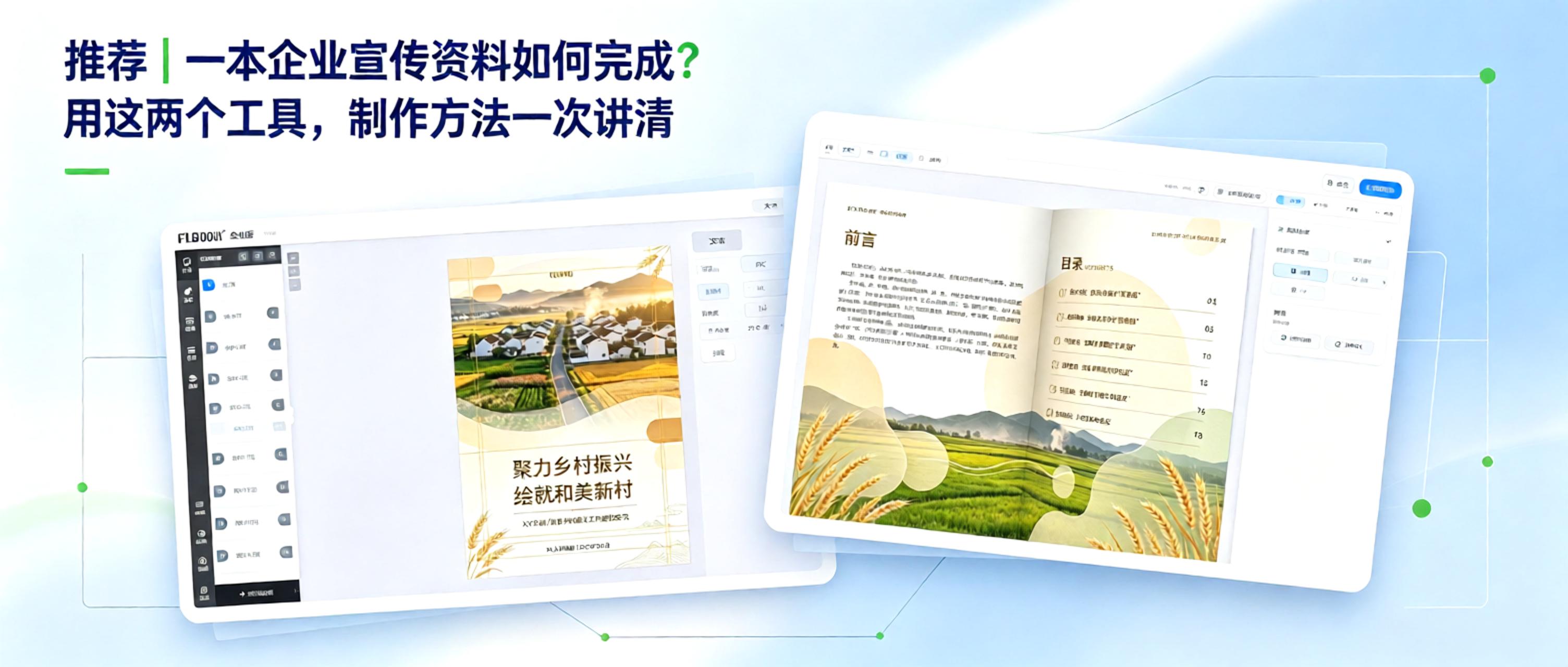
From Concept to Finished Product: How to Create Corporate Marketing Materials Creating corporate marketing materials comes down to two key questions: 1. How can content be organized efficiently? 2. How can the final product look professional? With free, practical tools, even non-designers can manage the entire process, from polished layout to professional presentation.
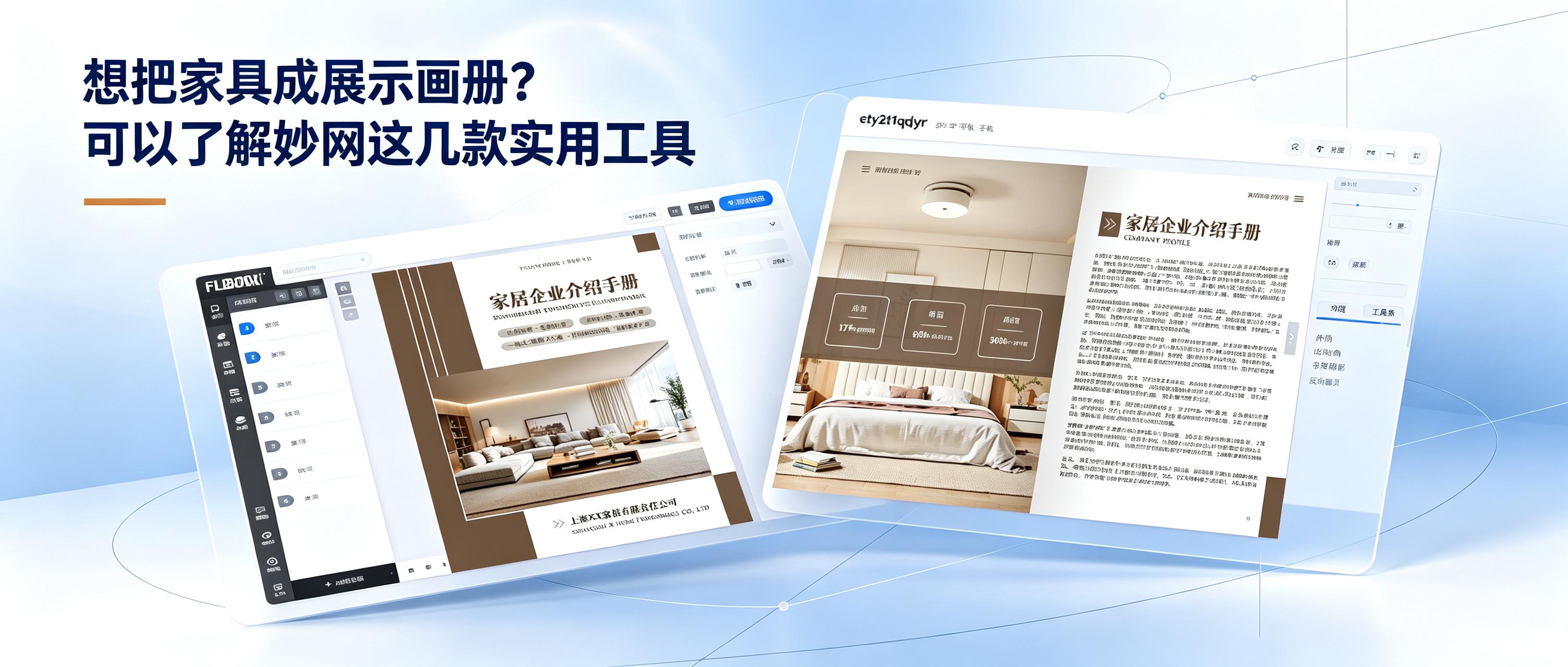
How can you sell furniture more effectively? Here are a few ways to improve performance. Furniture retail is no longer just about waiting for customers to walk in. Growth depends on running online and offline channels side by side. Offline sales rely on the immersive experience of physical stores, where customers can touch materials, assess dimensions, and try out comfort—forming the foundation for closing a sale. Online channels amplify your reach beyond geographic limits. Digital catalogs, short videos, and social media keep products on display around the clock. Potential customers can browse new sofas and solid-wood beds while scrolling on their phones, effectively strengthening brand image. Once a strong reputation is established, the brand's alternative name becomes the first thing people think of when searching.
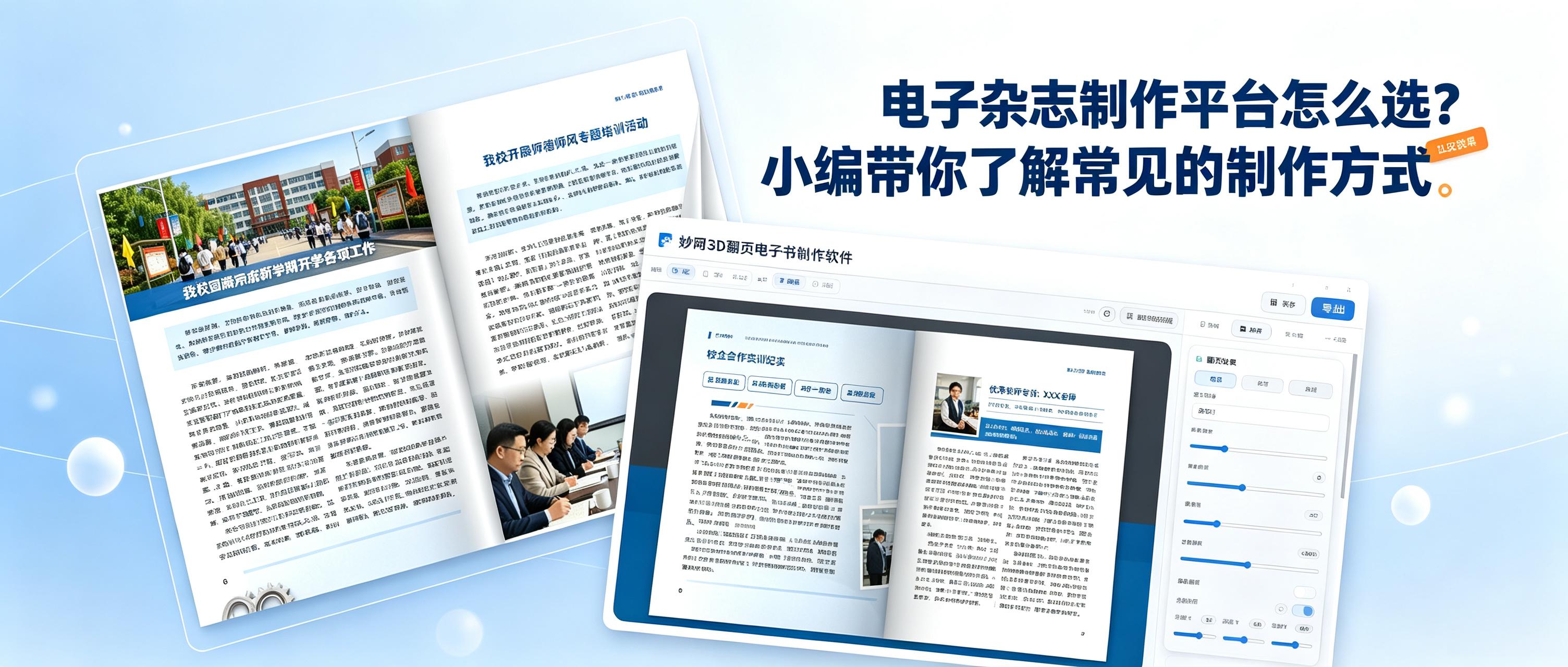
How do you choose an easy-to-use tool for creating digital magazines? Be sure to check these key points: 1. Does it support a 3D page-turning effect? 2. Can you share quickly? 3. Can you set permissions to protect your work? 4. Does the platform regularly add the features users need? These two tools meet all the points above and are very easy to use.
最近想自己动手做一本电子书,不想找外包。在网上找了一圈工具,发现不同类型的电子书用的工具不太一样。有的侧重排版,有的侧重Page-turning effect,有的是全流程在线做。把试过的四款整理出来,给有同样Request的人参考。
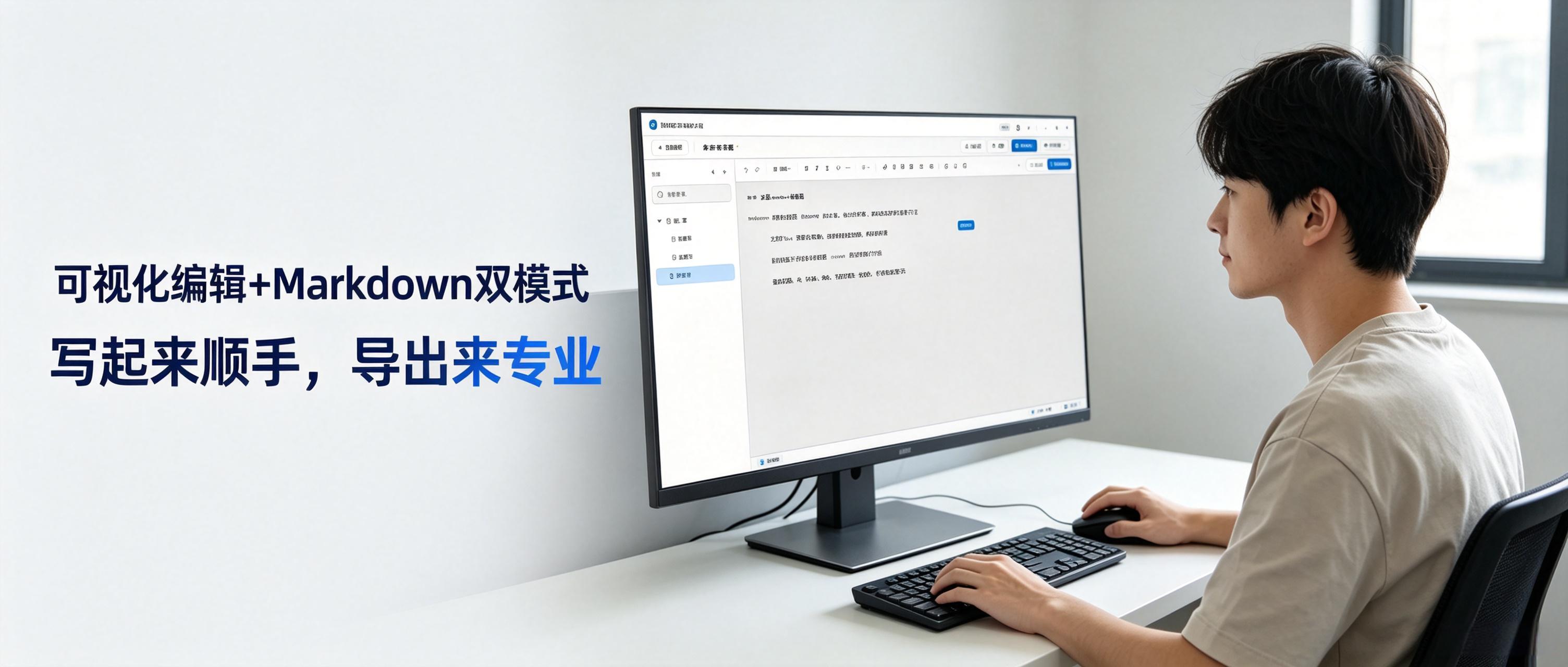
写东西的人都知道一个道理:工具趁不趁手,差别太大了。 我自己这些年试过不少Edit器。用起来Intuitive的没有几个,能支持双模式的Edit器也不多。
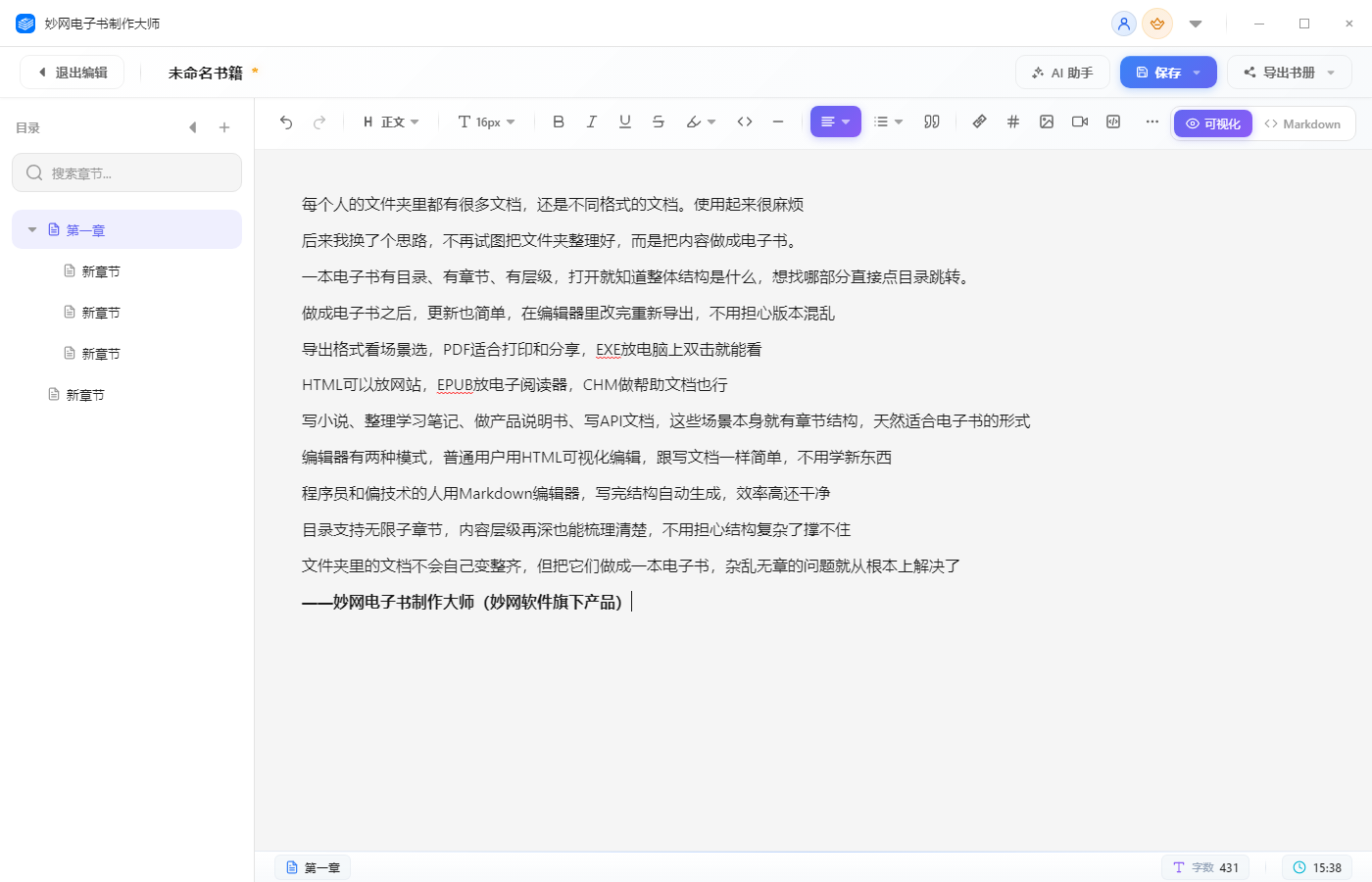
每个人的File夹里都有很多文档,还是不同格式的文档。使用起来很麻烦 后来我换了个思路,不再试图把File夹整理好,而是把内容做成电子书。 一本电子书有目录、有章节、有层级,打开就知道整体结构是什么,想找哪部分直接点目录跳转。 做成电子书之后,更新也简单,在Edit器里改完重新Export,不用担心版本混乱 Export Format看场景选,PDF适合打印和分享,EXE放电脑上双击就能看 HTML可以放网站,EPUB放电子阅读器,CHM做Help文档也行 写小说、整理学习笔记、做产品说明书、写API文档,这些场景本身就有章节结构,天然适合电子书的形式
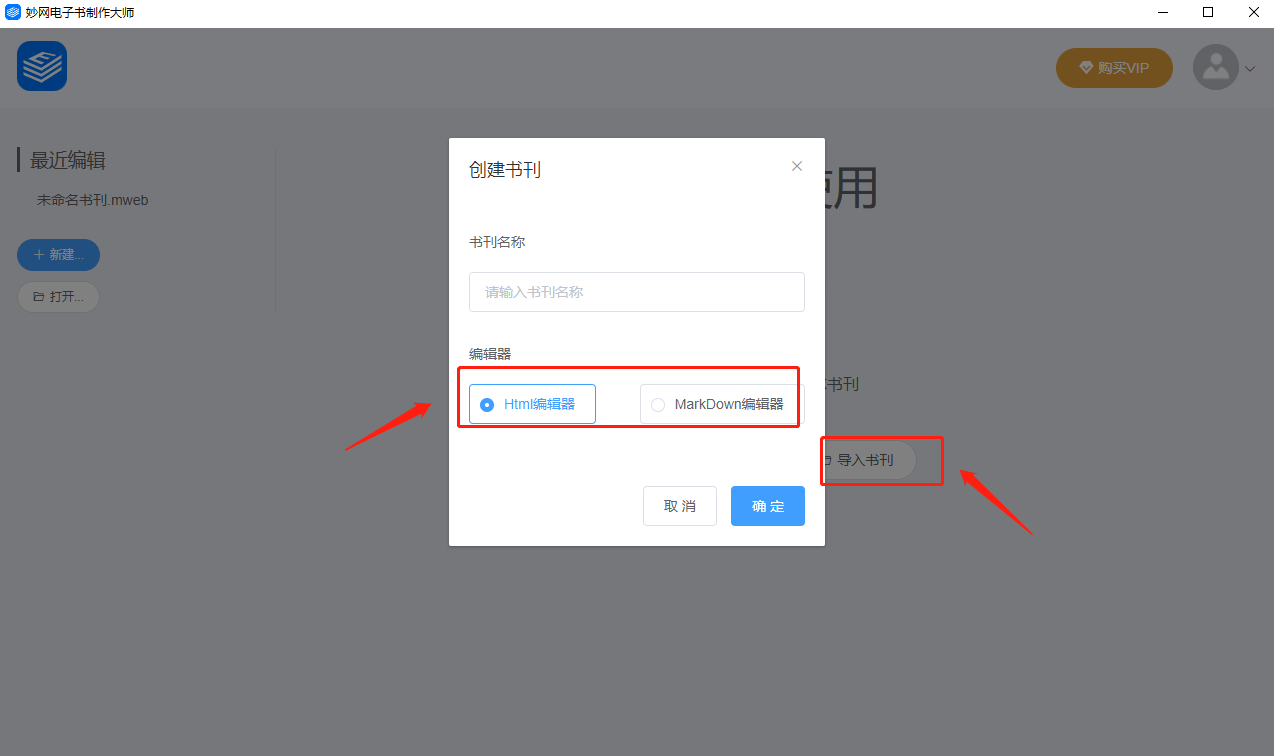
你是否在为如何创作一本个性化电子书而烦恼?你是否在为创作好的电子书能Export几种Reading Mode而不停的Change软件? 在数字化的时代,电子书已经成为了一种主流的阅读方式。越来越多的人开始关注如何创作一本个性化电子书,以更多的Reading Mode展现在大众的眼前。在此,我们为大家Introduction一款可以写作,可以整理资料,也能同时Export多种格式的电子书Software:MW E-book Creator,让你轻松创作个性化电子书。 MW E-book Creator是一款支持
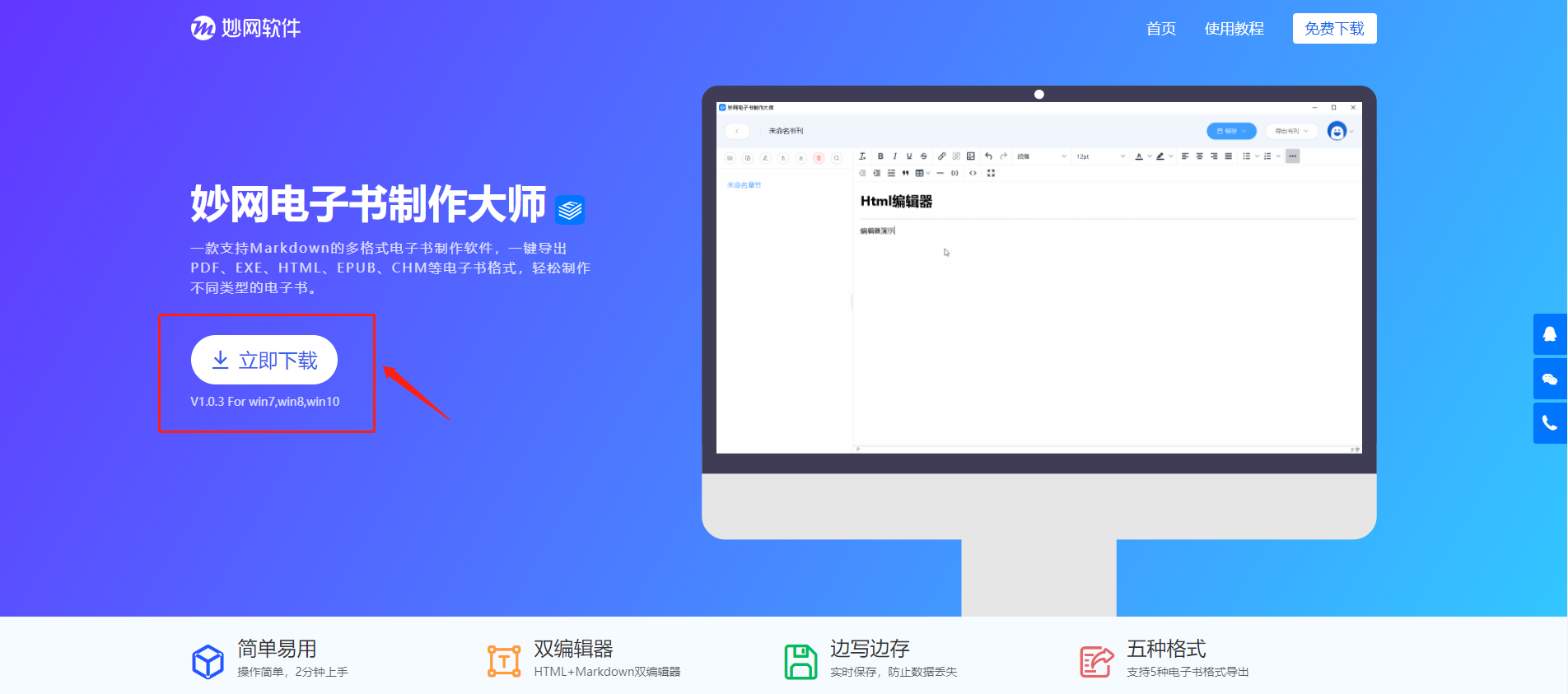
电子书现在有着很多的格式,比如PDF、EXE、HTML、CHM、EPUB等等,这类电子书可以给我们带来很不错的Reading experience。许多用户都想要自己来制作电子书,那么电子书制作软件哪个好用呢?Recommended一款好用的多种格式电子书制作Software:MW E-book Creator,界面简洁,容易上手。 使用MW E-book Creator可以方便快速的将资料、文档等制作成电子书形式,方便查阅和保存,也可以整理笔记、写作、写小说、制作说明书、制作API
如果你正在寻找一款能够Help你制作电子书的软件,那么MW eBook设计大师就是你需要的软件。作为一款功能强大的电子书制作软件,MW eBook设计大师可以Help你轻松制作多种格式电子书,一键Export,让你的写作更简单。 MW E-book Creator软件是一款Easy to use、功能强大的电子书制作软件,可以ExportPDF、EXE、HTML、CHM、EPUB等格式电子书,使用本软件你可以方便快速的将资料、文档等制作成电子书形式,方便查阅和


