


What operations fear most? Products stuck in inventory, unsold.
Why unsold? Poor promotion and presentation.
How to improve? Convert PDFs to flip-page e-catalogs so clients don't wait for downloads.
How to convert PDFs to flip-page e-catalogs? Explore these two methods.
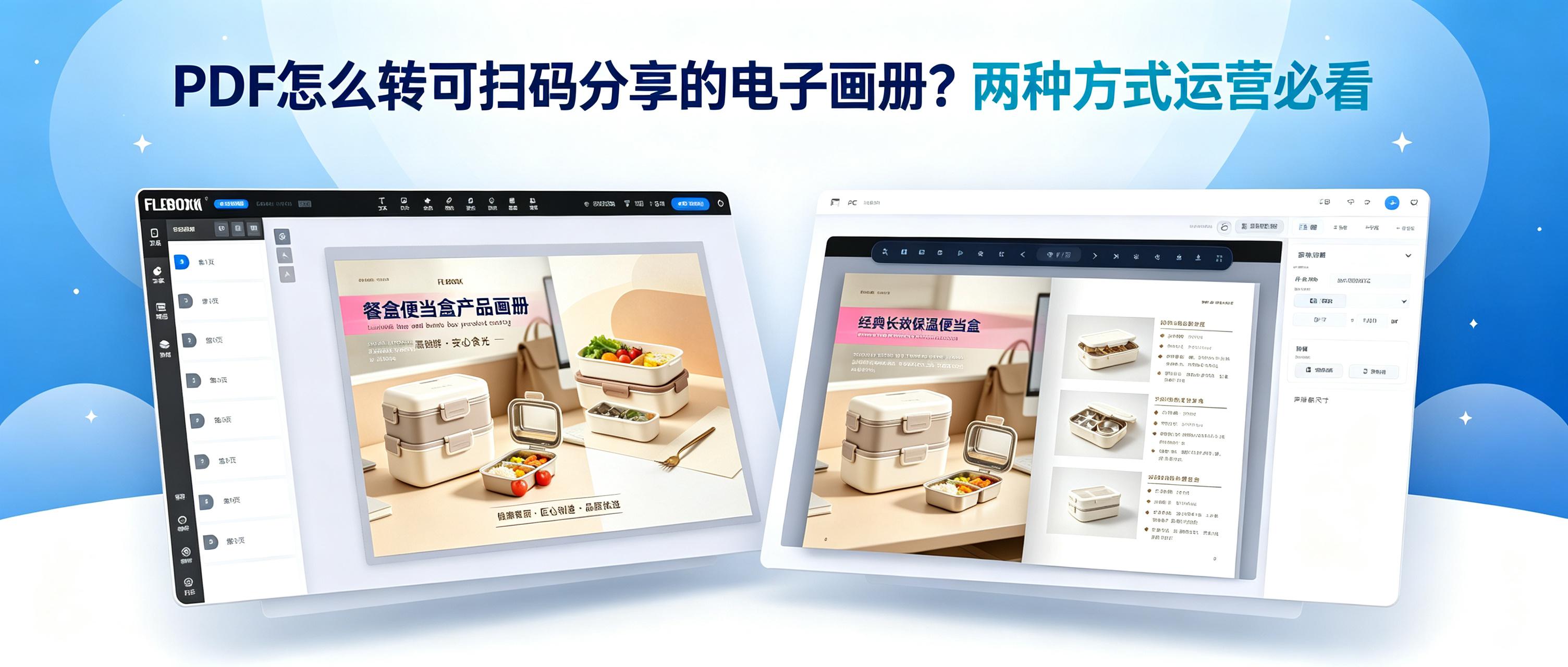
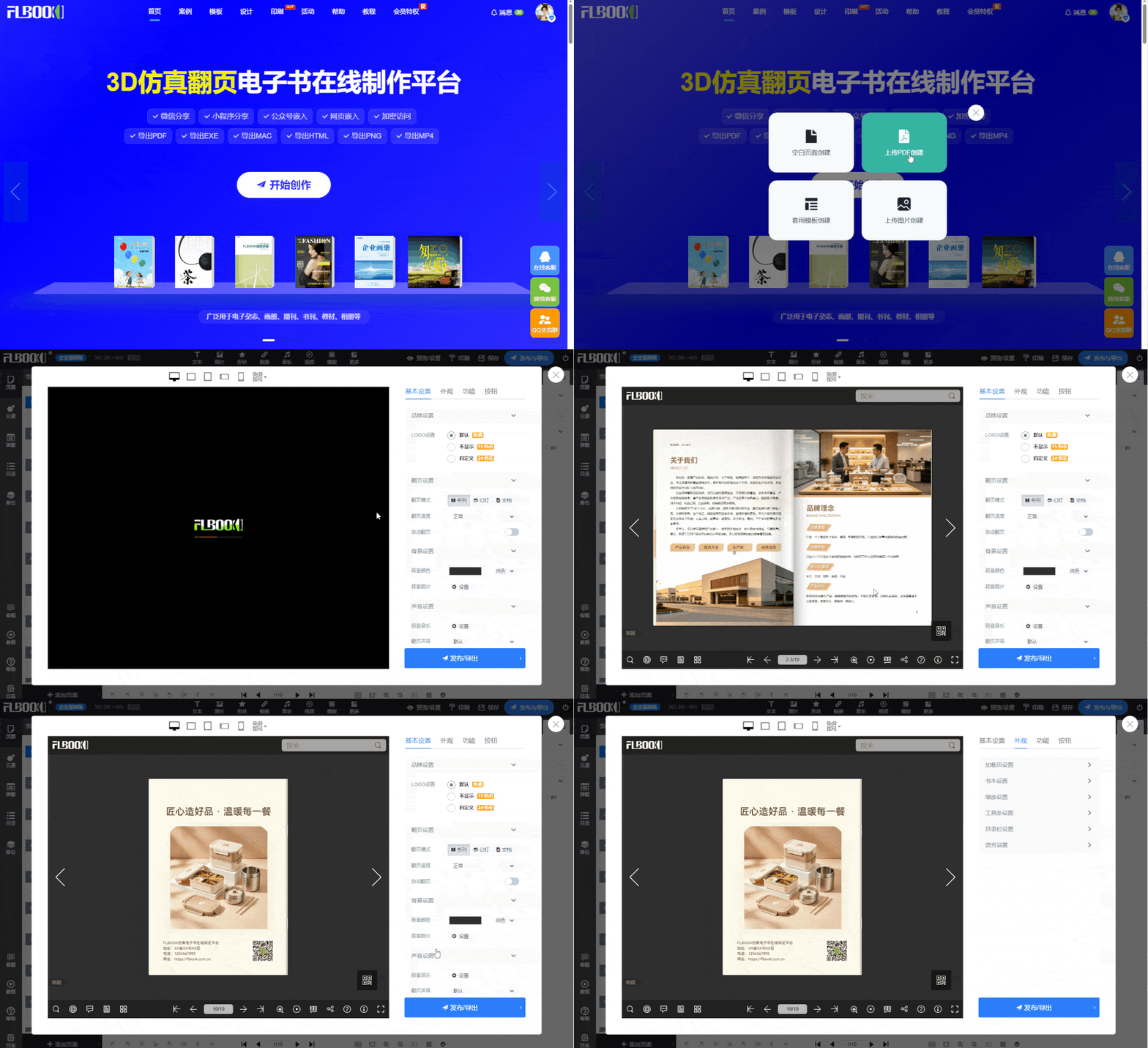
FLBOOK: Online, share and view instantly.
FLBOOK works in any browser. Upload PDFs or use templates to create flip-page catalogs in minutes. Its core benefit isZero-Friction Distribution: After publishing, a link and QR code are automatically generated. Customers can scan the QR code to open it directly in WeChat, with no download or cache waiting required.
In terms of display, it supports embedded videos, hyperlinks, and animation effects. For example, in a product catalog, when a customer turns to the page featuring a new product, they can directly click to play the demo video. Even if the content is updated and republished, the link remains unchanged, so customers always see the latest version when scanning the QR code.
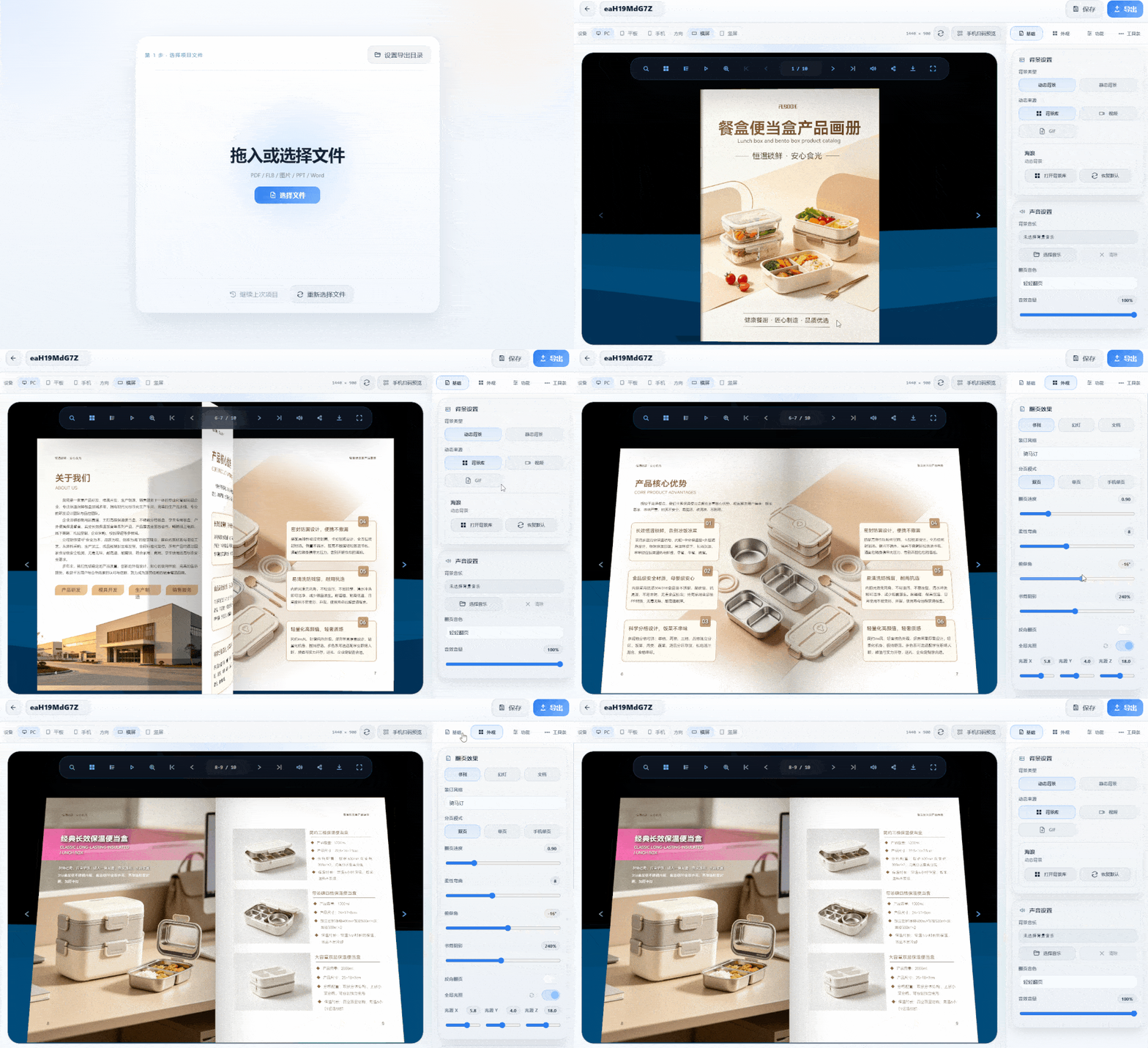
MW 3D Page-Flip E-Books: Local Processing, Premium Reading Experience
If your content includes quotes or internal materials, or if you want clients to feel like they are reading a hardcover book when flipping through pages, this option is more suitable. Import PDF to generateRealistic 3D Page-Flip Effect—Pages curve, spines cast shadows, and page turns include paper sounds
All assets are processed locally and never uploaded to the cloud, ensuring stronger confidentiality. It supports multiple export formats including HTML, EXE, MP4, and APK, covering scenarios from large exhibition screens to mobile devices for clients.
AnyDoor: Follow the 【MW Software】 official account to get the tool