上传PDF做翻页书,画质清晰是第一关 PDF做翻页书,核心要解决的就是上传后保持原File清晰度这个问题。不是所有工具都能做到高清无损,有些会强制压缩Image分辨率,有些对大尺寸PDF支持不好。 下面盘点的这两个工具,在实际使用中上传PDF后输出效果清晰度和原File基本一致,适合对画质有要求的场景。 FLBOOK 1.核心优势 支持 PDF 高清无损上传,原图Text不压缩、不模糊,保留原版排版样式。生成的翻页
手上有排好版的PDF,想直接做成能翻页的电子画册,真不必再找人重做设计。PDF最大的毛病是"死",把它转成翻页画册之后,同样的内容变成了能左右翻阅、带书页光影的立体画册,Mobile、电脑、Tablet打开就能看,扫码即读,这次实测了国内出产的两款工具,Action很方便,很好用 一、FLBOOK:浏览器打开就能做,PDF上传即成翻页电子书 Part of MW的FLBOOK是在线平台,不用Download安装,Sign Up后进入创作页,把PDF、PP
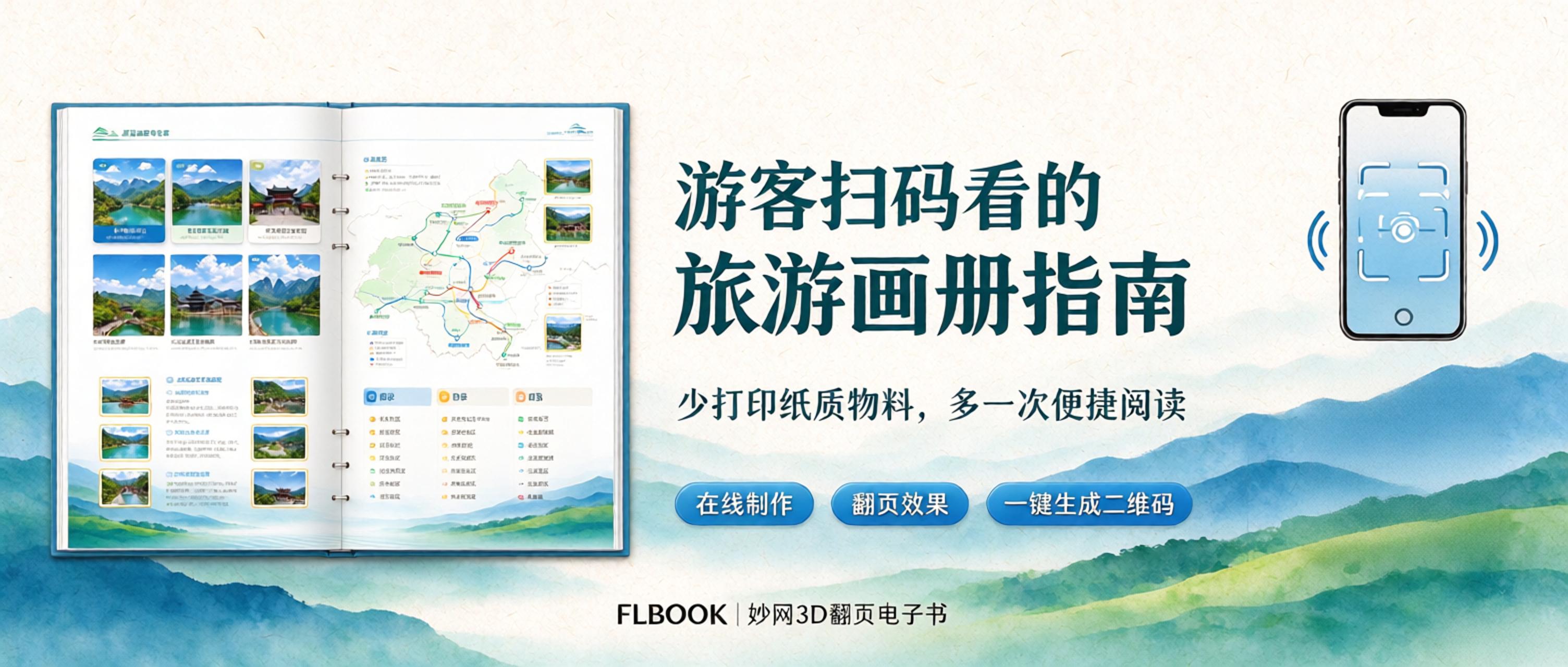
We are a small local culture and tourism team running travel sites and scenic area content. Every year we used to print thousands of copies of travel brochures—guide maps, route handbooks, food maps. It was inconvenient for tourists too: brochures take up their hands and are hard to save or share. This year we switched to mobile digital brochures viewed by scanning a QR code: codes are posted at visitor centers, docks, and guesthouse front desks, so visitors can scan and flip through them and share with travel companions—keeping up with green, low-carbon, and smart tourism trends. 1. How we did it. The process is simple: first lay out the brochure, export it as a PDF, then use
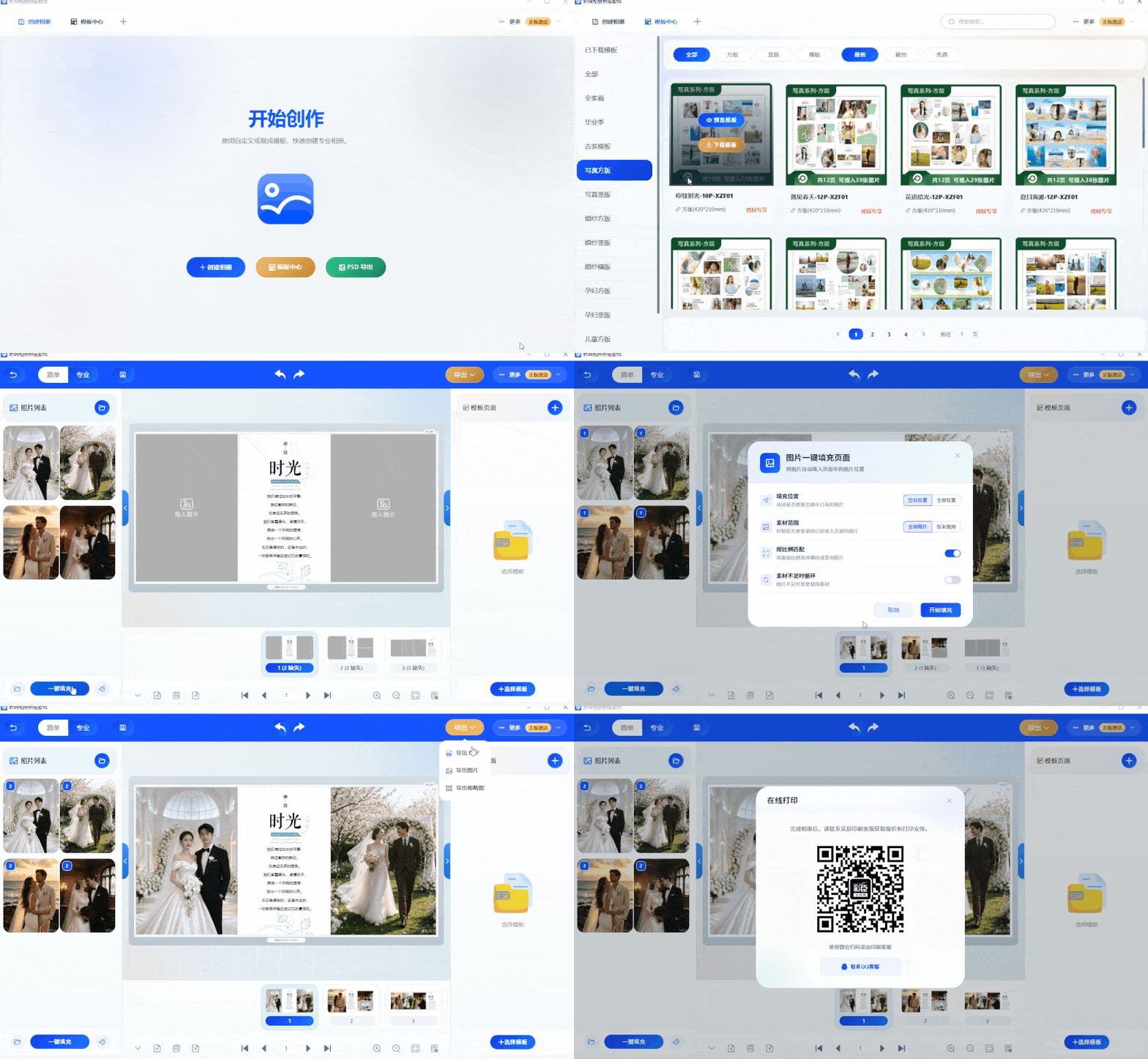
I originally tried this crystal album creation software just to grab a freebie, but after only 7 days, I was completely won over! Running a photo studio means constantly serving clients, so it's hard to find spare time for layout design and album creation! Hiring a dedicated designer means paying wages even in the off-season—unbearable costs. Today I'm sharing the crystal album creation software I use: no ads, no forced purchases. Direct access to the only channel: https://soft.mwkj.net/sites/mwphoto/ At first glance I thought it required payment, but the templates are genuinely refined, and you basically don't need extra
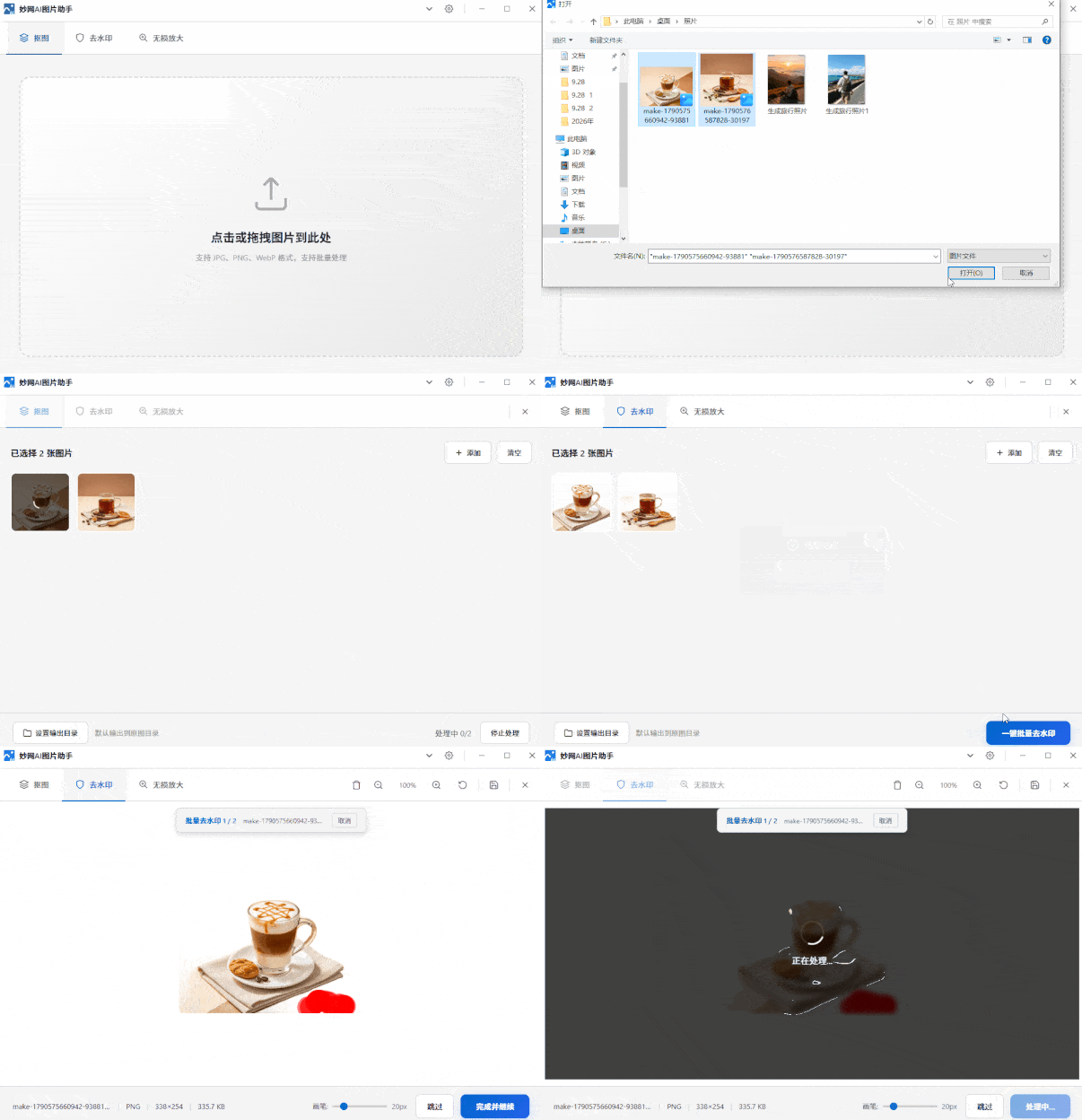
How hard is it to remove the background from an image with a watermark? Doing it manually, I only finished two images in half a day—even at my skilled pace. Since AI tools emerged, it's clear manual cutouts can't match AI. It cleanly removes watermarks, delivers sharp, crisp cutout edges, and supports lossless upscaling. MW AI Image Assistant is one of the best. Direct link: https://soft.mwkj.net/sites/mwaiimgtool/ It's a free desktop tool from MW software, with a small installer and minimal disk usage. Interface
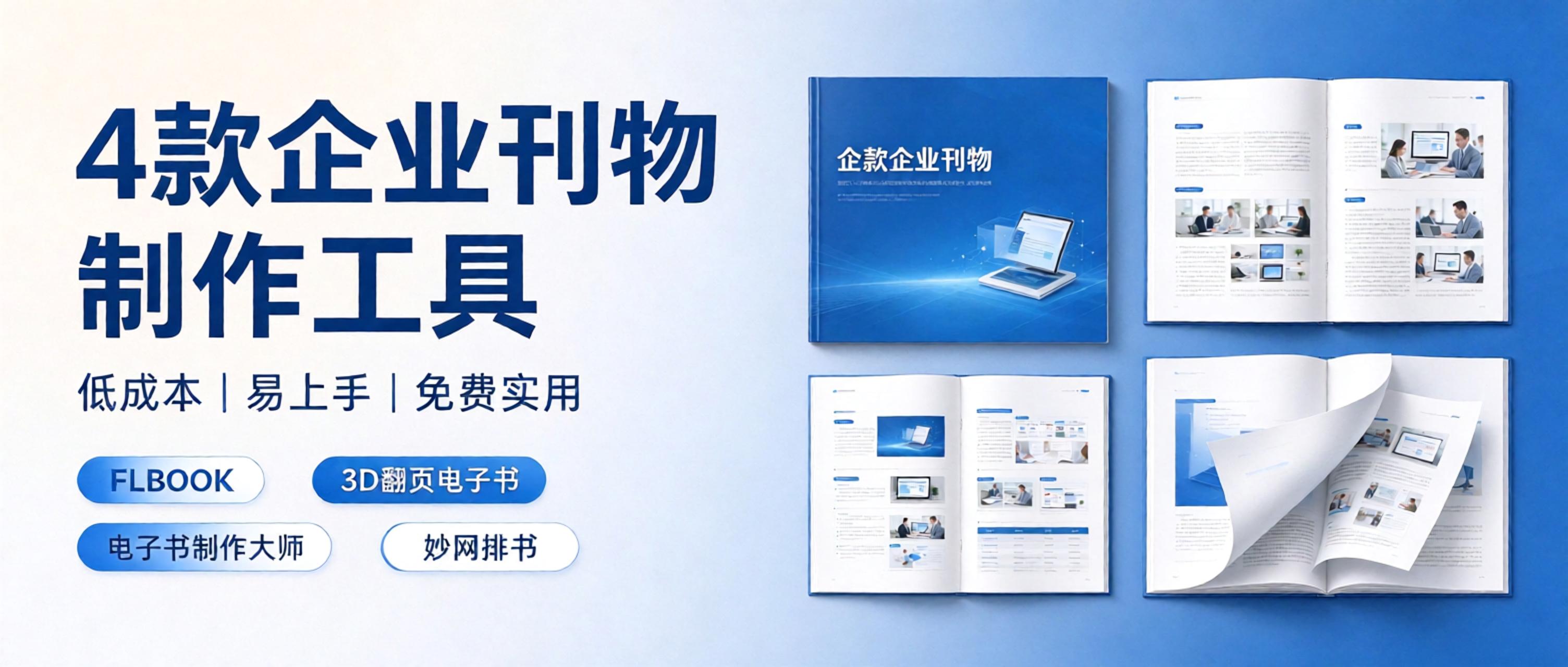
You carefully design the digital version, then find the formats don't match when you want to print it; the printer's proof looks great, but sending an online version to remote clients means building a new H5. All that back-and-forth doubles your time cost. Is there a tool that handles both digital and print in one go? Yes, there is. I. One piece of content, two outputs. The core logic of the FLBOOK online magazine website is simple: create your brochure content once, and the platform keeps the digital version for you; for printing, you can contact support to have it printed on paper. For the digital version, an H5 link is generated automatically once the work is published.
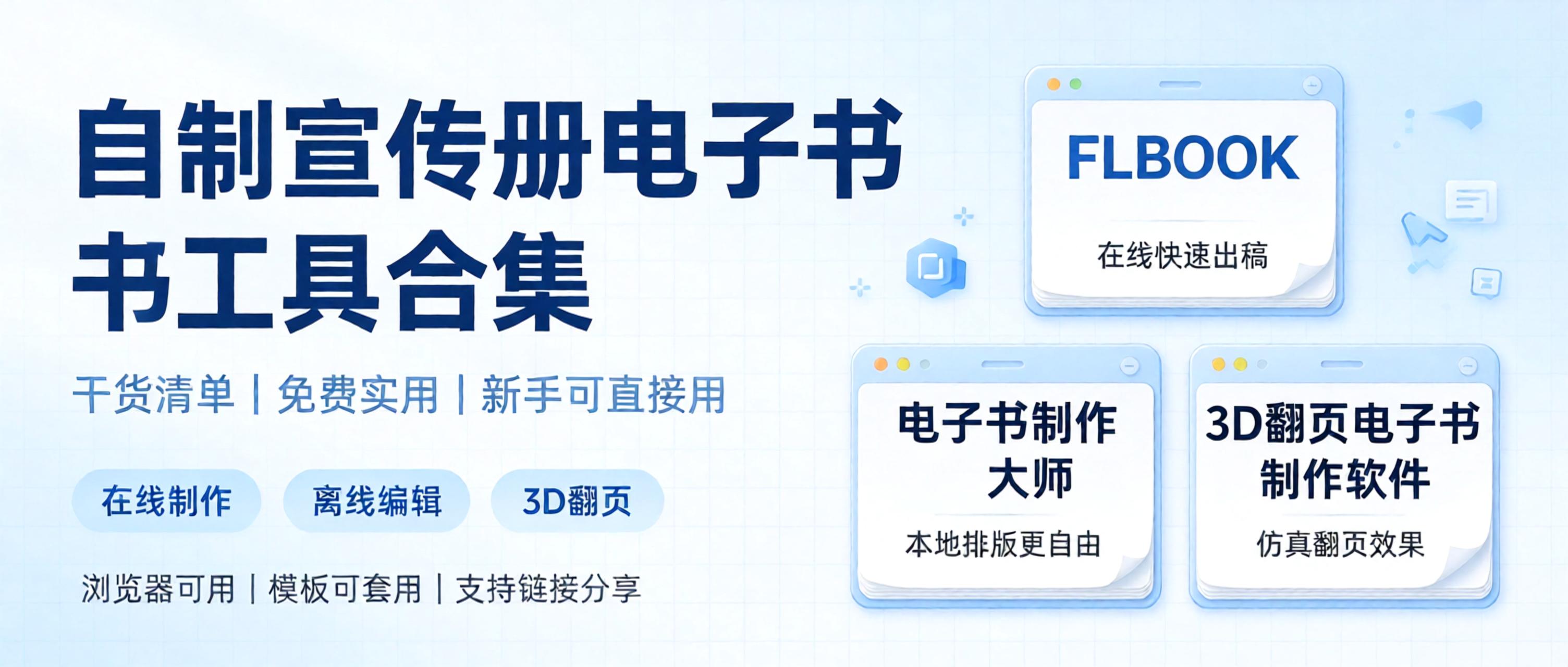
A roundup of practical e-book creation tools, focusing on ease of use with free features available. Perfect for beginners making page-flipping e-books and corporate brochures, compiled into a handy list so you can pick what suits your needs. 1. FLBOOK — an online digital brochure creation platform, ideal for users who don't want to download software and want quick results. Upload existing PDFs, images, or PPT files, and the system automatically generates a digital brochure with page-flipping effects. Free to use: basic features are free; just sign up to get started, no client installation needed. Templates: built-in layouts for corporate promotions and product brochures—just swap in your text and images.

How do you create a mechanical equipment catalog that looks more professional and adapts to multiple devices? Here are two tools I recommend for personal use, with remarkable results in presentation. No professional design skills required—basic features are free to use, making it easy to produce catalogs for multiple equipment models. Browsing is stable on desktop, mobile, tablet, foldable phones, widescreen and portrait modes, with distinct visuals across devices. The first is FLBOOK, a handy and convenient tool that works right in your browser. You can batch upload designed equipment photos and spec sheets, organize materials for various machines, and generate posters or share links with one click.

For digital albums, should you choose a cloud-based online tool or local desktop software? We recently tested two free album-making tools to see where each excels and how to choose. 1. FLBOOK: Free online album creation tool FLBOOK is a cloud-based album platform that works right in your browser, no installation needed. Easy to start online: after signing up, upload PDF/WORD/PPT/JPG files to automatically generate a page-flipping ebook Rich templates: includes many free album templates, suitable for brochures, magazines, and portfolios One-click sharing: generate a link or QR code for mobile

Want to create a digital brochure but not sure which tool to choose? This free, practical list of digital brochure creation tools compares several options in detail, saving you the time of trial and error. This image is AI-generated 1. FLBOOK Positioning: online flipbook creation tool. Advantages: no installation required; upload a PDF or Word file to generate a flipbook; create with templates or design freely with embedded videos, audio, and links; generates links or QR codes; readable on phones and computers. Best for: brochures, product catalogs, and content that needs quick sharing and updating. Difference: online operation


