


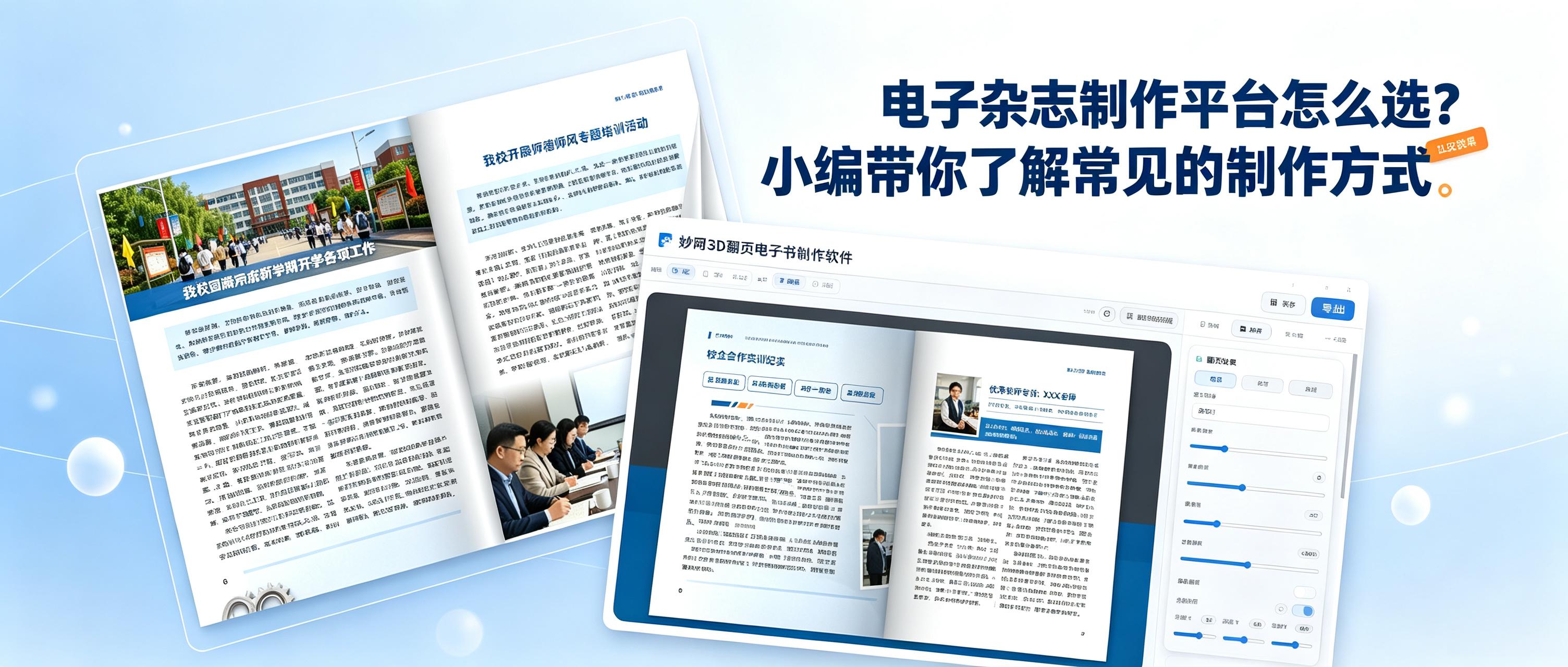
How do you choose the right tool for creating an e-magazine?
Be sure to check these two points:
1. Can it create a 3D simulated page-turning effect?
2. Can it be shared quickly?
3. Can permissions be set to protect your work?
4. Can the platform keep updating the features users need?
Those who meet the above requirements can consider using these two tools—they’re very easy to use
Method 1: Create Online (FLBOOK)
FLBOOK is a web-based e-magazine creation platform that works in your browser, with no download or installation required.
Main steps:
1. Online operation: No installation required; open the webpage to use it
2. Rich templates: Multiple pagination templates available for direct use
3. Multimedia support: Add text, images, videos, and links to pages
4. Easy sharing: Generate a link or QR code for instant access

Method 2: Desktop software (MW3D page-turning e-book creation software)
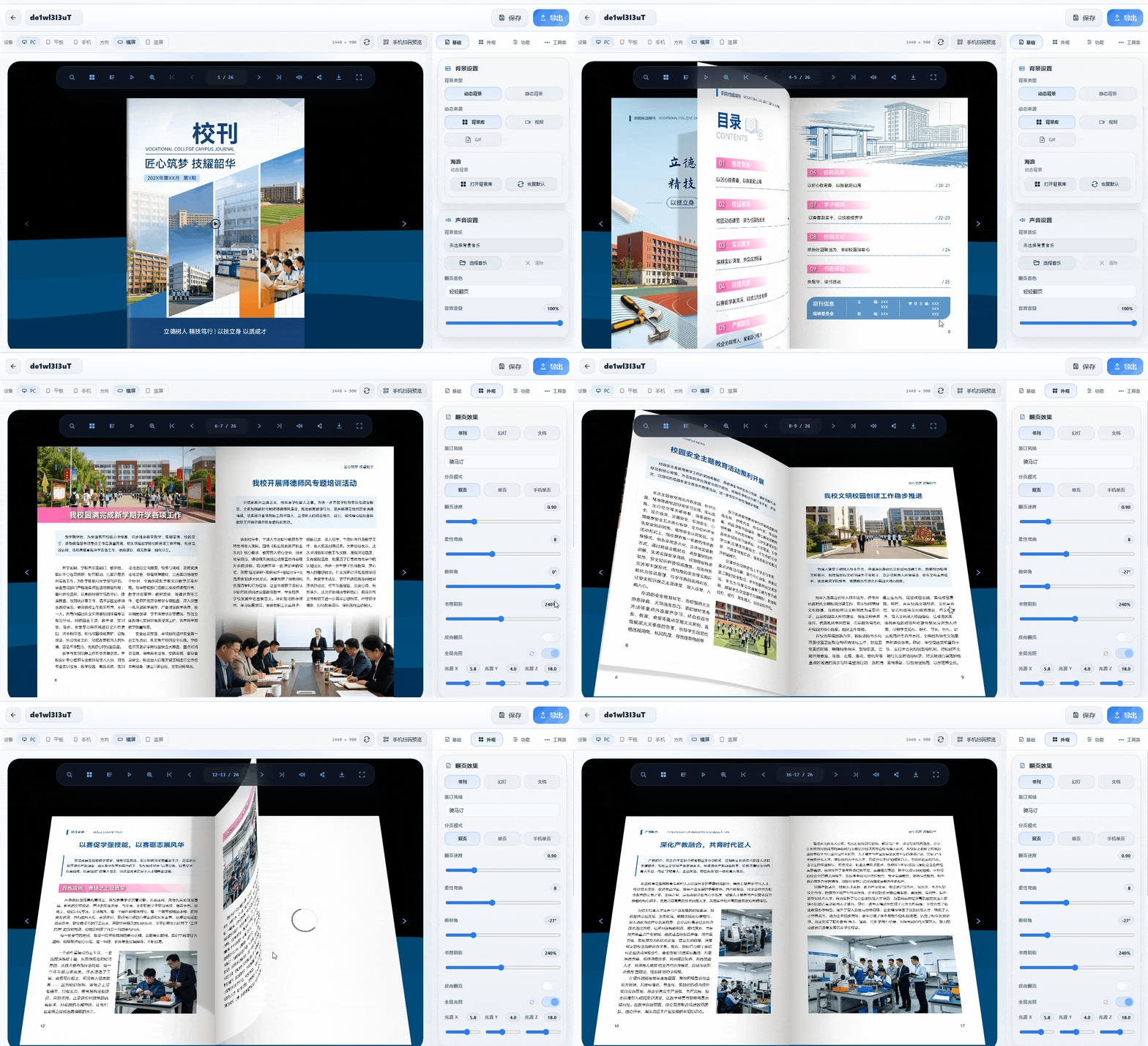
This desktop software is installed on your computer and is suitable for users who require more realistic page-turning effects.
Main uses:
1. 3D page-turning effect: Pages curve and show spine lighting as they turn, creating an experience close to turning a physical book
2. Page-turning sound effectsPage-turning sounds enhance realism
3. Multi-format outputSupports HTML, EXE, MP4, APK, and more
4. Protect your materials:Materials used during creation are not uploaded to the cloud
Follow the 【MW Tech】 official account to get the tool