
灵感这玩意儿,比金鱼的记忆还短暂。念头一闪而过,转眼就记不起刚才想要落笔的内容。身为写作爱好者,为捕捉灵感熬到深夜,却对着屏幕无从下笔,早已是常态。 如今 AI 固然能批量生成文稿,产出的Text有时甚至比亲笔写的还要出彩。可想要从中挑出最合意的那一篇,往往需要反复翻阅筛选。 直到最近深度体验了MW E-book Creator,我才算摆脱了这种窘境。 为什么我Recommended使用MW E-book Creator? 一、一边写一边存,不怕中途
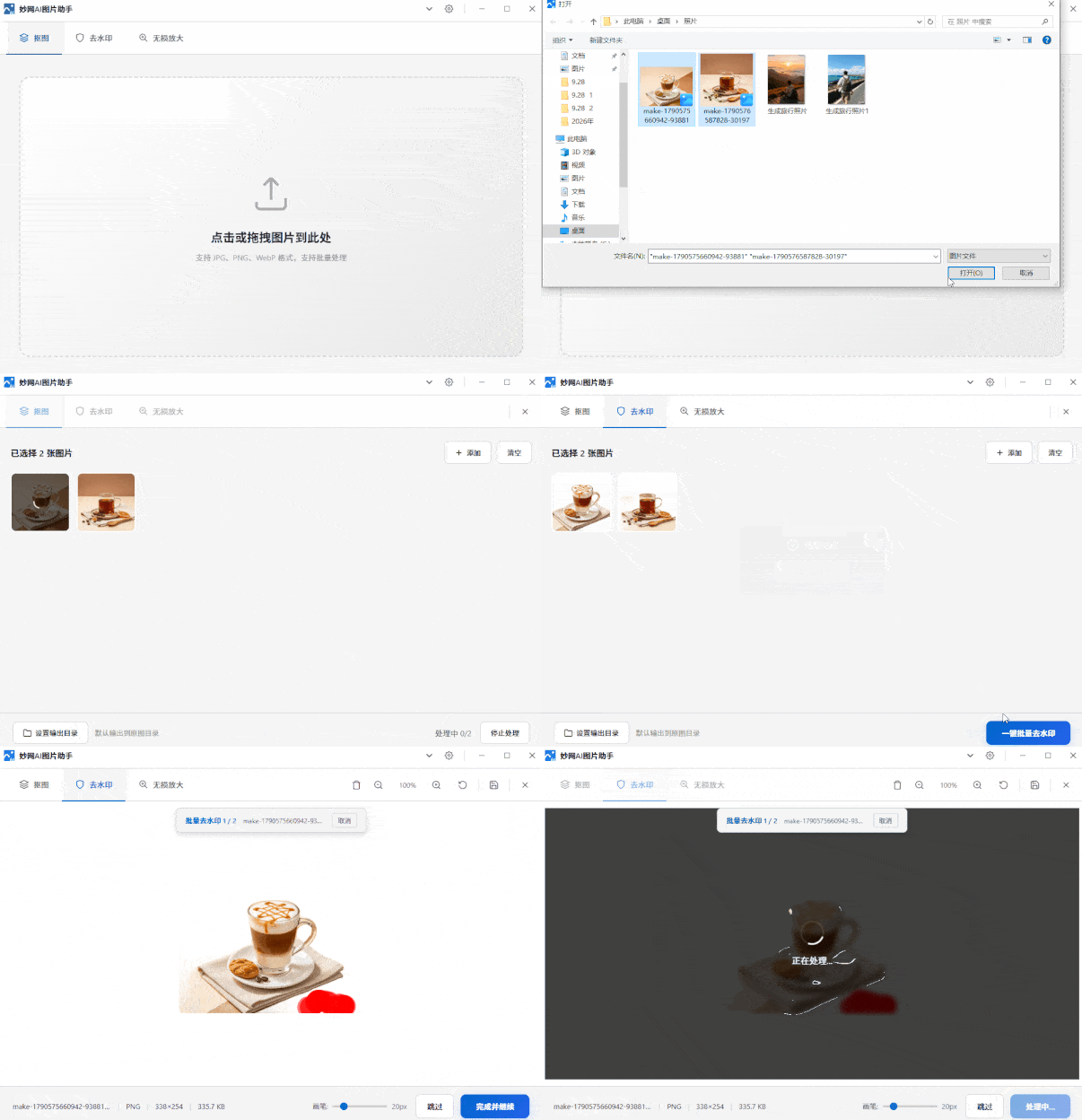
How hard is it to remove the background from an image with a watermark? Doing it manually, I only finished two images in half a day—even at my skilled pace. Since AI tools emerged, it's clear manual cutouts can't match AI. It cleanly removes watermarks, delivers sharp, crisp cutout edges, and supports lossless upscaling. MW AI Image Assistant is one of the best. Direct link: https://soft.mwkj.net/sites/mwaiimgtool/ It's a free desktop tool from MW software, with a small installer and minimal disk usage. Interface
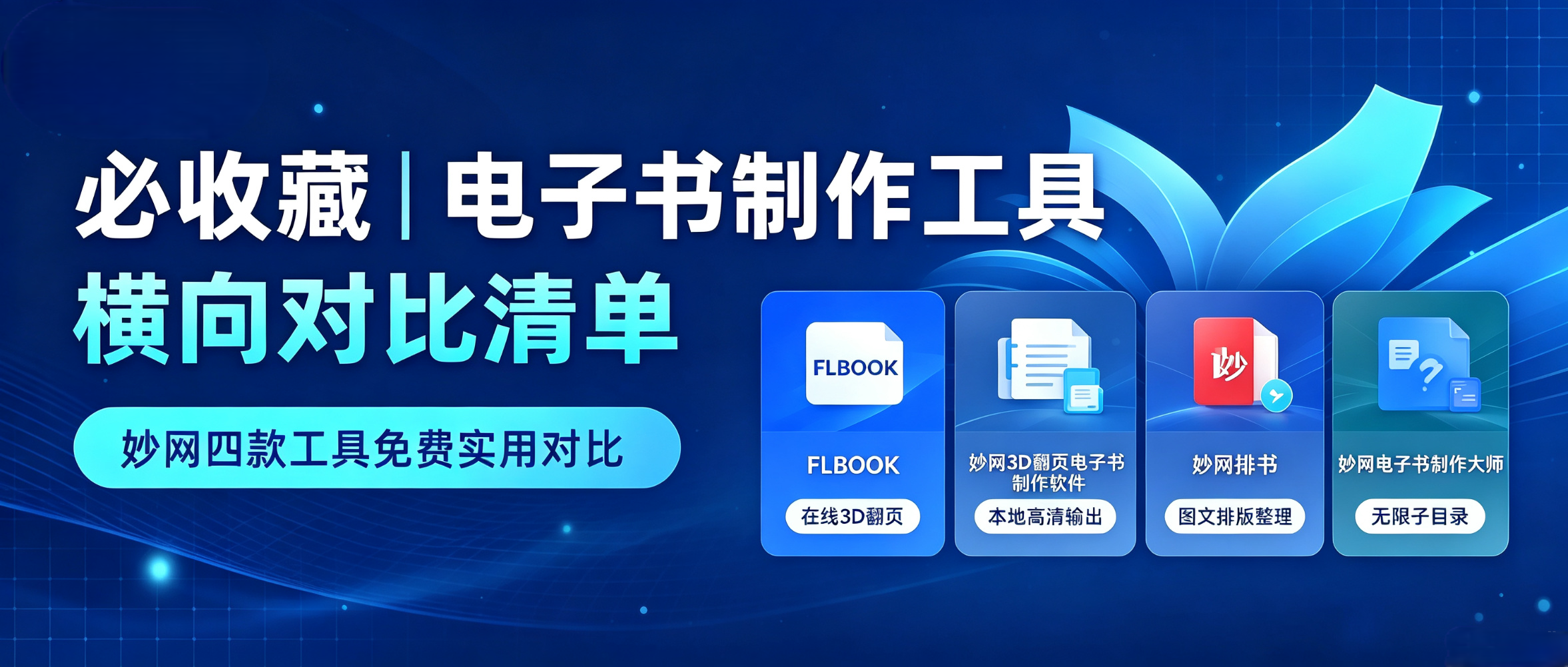
Want to create a digital brochure but not sure which tool to choose? This free, practical list of digital brochure creation tools compares several options in detail, saving you the time of trial and error. This image is AI-generated 1. FLBOOK Positioning: online flipbook creation tool. Advantages: no installation required; upload a PDF or Word file to generate a flipbook; create with templates or design freely with embedded videos, audio, and links; generates links or QR codes; readable on phones and computers. Best for: brochures, product catalogs, and content that needs quick sharing and updating. Difference: online operation
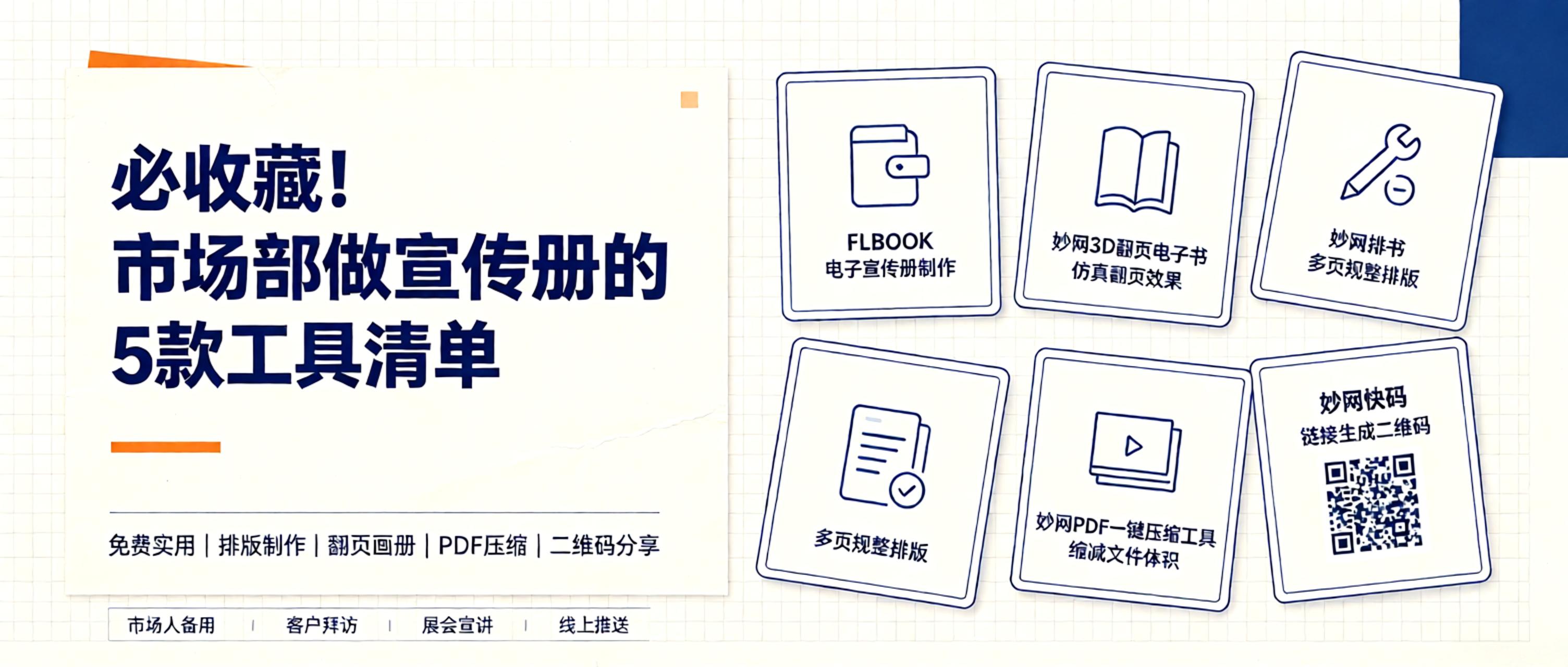
Why create brochures? A well-designed digital brochure clearly presents your brand story, product highlights, and contact info. Easily shareable via WeChat and email, it builds more trust than scattered images. What tools can help? Ideally, simple and affordable. 1. FLBOOK: Create online instantly. FLBOOK is an online platform for digital brochures. Upload PDFs or images to generate flipbook-style brochures and catalogs. Use templates and add multimedia elements like videos and links.
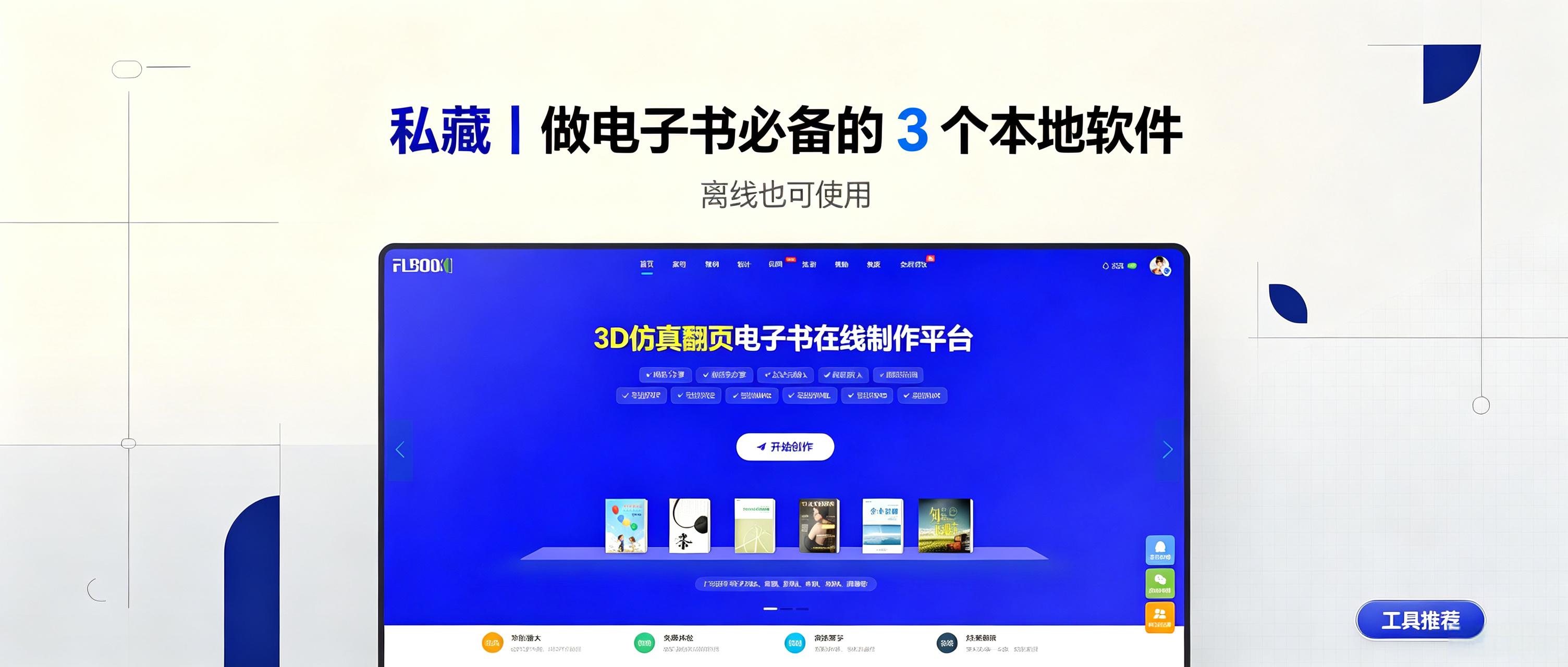
Online catalogs are easy to share but fail without internet access at trade shows, client visits, or outdoor displays. Sensitive content may also require local storage instead of cloud hosting. Desktop software solves this by enabling offline e-book viewing. This article reviews three practical local e-book tools for personal archives, manuals, and portfolios, helping you create e-books at low cost. 1. MW3D page-turning e-books: turn documents into interactive books. Ideal for corporate catalogs and product
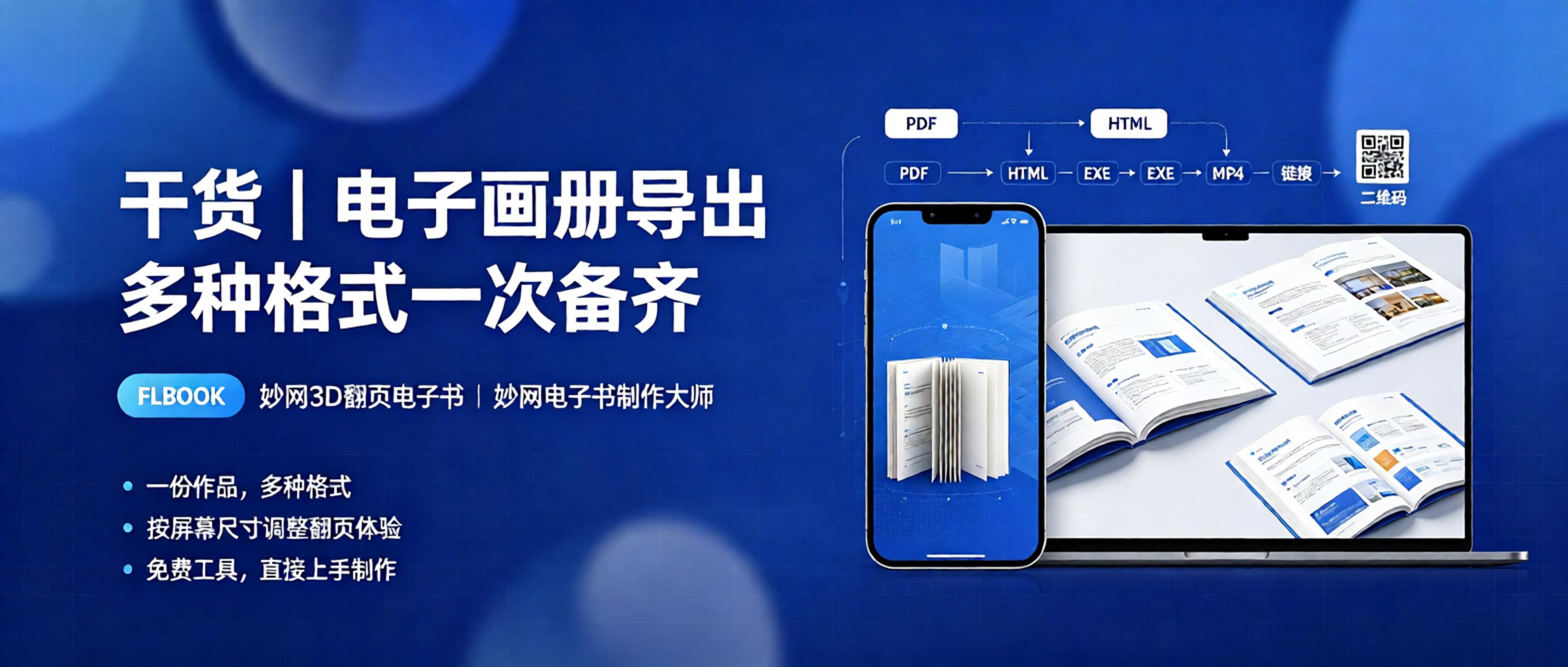
When organizing product catalogs and corporate brochures, format compatibility is often a hurdle: clients want Mini Program versions, printers need PDF files, exhibitions require offline files, and mobile users expect H5 flip-page digital catalogs. Converting formats across multiple tools is time-consuming and messy. Fortunately, many tools support creating once and exporting in multiple formats, eliminating repetitive tasks. Today, we share three digital catalog creation tools that support multi-format output. This image is AI-generated. 1. FLBOOK: H5 digital catalog with a flip experience optimized for mobile screens. FLBOOK is an H5 digital catalog that can be created online for free.
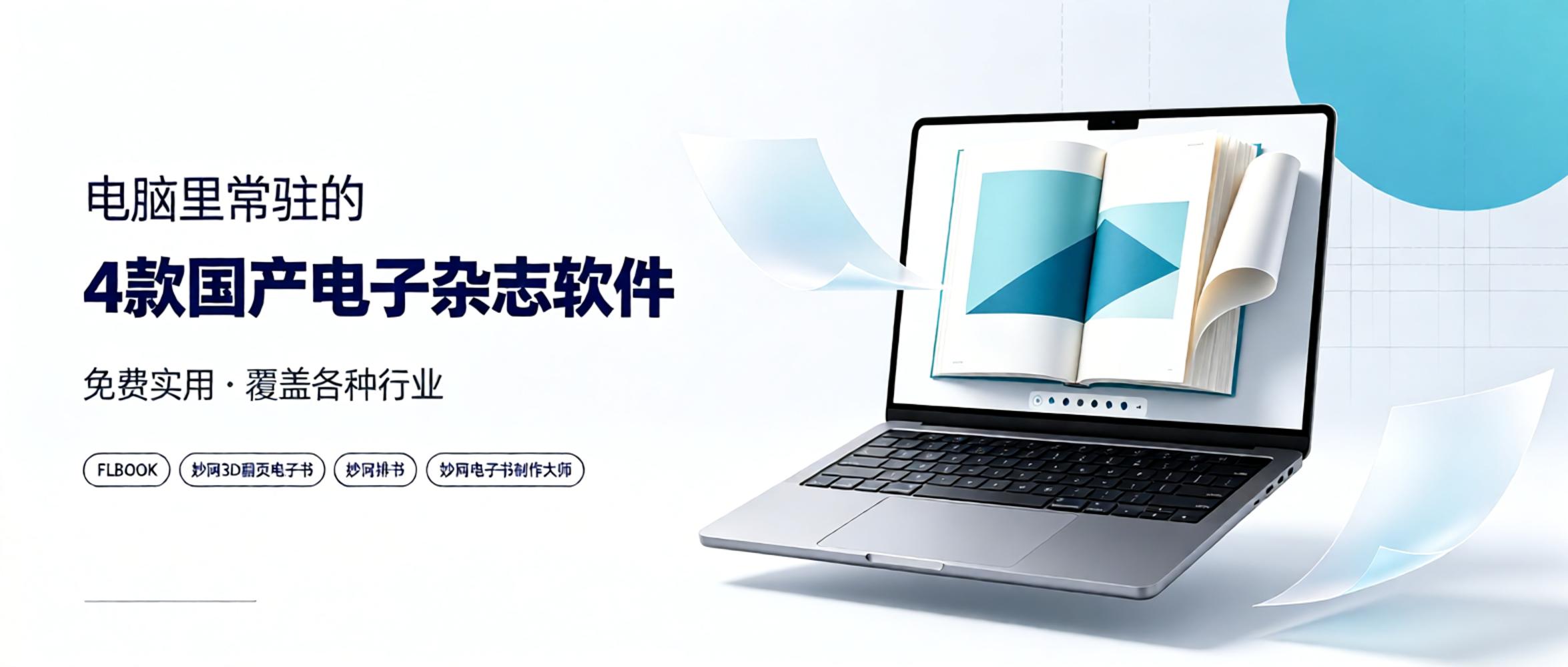
As a staff member at an e-magazine publisher, I have tried many tools over the past few years, from foreign to domestic, free to paid. In the end, these four domestic software programs remain installed on my computer. Why choose them? On one hand, they are truly user-friendly, covering various needs from online sharing to professional publishing. On the other hand, the pricing is reasonable; most basic features are free, which is sufficient for individuals or small teams. If you need long-term production and want to unlock more professional features, upgrading to a membership is also affordable. Today, I will share my personal experience with everyone. 1. FLBOOK — Online H5 Album Tool Type:
![Board Boss Creates Digital Sample Catalogs for Clients: [Recommended] These Professional + Free Tools](https://res.mwkj.net/site-1789703943267-4424358842569491.jpg)
Why should board owners create digital catalogs? 1. Real-time updates: When new boards arrive, edit content online; customers see the new version by scanning. 2. Easy sharing: Generate links or QR codes to send via WeChat, Moments, or customer groups. 3. Portable: Sales reps don't need thick catalogs; one phone displays all products. 4. Quick search: Clear categories allow customers to click directly for desired patterns. How to make a digital board catalog? Organize real photos by series, upload to an online layout platform to create a flipbook, then generate links or QR codes for WeChat or brochures.
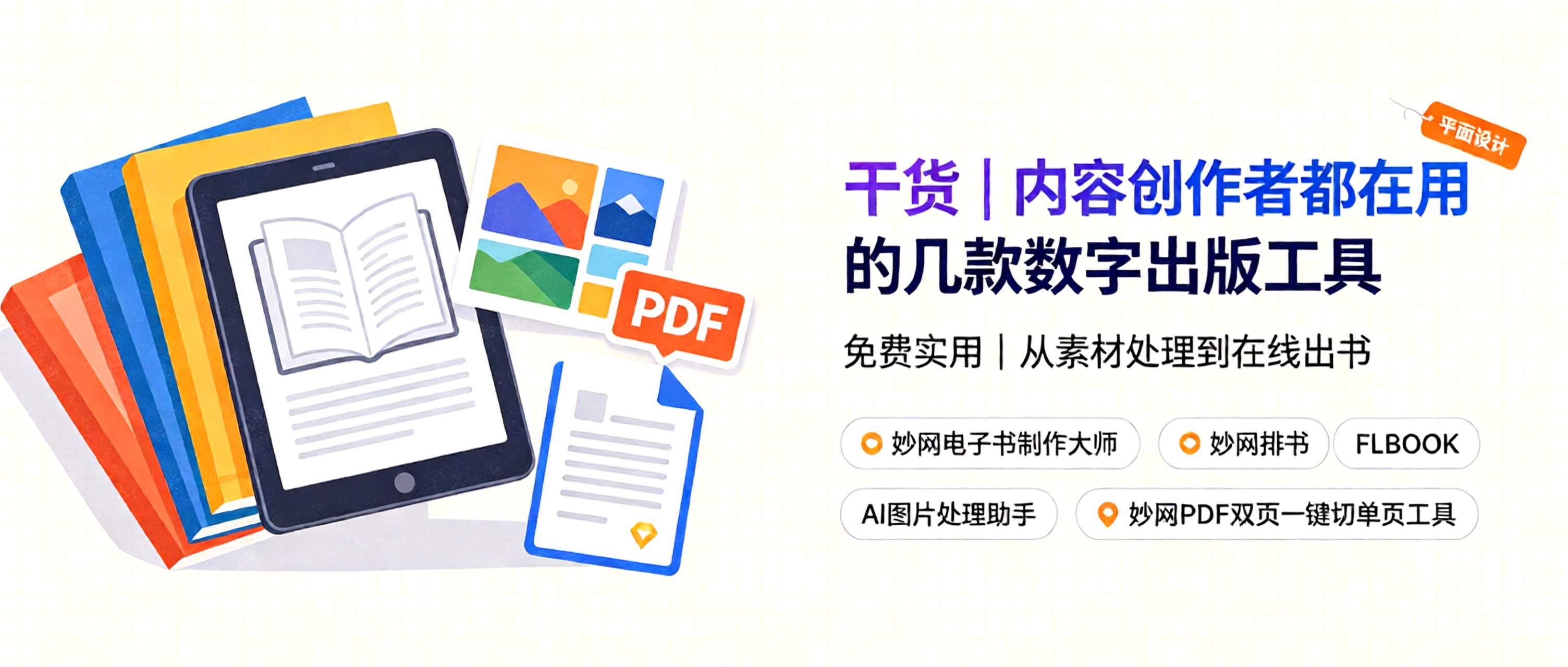
Where should content creators start with digital publishing e-books? 1. Children's picture books: Leverage visual storytelling to create e-books suitable for digital reading, expanding revenue in the children's book market. 2. Paid science and knowledge books: Share expert insights in niche fields as paid e-books to build a professional personal brand and monetize knowledge. 3. Early childhood educational e-books: Focus on early education content, creating interactive read-along digital books to capture the toddler digital reading market. 4. Novel writing: Compile original and fantasy stories into books, publishing them via digital formats. This image is AI-generated. How
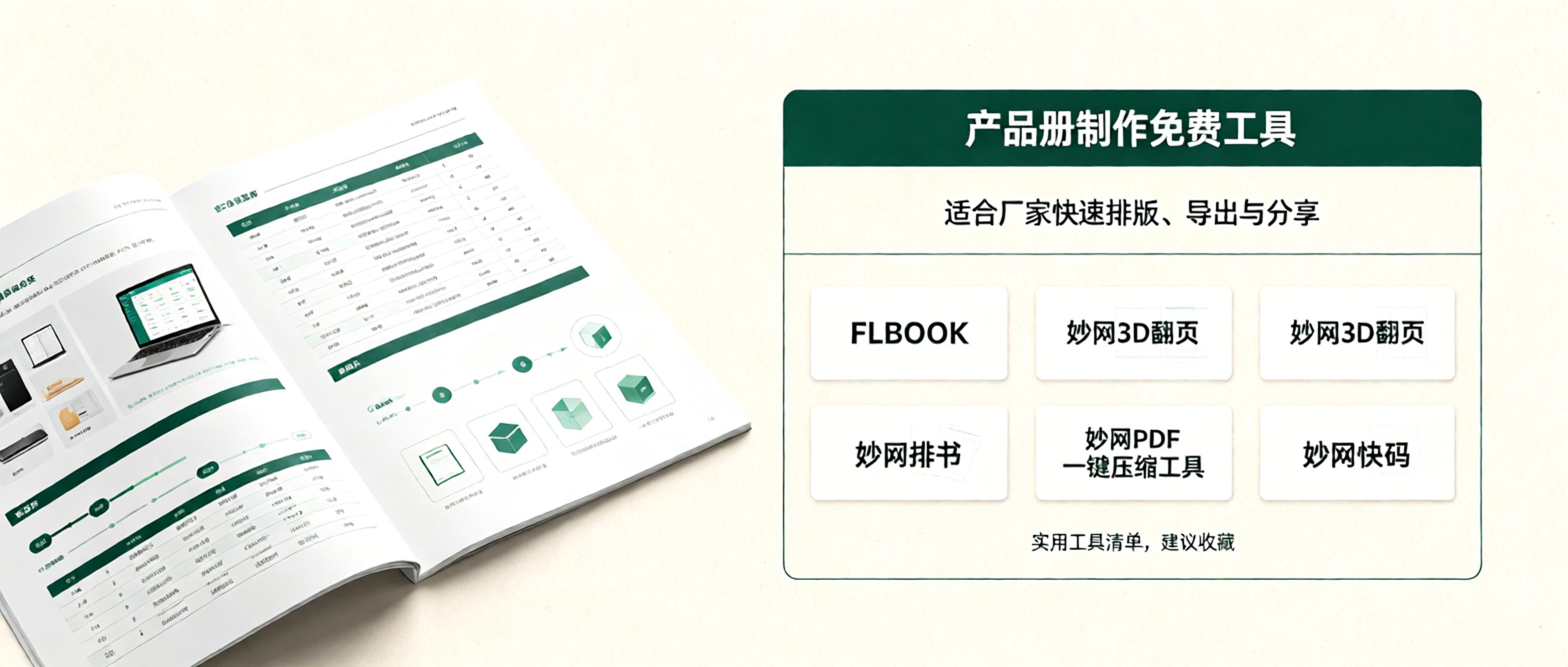
Why should manufacturers create product catalogs? Because catalogs replace repetitive verbal introductions. Customers can browse at their own pace and according to their needs, while manufacturers can standardize product presentation, allowing customers to quickly understand product parameters, advantages, and categories, thereby improving communication and customer acquisition efficiency. This image is AI-generated. How much does it cost to create a product catalog? Will hiring a designer exceed the budget? Based on my personal testing, these tools are very useful, have free features, and have friendly pricing. 1. MW One-click PDF compression tool Manufacturers often encounter issues with files being too large to forward when creating product catalogs.


