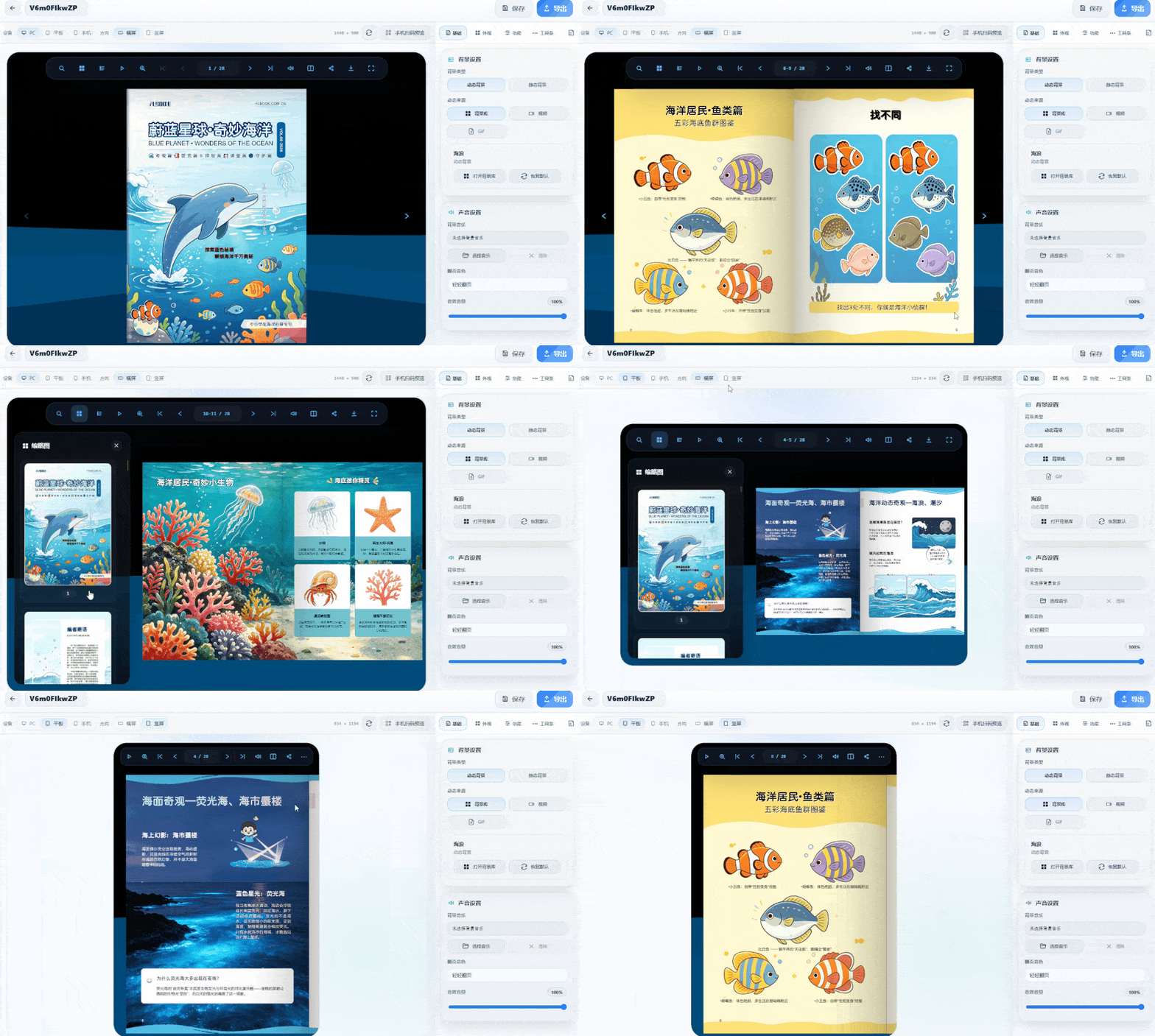
What is a particle effect background? When turning pages, the background isn't a solid color or blank—it features dynamic particle effects like starry skies and light spots that gently flow as you flip. Adding this background to popular science publications fits the content perfectly. For example, an astronomy chapter paired with starry-sky particles instantly maximizes the atmosphere as readers turn pages. Is it complicated to make? Not at all. It uses desktop software—just import a PDF or images directly, no re-layout needed. The software renders 3D effects with WebGL, and page curvature and spine shadows are generated automatically. The particle background is configured in the asset library.
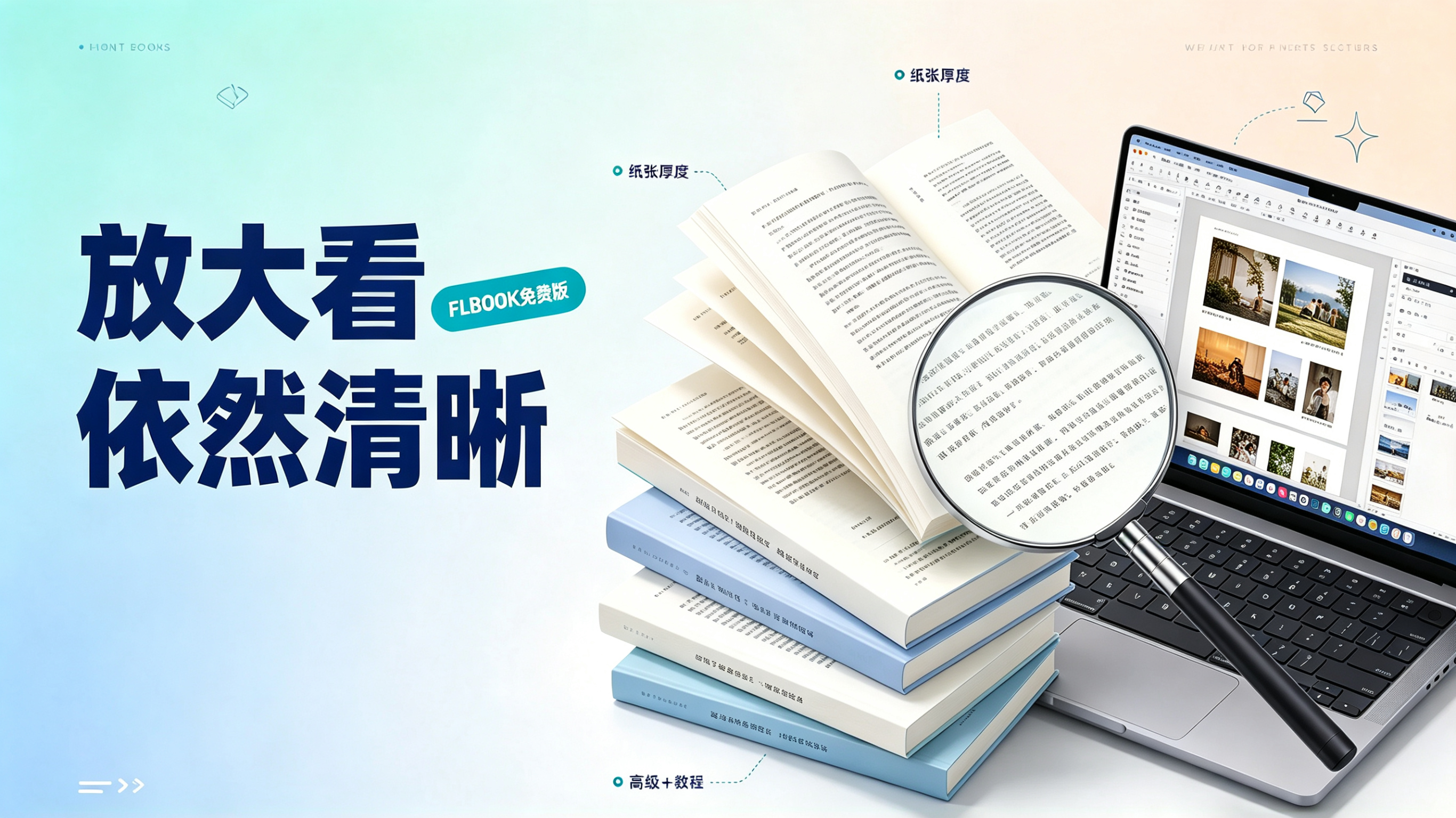
A while back, my boss asked me to put our company's 200-plus-page product manual on the official website: it had to support page-turning, work on mobile, and keep the spec tables crystal clear when zoomed in. I tried several flipbook e-book tools, but the exported text came out blurry, or the free version only allowed the first 10 pages with other people's ads plastered on them. Then I tried FLBOOK once — upload, convert, publish — and not a single "please upgrade to membership" prompt appeared the whole time. That's when I realized this never had to cost a cent. Before uploading, first identify: what kind of PDF do you have? PDFs fall into two categories: scanned documents (which are essentially

Struggling to create digital manuals or corporate brochures? Want realistic page-flipping publications without downloading bulky software? The FLBOOK online platform makes it possible. It's an online platform I've used for a long time with a great experience. ✨ Create directly in the browser with a clean, easy-to-use interface. Just open the web page and start creating—no client installation needed. The platform interface is clean and simple, with no cluttered extra features. The creation page offers four creation methods: create from blank pages, upload a PDF, apply a template, or upload images. The options are clear and intuitive, easy for beginners to understand at a glance. You can also continue across computers

The way corporate brochures are presented is changing. Print is costly and hard to update, so more teams are turning to digital brochures. But "digital" doesn't mean just exporting a PDF — if clients still see a static long image on their phones, both the browsing experience and shareability suffer. Here are three digital brochure creation tools our company has used for a long time. Best of all, they offer free trials. Image is AI-generated. FLBOOK: web-based, no client installation needed. Upload PDF or image files to convert them into flipping publications.
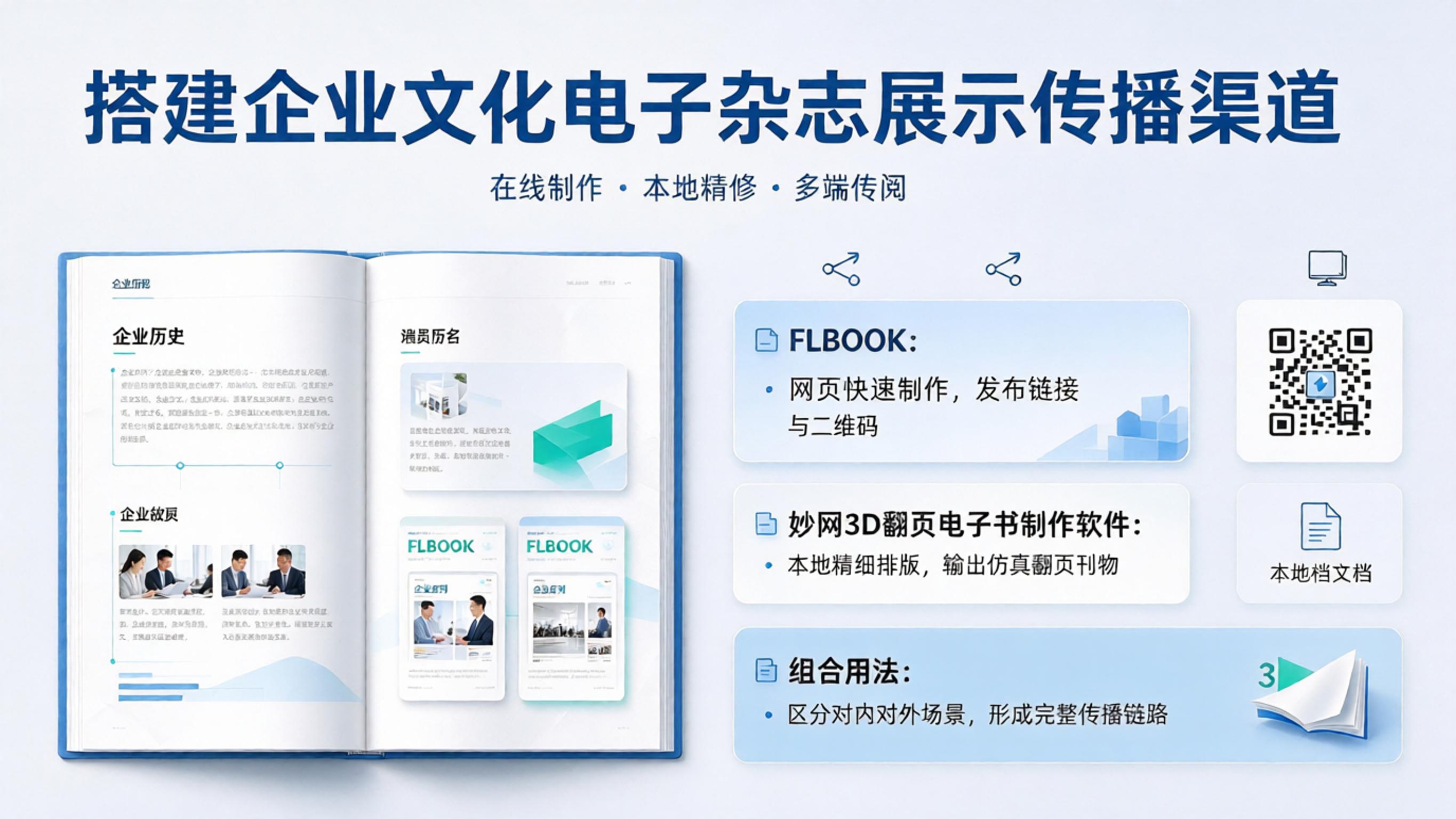
After creating a corporate culture e-magazine, the hard part is often not the layout, but making it visible to employees and easy to share. There are basically two needs: one is to send a link that can be browsed on a phone; the other is to copy it as a file so it can be viewed in workshops or meeting rooms without internet. Based on hands-on testing, two tools can deliver this online distribution channel, and their basic features are free to try. 1. FLBOOK Works in the browser, no client installation needed: upload a finished PDF or images and convert them into a page-flipping e-magazine, or create one from templates with free layout design. After publishing, you get a QR code or link—scan and read instantly.

Internal training publications differ from external marketing materials: they contain job SOPs, compliance policies, internal processes and more. Once shared or downloaded without control, the consequences often exceed expectations. Adding an access password to training publications is a direct way to control who can read them. The two methods below cover online publishing and local distribution respectively, and both are easy to use. Method 1: FLBOOK online encryption, ideal for link sharing. FLBOOK is an online flipbook creation platform. After uploading a PDF, it is automatically converted into an ebook with page-flipping effects. The encryption option is in the top right corner of the editor: Preview settings →

Offline farm-stay venues looking to expand online exposure face many limitations with image-text posters and paper brochures. In my experience, electronic brochures are a more reliable promotion method: they adapt to phones and tablets, and open normally on both Apple and Android devices. These two tools for making promotional brochures are very practical—one produces H5 brochures, the other WELGB brochures. 1. FLBOOK: quickly create page-flipping brochures online. FLBOOK is a cloud-based online creation platform—just open the webpage, no installation needed. Its main use is quickly turning PDFs and images into electronic brochures with page-flipping effects, and

Over the past couple of years, page-flipping e-books have become increasingly popular. They feel almost like real books and can be read directly on your phone. After testing a range of tools, here are a few e-book creation platforms still in use in 2026 with free basic features, for your reference. FLBOOK — Create online, ideal for quick results FLBOOK is an online platform with no software installation required; just open your browser and start. Import: supports direct import of PDFs and images, with no need to re-layout or use templates from professional designers Page-flipping effect: realistic 3D page turns that work on both desktop and mobile Sharing: create
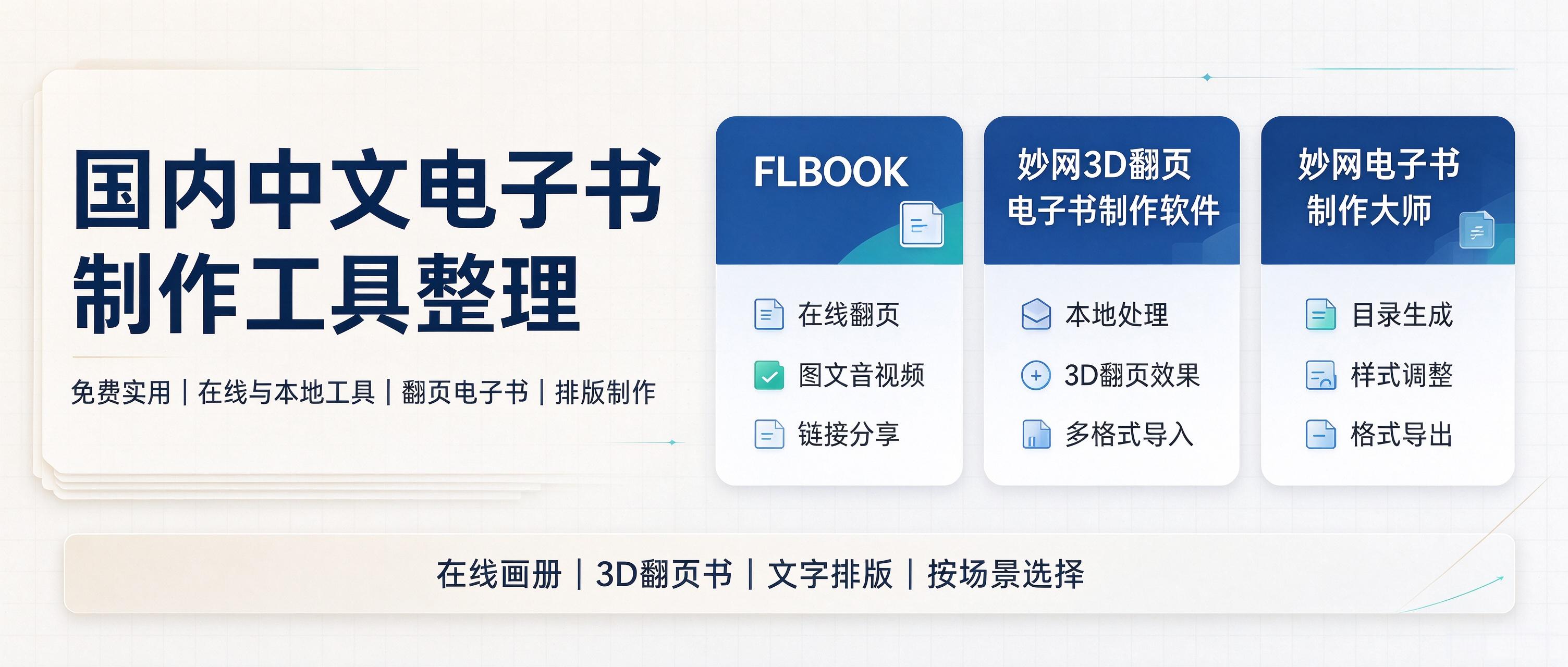
When it comes to making e-books, there are actually plenty of tools to choose from in China, but few are truly good, free, and versatile across multiple scenarios. I spent some time testing several tools with great experiences, each with its own advantages and different presentation effects—worth saving! 1. FLBOOK: Create online, with backup and storage for your works. Works directly in the browser, no software installation needed. Upload high-resolution PDFs or images to generate 3D realistic page-flipping books in vector quality that stay sharp at any zoom level; when finished, share via a QR code or link, and you can even put multiple albums together on a virtual bookshelf for centralized sharing. Free
When turning a PDF into a flipbook, image clarity is the first hurdle. The core challenge is preserving the original file's sharpness after upload. Not all tools deliver high-quality lossless results: some force-compress image resolution, and others handle large-format PDFs poorly. The two tools reviewed below produce output whose clarity is essentially identical to the original file after upload, making them suitable for scenarios where image quality matters. FLBOOK 1. Key advantages: supports high-definition lossless PDF upload—text in the original image is not compressed or blurred, and the original layout is preserved. The generated flip


