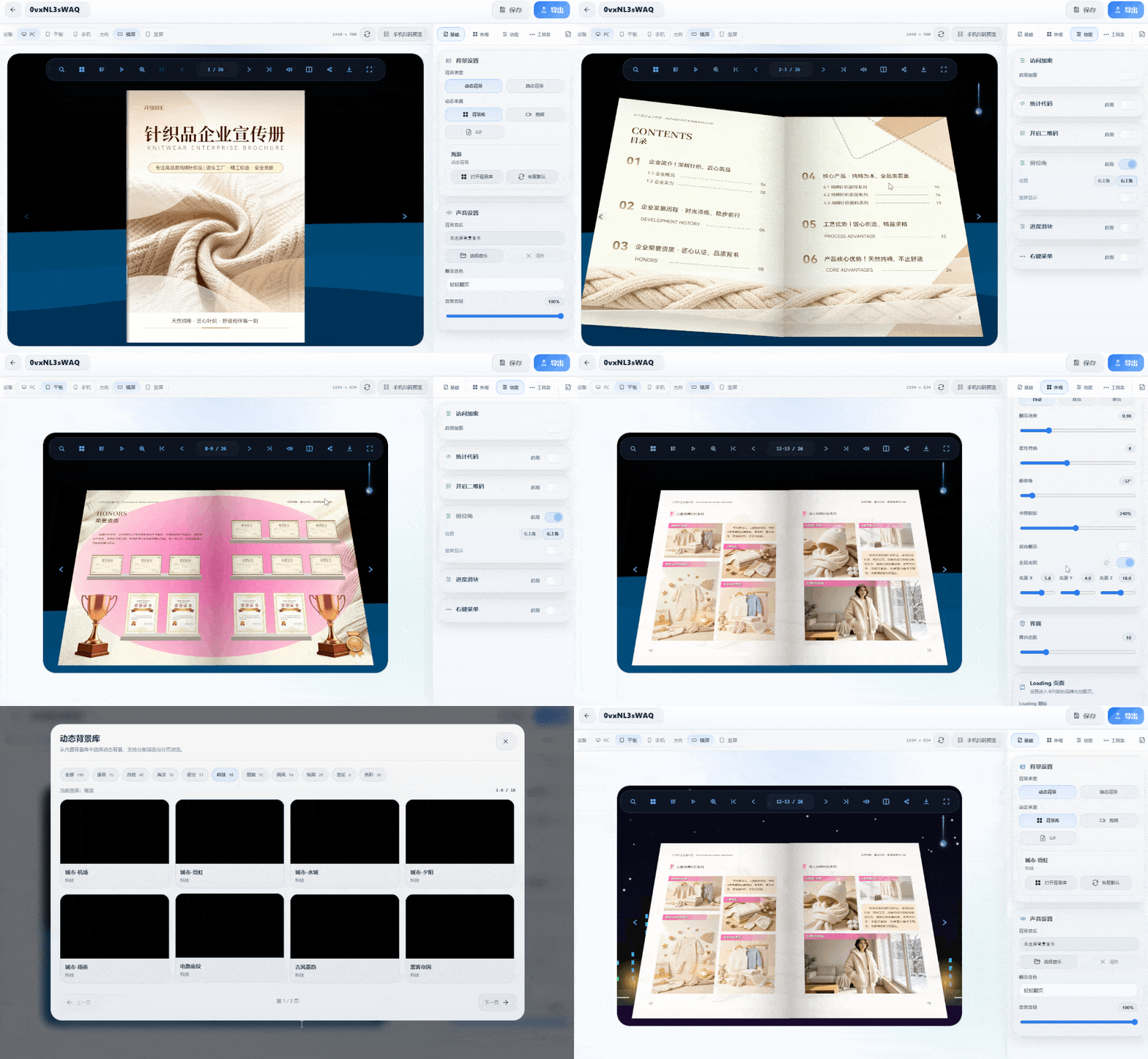
After finishing a corporate culture digital magazine, the hard part is usually not the layout, but making sure employees can actually see it and share it. Needs generally fall into two types: one is sending a link that can be browsed on a phone; the other is exporting a file that can be viewed offline in workshops or meeting rooms without internet.
Based on hands-on testing, two tools can put this online distribution channel into practice, and both offer free trial access to their basic features.
1. FLBOOK
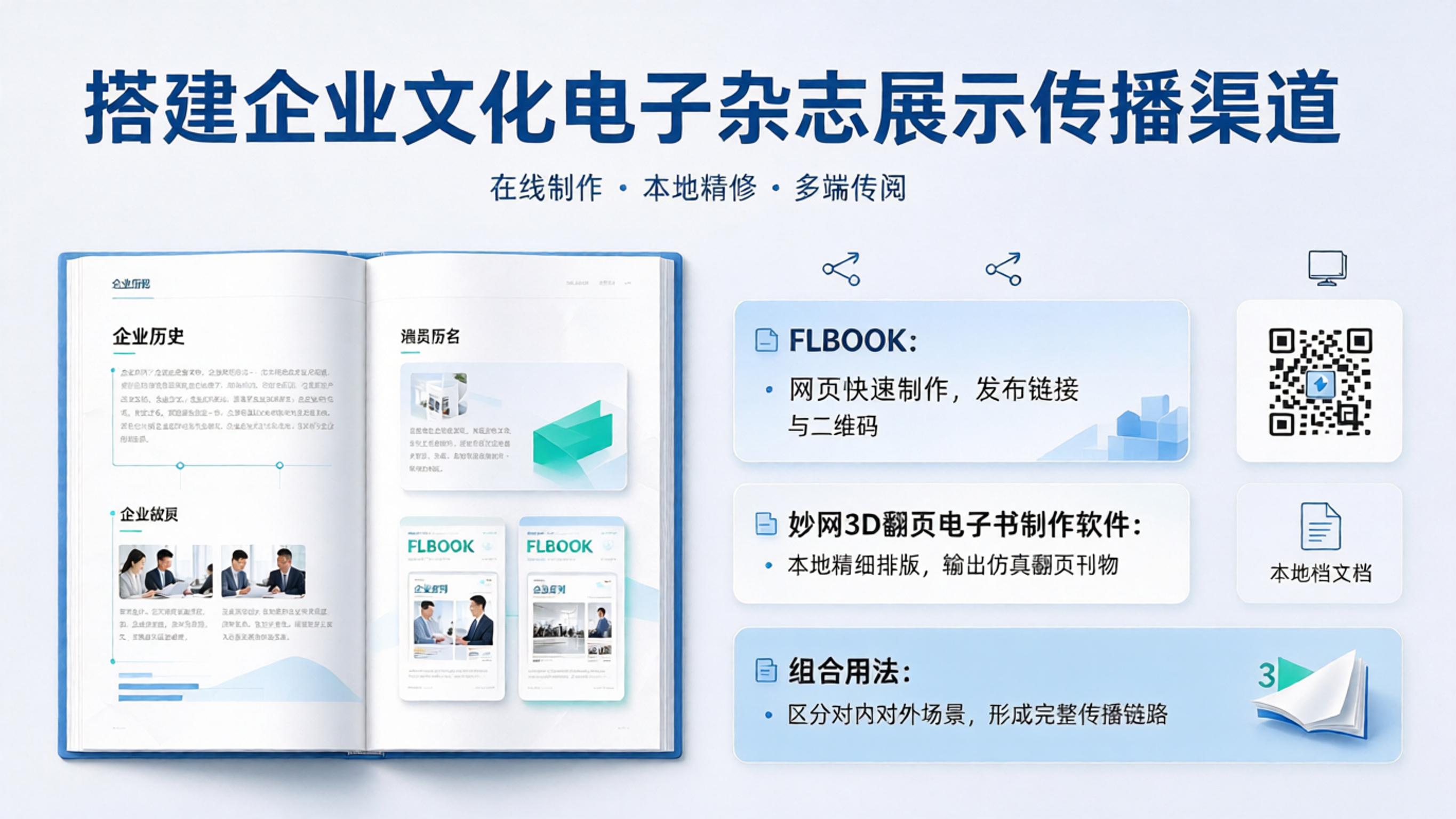
Works in the browser, no client installation needed:
Upload your finished PDF or images and convert them into a page-flipping digital magazine, or create one from templates with free-form layout design. After publishing, you get a QR code or link — scan to view, and it opens directly in WeChat. Multiple publications can be grouped into one virtual bookshelf, so employees only need to bookmark a single entry point.
Suitable for WeChat official account posts and WeChat Work groups. When content needs updating, edit online and save — the original link and QR code stay the same.
Window shortcut:https://flbook.com.cn/
2.MW3D page-flip eBook creation software
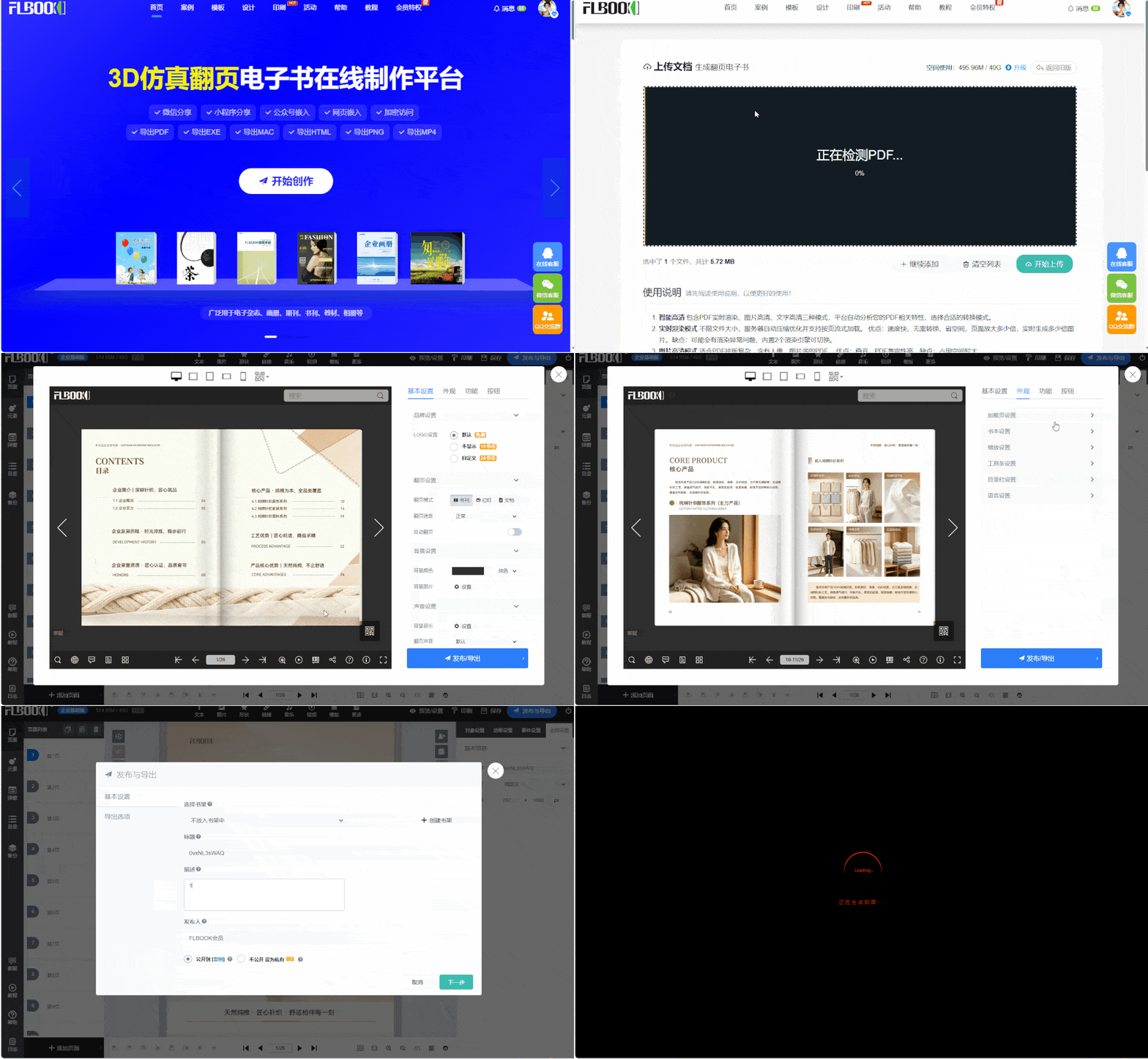
Desktop application installed locally, one activation code per machine. The vendor reportedly offers a 7-day trial code:
Imports PDF, Office documents, and images to generate magazine-style page flips; exports to EXE, HTML, MP4, APK, Mac, and more, working on USB drives or intranet terminals; supports a custom loading page and GIF background.
Ideal for keeping internal materials confidential, viewable only by staff, without uploading content or assets to the cloud.
Direct to window:https://soft.mwkj.net/sites/mw3dbook/