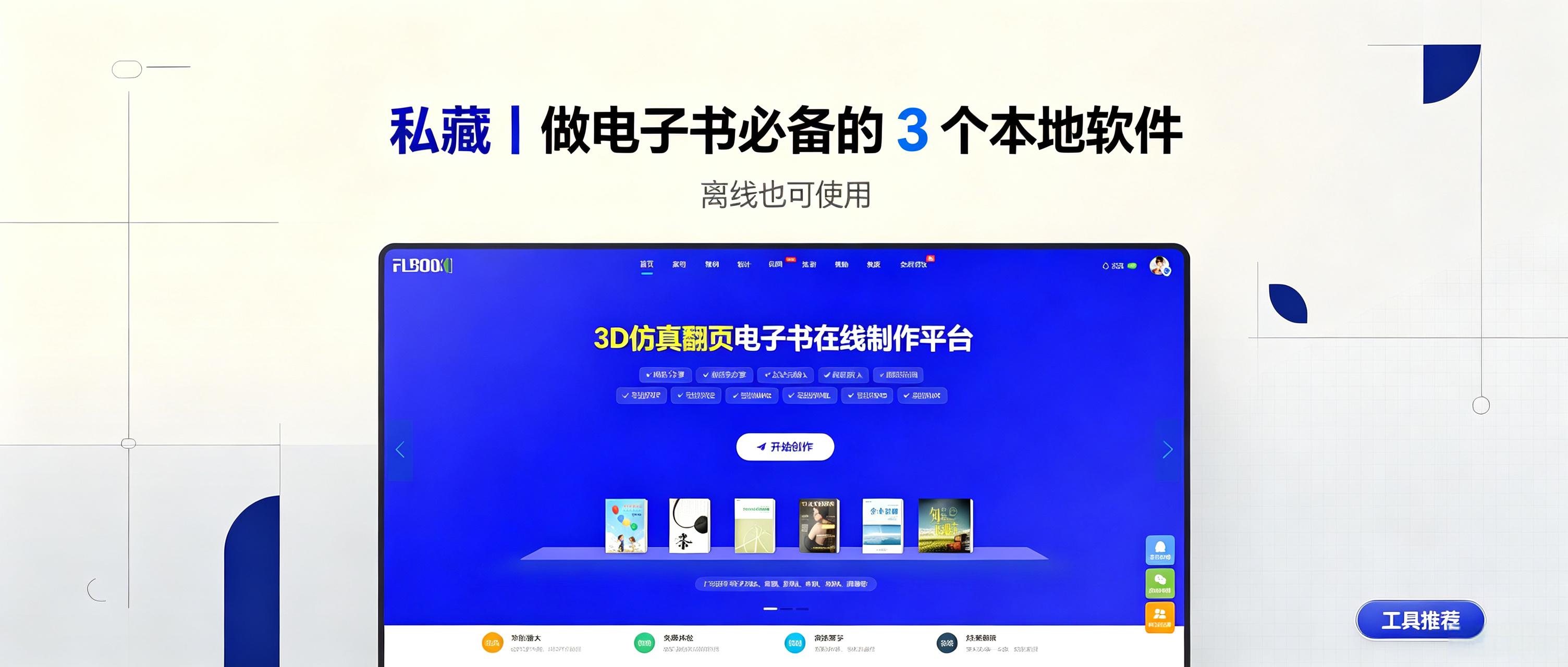
Online catalogs are easy to share but fail without internet access at trade shows, client visits, or outdoor displays. Sensitive content may also require local storage instead of cloud hosting. Desktop software solves this by enabling offline e-book viewing. This article reviews three practical local e-book tools for personal archives, manuals, and portfolios, helping you create e-books at low cost. 1. MW3D page-turning e-books: turn documents into interactive books. Ideal for corporate catalogs and product
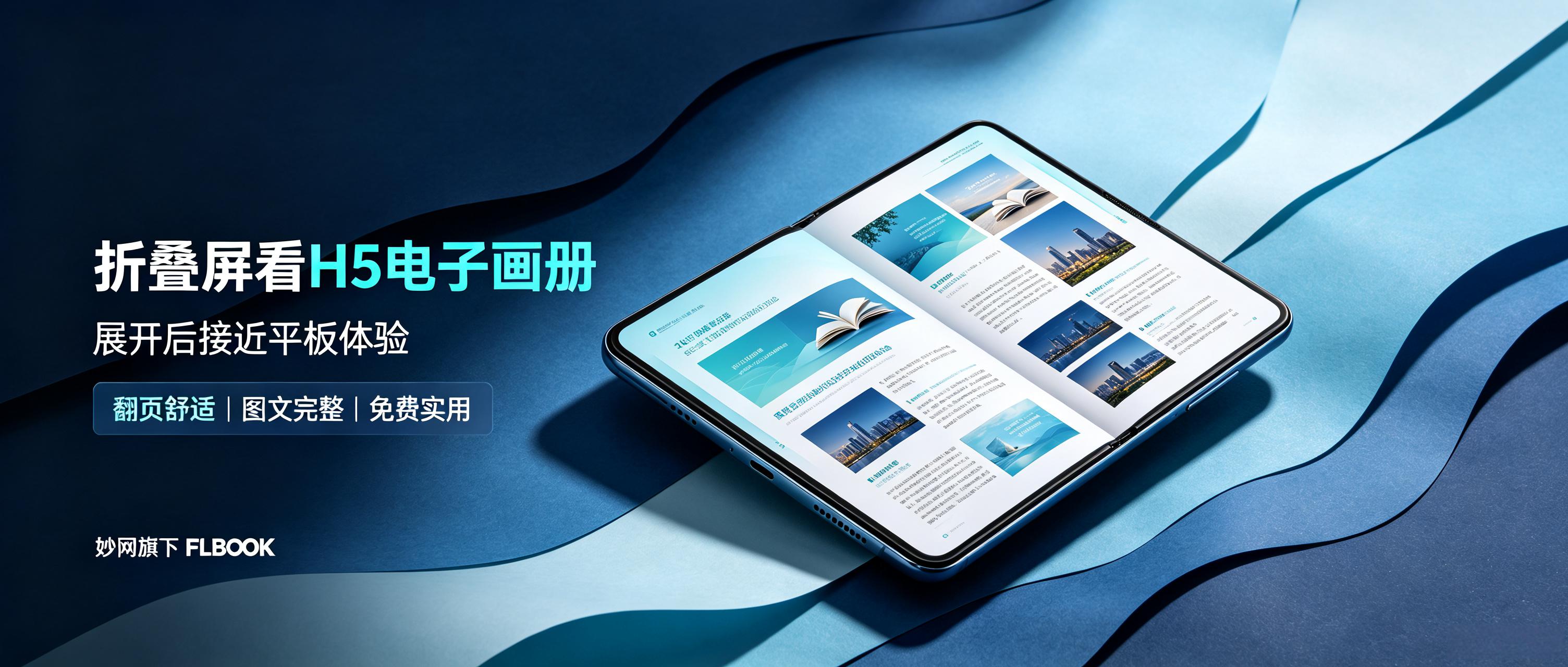
What is it like to view H5 electronic catalogs on a foldable phone? When unfolded, the catalog displays in a two-page spread, just like an open physical book. Page turns feature realistic folding animations and sound effects. With a simple swipe, the entire book expands fully on the inner screen of 7 inches or larger, offering an immersive reading experience close to viewing a magazine on a tablet. Want to try this reading method? Where do the catalogs come from? Especially after using FLBOOK, the display on foldable screens is nearly perfect: Tool type: It is a lightweight online creation platform that works directly in the browser, no software installation required.
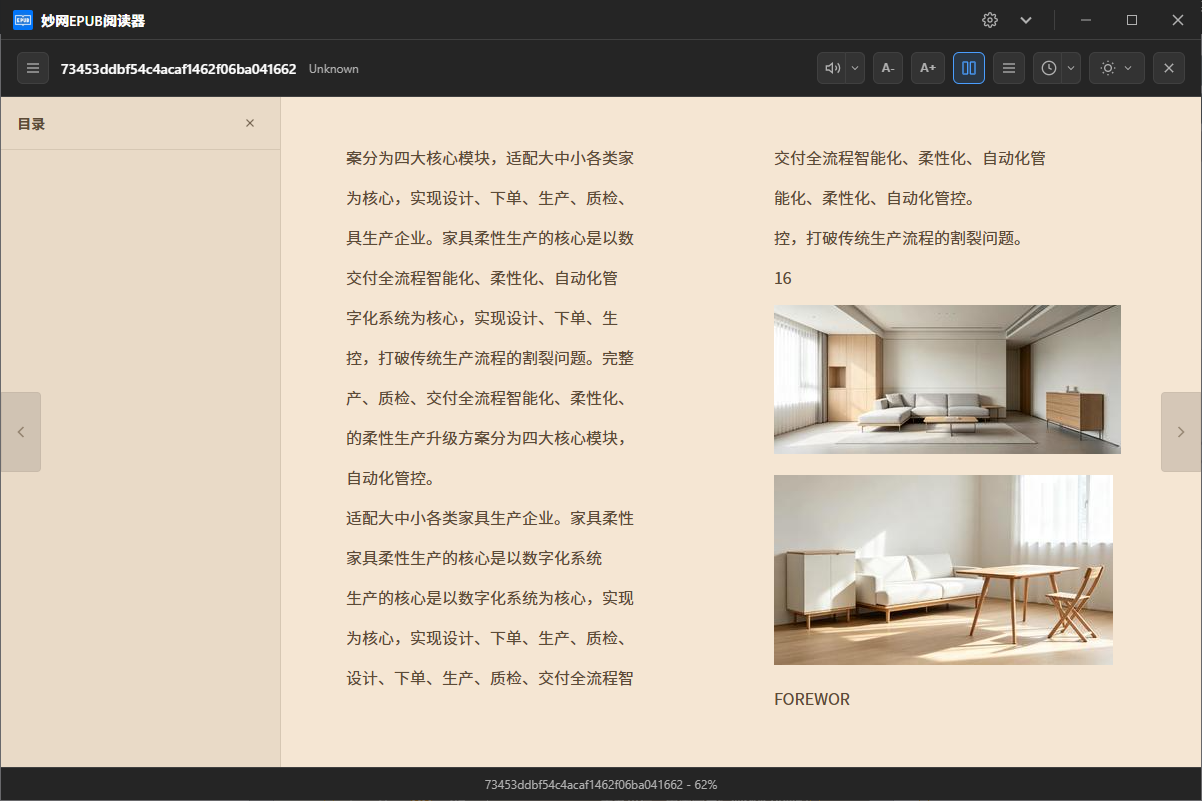
EPUB打不开,MOBI打不开,FB2更是见都没见过。 于是你开始装软件。一个看PDF的,一个看EPUB的,一个看MOBI的。 桌面上摆了四五个阅读器,其实没必要这么麻烦。 阅读这件事,本该是简单的。打开,就看。 不用管格式,不用管来源,不用管这File是从KindleExport的还是从WeChat读书Download的。 一个软件能搞定所有格式,这才是电脑阅读该有的样子。 支持EPUB、PDF、MOBI、AZW3、FB2、TXT、DjVu、RTF、ODT、HTML……十多种格式,统统能打开。
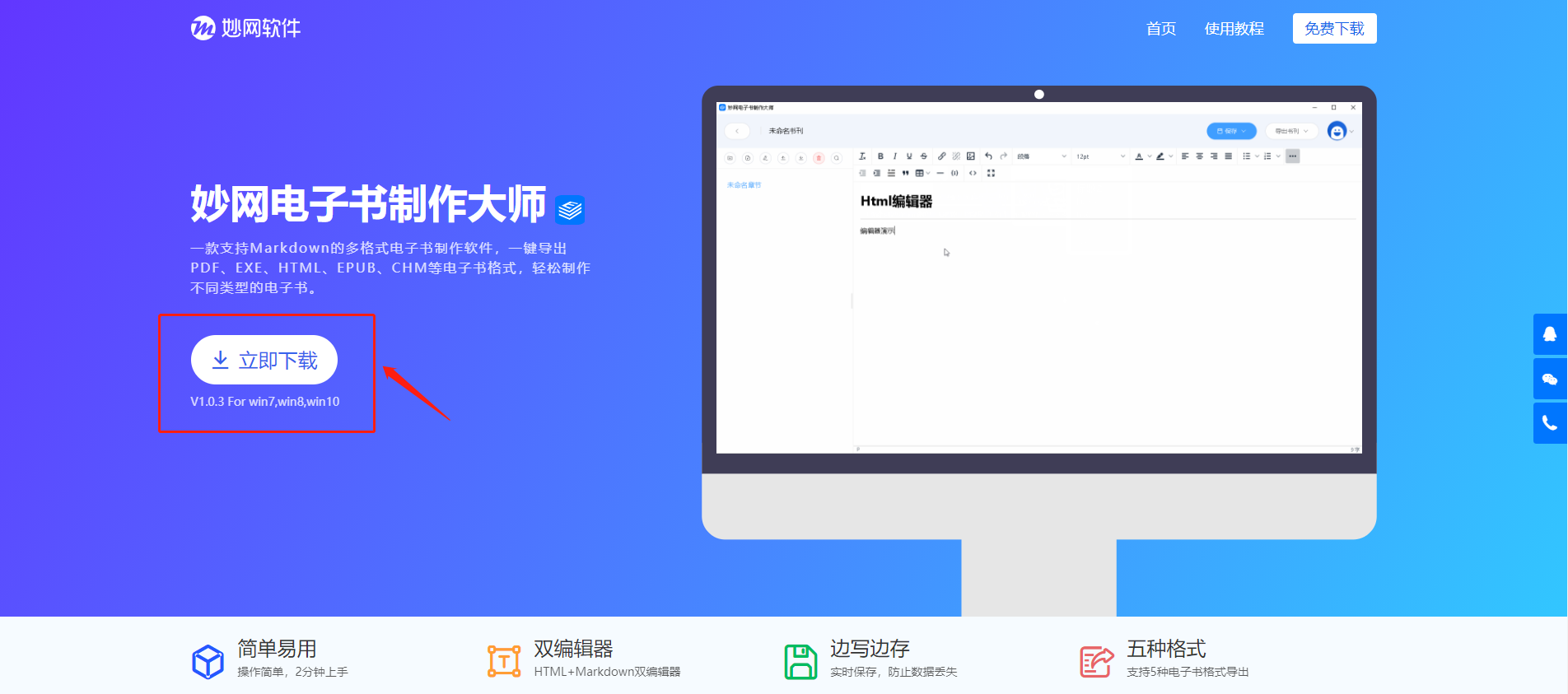
很多用户希望能够用一个工具同时处理笔记和电子书制作任务。小编找到一款很适合整理笔记和写作的工具,MW E-book Creator 软件体积很小,可在妙网软件的官方Download 用MW E-book Creator的好处 1.双Edit器 (1)HTML可视化Edit器:针对普通用户,上手容易。 (2)MarkDownEdit器:针对程序员、极客、办公高手等,文档结构清晰。 2. 无限级子章节 目录支持无限个子章节,方便内容结构的划
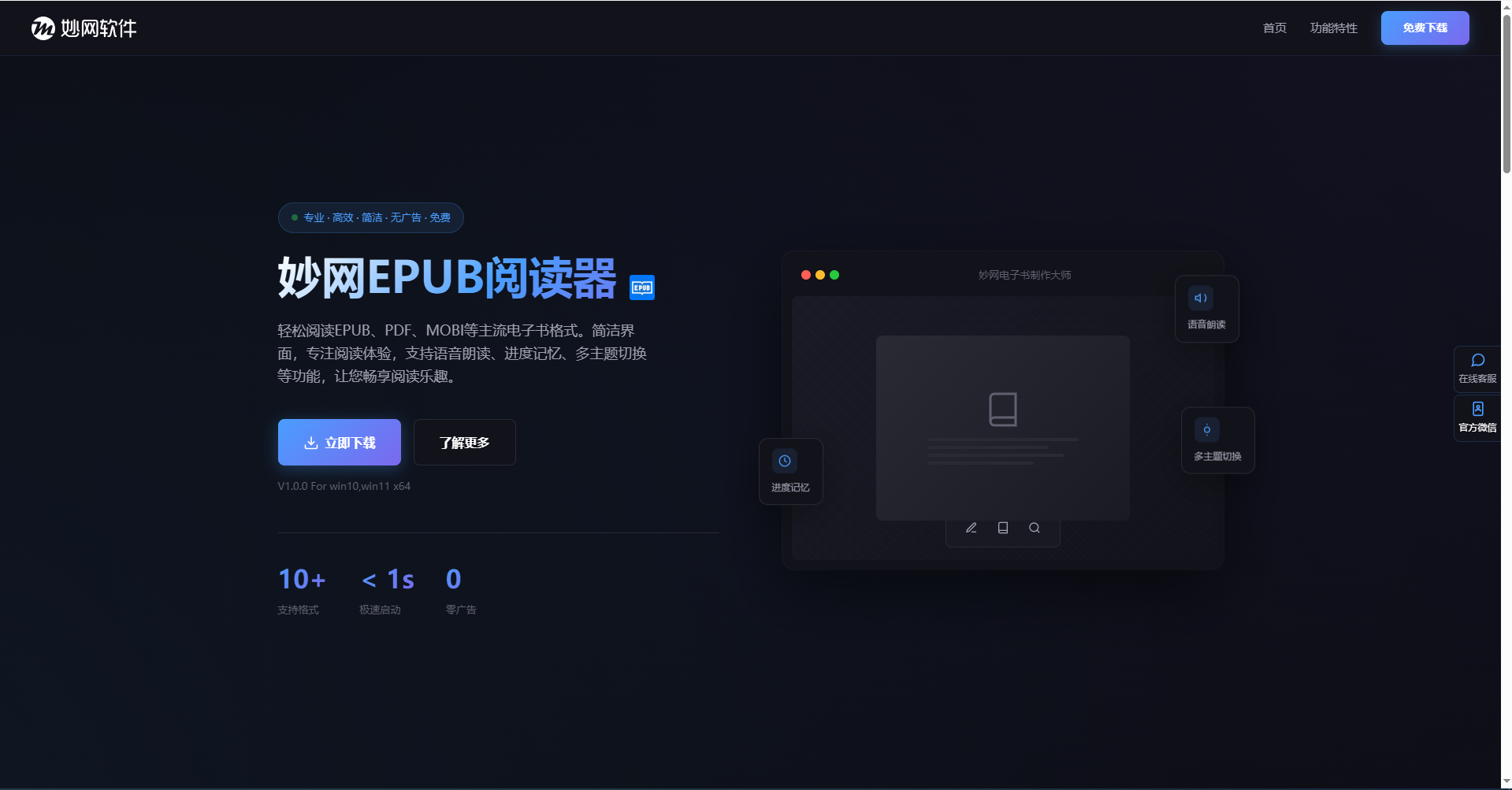
一不小心发现了这个好用的电子书阅读器,支持多种格式。轻松阅读EPUB、PDF、MOBI等主流电子书格式。简洁界面,专注Reading experience,支持Read Aloud、Progress Memory、Multi-theme switching等功能,话不多说,感兴趣就试试吧 第一步:Download安装 去妙网官网Download安装包,安装过程跟普通软件一样 第二步:打开你的电子书File 打开软件后,界面很简洁找到你的电子书File,直接拖拽到软件里就好(不管EPUB、MOBI、AZW3、FB2、


