


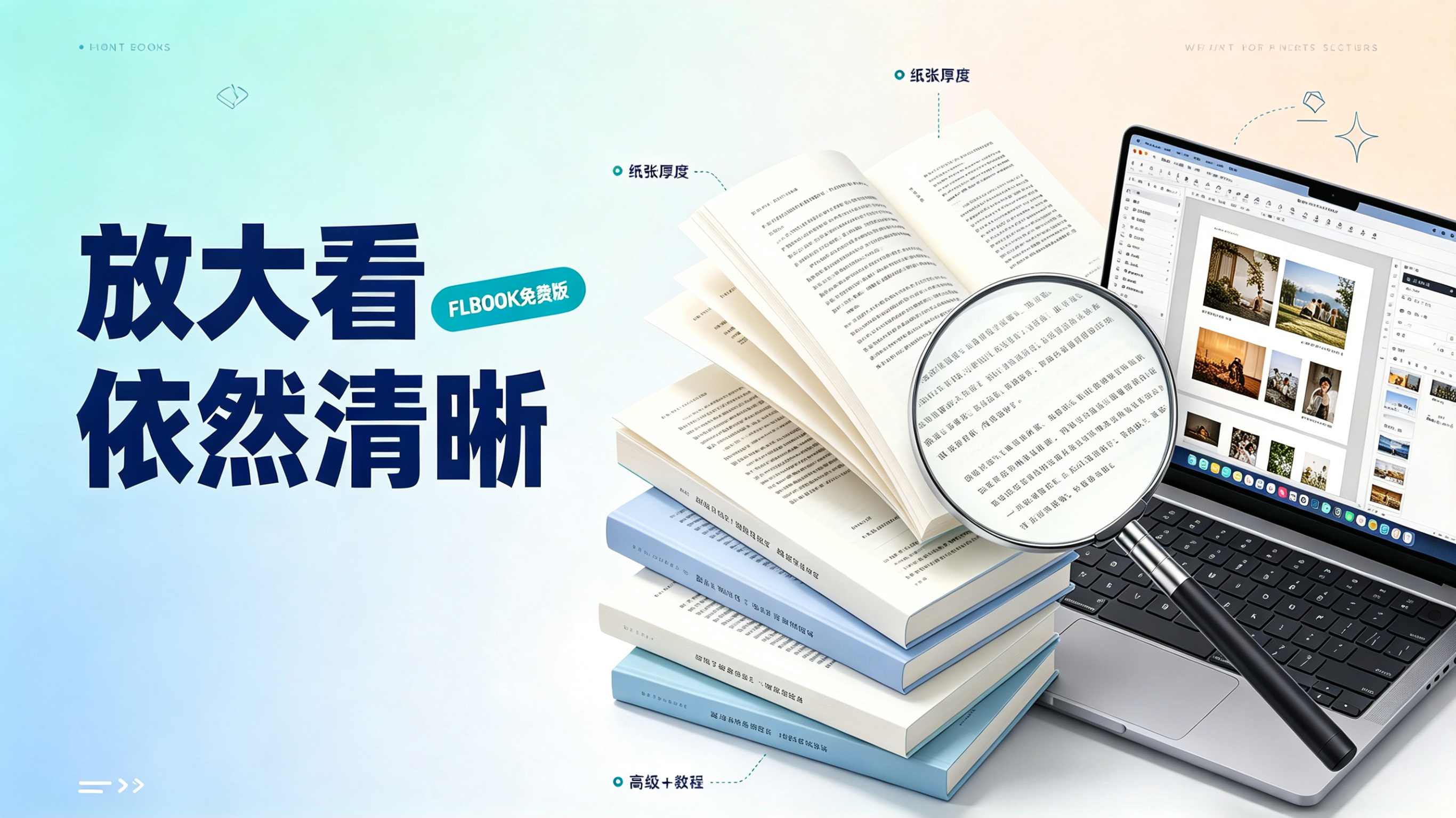
A while ago, my boss asked me to publish our company's 200+ page product manual on the official website: it needed page-flipping, mobile support, and crystal-clear spec tables when zoomed in. I tried several flipbook tools, but the exported text always came out blurry, or the free version only allowed the first 10 pages with someone else's ads plastered on them. Then I gave FLBOOK a try — upload, convert, publish, and not once did a "please upgrade" popup appear. That's when I realized this never had to cost a penny.
Before uploading, know which type of PDF you have

PDFs fall into two categories:Scanned files(essentially images, always blurry when zoomed in) andtext-based PDFs where the text can be selected
Most flipbook tools ignore this distinction and convert everything to images, so you hand in a crystal-clear PDF but the resulting book looks like it's behind frosted glass.
The latest version of FLBOOK is different: when a text-based PDF is uploaded,it is converted to vector pages first,not screenshots, but redrawn from scratch.
Tested: zoom in 4x and the text is still text

I uploaded the most dreaded page of the manual—dense tiny five-point text—and kept zooming in:
- The stroke edges stayed sharp, with no jagged fringing;
- The lines remained crisp and thin, not turning into blurry gray blobs;
- The period was still a tiny, clean circle.
Because vector pages are redrawn with mathematical descriptions rather than stacked pixels,they stay sharp no matter how much you zoom in. Clients must be able to read that line of parameters clearly with two fingers — if it's blurry, they won't blame the PDF, they'll just think you're unprofessional.
High-definition lossless PDF upload / high-definition vector page-flipping ebook / page flipping that stays sharp at any zoom levelflippingebook —— These three terms used to be contradictory; now on FLBOOK they're one and the same.
How generous is the free version
|
Free plan benefits |
Rules |
|
Upload PDF |
Up to 10M |
|
Pages |
Unlimited |
|
Storage |
200M, ad-free |
|
Number of works |
Unlimited, until space is used up |
|
Read count |
Unlimited |
|
Ads |
No obvious interference |
The key is on the second line:No page limit under 10M. Text-based PDFs are already extremely small——10M can holdhundreds of pages. An entire textbook, full product documentation, or a complete corporate training manual—all fit in, not a page missing.

How many books can 200M hold?
- Create online: lay it out directly in the FLBOOK editor—it takes up very little space;
- Upload a small PDF: a text-based book is only tens of KB to a few MB.
By that count,making hundreds of books is no problem at all. Teachers create handouts per class, designers split portfolios per project, companies give every department its own manual, individual creators publish as many as they want——Unlimited number of works, only a storage cap. The platform doesn't paywall you by restricting how many works you can have; it truly treats free users as users.
From upload to publish, nothing stands in your way

The problem with many tools isn't weak features — it's a workflow full of traps: you upload and get told you've exceeded the page limit, you finish formatting and find out exporting costs money, after publishing you discover the reading page is plastered with ads, and once shared, it can only be viewed 50 times.
I've walked FLBOOK's entire workflow: log in → upload a PDF → automatic vector conversion + 3D page-flip generation → quick settings → one-click publish → get a link/QR code. Nothing interrupted me along the way. After publishing, the page is clean — readers just click and read, with no reading limits and no dense blocks of ads.
The word "free" is only truly free when the workflow doesn't get held hostage.
Who It's For / What to Note
Great for: anyone with ready-made text-based PDFs who wants to turn them into page-flip ebooks fast; those who need clarity (product manuals, technical docs, textbooks, catalog text pages); those on a zero budget who need to publish in volume long-term; and anyone who hates ads bothering readers.
Note: pure scanned files (text not selectable) cannot go through the vector channel; clarity depends on scan resolution, so OCR them first or re-layout with the online editor; PDFs over 10M require a higher version.
A page-flipping ebook in vector format that stays sharp at any zoom, a 10M upload limit with unlimited pages, 200M of ad-free storage, unlimited works, unlimited reads, a smooth path from upload to publish——none of these alone is groundbreaking, but together they make it the choice that ismost friendly to the free versionavailable today.
Have a PDF you want to turn into a page-flipping ebook?Go upload one and try it first. After uploading, zoom in on the line with the smallest text and you'll know what I mean.
Try it on the platform: openhttps://flbook.com.cn/ Upload your first text-based PDF; the whole process from upload to publishing is free.