


—— Each tool handles its own stage, one piece of content shines everywhere
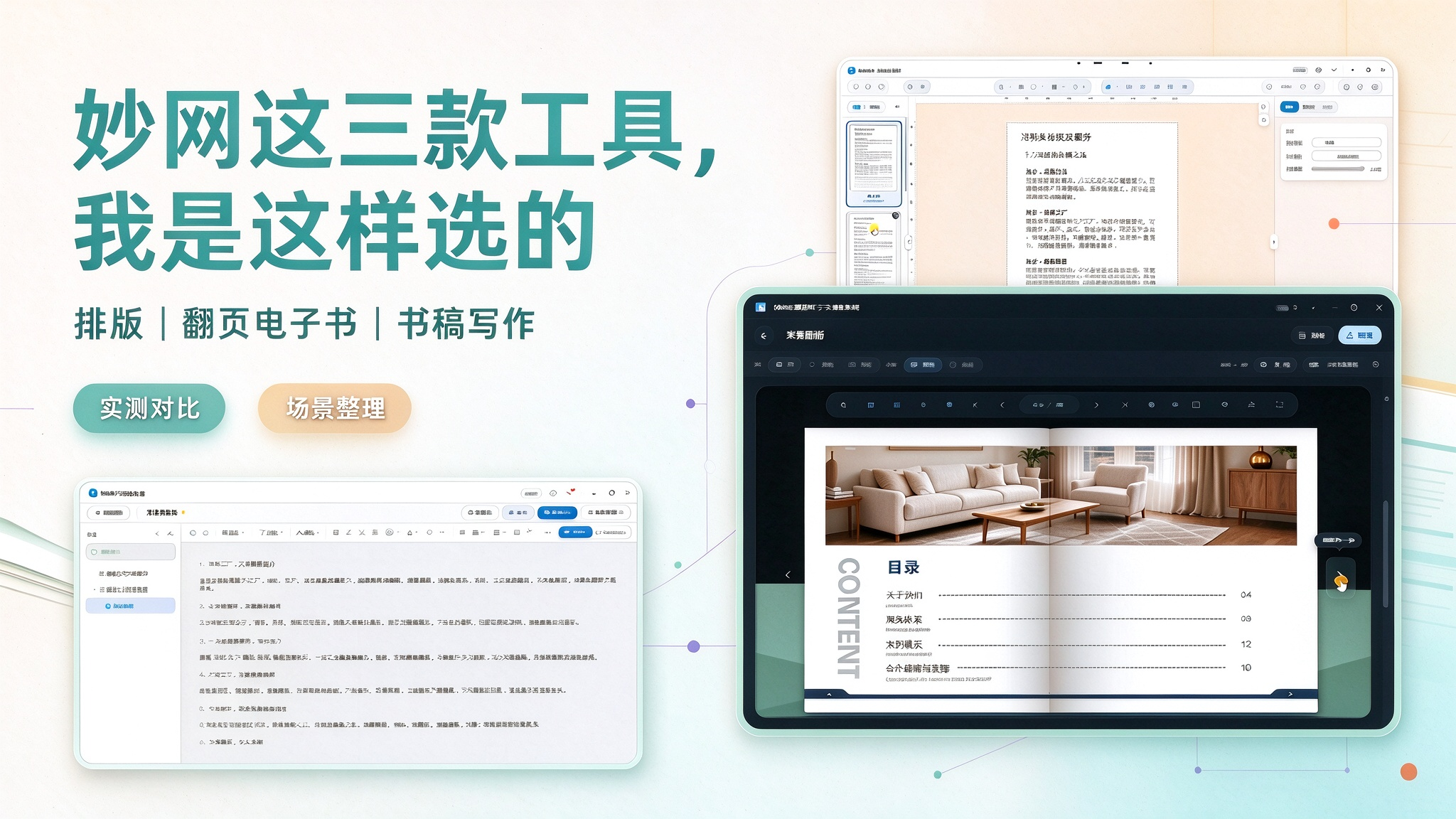
When making an ebook, many people tend to stick with a single tool from start to finish. But content production naturally has different stages, and choosing the right tool for each job makes things far more efficient. MW these three tools pair up nicely, each handling one stage.
FLBOOK: Fast drafts and lightweight sharing Works in the browser, no software installation needed.
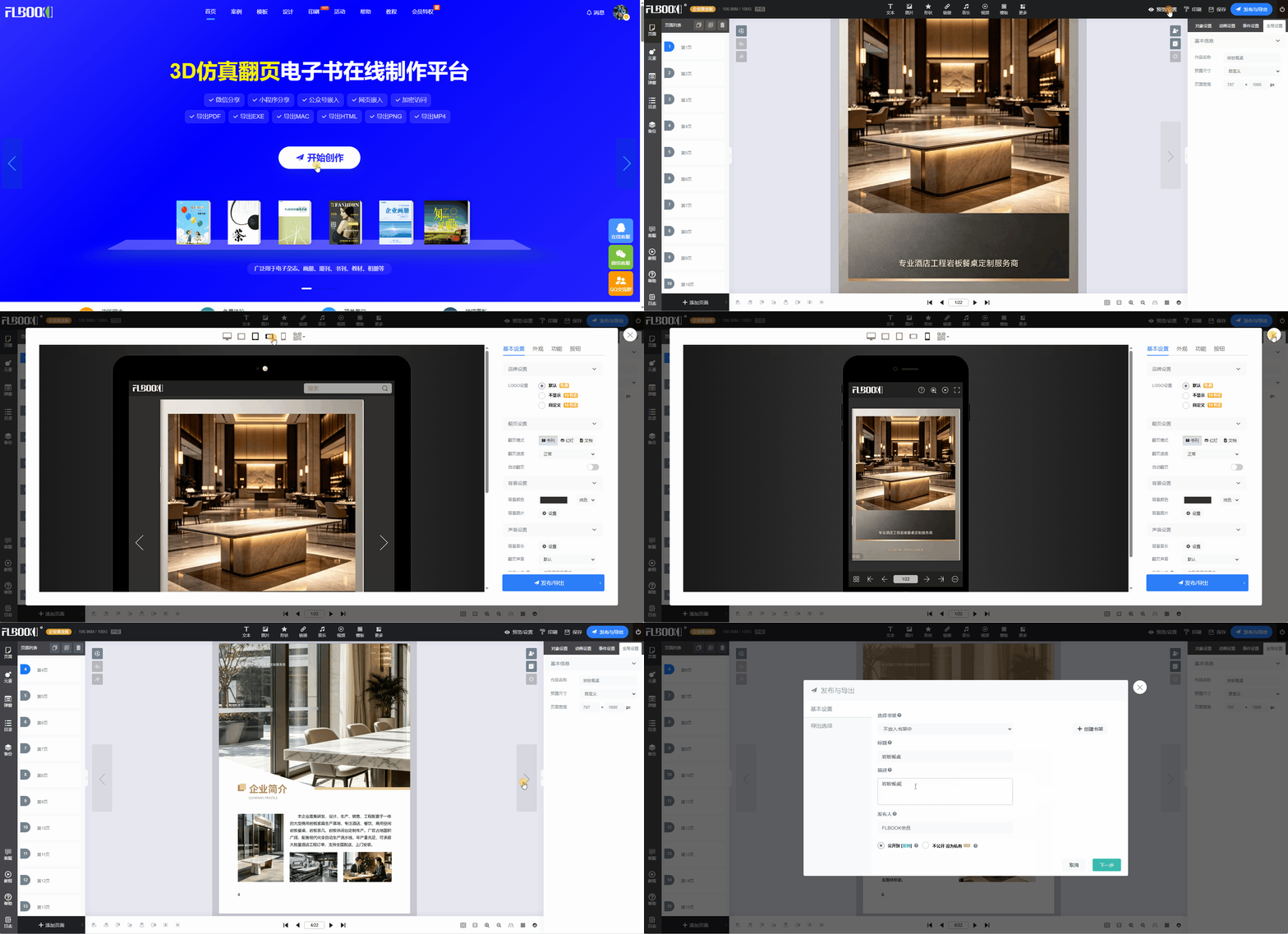
Upload a PDF to generate a page-flipping ebook in one click, with links and QR codes created automatically, adapted for phones and foldable screens. Content updates can be made directly in the backend without resending files. Ideal for fast drafts, WeChat sharing, and everyday online distribution.
Creation platform:https://flbook.com.cn/
MW 3D Page-Flip eBook Creation Software: Premium Visual Quality
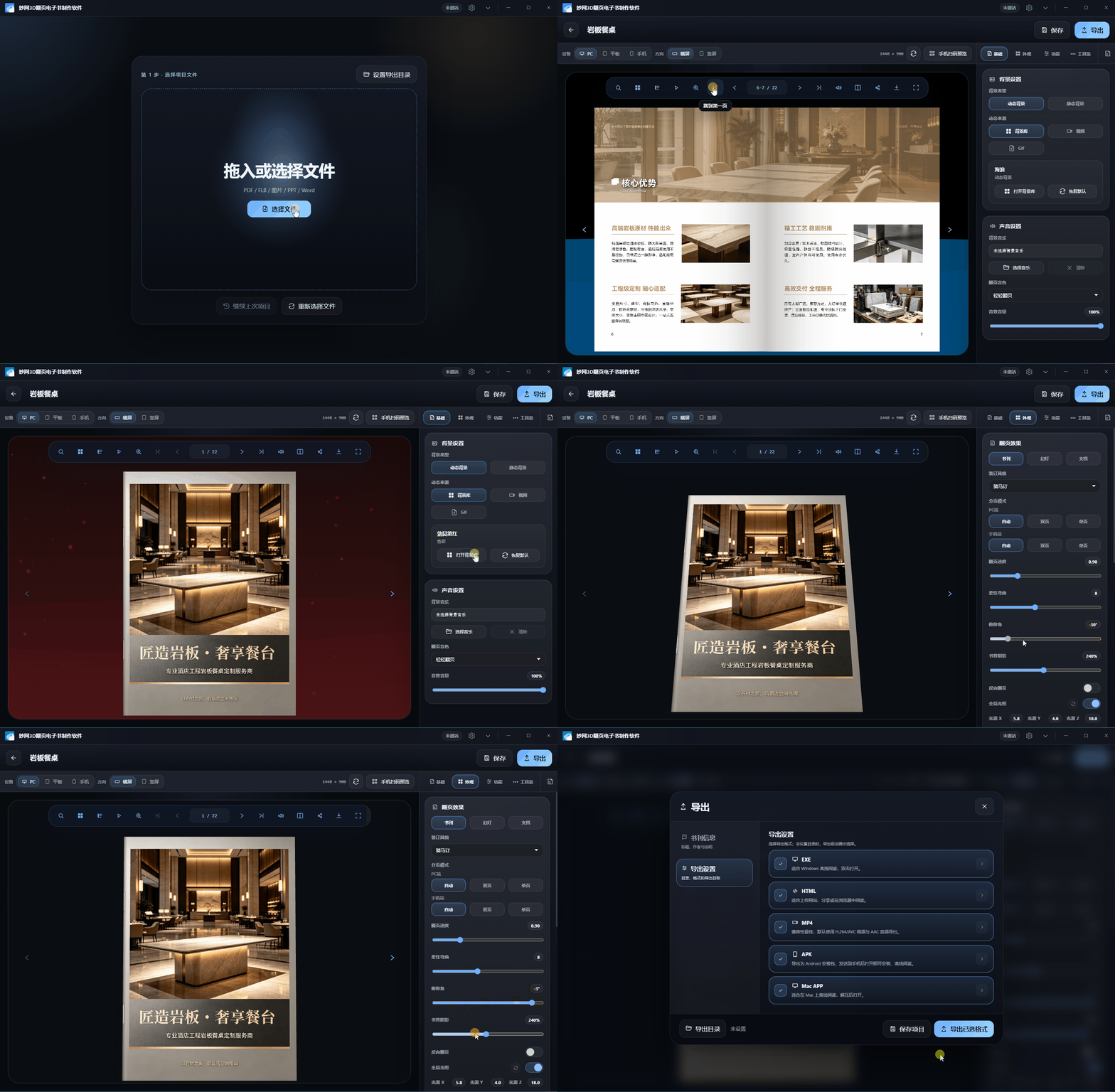
A local desktop application with built-in 3D page-flip effects and dynamic backgrounds, supporting export to EXE, HTML, MP4, MAC, APK and more. Ideal for brand brochures and premium product catalogs—showcase content that attracts and impresses.
Creation platform:https://soft.mwkj.net/sites/mw3dbook/
MW eBook Creation Master: Built for Document Archiving
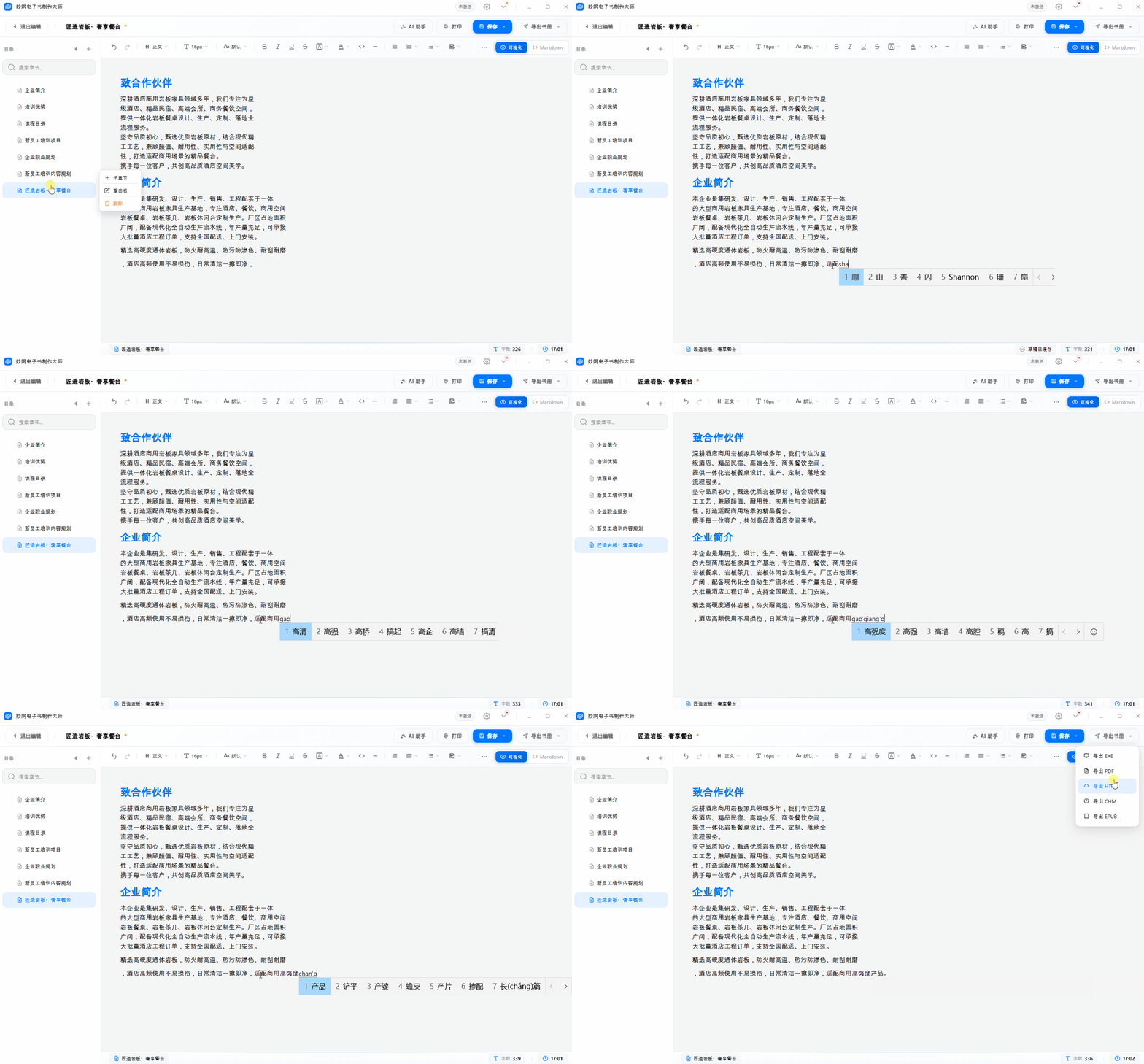
Similarly a local desktop tool, MW excels at organizing scattered documents, product manuals, and technical documentation into volumes. It supports real-time formatting while writing and auto-save, and finished documents can be exported in five formats: PDF, EXE, HTML, CHM, and EPUB — ideal for building long-term, searchable knowledge bases and product documentation libraries.
Create:https://soft.mwkj.net/sites/mwebook/
Recommended workflow
First use the e-book creation master to organize raw materials and manuals, producing multi-format drafts; select the best content and import it into MW 3D flipbook to create a polished promotional publication for customer acquisition and display; for versions that need rapid distribution and WeChat sharing, use FLBOOK to generate links and QR codes with one click.
Scope of Use & Pitfalls to Avoid
- FLBOOK's advanced encryption and fine-grained permissions are value-added features; the free version is enough for general public sharing. Only vector PDFs with selectable text guarantee sharp zooming; the quality of scanned documents depends on the original image, and uploading cannot improve clarity.
- The three tools complement rather than replace each other. Choose based on your goal: don't expect flashy effects from an archiving tool, and don't use a promotional tool to build a heavy technical knowledge base.
For the same material, use FLBOOK for lightweight sharing, 3D flipbooks for brand presence, and ebook creation software for long-term archiving. Each has its strengths—no single tool needs to cover everything.