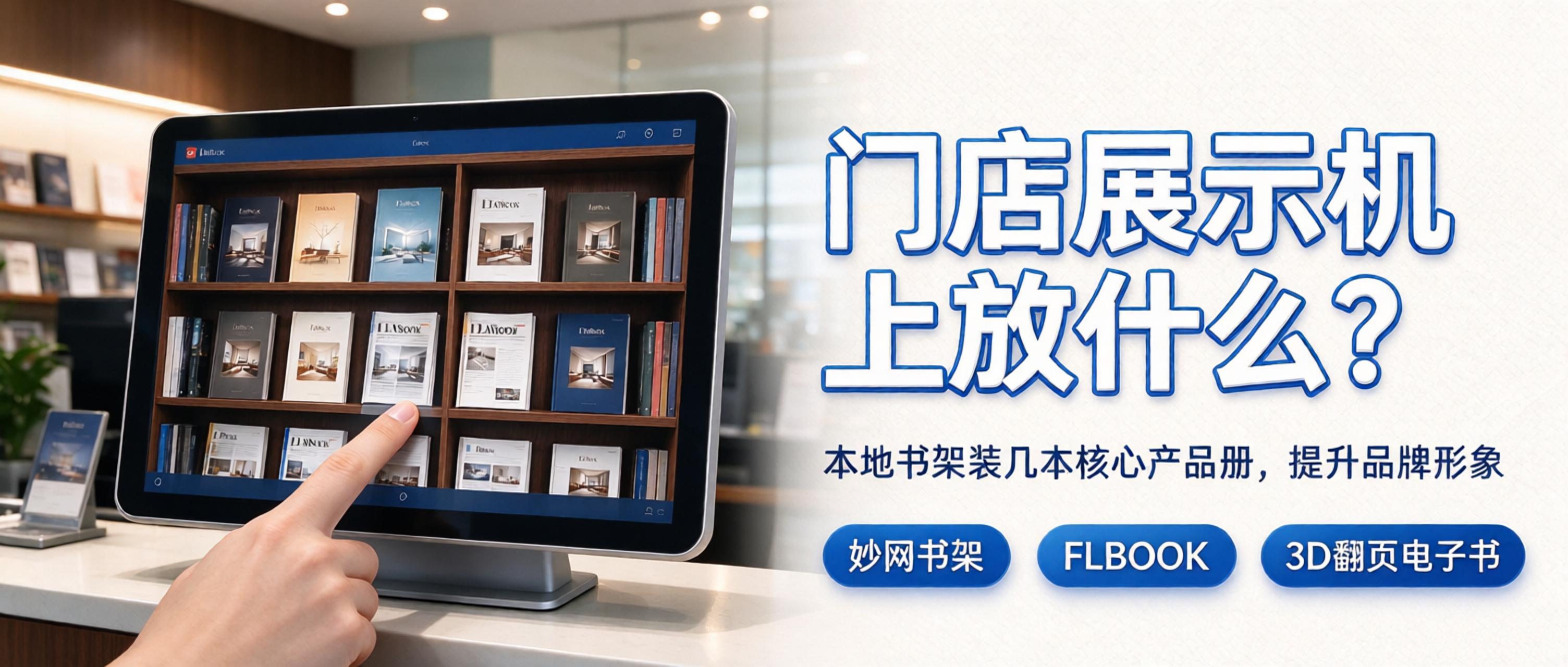
上次聊了怎么把产品册塞进Demo unit,这次说说装它们的那个“架子”。MWBookshelf这东西,名字听着像藏书党的玩具,但放在门店场景里,它干的其实是陈列的活。 它不光是书架,是Demo unit的“桌面” MWBookshelf本身是个本地软件,装完打开就是一排立体书脊立在虚拟架子上,3D引擎做的外观,看着不像个工具,倒像店里真摆了个书柜。客户戳一下封面,书就“抽”出来翻开,手指划拉能翻页。Demo unit桌面干干净净,就这几本核心册子,比放一堆图
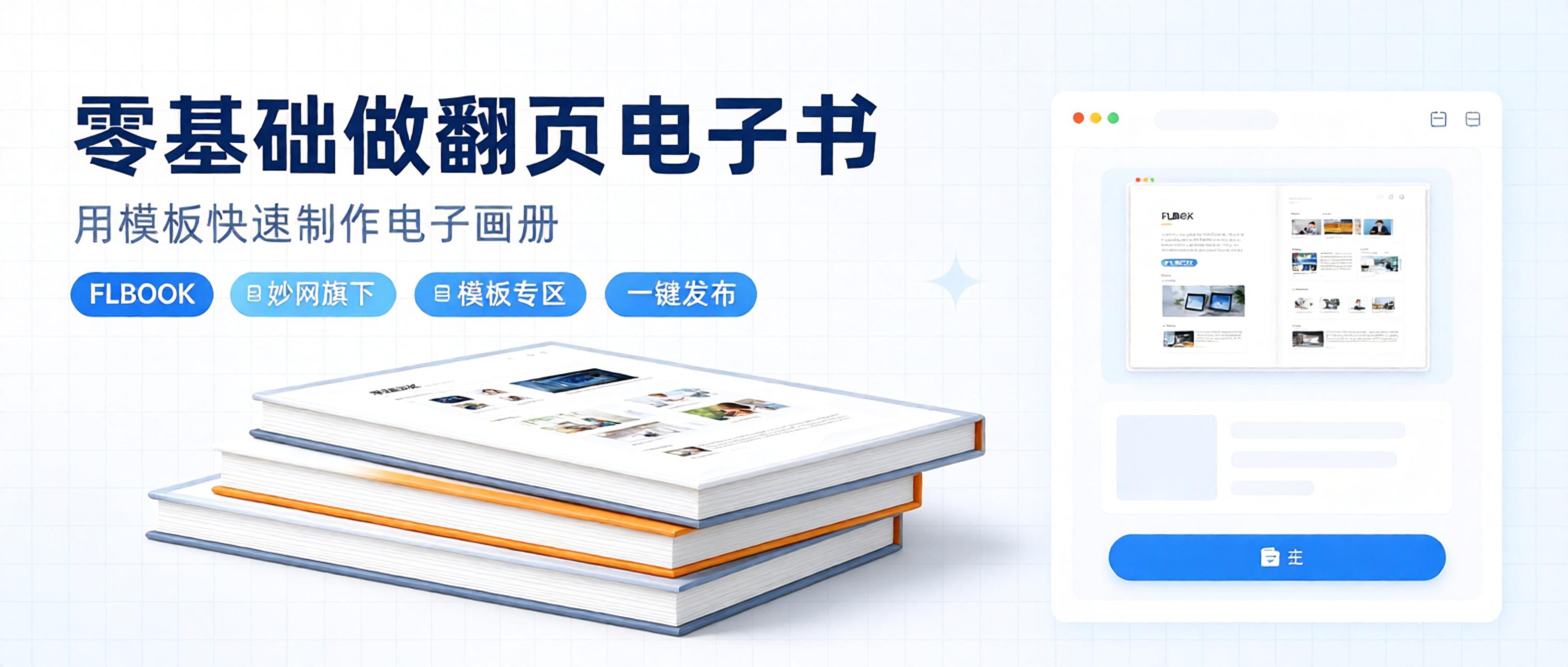
很多新手想要制作仿真翻页电子书、电子画册、产品手册,没有专业设计基础,也想快速完成翻页画册,我整理了实操记录,分享一下我做的整个过程。 工具:FLBOOK(https://flbook.com.cn/) 模板库就在Home上面,挑到合适的直接点进去改,Text替换、Image上传、颜色调整都在同一个Pages完成,改完Preview没问题就发布,出来一条链接一个QR code,直接发出去就行。 模板的数量不算特别多,但常见的场景都覆盖
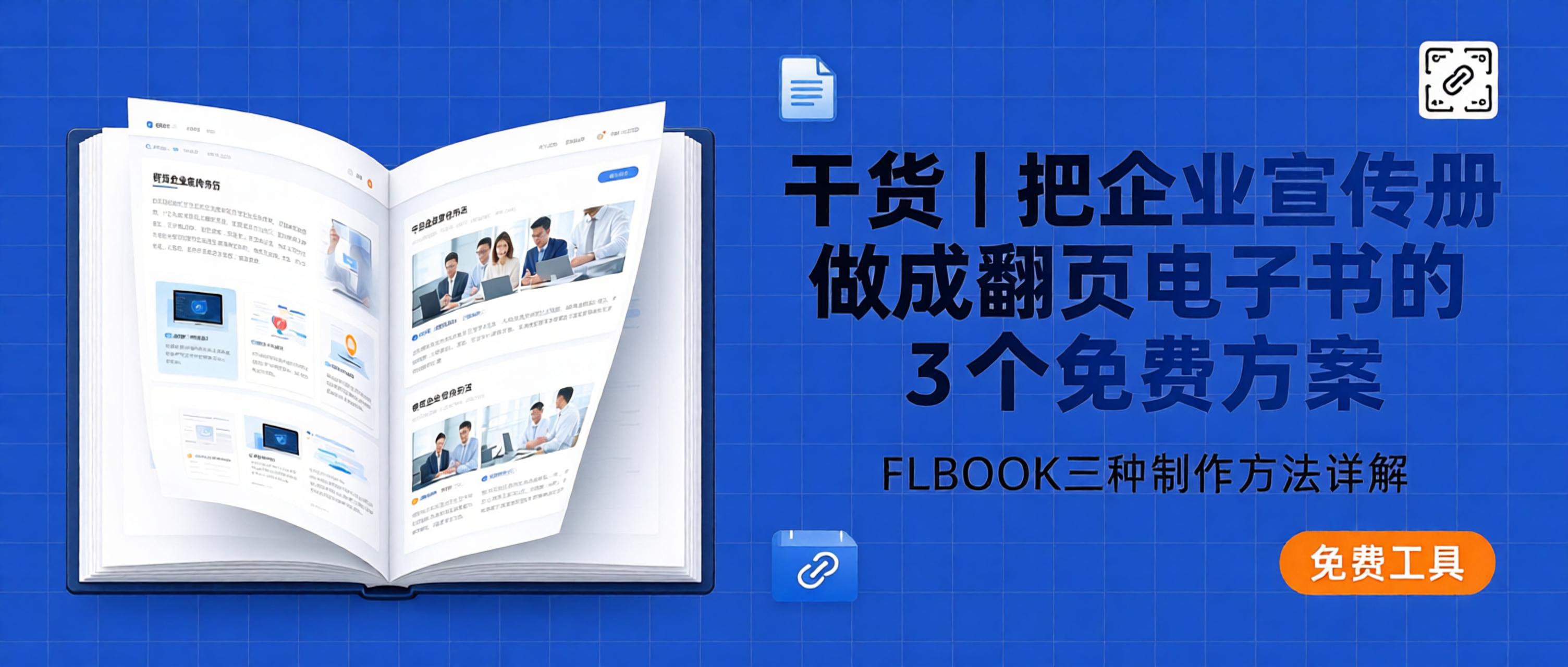
线下纸质企业宣传册携带不便,在展会、商务对接场景分发成本高,很多企业会选择把原有画册素材转换成翻页电子画册,在线分发传播。我整理了 FLBOOK 三种常用制作方式,都是免费可用的方案,适合零基础人员快速生成企业翻页电子书,File完成后可生成链接与QR code,Mobile、Tablet、电脑都能打开浏览。 该Image属于AI生成 PDF 直接上传转换 如果已经完成企业宣传册排版并Export PDF 文档,优先使用这个方式。Log In F

不少企业在制作企业电子宣传册时,大多只知道将 PDF 一键转翻页电子书,忽略工具里还有很多适配品牌展示的实用能力。我整理了 FLBOOK、MW E-book Creator、妙网 3D 电子书制作软件、MW Book Typesetter、MWBookshelf各自对应的隐藏玩法,适合需要搭建线上企业画册、产品手册、品牌内刊的团队参考。 该Image属于AI生成 FLBOOK,在线快速生成企业翻页电子画册。它不只是简单 PDF 转翻页,隐藏玩法是给宣传册嵌入音

这两年,把企业宣传册做成电子版、把产品目录电子化的公司越来越多。纸质画册改一次重印一次,成本不说,发出去的链接客户随时能翻,传播半径完全不是一个量级。翻页电子书制作工具我用过不少,这里盘点一套Intuitive的组合 FLBOOK,Part of MW的在线翻页电子书制作平台。核心是 PDF 转翻页电子书,设计稿传上去自动生成 H5 电子画册,做好就是链接加QR code,WeChat转发、展会扫码、官网嵌入都行,改内容即时生效。适合日常
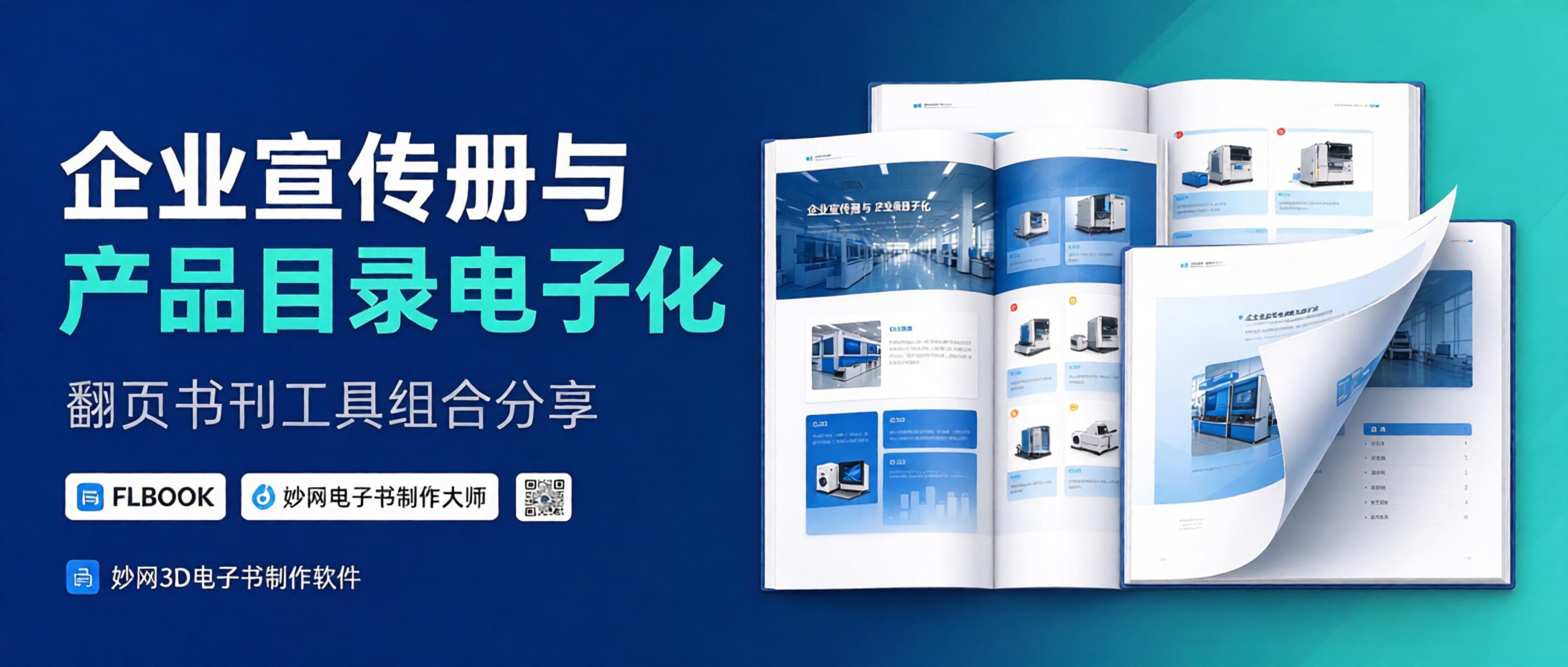
这两年,把企业宣传册做成电子版、把产品目录电子化的公司越来越多。纸质画册改一次重印一次,成本不说,发出去的链接客户随时能翻,传播半径完全不是一个量级。翻页电子书制作工具我用过不少,这里盘点一套Intuitive的组合 FLBOOK,Part of MW的在线翻页电子书制作平台。核心是 PDF 转翻页电子书,设计稿传上去自动生成 H5 电子画册,做好就是链接加QR code,WeChat转发、展会扫码、官网嵌入都行,改内容即时生效。适合日常
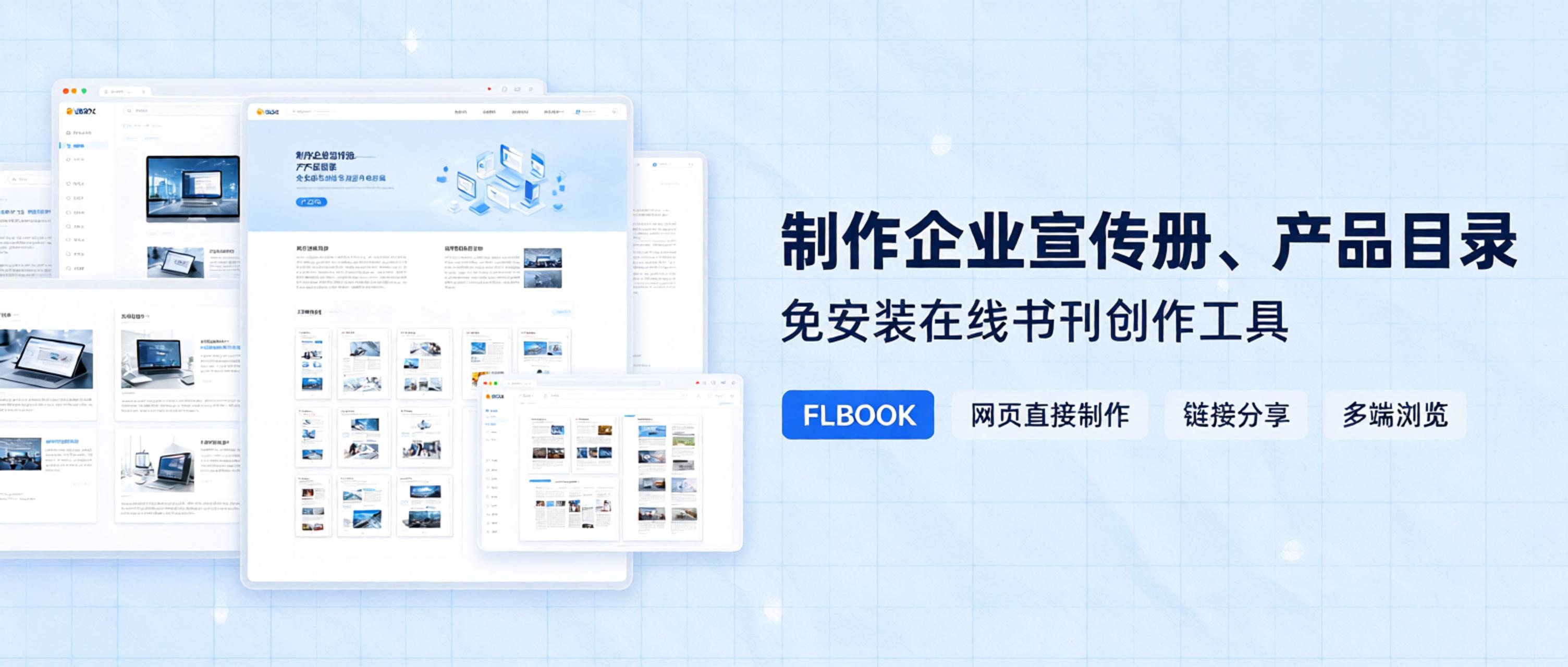
Why choose an online tool? Here's the context first. Companies used to make brochures either by outsourcing to design firms—with quotes starting at several thousand dollars and extra charges for every revision—or by laying them out themselves in Photoshop or InDesign, which is far too time-consuming; even changing a page number could eat up half an hour. Once the PDF was exported, distribution brought the old problems back: heavy files and a poor mobile experience. The advantages of an online tool are obvious here: no software installation, just open it in your browser, and when you're done, simply generate a link or QR code to share—recipients can view it instantly with no download needed. That's a much shorter workflow
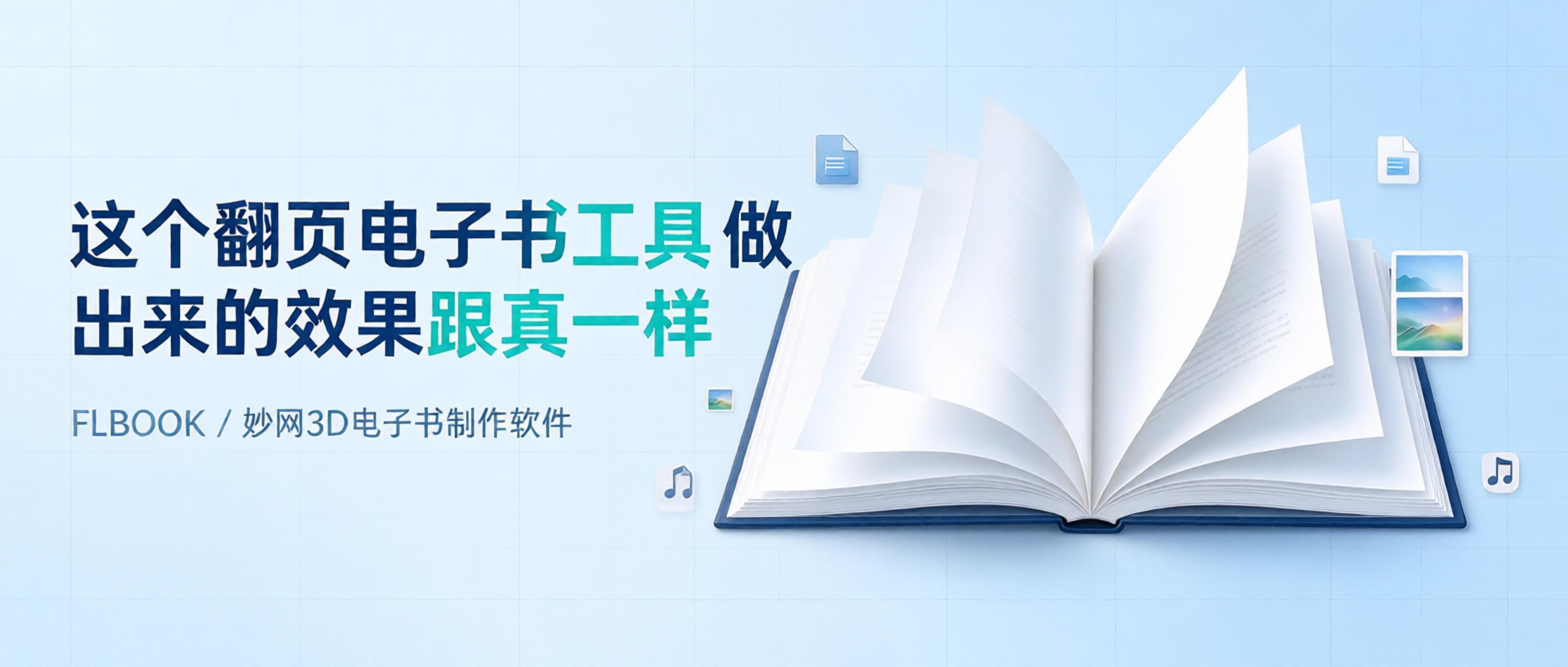
I saw someone share an e-book online, opened it and flipped through a few pages, and my first impression was—this feels just like flipping a real book. The pages bend naturally as you turn them, there's a shadow along the spine, and a soft page-turning sound. Later I found the tool that creates this effect. How realistic is the page-turning effect? Here are the details: Page bending: pages curve naturally when turned, instead of cutting across flat Spine shadow: a dark area between the two pages that looks like a real spine Page-turn sound: a soft rustle when you flip; it can be turned off but is on by default Paper texture
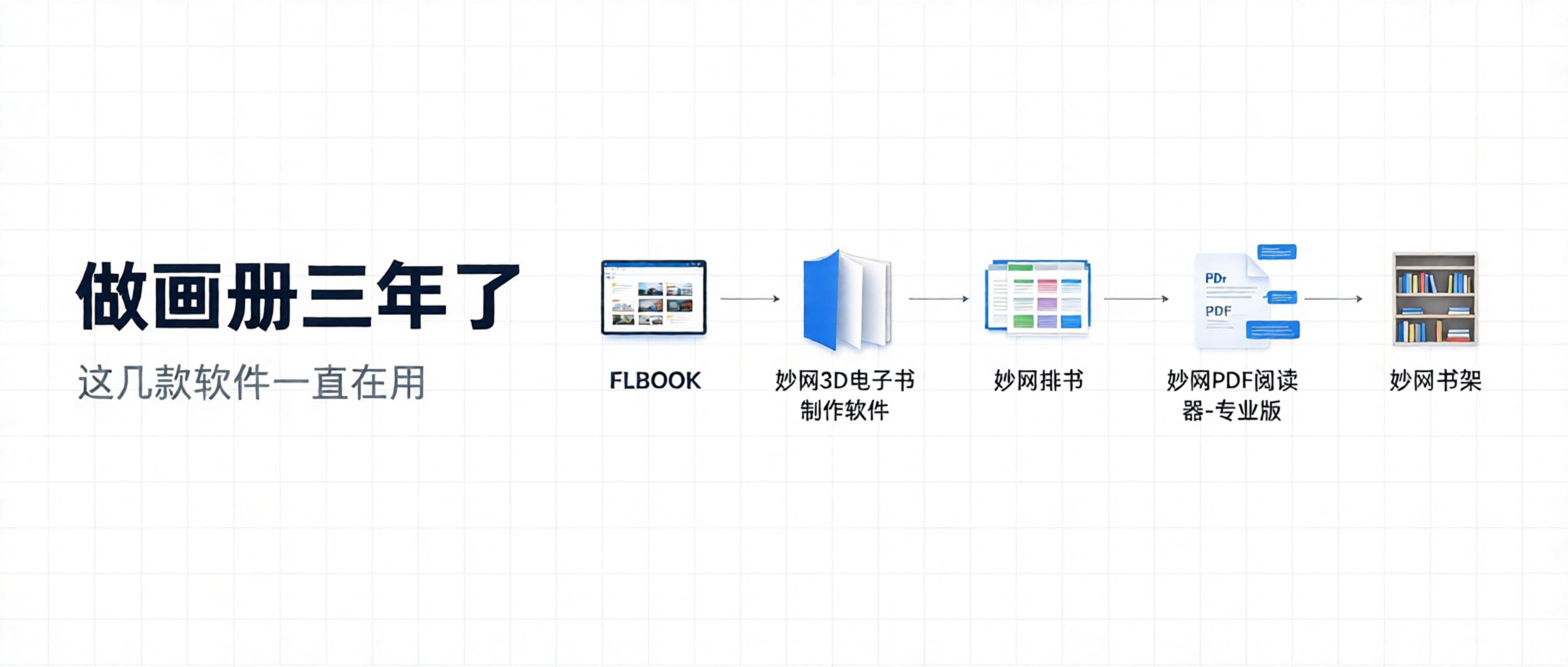
After years of making photo books and brochures, I've tried plenty of software and online tools, and only a few are actually good. Not because they're extraordinary, but because each has its own strengths and features. If you don't know where to start with layout design, try these. MW For page layout and brochure design. Works much like PS, with mostly the same shortcuts. It has an AI-assisted layout feature: import your content and it generates a draft automatically, then you fine-tune the details. Supports master pages, so headers and page numbers only need to be set once. Exports vector PDFs that stay sharp when zoomed in and are print-ready. MW PDF Reader Pro After layout is done
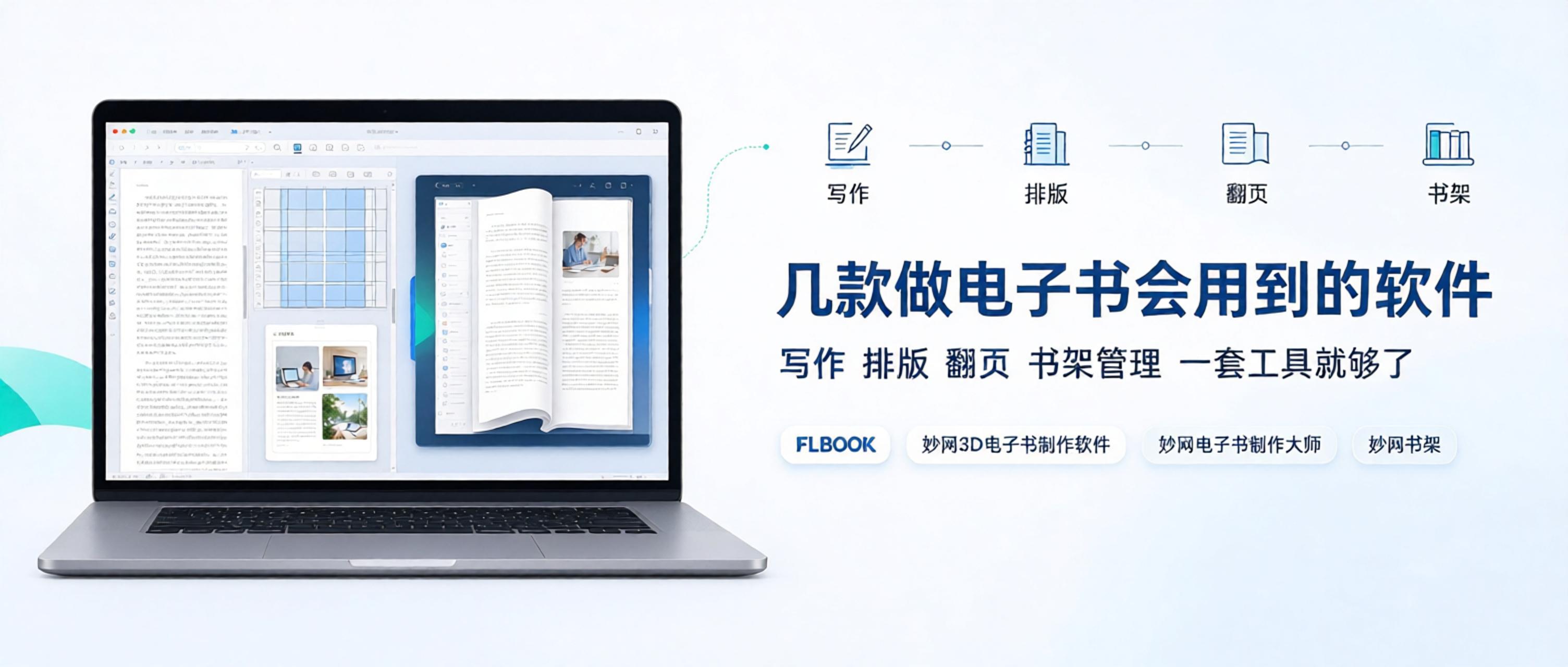
Everyone hits different roadblocks when making ebooks. Some have written articles for months, accumulated dozens of pieces, and want to compile them into a book—but lack the layout skills and export formats. Others have a finished PDF brochure and want a 3D page-flipping digital catalog they can share with clients via a simple link. And some keep producing book after book, hoping for a place to manage all their ebooks centrally, with everything displayed through one link. (This image is AI-generated.) In the end, making an ebook comes down to three steps—writing, layout, and page flipping. Most tools on the market cover only one or two, but MW handles all three.


