


Last week I helped a friend in the skincare business out of a jam. She needed to run a product-catalog video on Douyin and had been asking around. I took a look at her computer — the product catalog had long since been made into a page-flipping ebook on FLBOOK, and she'd even sent the link to clients. I told her: don't spend that money, you can export this flipping book to MP4 with a few clicks and post it yourself.
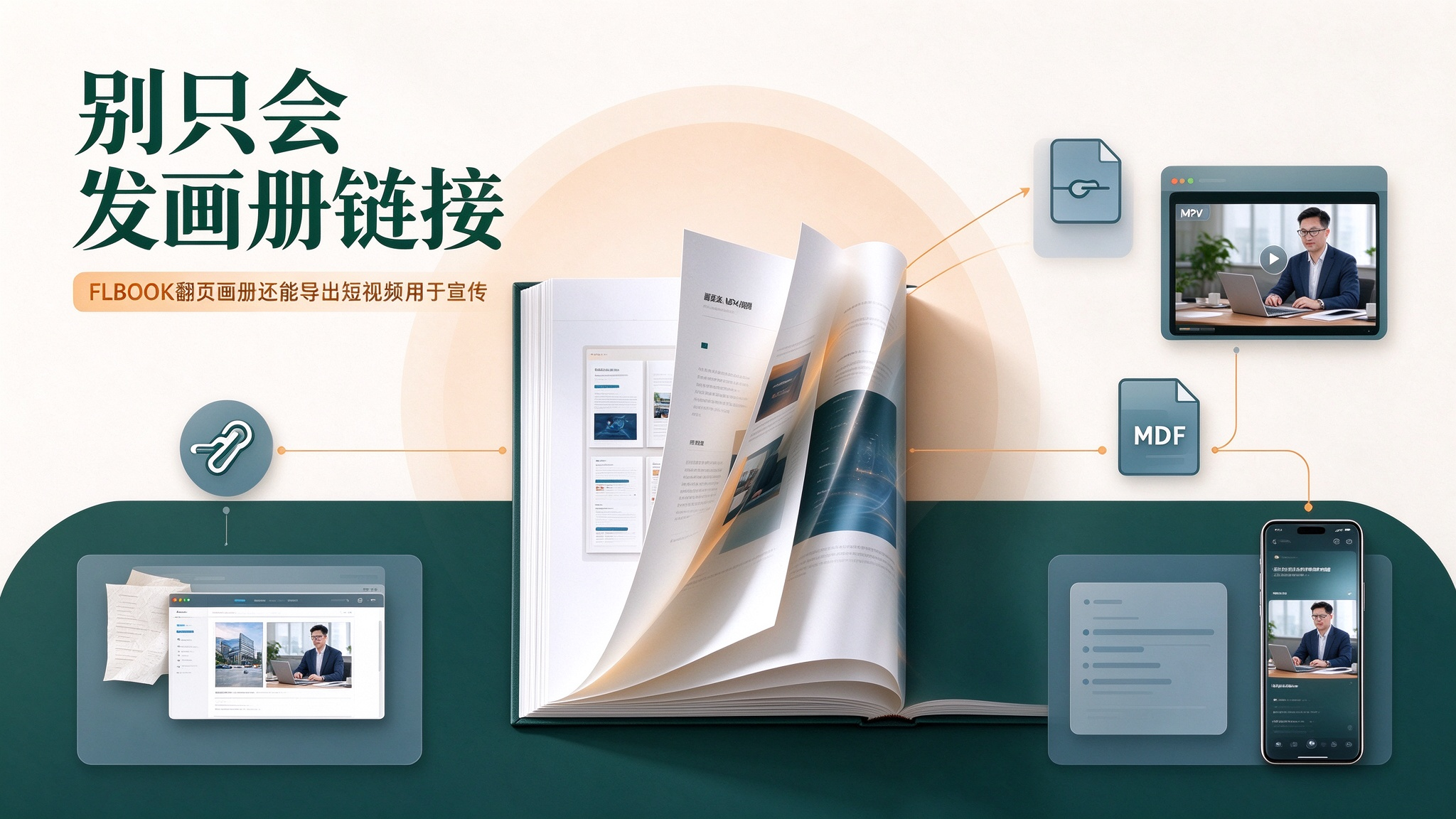
She paused: "Isn't a flipping book only good for sending links?" That's a common misconception about FLBOOK. It's true that it shines at "link + QR code" online flipping, but the same catalog can also be exported to a video file in one click — a hidden trick that lets your catalog "move by itself and enter the short-video pool." I showed her on the spot, and the steps were so few she regretted not asking sooner:

Open the catalog's editor, click "Publish & Export" in the top right, and find "Export MP4" in the export options. You'll see a few settings: landscape 16:9 (1920×1080, great for WeChat Moments, official websites, and trade-show screens on loop), portrait 9:16 (1080×1920, Douyin and Channels' native ratio), plus a borderless version (same ratio as the page, no book-style background, like a PPT-exported video — handy for further editing). Then set the "minimum page-flip interval" — how long each page stays before flipping; if a page has animation or music, the system waits for it to finish before flipping. Finally click Next, and in anywhere from tens of seconds to a few minutes the video is generated — just download it locally.

She posted the portrait version on Douyin and sent the landscape version to WeChat Moments and her client groups. What surprised her most: the page-flip animation was there, and so were the product animations and background music she'd added — it wasn't a few screenshots stitched together, but a truly "flipping book" turned into a video. The idea is simple once you get it: you spend effort making a catalog only once, but the content can live many times. Send the link on WeChat, the PDF by email, the MP4 on Douyin and Channels — one asset, grabbing an audience in every channel. For product promotion, store displays, and trade-show loops, this is especially cost-effective: you used to have to hire someone to edit a video; now you just export the catalog.
Two honest notes to save you from pitfalls: video clarity depends on your page's own resolution — text-selectable PDFs export with crisp text edges, while pure image scans export at the scan's own clarity, so don't expect miracles. And if the catalog is very thick, don't force a half-hour video nobody will watch; use the "maximum video duration" cutoff (10 minutes by default, up to 30 minutes) or export only the key pages. Exporting MP4 is a members-only FLBOOK feature, not included in the free version.
So when your catalog is done, don't just toss out a link. Open FLBOOK, click "Export MP4" in the top right, post it on Douyin, Channels, and WeChat Moments, and let the same content live several more times. Totally worth it.
Creation platform:https://flbook.com.cn/