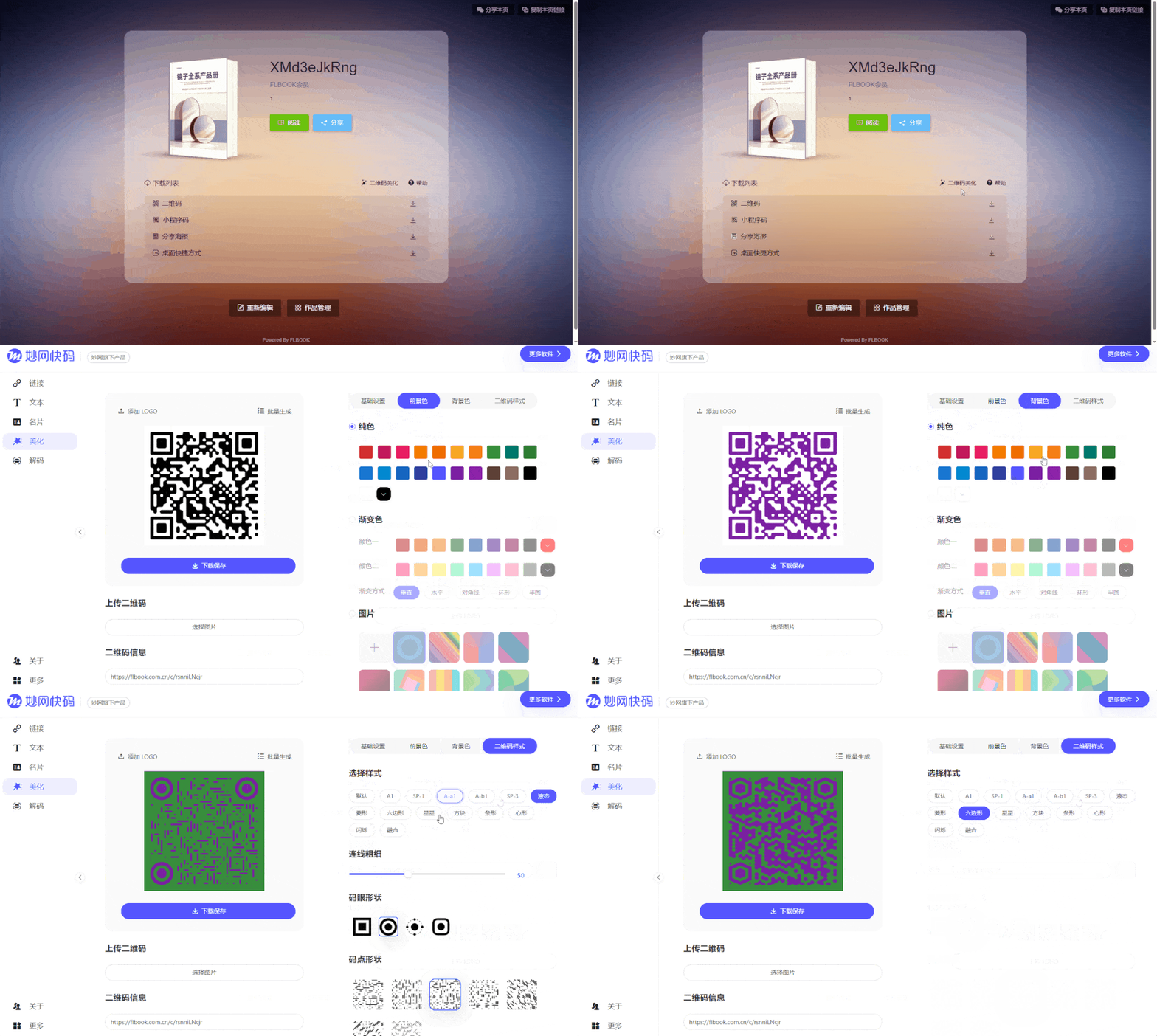
When making a product catalog digital, the hardest part for most companies isn't the layout—it's deciding where to put the finished file and how to share it. Break it down and it takes just three steps: finalize the file, convert it to a page-turning version, grab the link and publish. The result is an online product catalog—anyone you send the link to can flip through it directly.
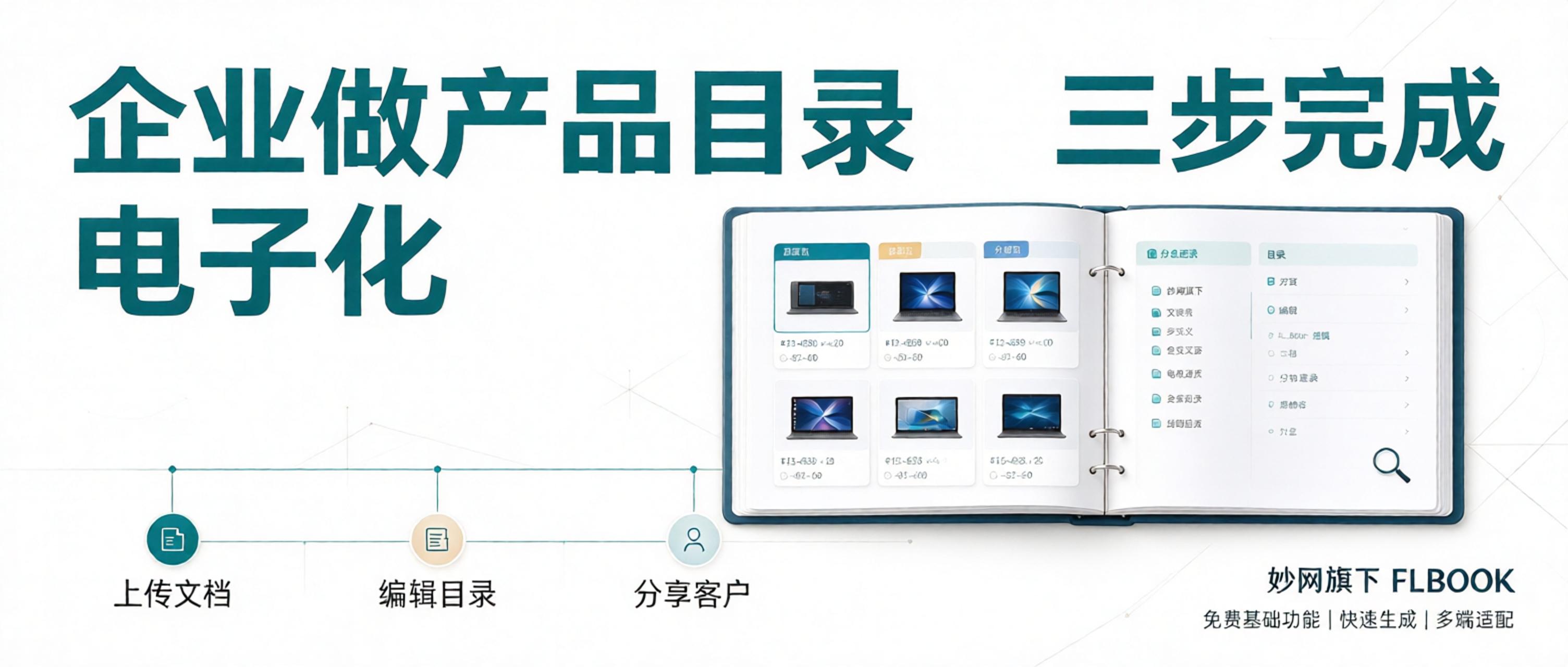
1. Finalize the Catalog File
Export your product catalog as a PDF using the original layout; source files like images and Word documents can also be uploaded directly. Before uploading, sort the pages into single-page order—avoid two-page spreads, as the page-turning version handles pagination itself. If you later need a product manual or promotional flyer from the same file, you can follow the same process for each.

2. Upload and Convert to a Page-Turning Catalog
Upload the PDF to FLBOOK under MW, and the platform automatically converts it into a realistic page-turning digital catalog that opens right in the browser—no software installation needed. You can add videos and parameter descriptions within the pages, so customers can watch product demos right when they see a model number. Text stays legible when zoomed in, and parameter tables are easy to read on mobile. The free plan offers fixed storage with no limit on the number of works, and small PDFs have no page-count cap.
3. Grab the Link and QR Code to Share
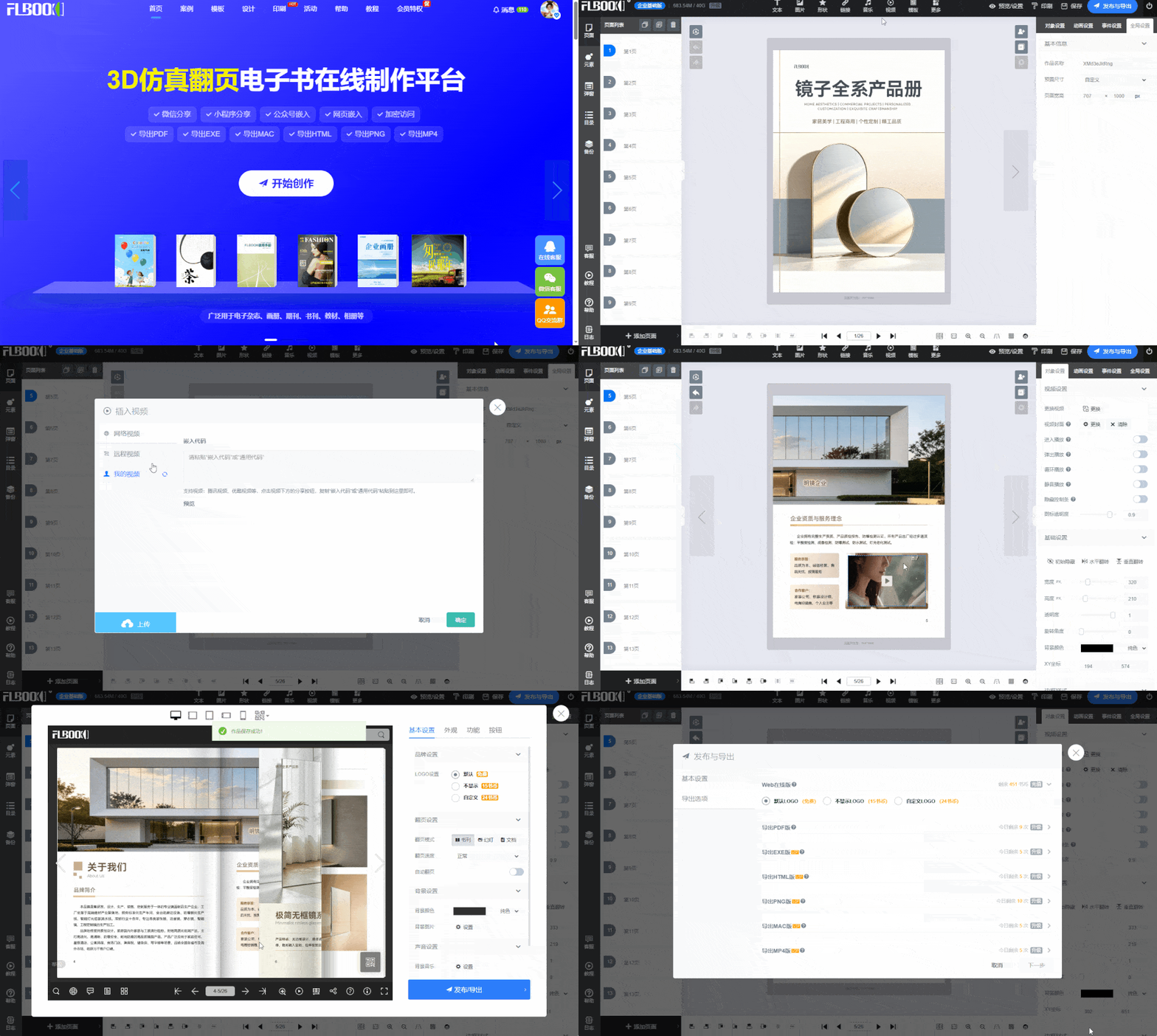
After publishing, you get an address and a code that can be printed on quotes, display stands, business cards, and more. If it was designed on the official website or made from a template, you can simply edit the content in the backend later when changing models or prices — the address stays the same and the printed code keeps working. (Note: if it was uploaded as a PDF conversion, individual elements cannot be edited).
If you need a standalone QR code for your materials, just create one with MW Quick Code (free).
Follow here>>> the 【MW Software】 official account to get the tool