Where should content creators start with digital ebook publishing?
1. Children's picture books
Leverage visual storytelling to create ebooks optimized for digital reading and expand revenue in the children's book market.
2. Paid science and knowledge books
Publish expert content in niche fields as paid ebooks to build a personal professional IP and monetize knowledge.
3. Early childhood knowledge books
Focus on early childhood education content, create interactive e-books with point-and-read features, and capture the digital reading market for young children.
4. Novel Writing
Compile original stories and fantasy tales into books, and publish them digitally.
How to get started? Refer to this professional tool + free utilities for handling PDF files and image assets.
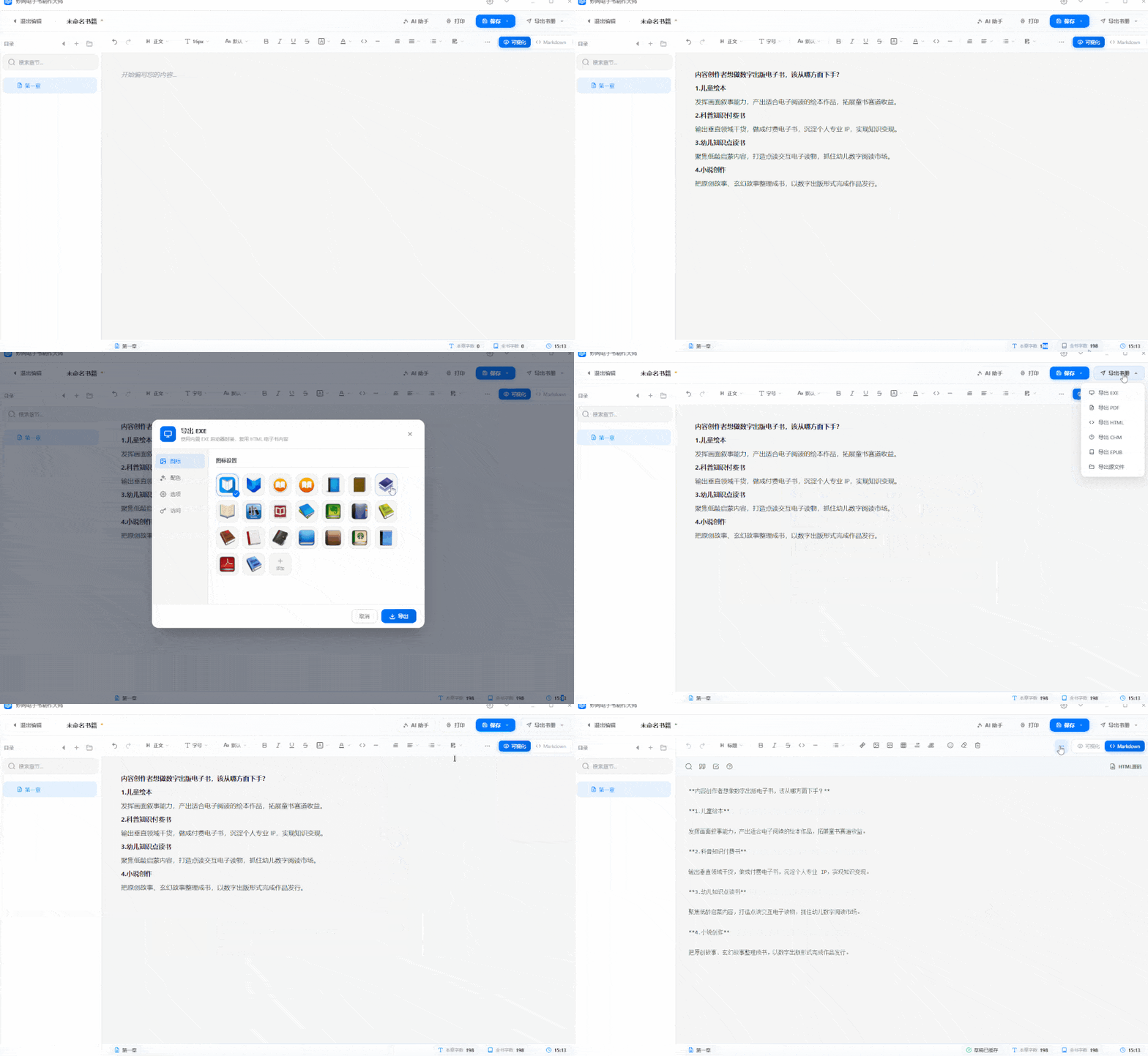
1. Writing and Publishing: MW E-book Creation Master
The first step in creating an e-book is inputting the content. This software supports dual editors; users familiar with Markdown can write directly and export to five formats—PDF, EXE, HTML, CHM, and EPUB—with one click. Auto-save while writing ensures no data loss from power outages or accidental closures, making it ideal for product manuals, tutorials, novels, and biographies.
One-click access:https://soft.mwkj.net/sites/mwebook/
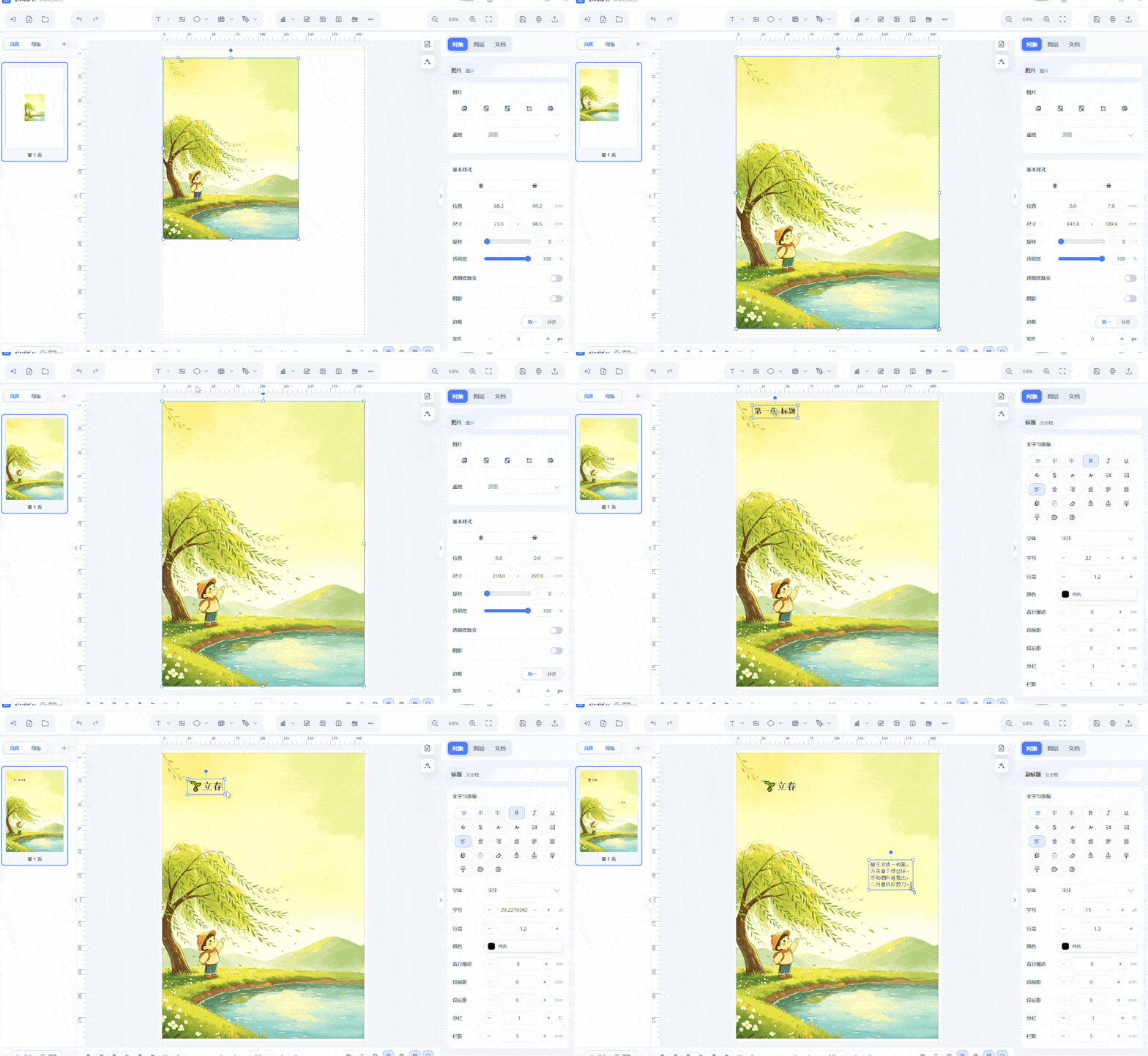
2. Precise typesetting: MW
Projects like covers, catalogs, and textbooks require specialized typesetting tools. MW supports text boxes, layers, and master styles, with an interface similar to common design software. Export to PDF after typesetting for easy flipbook creation or printing.
One-click access:https://soft.mwkj.net/sites/mwpaishu/
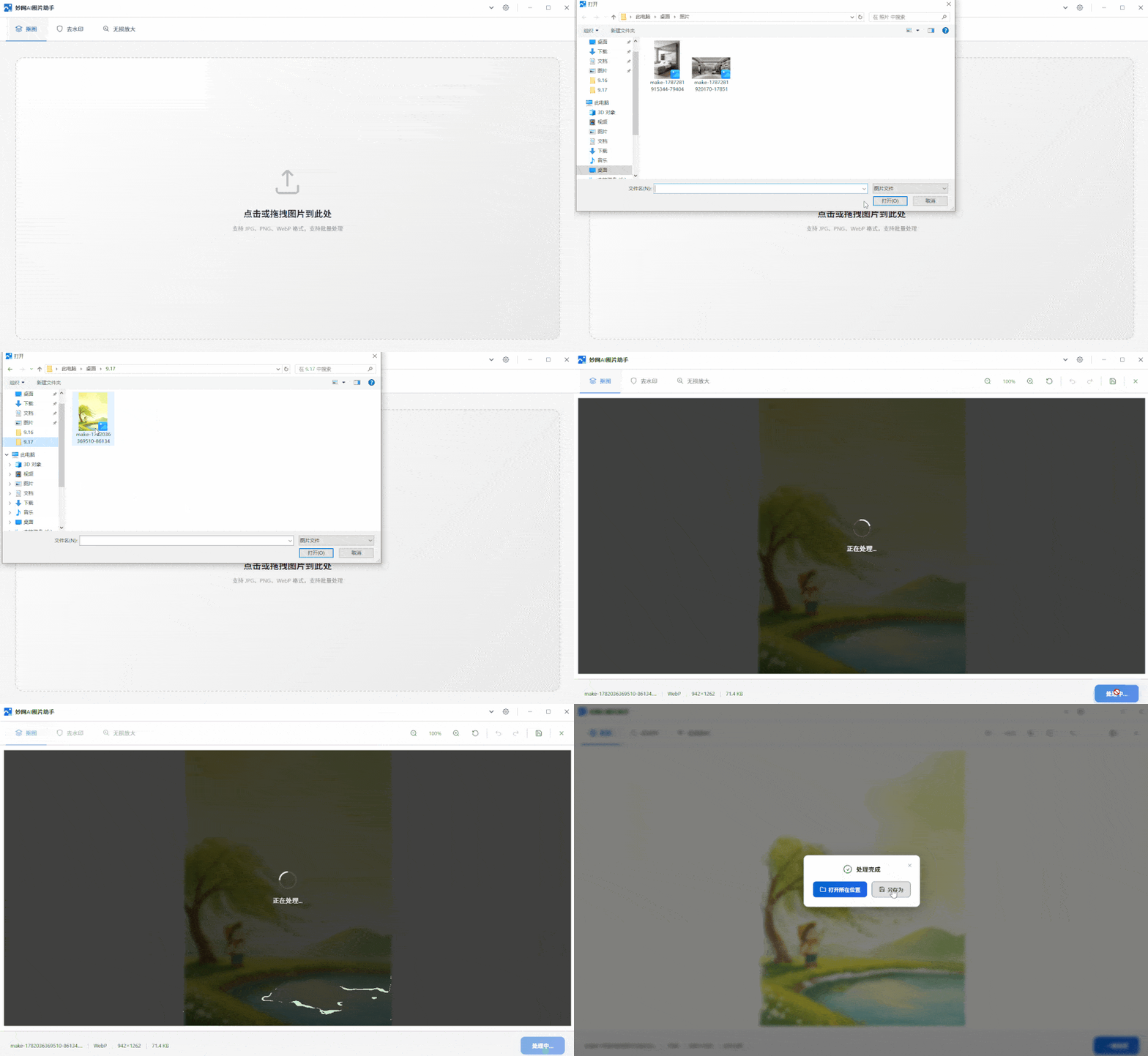
3. Asset Processing: AI Image Processing Assistant
Image processing is essential for picture books and mixed text-image content. This tool supports one-click background removal, watermark removal, and lossless upscaling. It runs locally offline, supports batch processing, and is free with no ads.
One-click access:https://soft.mwkj.net/sites/mwaiimgtool/
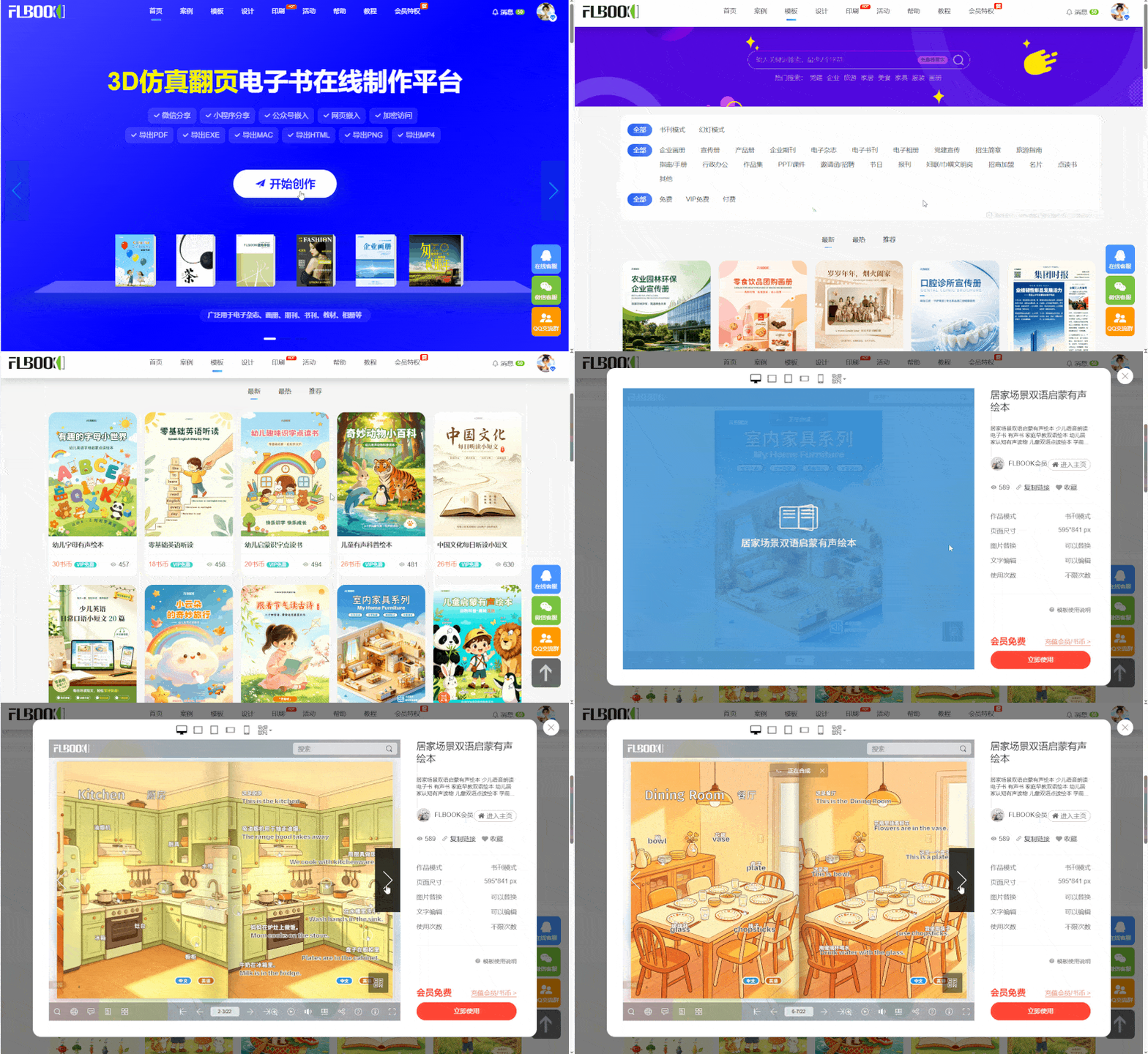
4. Online Page Flipping: FLBOOK
If you don't want to install software, FLBOOK is a pure web platform. You can upload PDFs or PPTs, use templates, or design freely. It automatically converts them into e-books with 3D page-flipping effects, generating links and QR codes that open directly in WeChat web pages.
One-click access:https://flbook.com.cn/
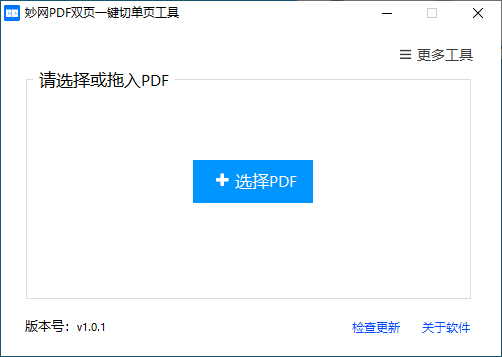
5. Format Cleanup: MWPDF Two-Page to One-Page Tool
Some PDFs use two-page layouts, which are inconvenient to read or upload. This single-file tool lets you drag in a PDF and batch-split it into single pages in 1-3 seconds.
One-click access: Follow the 【MWsoftware】 official account to get the tool