


While online catalogs are easy to share, they cannot be opened in offline scenarios such as trade shows, client visits, or outdoor displays. Additionally, some content involves trade secrets and cannot be stored in the cloud, requiring local storage. In these cases, desktop software is needed to create e-books that can be used offline without an internet connection.
This article introduces three practical local e-book creation tools suitable for organizing personal materials, creating manuals, and building portfolios, helping you convert content into e-books at low cost.
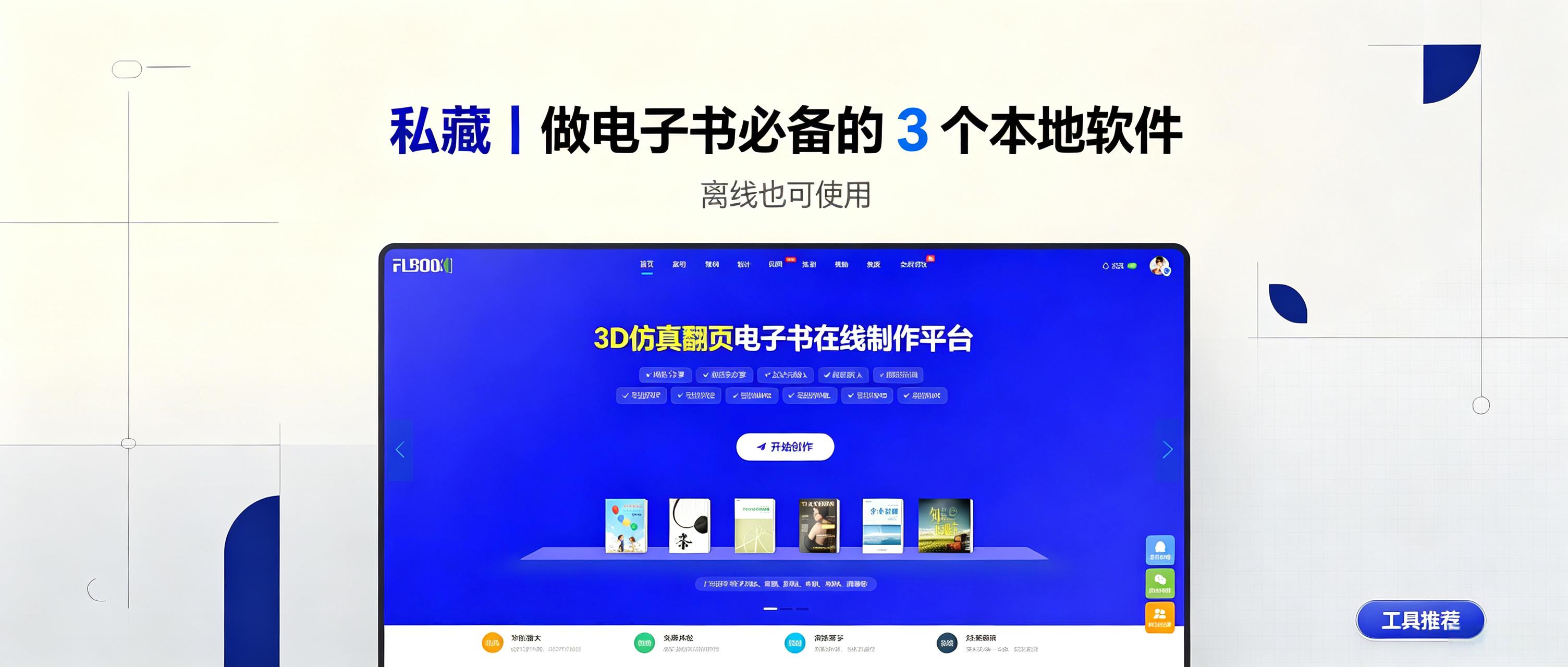
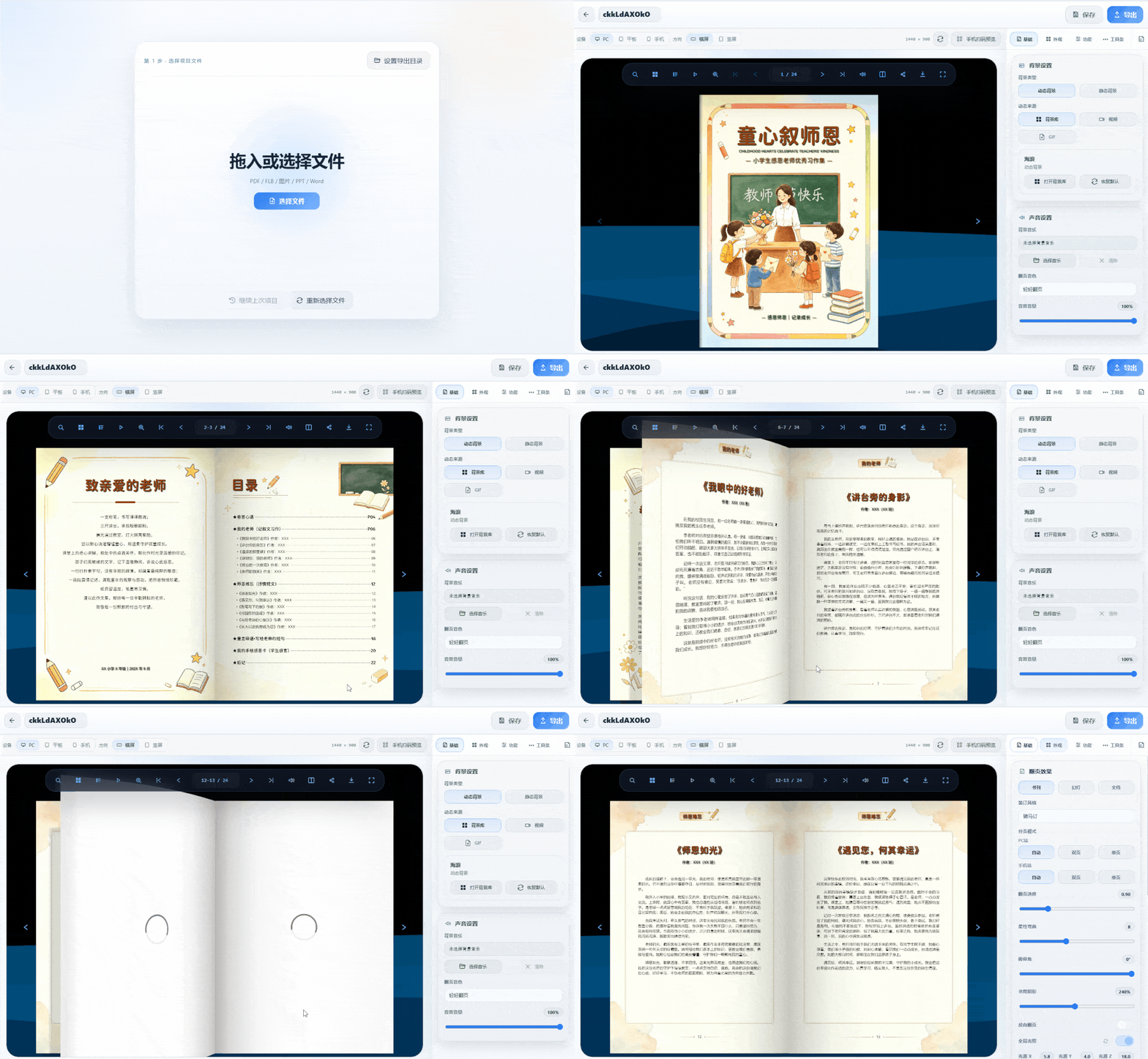
1. MW3D Page-Flip E-book: Turn Documents into Flipping Books
Suitable forcorporate catalogs, product manuals, and trade show display materials
-
Entirely local: Drag PDFs, Word files, or images directly into the software. The creation process bypasses the cloud, ensuring content privacy.
-
Realistic 3D Page-Turning: Pages bend flexibly with spine shadows during flipping, accompanied by page-turning sounds, closely mimicking the feel of a physical book.
-
Multi-Format Export: Supports exporting to HTML, EXE, MP4, APK, and Mac versions. Viewable on PCs, phones, and tablets. The offline EXE version allows interactive page-turning without a network connection.
-
Encrypted publishing: Set access passwords and activation codes per project, ideal for internal training materials and controlled distribution
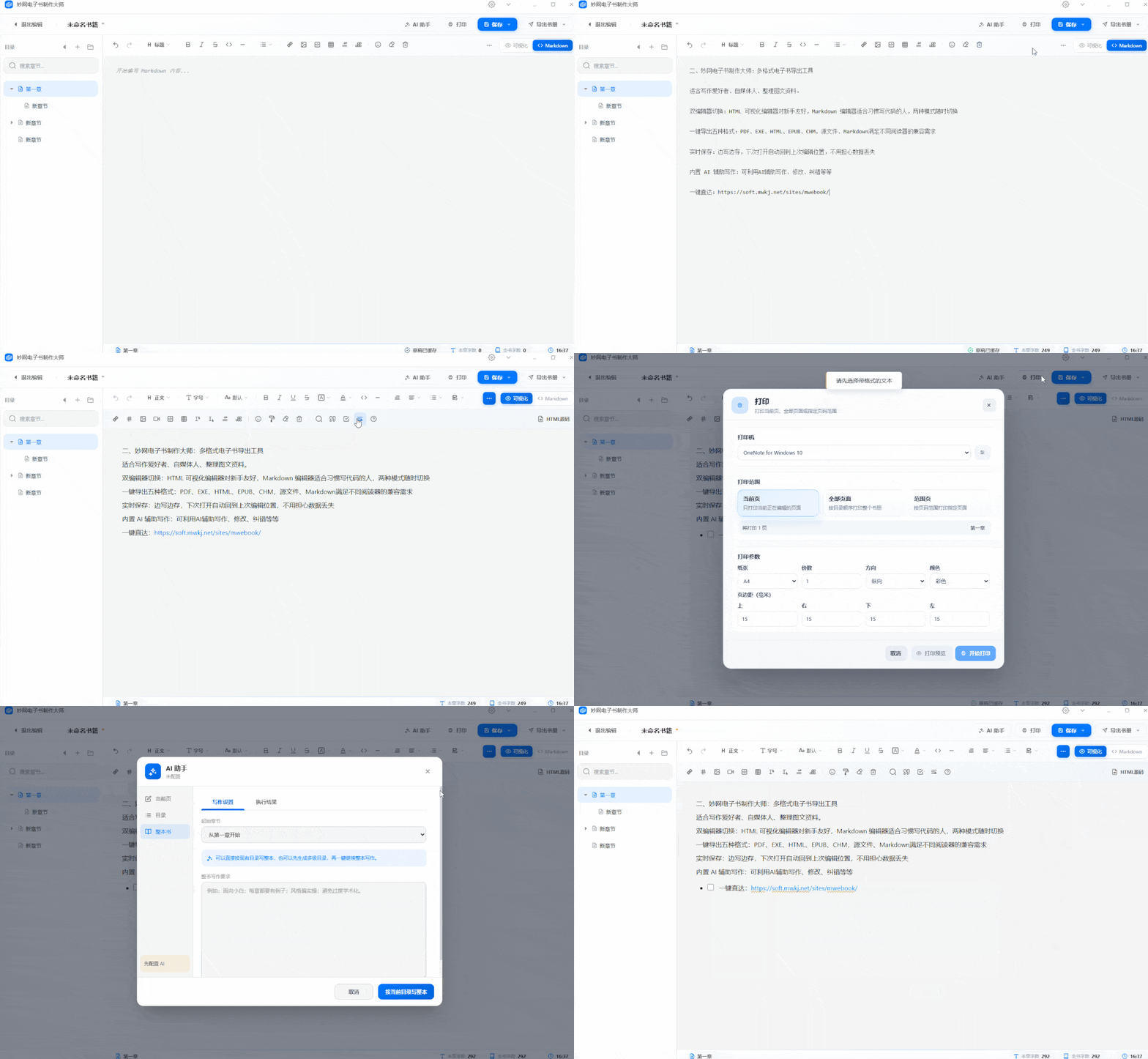
II. MW E-book Master: Multi-format e-book export tool
ForWriting enthusiasts, self-media creators, and image-text material organizers
-
Dual Editor Switch: The HTML visual editor is beginner-friendly, while the Markdown editor suits coders; switch modes anytime.
-
One-Click Export in Five Formats: PDF, EXE, HTML, EPUB, CHM, source files, and Markdown meet various reader compatibility needs.
-
Real-time Save: Save as you type; automatically resume from the last edit position upon reopening, preventing data loss.
-
Built-in AI-assisted writing:Use AI to assist with writing, editing, and error correction.
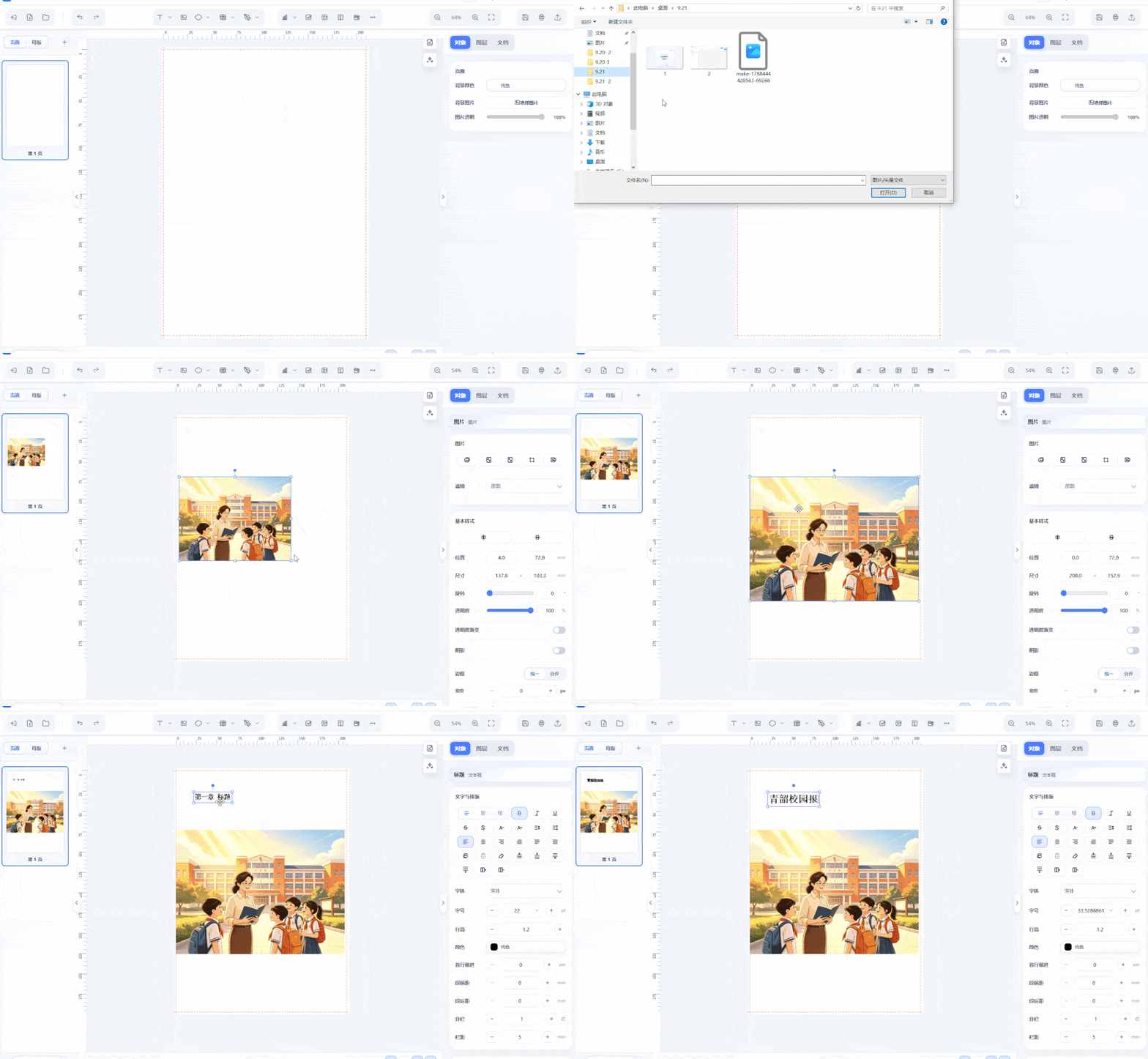
3. MW Typesetting: Professional Layout Tool
-
Suitable formagazines, brochures, and textbooks, layout first, then hand over to production tools for composition.
-
Familiar workflow for mainstream design software: Retains shortcuts and logic from PS, PPT, CDR, and ID for easy adoption
-
Built-in AI layout assistance: Auto-generates layouts after recognizing content structure, clearly separating titles, body text, and images, with manual refinement options
-
Real-time saving + auto backup: Continuously saves during editing, restores previous versions after crashes, and prevents loss of large projects
-
Vector Output: PDF and SVG preserve vector quality, allowing direct handoff to the next stage after export
Follow the [MW Software] official account to get the tool