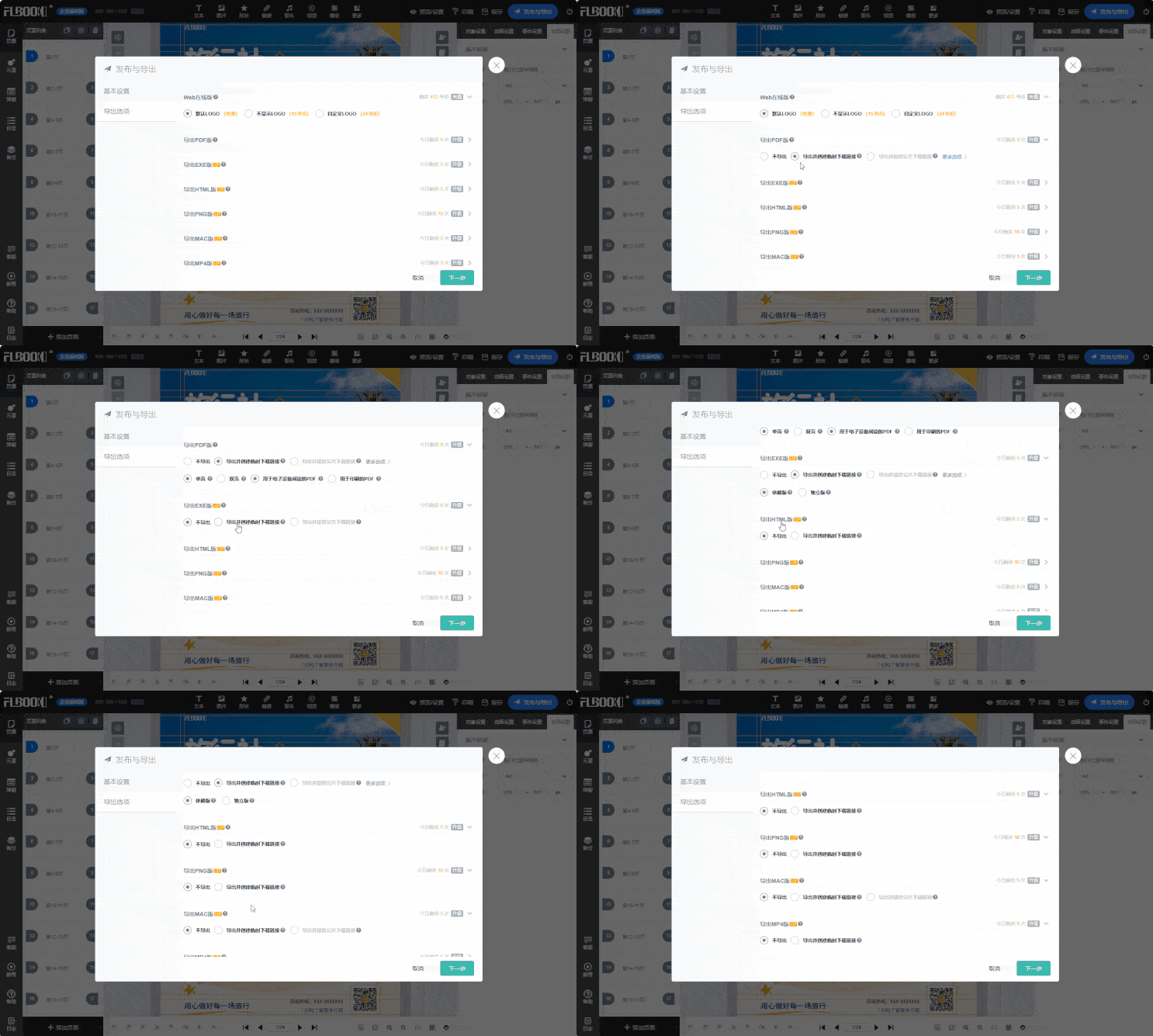
Why Choose Online Tools
First, some context. When making corporate brochures before, we either outsourced to a design agency, where quotes started at thousands of dollars with extra charges for every revision, or did the layout ourselves in Photoshop or InDesign—but layout work is extremely time-consuming; even changing a page number could eat up half an hour. And after exporting the PDF, there was that same old problem with distribution: heavy files and a poor experience on mobile.
This is where online tools have a clear advantage: no software to install, just open your browser and start working. When you're done, generate a link or QR code to share—the recipient can view it with one click, no download needed. That shortens the workflow considerably.
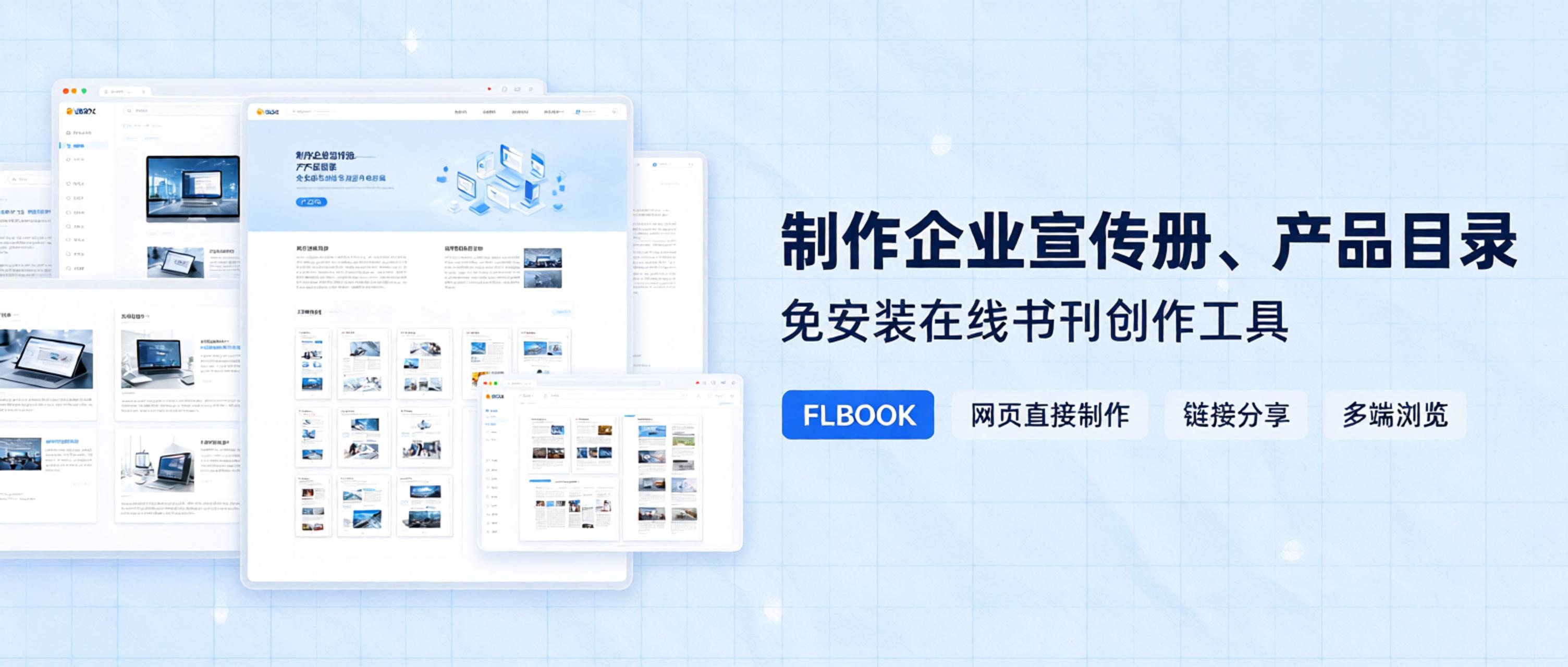
Personally, I think FLBOOK is pretty solid.
No installation, create right in your browser:Just open your browser and enter the URL to get in. The interface is clean, with no cluttered feature entries. After logging in, you choose your creation method directly—four options: start from blank, upload a PDF, use a template, or upload images—depending on what materials you have on hand.
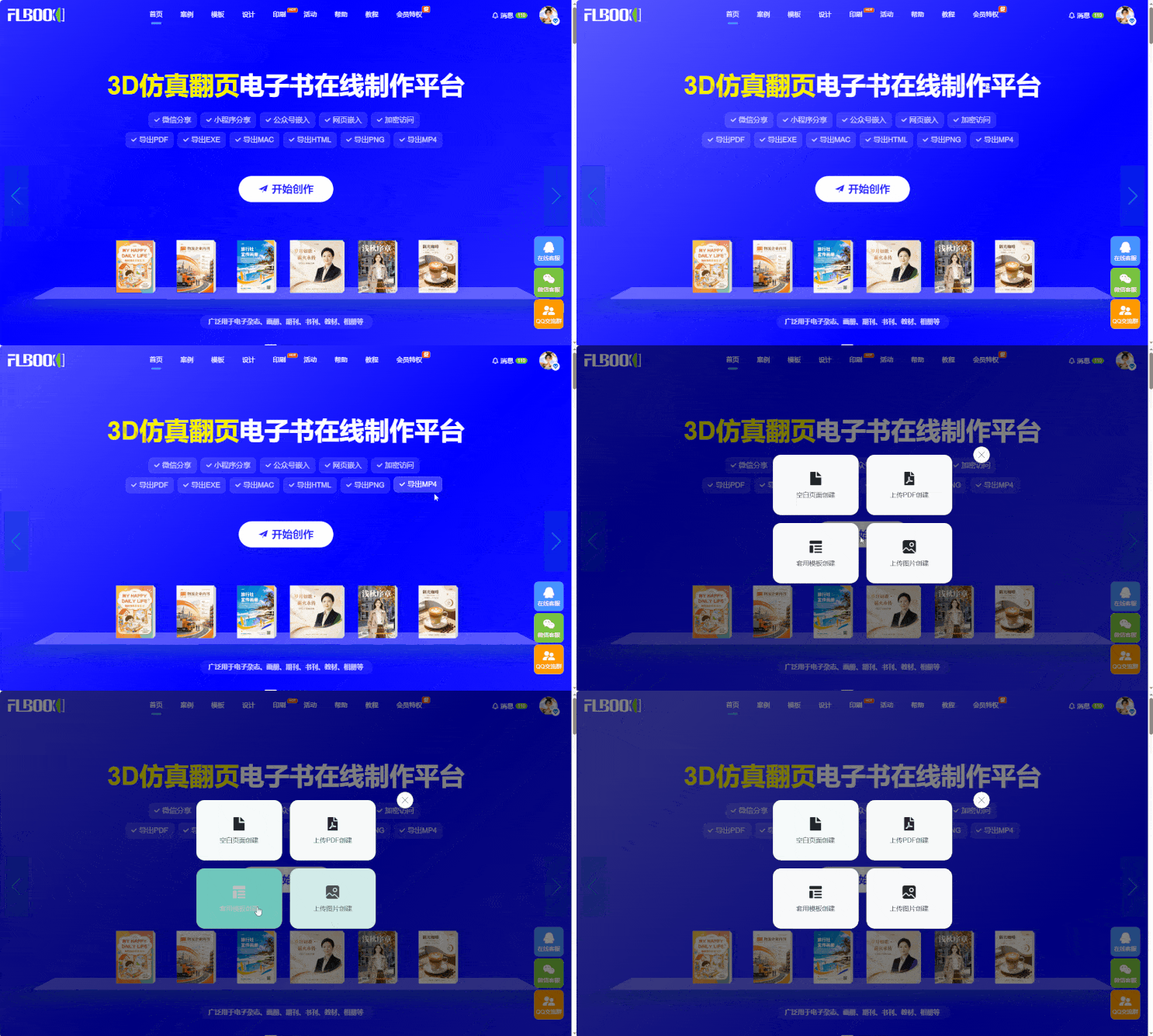
One-click PDF to page-flipping ebook: This feature saved the most time. Just drag and drop a PDF, and within a few minutes you get an online brochure with a realistic page-flipping effect. The reading feel is close to a physical book, works on phones and computers, and displays properly on foldable screens.
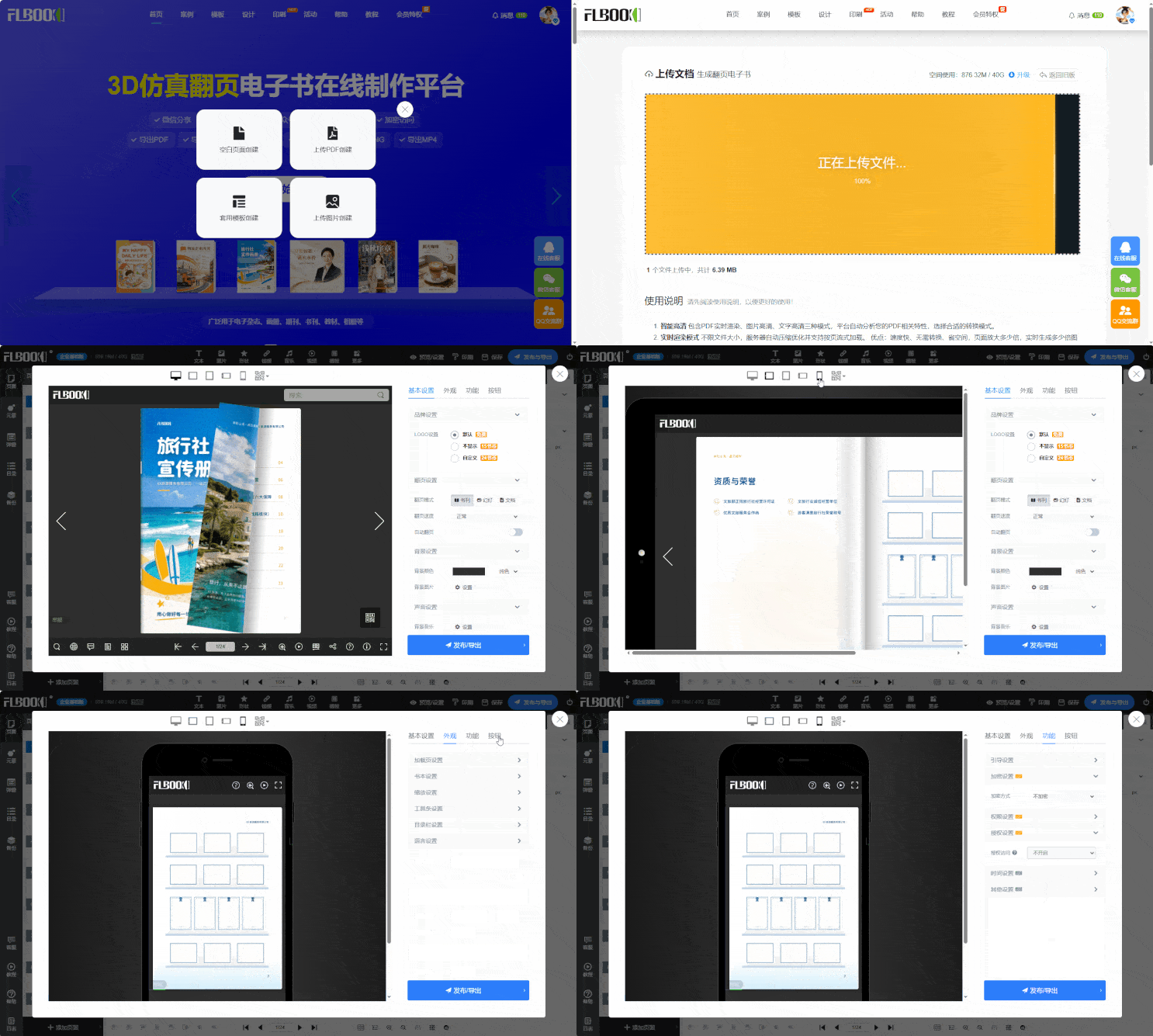
A sufficient template library:Not everyone has design experience, and FLBOOK's template library has plenty of free templates ready to use. Corporate brochures, product catalogs, event handbooks, digital magazines—ready-made layout frameworks for all kinds of scenarios. Just tweak the text and swap images to get a finished product—very friendly for design beginners.
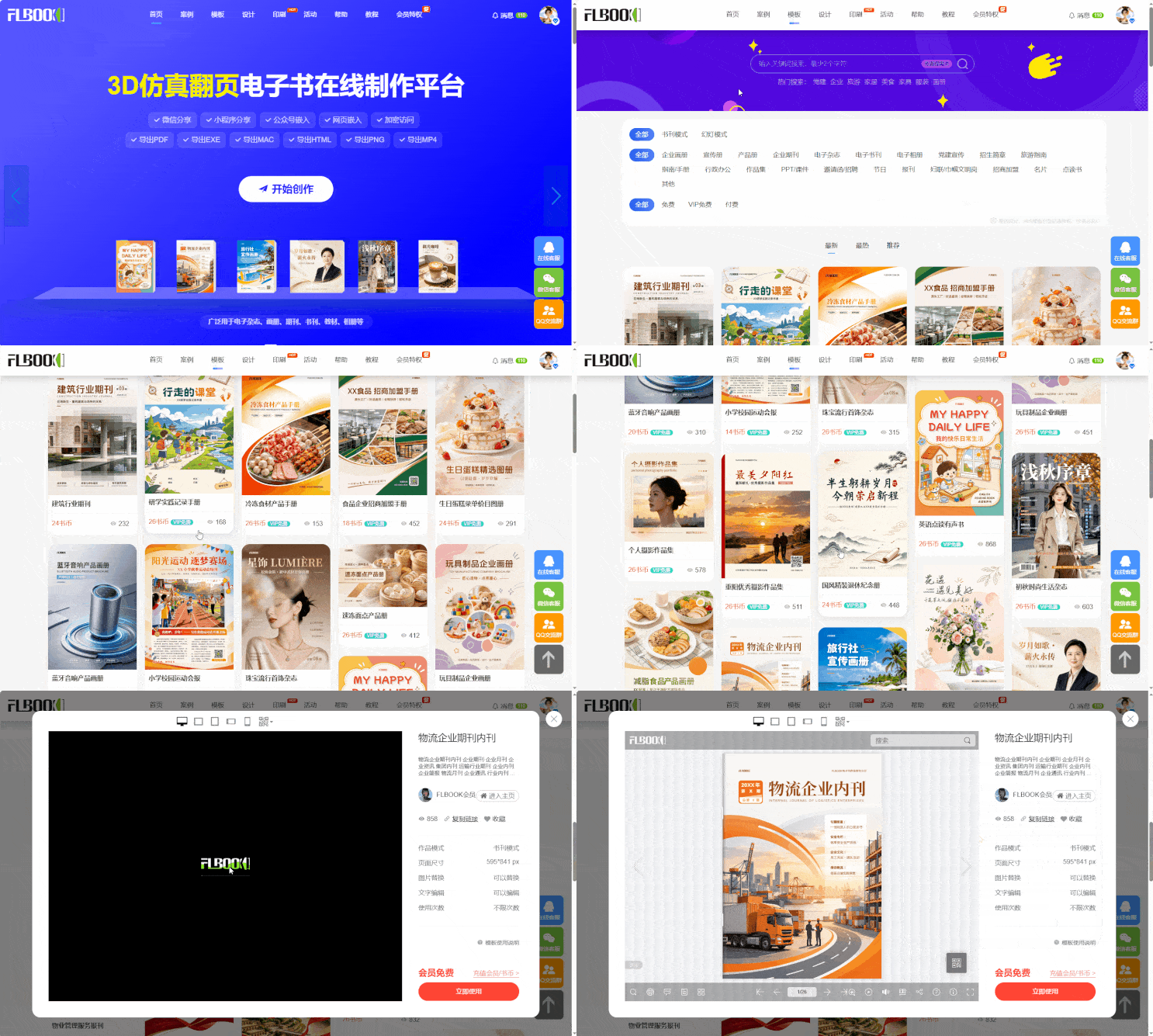
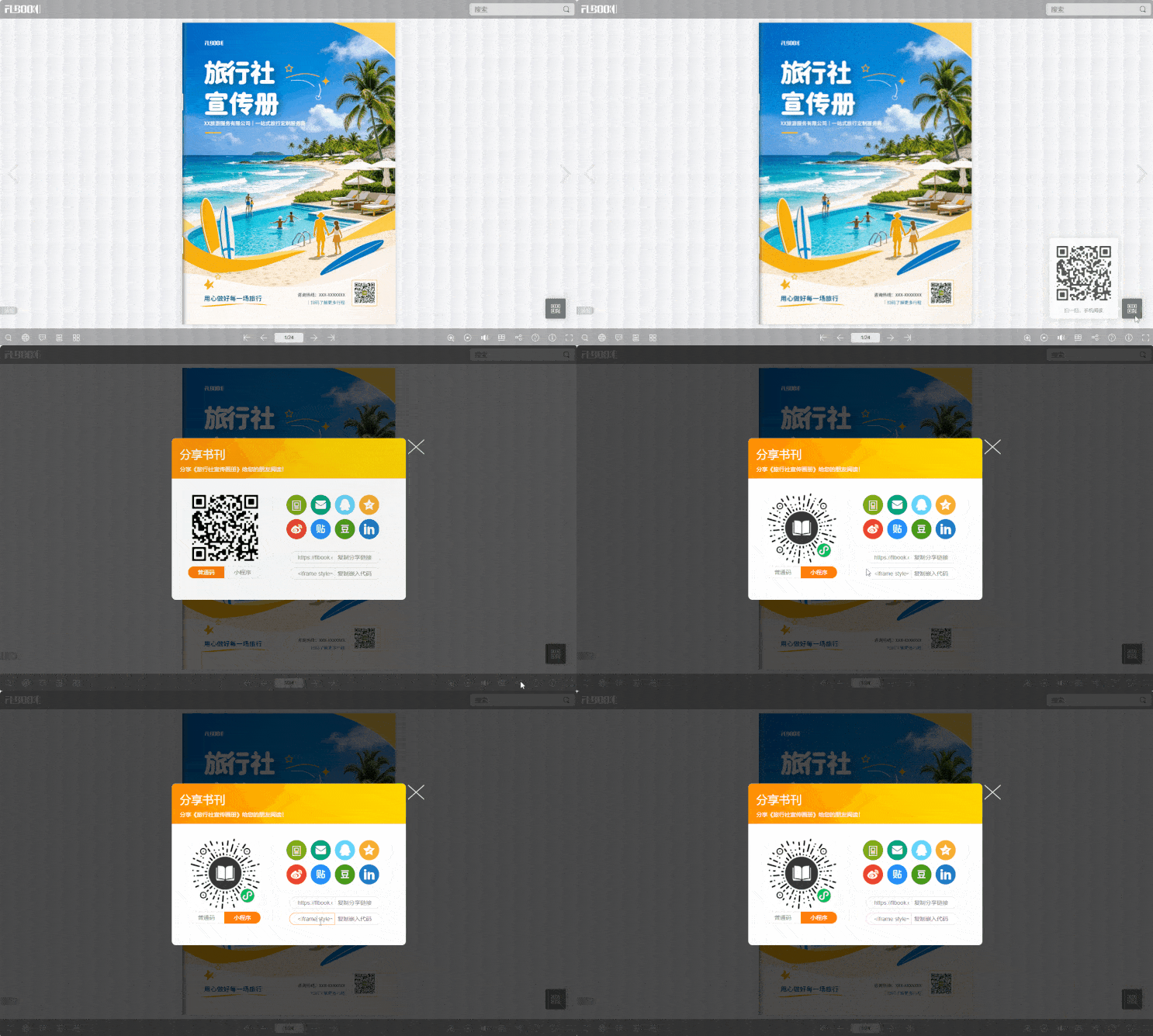
Flexible sharing options:Once finished, a link and QR code are generated automatically. You can share the link directly in WeChat, or embed the brochure in a WeChat official account article or on your official website. Encrypted access is also supported—for example, to show a product catalog to clients only, just set a password. And if you need to update content after sharing the link, you can replace pages directly in the backend without changing the original link
Multi-format export:Supports exporting to PDF, EXE, HTML, PNG, and MP4. After generating a video from your album, just trim it a bit and post it to Douyin or Channels—great for product showcases.
Magic door:https://flbook.com.cn/