I saw someone share an ebook online. After clicking in and flipping through a few pages, my first impression was——it feels just like flipping through a real book. Pages bend naturally as they turn, with a spine shadow and a soft page-turning sound. Later I found the tool that creates this effect myself.
Just How Realistic Is the Page-Turn Effect
Specifically, there are a few details:
- Page bending: when turning a page, the page bends into a natural curve instead of cutting over stiffly
- Spine shadow: there's a dark spine area between the pages, so it looks like a real book spine
- Page-turn sound effect: it makes a "swish" sound as pages turn; you can turn it off, but it's on by default
- Paper texture: pages aren't flat pure white—they have subtle texture and a sense of thickness
Taken together, these details make flipping pages feel just like turning the pages of a physical book.
What is it made with
I tried two tools, each with its own focus.
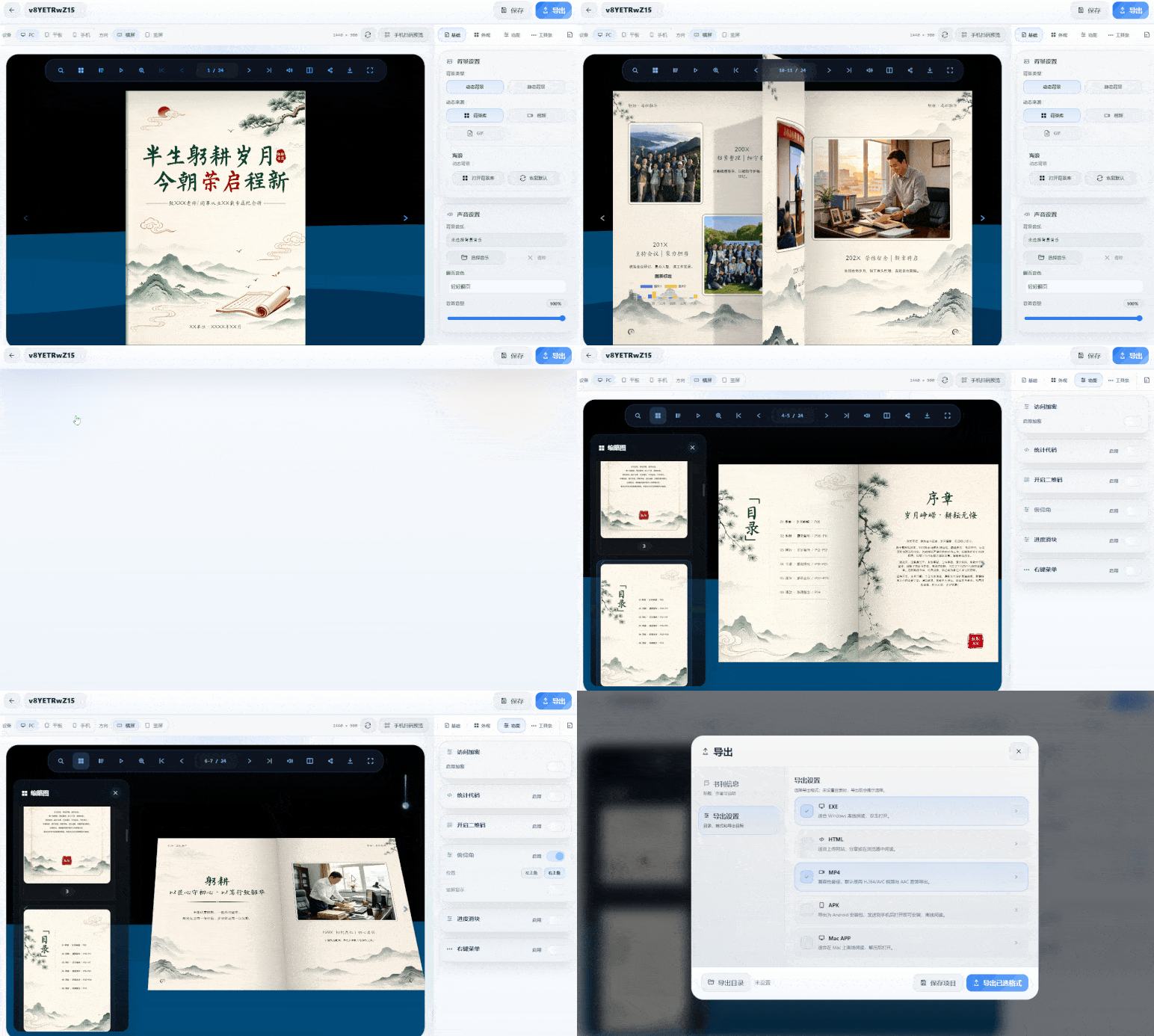
MW3D page-flipping ebook software : Import a PDF or images, and it automatically recognizes the pages and generates a 3D page-flipping effect. Page curling, spine shadows, and page-turning sounds are all automatic—no manual tweaking needed. You can also add particle effect backgrounds like starry skies or light spots, which pair well with your content for richer results. Export formats include HTML, EXE, MP4, and APK, viewable on both phones and computers. Materials are processed locally and never uploaded.
Only channel:https://soft.mwkj.net/sites/mw3dbook/
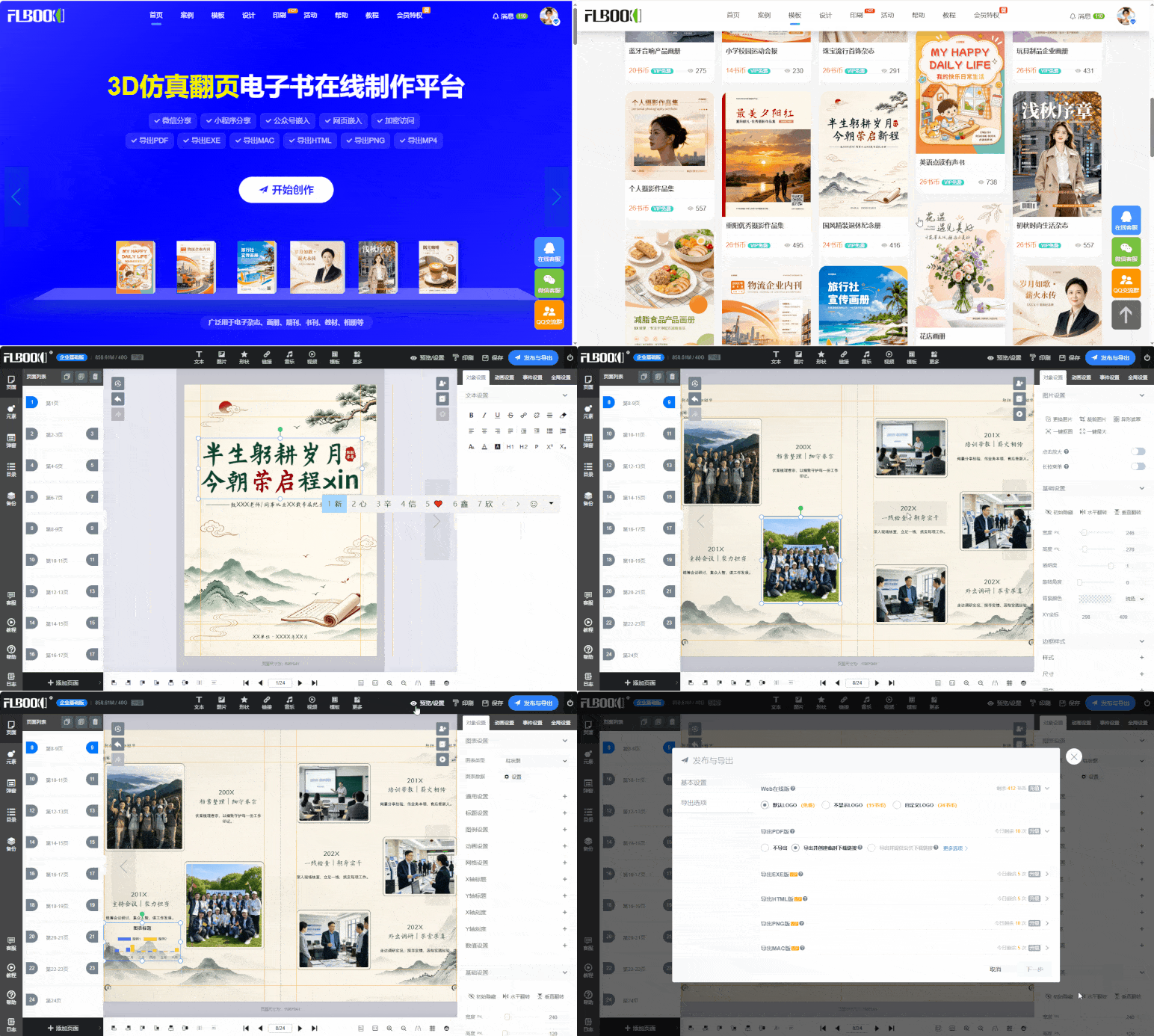
MW:It's an online platform that works right in your browser. There are four ways to start creating: upload an existing PDF, batch-upload images, apply a template, or lay it out yourself from a blank page—just choose based on the materials you have. After uploading, a page-flipping brochure is generated automatically, with curved page turns and shadow effects, and vector rendering keeps it sharp at any zoom level. If you find a typo or want to swap an image, just edit the page directly—links and QR codes stay unchanged after edits, so no need to resend to clients. Beyond basic text and images, you can embed videos, audio, animation effects, and hyperlinks on pages, plus a reader comment feature. When you're done, many export formats are available—Web, EXE, HTML, PDF, and MP4—covering both online sharing and offline presentations.
Sole channel:https://flbook.com.cn/