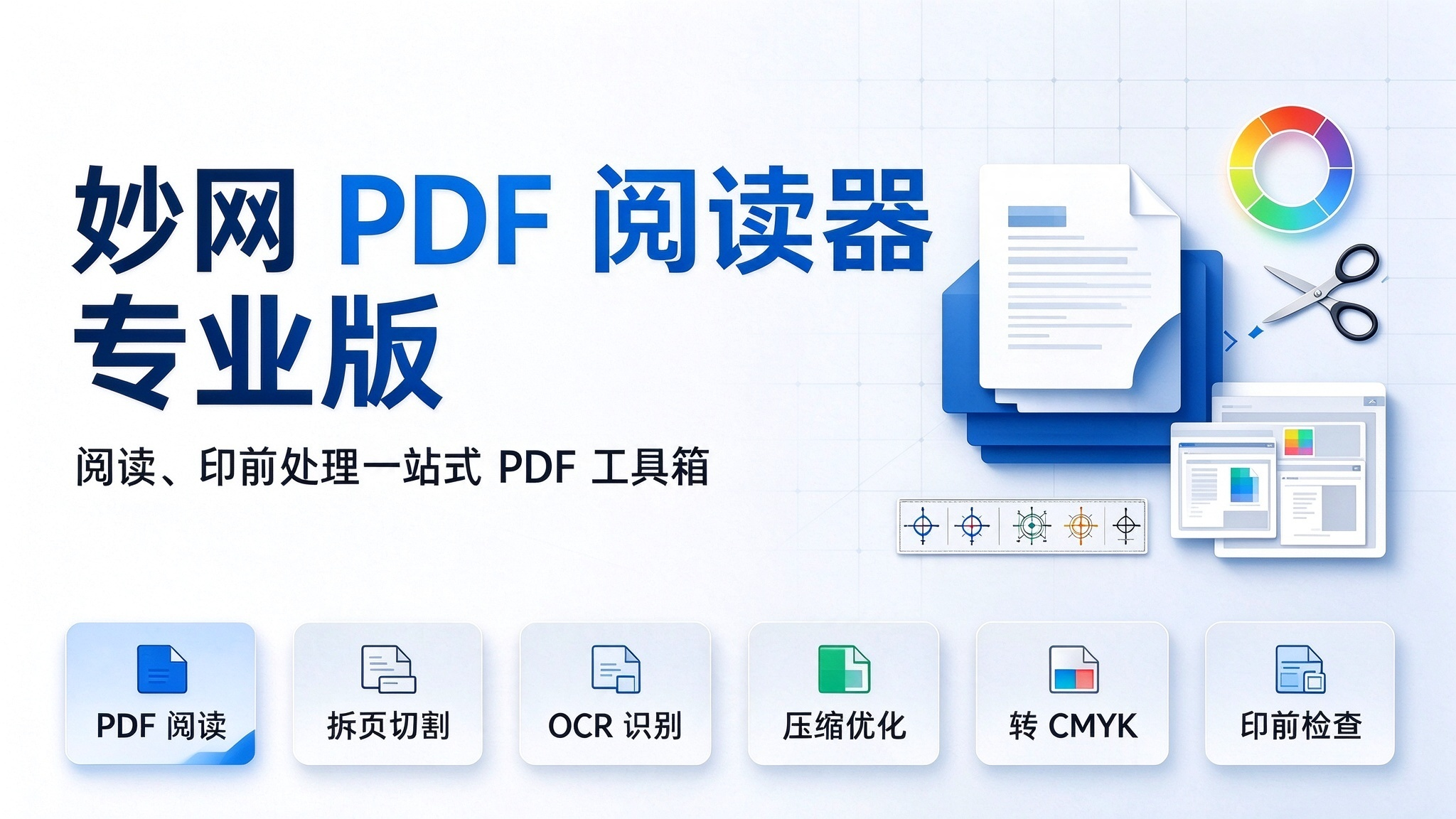
Reading a PDF used to mean opening one app to read, visiting an online site to split pages, and calling on Acrobat for CMYK conversion—switching back and forth, constantly interrupted by "3 free trials" pop-ups. Since switching to the MW PDF Reader Pro, one desktop window does it all: free, zero ads, ultra-fast startup, with files processed locally, never leaving your computer. 1. First, reading—it's more refined than you'd expect. Previously opened PDFs are automatically added to your bookshelf, with the cover, file info, and the page you last read all remembered, so you can resume with one click next time. The left side offers thumbnails, bookmarks, p


