Making a photo book isn't just about layout—how it looks on different devices and how it feels to flip through directly shape the impression of the finished product. I tried three tools, each with different results, and I'm sharing my hands-on experience.

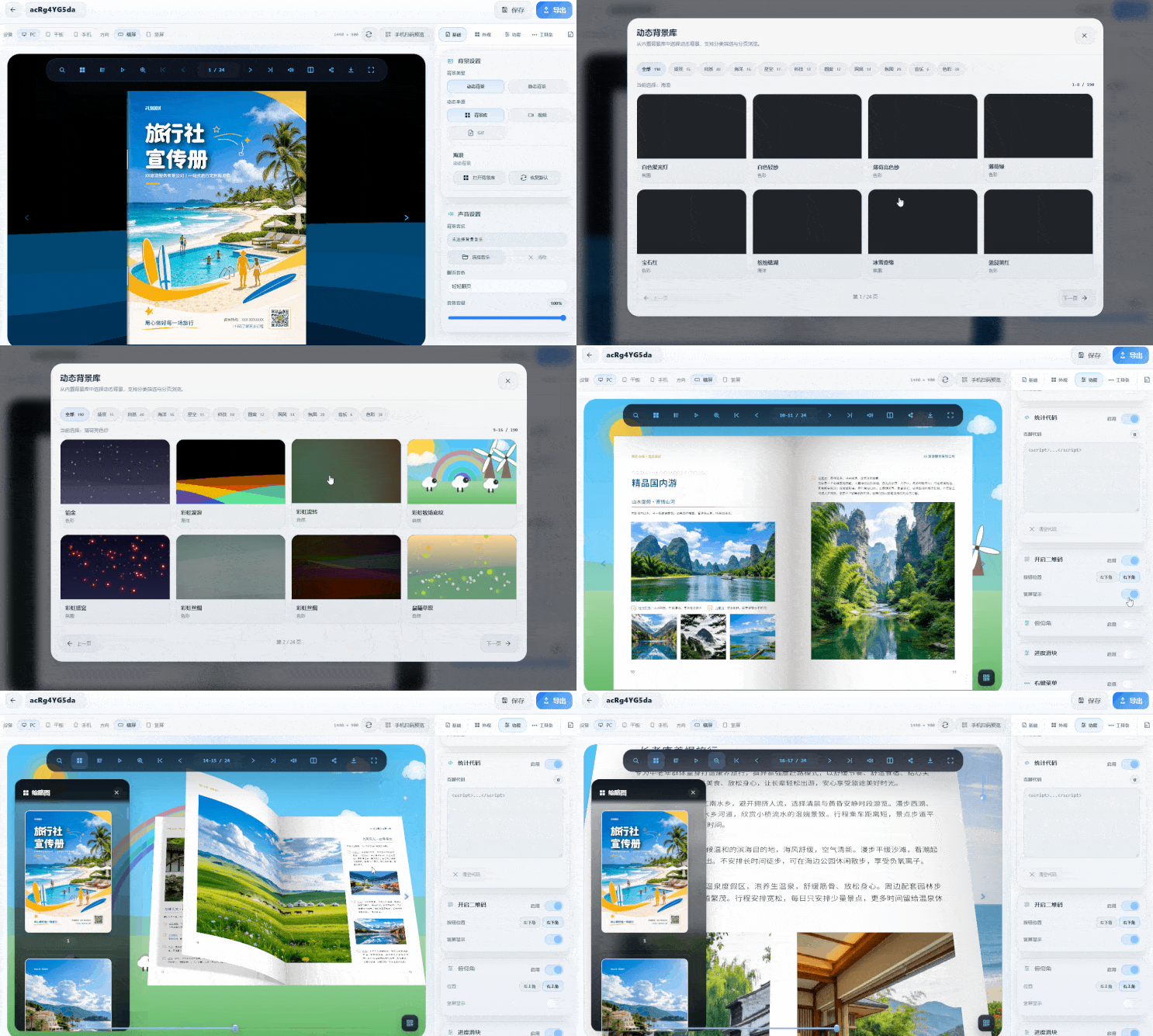
FLBOOKIdeal for people who don't want to install software. It works right in the browser: upload your organized images or PDFs and the system automatically generates a flipbook-style ebook. Its strength is in presentation—share a link or QR code, and it adapts to phones, tablets, and computers. Landscape view shows two pages side by side, portrait mode switches to single page, and on unfolded foldable phones it feels close to reading on a tablet. Finished books can also embed background music and links, so previews don't feel static.
Portal:https://flbook.com.cn/

If you care deeply about realistic page-flipping texture,MW3D ebook creation softwaremore on track. It's a desktop tool where you can adjust the spine thickness, the curvature of page bend, and the shadow cast when flipping pages; page-flip sounds and paper background colors can also be customized. After importing a PDF or images, it automatically generates a 3D book model, ideal for product catalogs or portfolios that need to look presentable. The benefit of local processing is that data stays on your own machine, and export formats are flexible—HTML, EXE, and MP4 are all supported
Any door:https://soft.mwkj.net/sites/mw3dbook/
For a studio-style crystal photo album, the MW album layout software is a better fit.The template center is organized by style, photos fill the placeholders with one click, and an album of a dozen or more pages is laid out in one go—just fine-tune a few spots manually. Export a high-resolution PDF straight to print, with color and bleed lines handled for you.
Quick links:https://soft.mwkj.net/sites/mwphoto/