


When preparing monthly reports or compiling project materials, you often run into a particular kind of exhaustion: dozens of documents that need consistent formatting, with headers and footers adjusted and content aligned page by page until your eyes ache. You can do it with ordinary document tools, but aligning each page manually means searching through the entire document whenever you change one thing. Later, I switched to a different approach——leaving repetitive tasks to master pages.
What to use
I chose a typesetting program that supports master pages, such as MW book layout tools. Master pages keep the layout consistent: headers, footers, page dimensions, and page number styles are set once, so there is no need to edit each page manually. They also preset the positions of headings, body text, and images, so you only need to fill in the content.
How it was made
1. Start by setting up the master pages, then define consistent heading lines, margins, and page number positions;
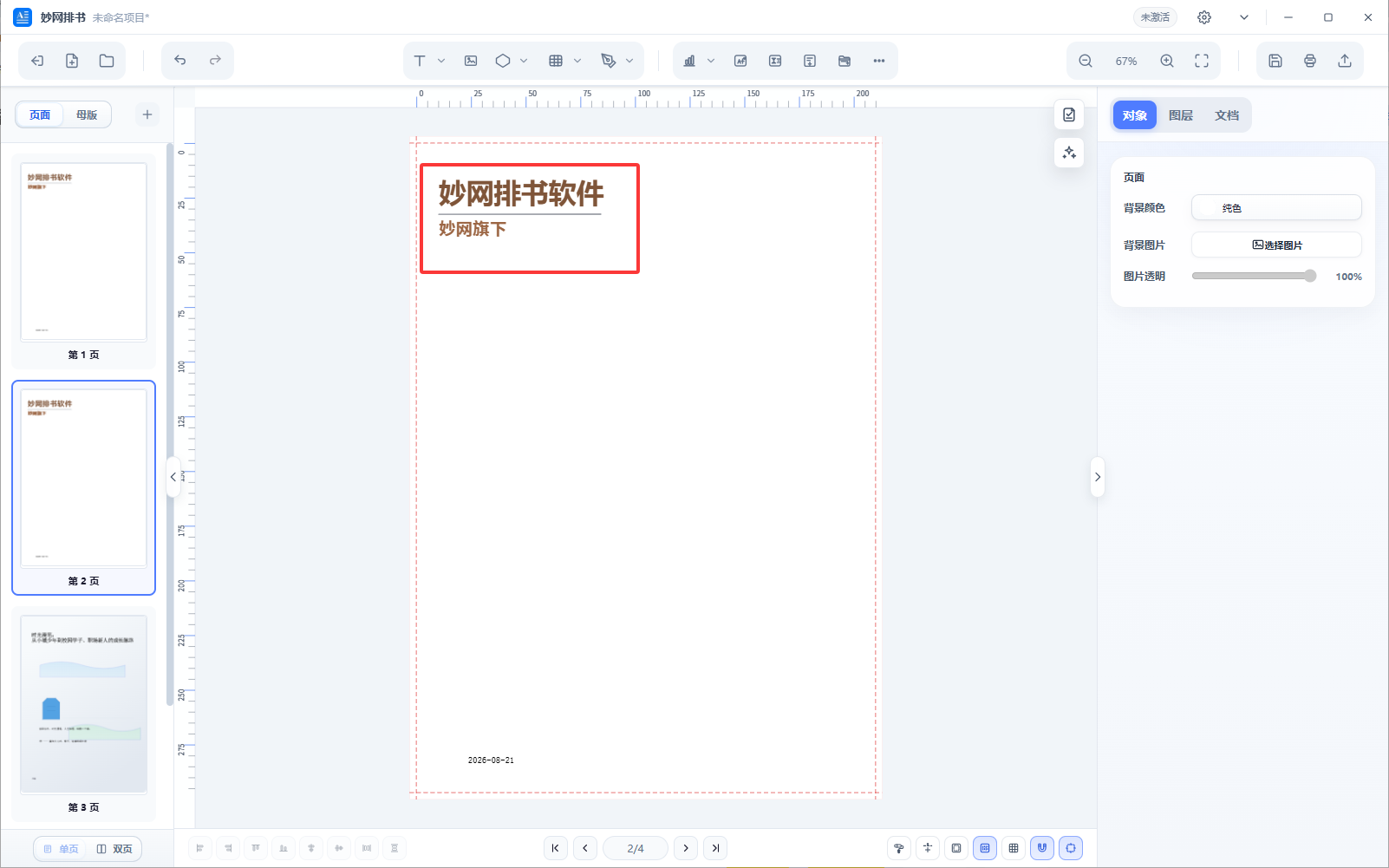
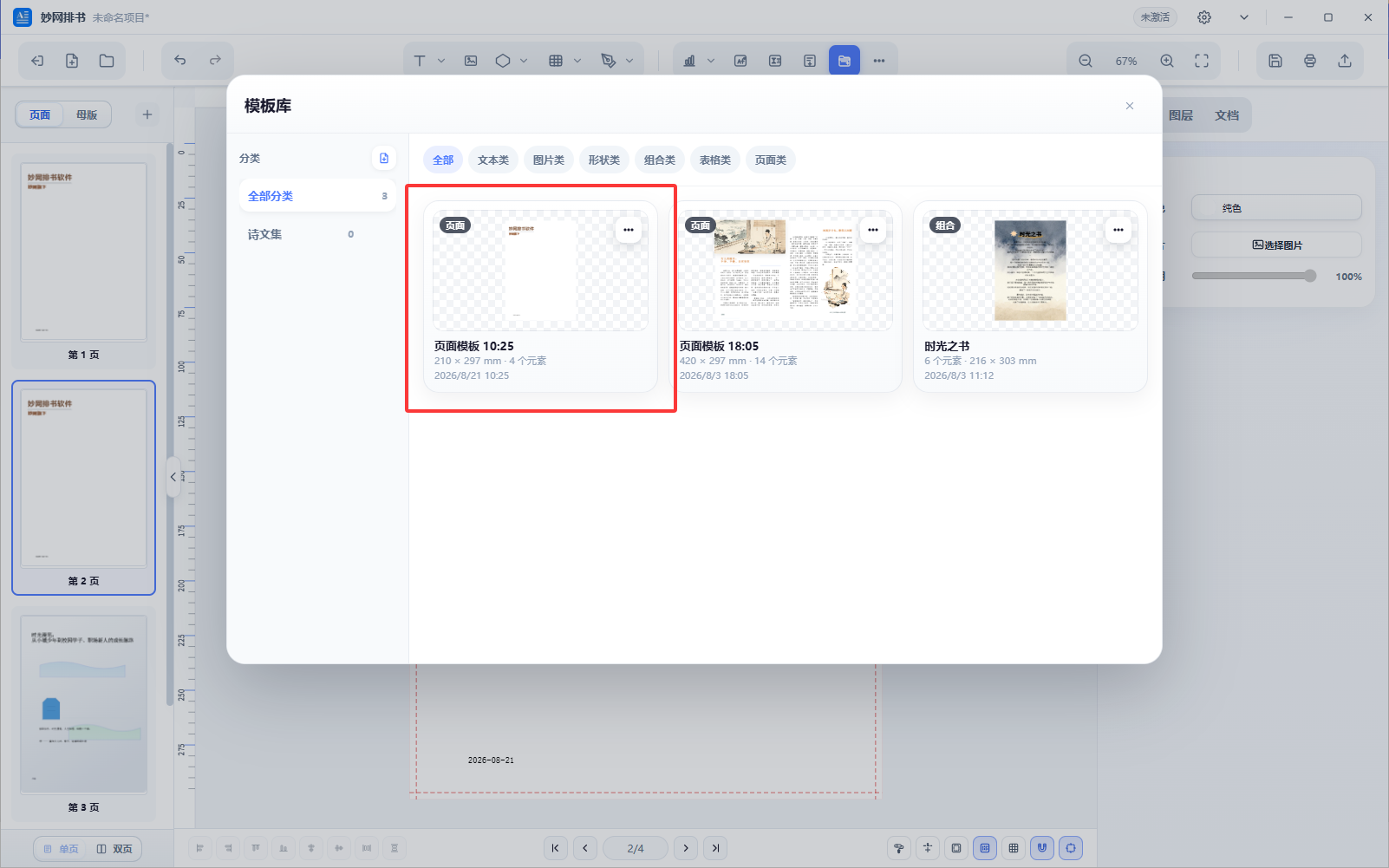
2. Add the configured template to each report page;
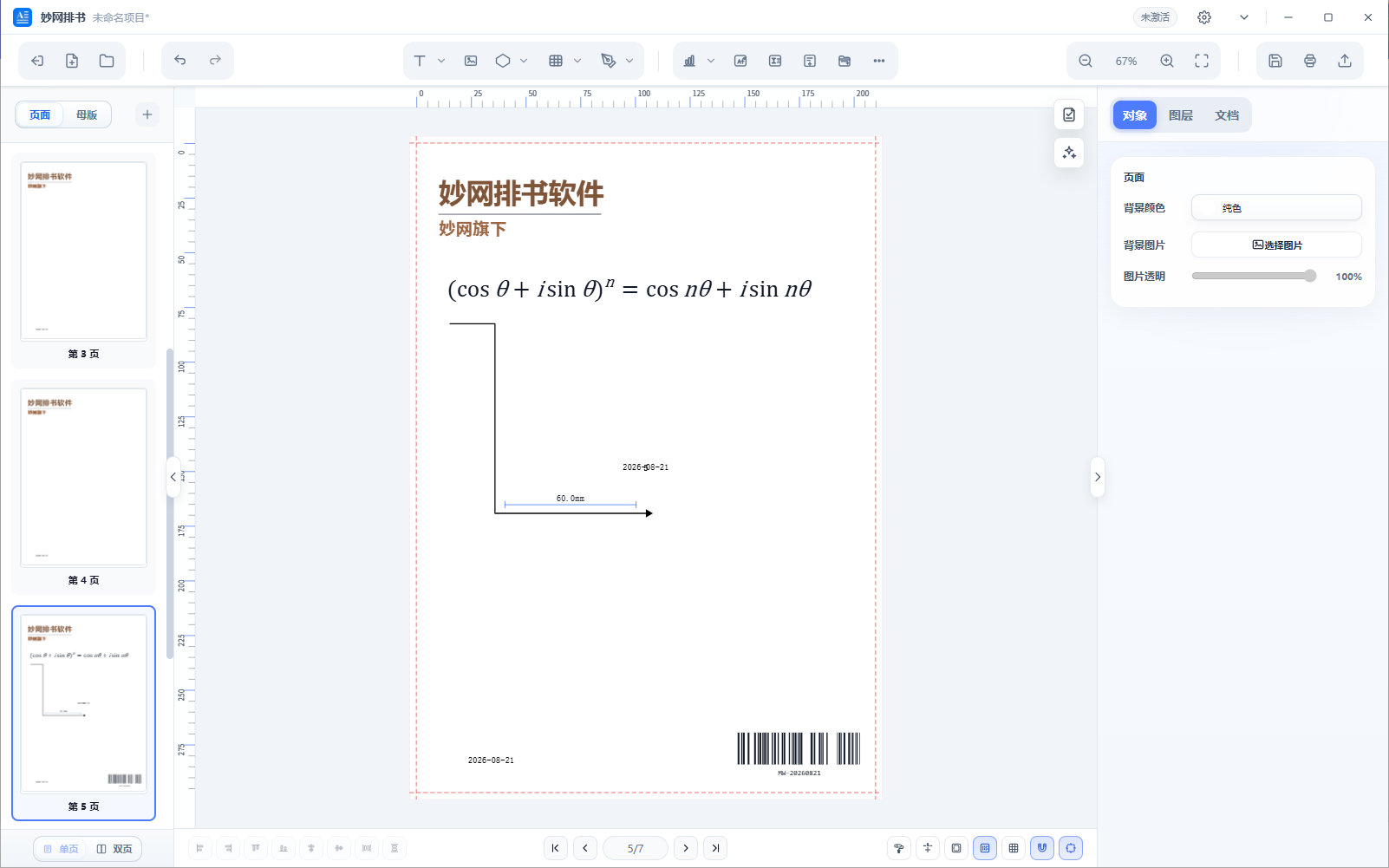
3. Next, you can format other design elements and add images, formulas, etc.;
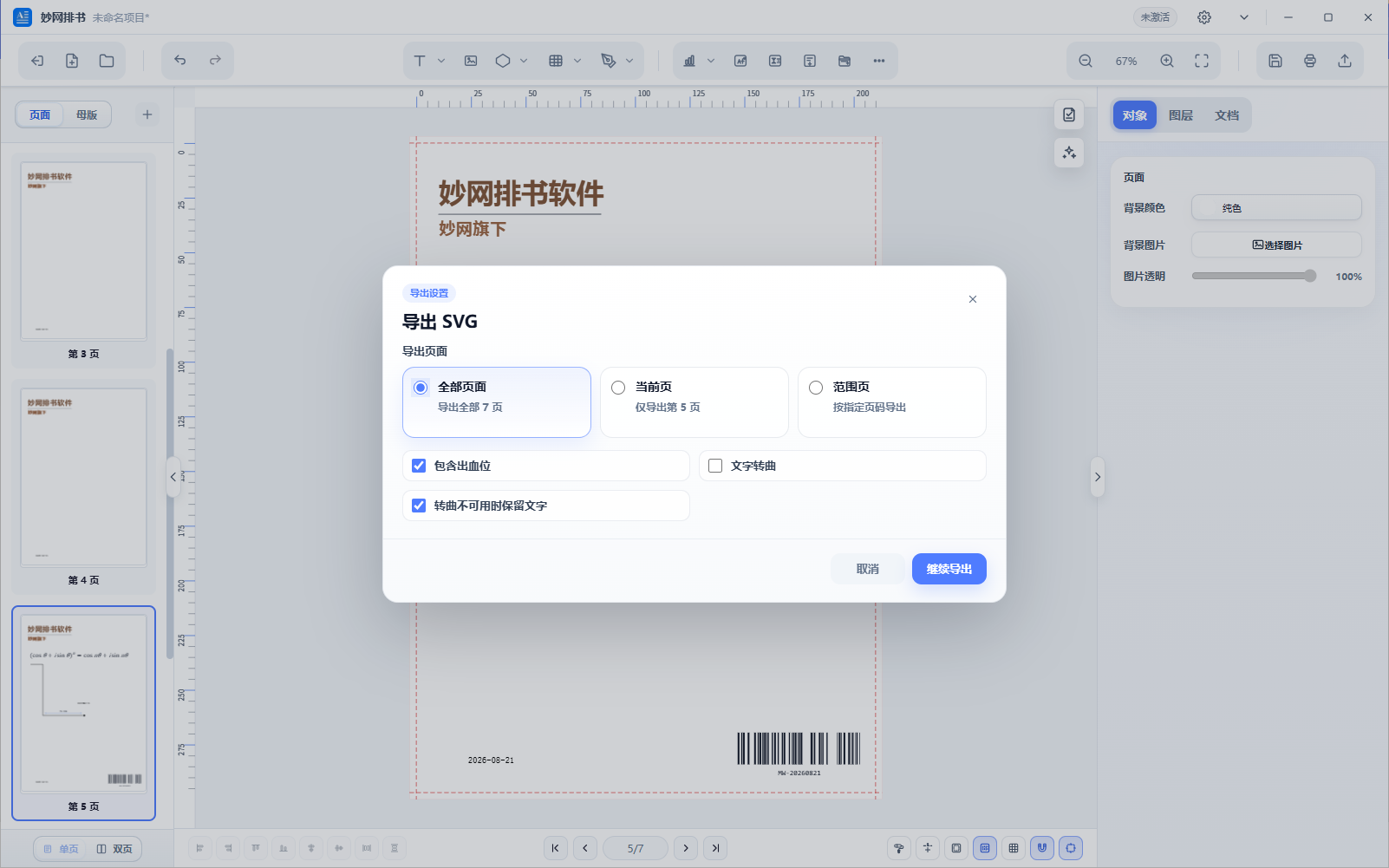
4. Finally, export as PDF, SVG, PNG, or JPG, then print it or share it in your work group.
A Few Practical Tips
Template feature: Consistent formatting, batch application
Formula support: Enter formulas directly without external tools.
Layer management: Organize elements into clear layers so edits don't affect each other.
Multiple export formats:Image sequences and PDF, suitable for both print and digital use.