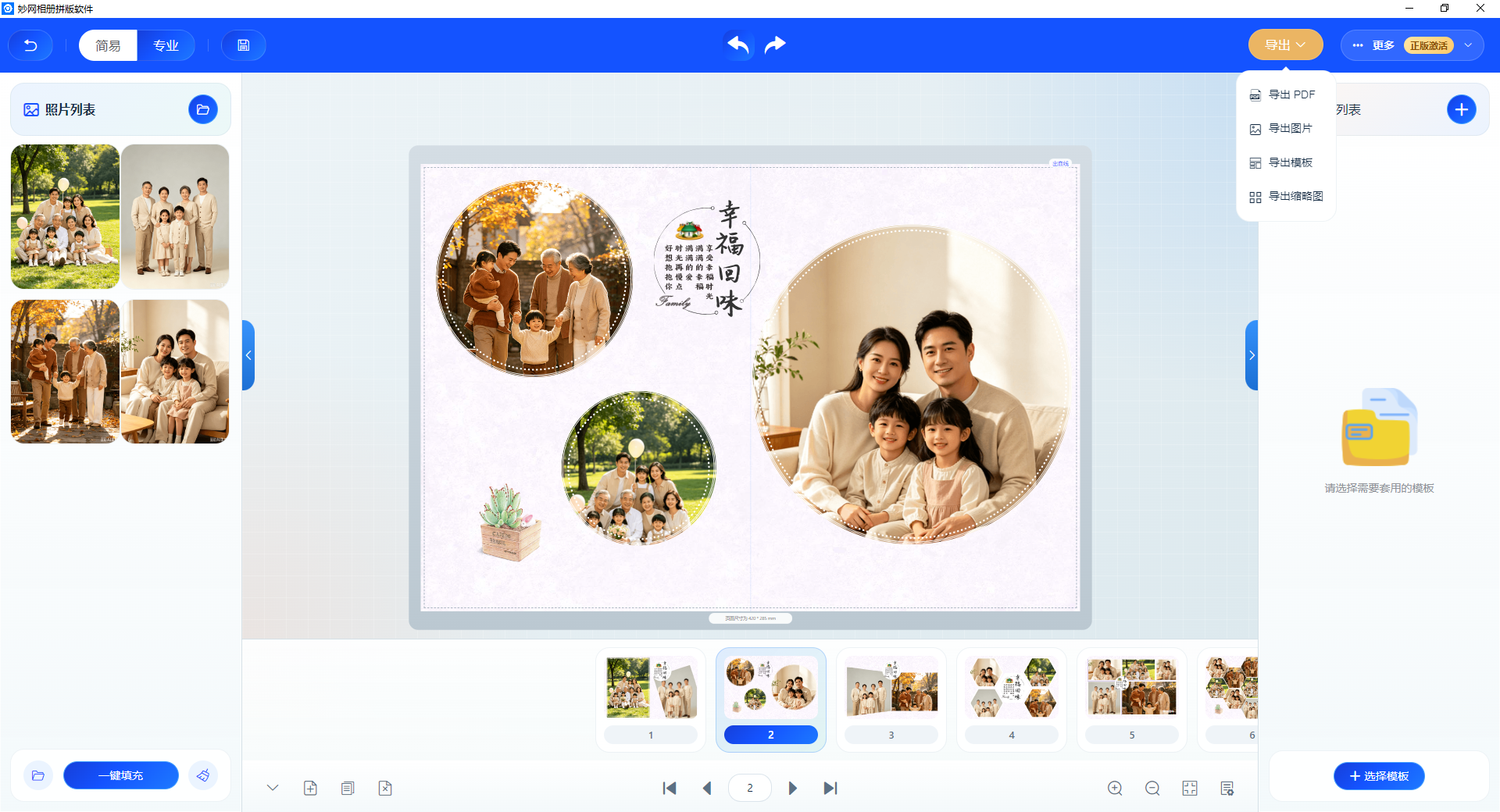
One photographer and one retoucher: this is the standard setup for many small studios. Shooting, retouching, client reception, and photo selection already fill the day, and at night, there is still layout work for photo albums, often keeping them up until the early hours. When orders pile up, they simply cannot keep up.
What can they do? Use the MW album layout software to apply templates and create beautiful photo albums in batches.

How It Works
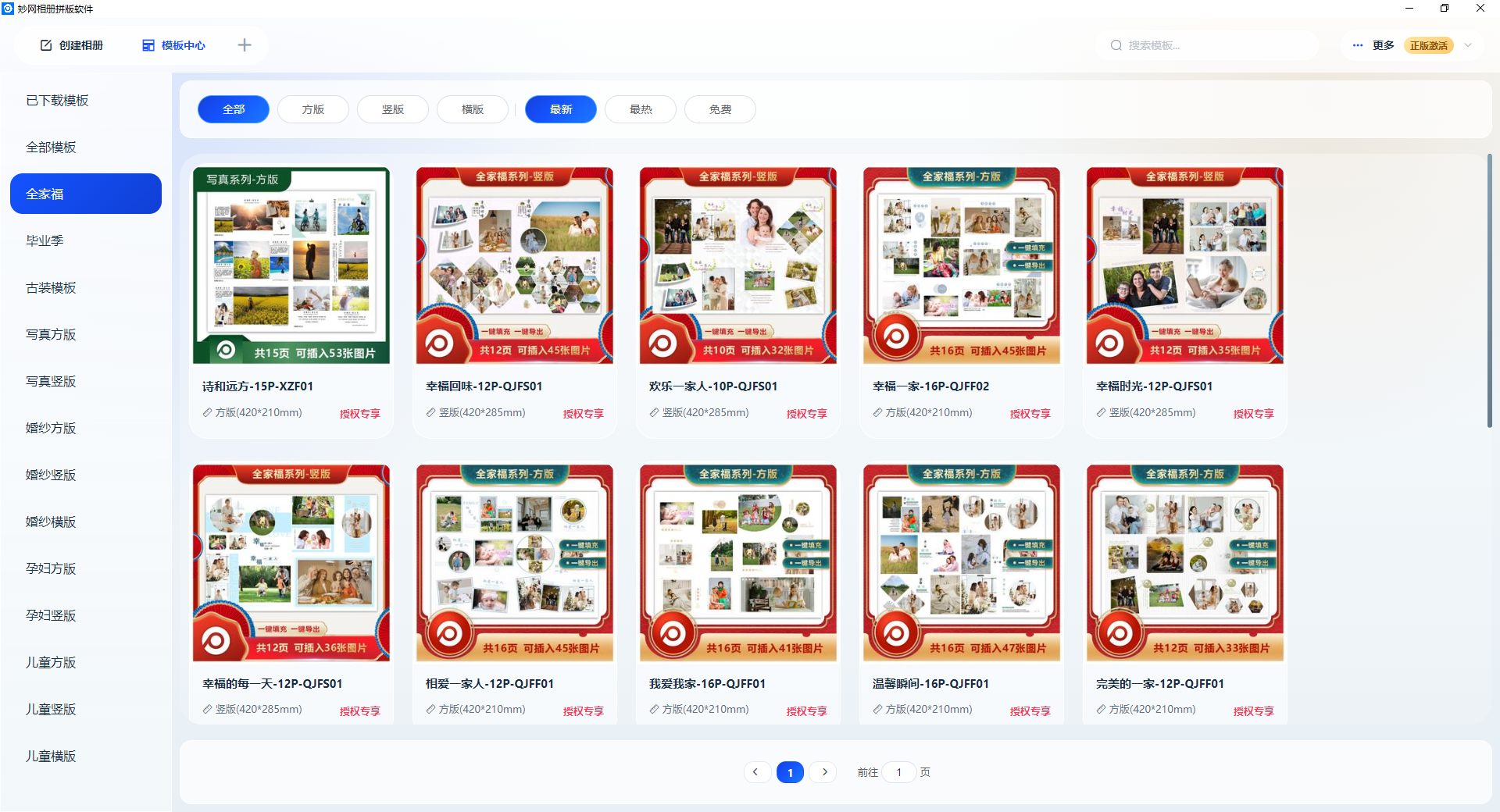
Step 1: Choose a Template
Open the software. The template library includes photo album templates in various styles——weddings, portraits, family, graduation, and commemorative albums.
Choose a template that matches the client's photography style, and the basic layout is set.
Step 2: Import Photos
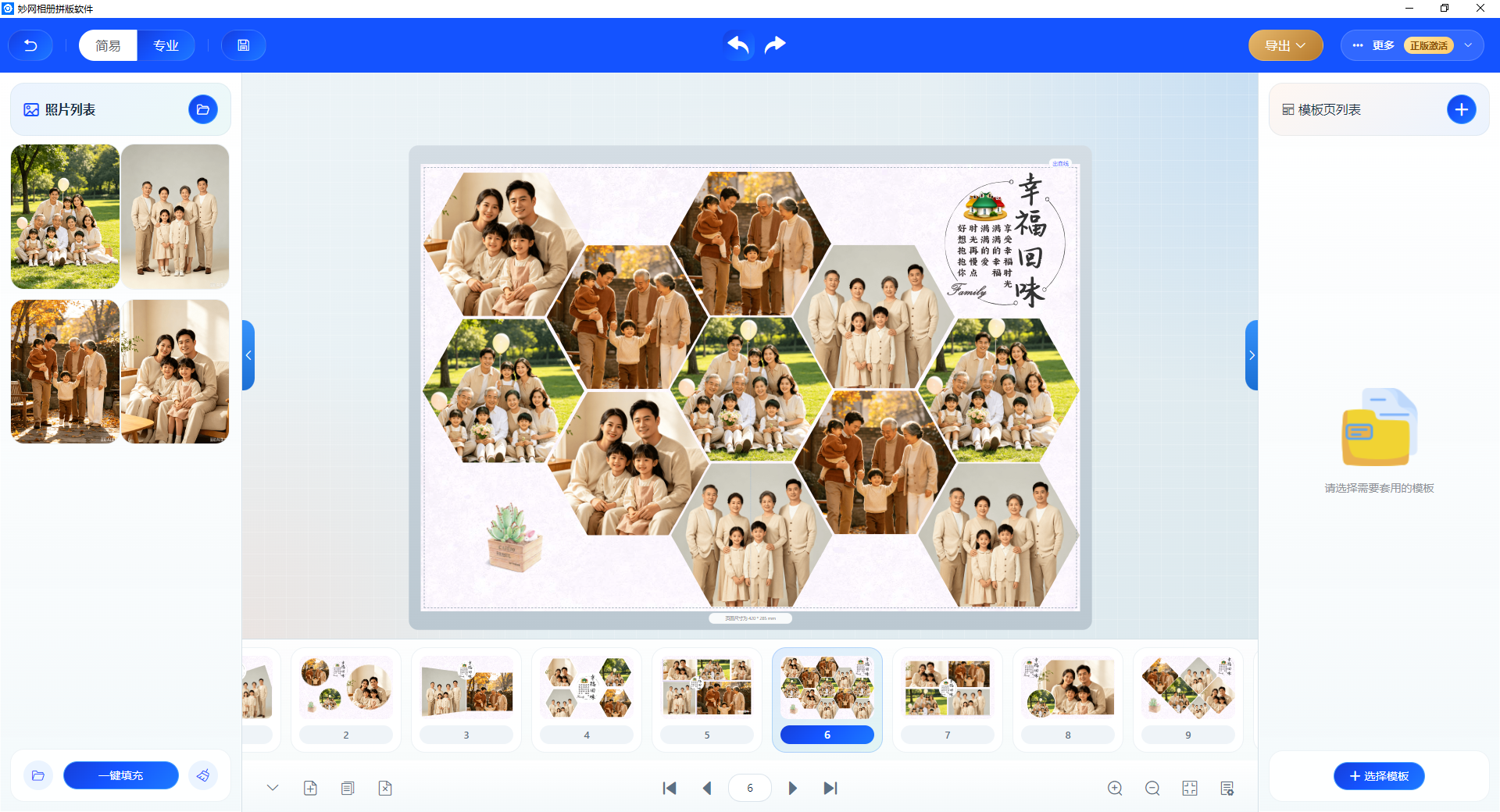
Batch import the photos selected by the client. The system automatically recognizes the dimensions and quantity and arranges them according to the template layout.
Dozens of photos are automatically laid out across all pages after importing, so you don't have to drag them one by one.
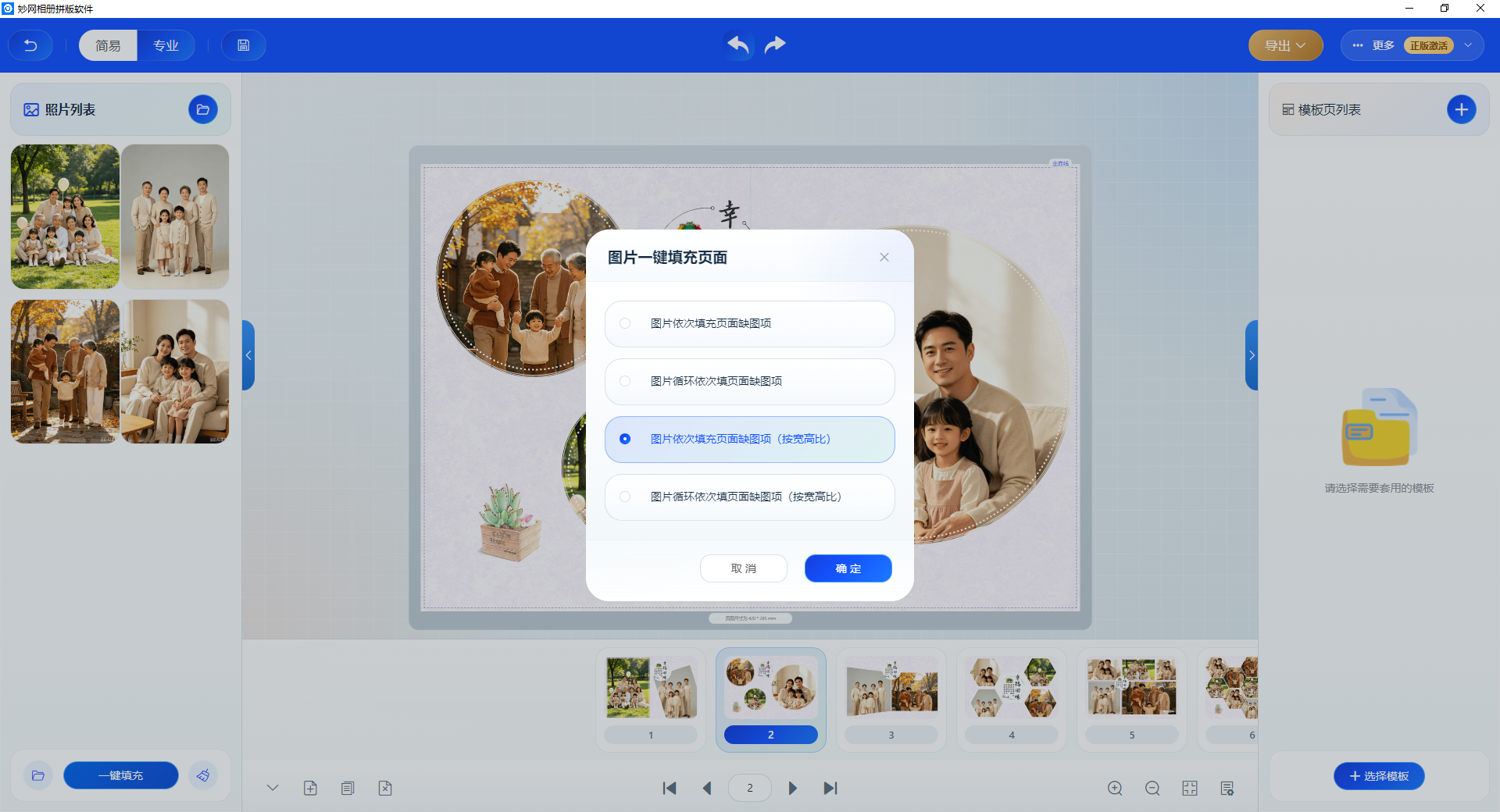
Step 3: Fine-tuning
After automatic layout, if the position or size of an individual photo is not quite right, you can adjust it manually. Swap it, move it, or crop it, and you can finish the adjustments in just a few minutes.
Step 4: Export
Once the layout is complete, export a high-resolution PDF or JPG/PNG and send it directly to the printing house to produce the finished product.