


Before, viewing a PDF meant opening a reader, splitting pages meant visiting an online site, and converting to CMYK required Acrobat—— switching between apps constantly, with “3 free trials” pop-ups interrupting you all the time.
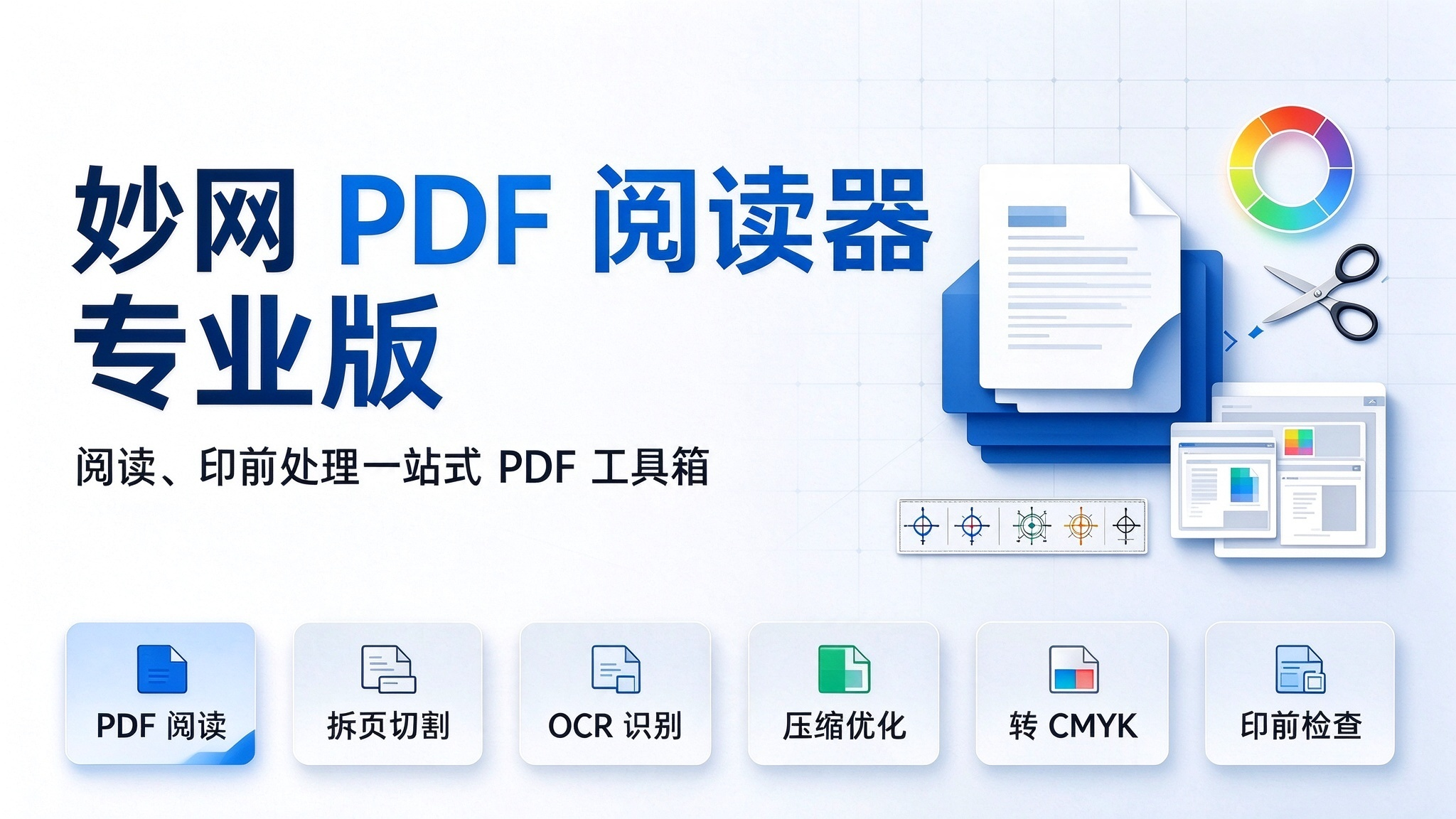
After switching to the MW PDF Reader Pro, one desktop window does it all: free, ad-free, lightning-fast startup, with files processed locally and never leaving your computer.

1. First, reading: it's more refined than you'd expect.
Opened PDFs are automatically collected into your bookshelf, remembering the cover, file info, and the page you last read, so you can resume with one click. The left side offers three navigation panels—thumbnails, bookmarks, and PDF attachments—plus full-text search, text selection, zoom and rotation, with progress saved automatically. No splash screens, no promotions, no pop-ups. The 30+ tools are where it truly shines.
On the basics side: merge/split (by page count, size, or bookmarks), PDF cutting (slice a poster into A4 pages), OCR recognition (Chinese and English, turning scans into selectable text), encryption and decryption (set open passwords), compression and optimization (four levels: screen / ebook / print / press), watermarks, page numbers, document comparison, and bookmark editing.

On the professional side: preflight (check color, resolution, and font embedding first), flattening and outline conversion (prevents missing fonts at print; text becomes non-editable afterward), CMYK conversion (optional color profiles), N-up/saddle-stitch imposition, print marks, binding allowance, margin offset, white-edge removal, page boxes, Bates numbering, extracting images/fonts/attachments, comment handling, and form handling.

2. Three Real Scenarios: Where It Saves Time
- Print Shop Orders A client sends a 32-page furniture brochure PDF to be split into “4-page cover + 28-page interior” for different paper stocks. Before: online splitting site + download + rename + re-upload. Now: Cut and Split in two steps, done locally, files never leave the computer. With white-edge removal and page fitting, send it straight to print after editing.
- The Designer's Last Mile Before Print Designs get finished in other software, and the exported PDF always has to go through a “prepress” pass. MW PDF Reader Pro: run a preflight check → convert to CMYK → flatten and outline fonts to prevent missing glyphs → printer marks + binding allowance + margin offset → multi-page imposition. This used to mean clicking through Acrobat page by page, or sending it back to the print shop for rework.
- Admin and Legal Archiving A training document needs to go out but not be freely forwarded: set an open password with encryption, add a watermark stamped “Internal Use Only”, and compress to control file size. For audit submissions, use Bates numbering to string together hundreds of pages of source material — no manually patching page numbers or IDs.
3. Its Limits, Stated Clearly — Don't Step in the Pitfalls
It's not a layout tool. To change the fonts, swap images, or redo the layout of a poster page, you still need to go back to your layout software. Its strength is “working with existing PDFs”, not “creating a page from scratch”.
Colors Will Shift After CMYK Conversion. This is a physical result of color space conversion, not a software issue. Always confirm with a proof before formal printing; on-screen previews cannot be used as a printing reference.
Font Extraction Requires Fonts Embedded in the Original Document. If the original document does not embed the fonts, they cannot be extracted; before commercial use of the extracted fonts, confirm the font license. After converting text to outlines and adding prepress marks, the text is no longer editable.
Recommended Workflow: Adjust the content first, then convert to outlines last. Remember to keep the original file and save a copy of the processed version.
My advice is: don't rush to judge how many features it has — first throw in the most troublesome PDF you have on hand, that big file that needs page splitting and a color conversion before printing. If you can finish it all in one window, you'll understand.
Quick access:https://soft.mwkj.net/sites/mwpdfreader/