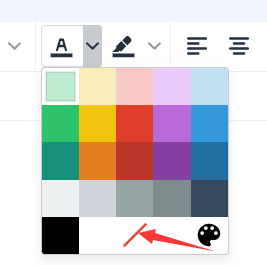


1. Text color settings:
Click the text color settings button in the top menu bar, then select the desired color from the drop-down menu;

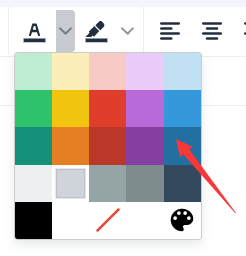
You can also select the color you want to set in the color picker, then click Save!


2. How do I clear the text color?
Click the text color settings button in the top menu bar, then click Clear color in the drop-down menu.