

How does MW E-Book Creator create books and periodicals?
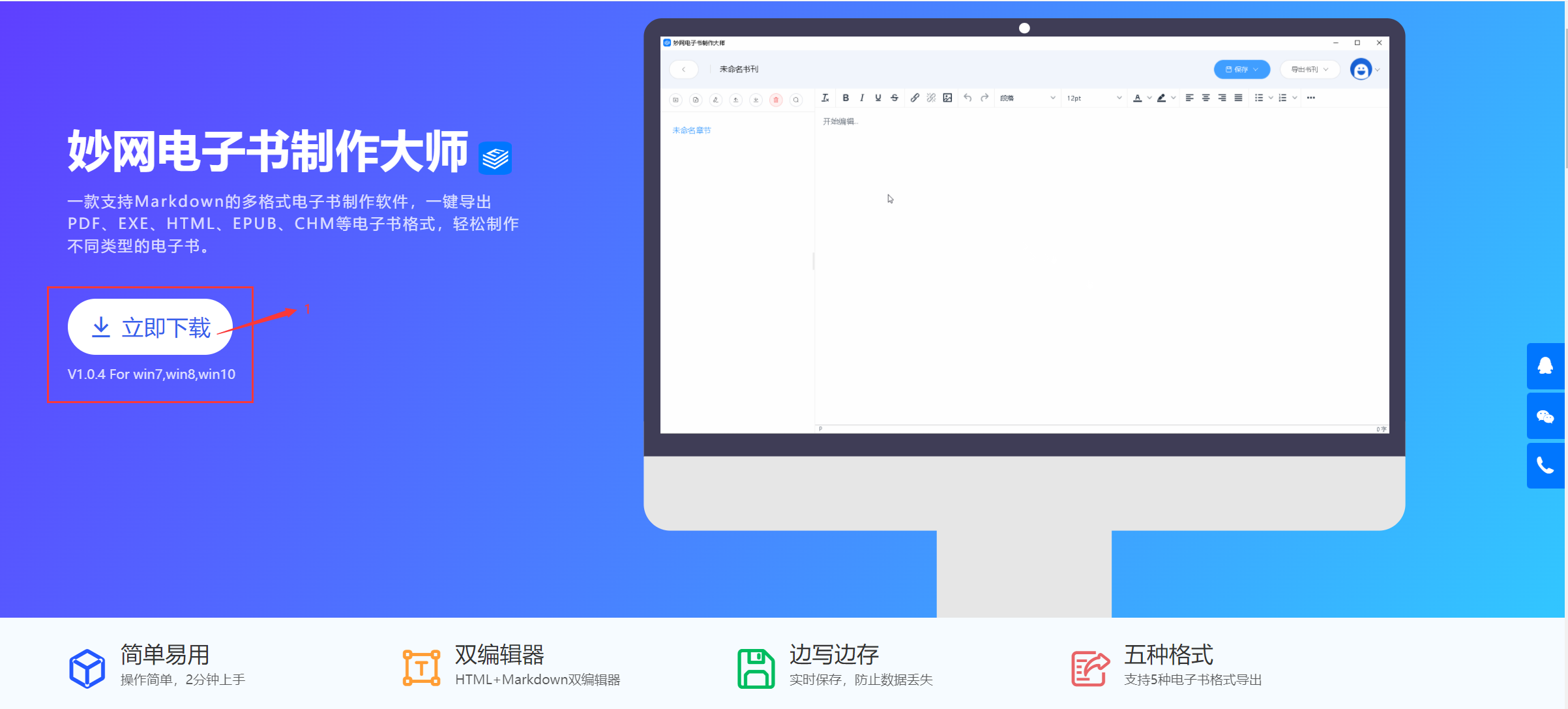
1. First, enter MW E-book Design Master in your browser, click to enter the official website, and click Download;
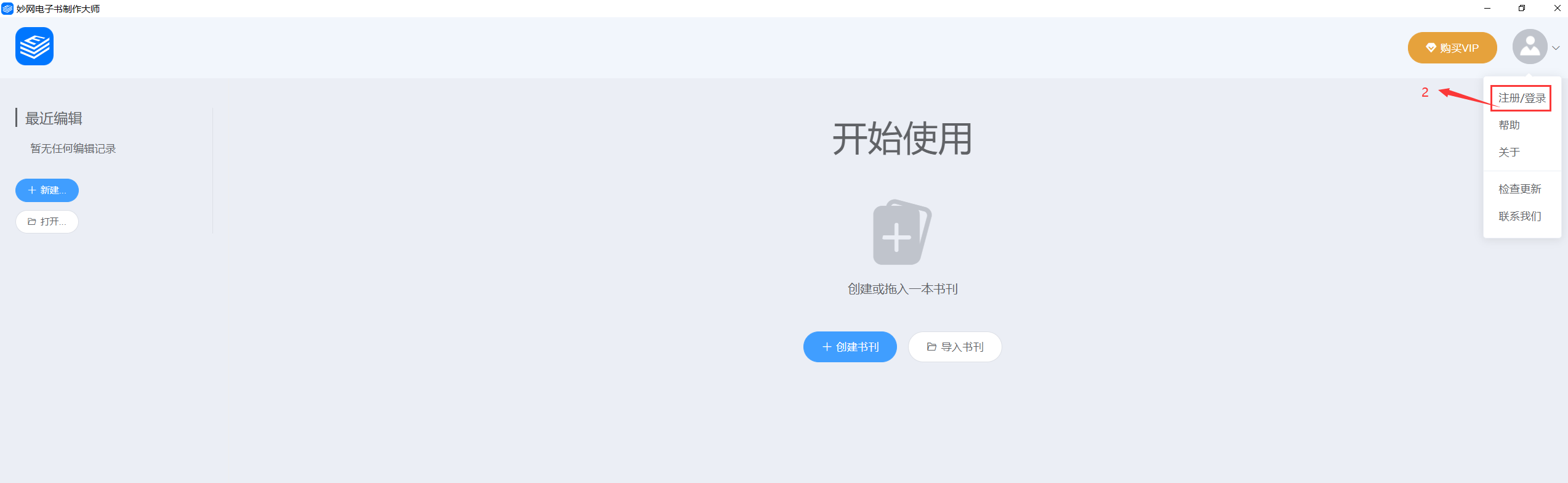
2. After the download is complete, enter the software start screen and click Log in;
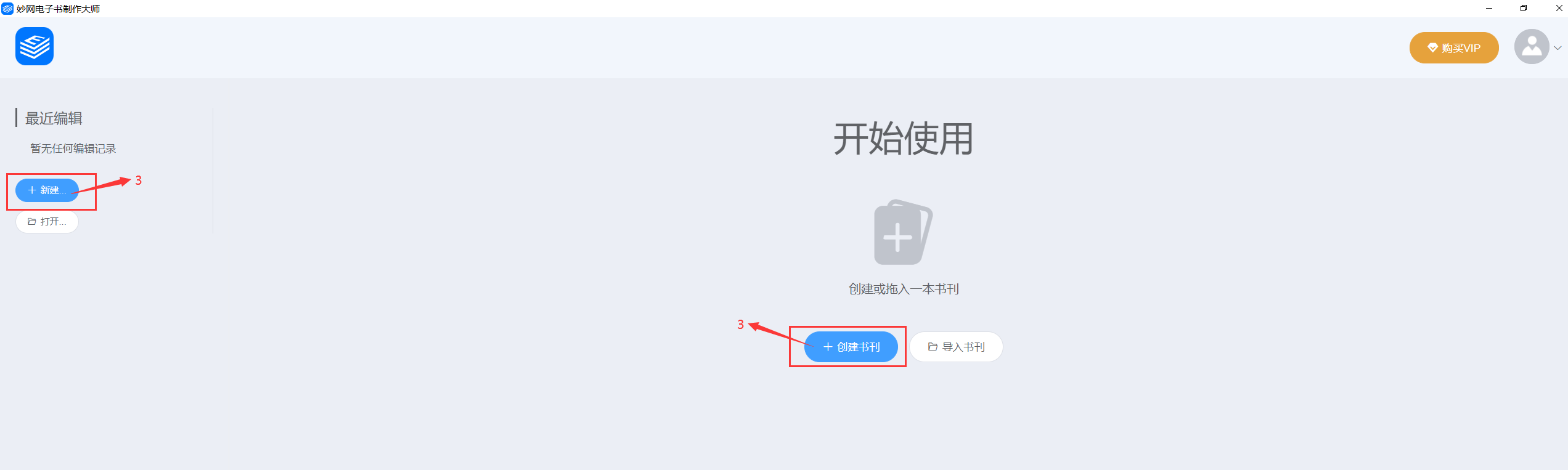
3. Click the “+ Create Publication” button or the “+ New Publication” button;
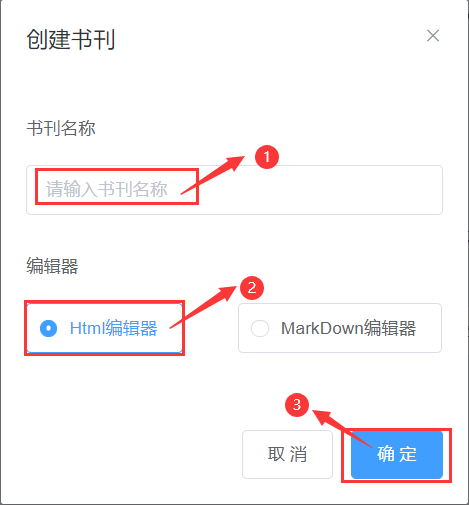
4. Enter the book or periodical title, select your preferred editor, and click OK to create the e-book.