


Upload a document to create a 3D page-flipping digital album—replace images, edit text, and share with one click
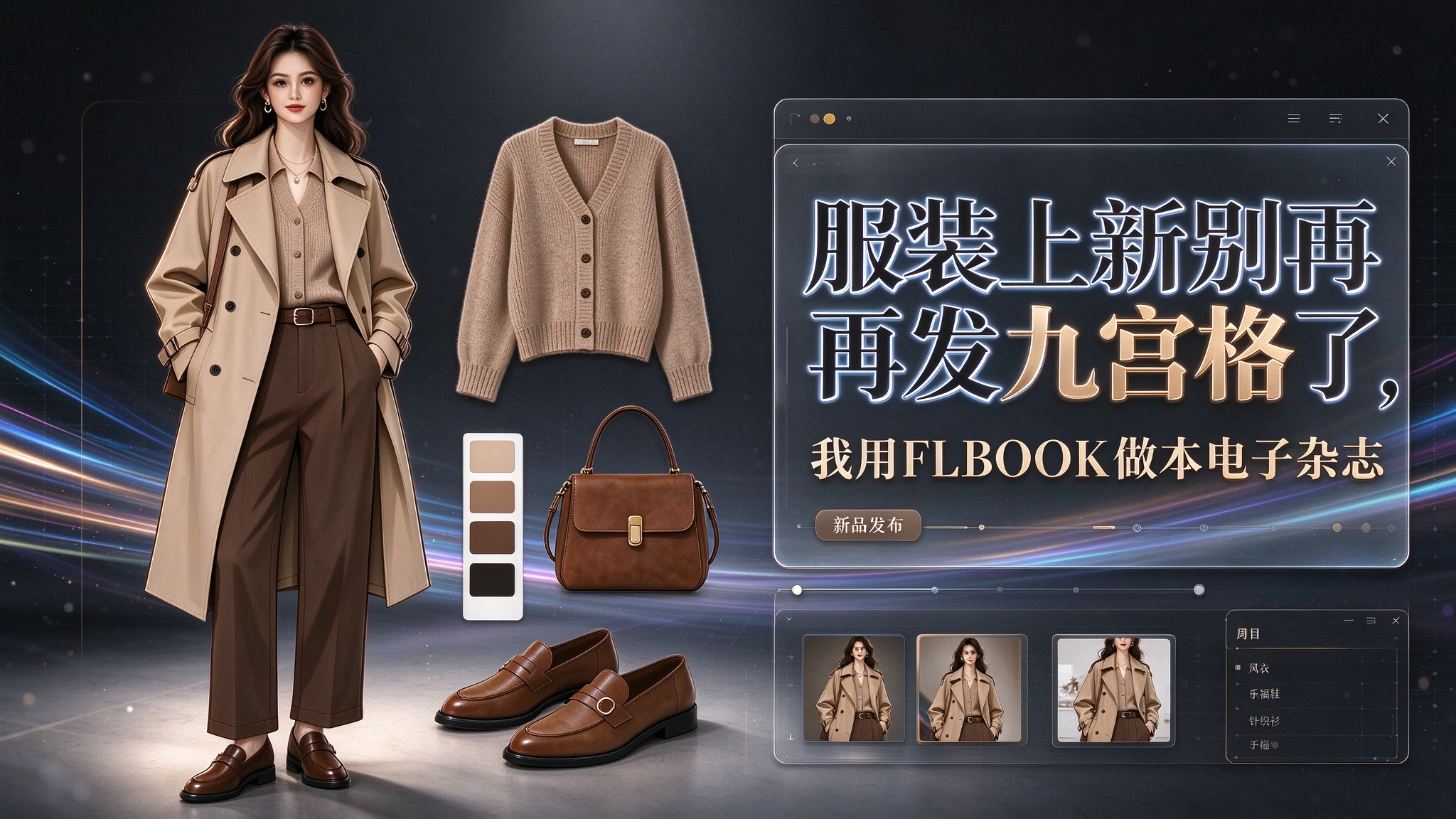
Every season I create styling lookbooks for clients: how to wear a trench coat in early autumn, how to pull off Maillard tones. I used to have only two options—make a PDF and drop it in the group chat, where it scrolled like a spreadsheet; or have a print shop produce a physical booklet, with design proofs and minimum print runs, sinking a large sum before selling anything. Then I dropped that PDF into FLBOOK, and it automatically became a page-flipping digital magazine: double-page spreads, realistic page turns, high-resolution images. As I watched the read count climb in the backend, I realized:Some albums really don't need to be printed anymore.
1. Why Your PDF Falls Flat: It's About Format

You shoot a set of premium photos, spend all day perfecting the color grading, export a PDF and send it to a client—who swipes to the end in three seconds and remembers nothing. It's not that the images aren't good; it's that a PDF lacks the feel of browsing.
People respond to ritual. A magazine you can flip through, even on a screen, makes people slow down and read page by page—that's why premium brands never just send PDFs; they turn them into digital publications.
2. FLBOOK adds the "page flip" action to albums

My need for trying FLBOOK was simple:Make that PDF look like a real magazine.
Upload it and it instantly generates a 3D page-flip effect: double pages spread left and right, flip with a swipe, with paper shadows and curvature just like a physical book. When a client opens the link, the first impression isn't "received a file" but "received a publication." Pages strictly follow magazine proportions, so layouts never get squashed or stretched. My early-autumn trends spread, model photos, and color swatches displayed almost exactly like the design draft.
For fashion magazines, shopping guides, and brand catalogs, the "browsing action" itself is a selling point——it turns content from something "scrolled through" into something "read."
3. Beyond good looks: images can be swapped, text can be edited

Fashion is the most fast-paced industry: before your copy goes to print, the hot items may have already changed. Print a physical catalog and you discover items are out of stock or the copy needs edits—the whole batch is wasted; revise the PDF and you have to resend it, while clients end up with multiple versions.
The advantage of FLBOOK is:images can be replaced and text edited directly. When the season changes, just open that book, swap in new hot-item images, update prices and links, and republish. Clients still open the same link and see the latest version. A "late-summer shopping magazine" can become fall/winter/New Year editions, reusing the same layout—saving not only printing costs but also re-layout time.
4. Publishing online is far more polished than sending PDFs

Once finished, FLBOOK provides aa link and a QR code: put it in your WeChat official account menu, share it on Moments, add it to sales scripts, or post it as a store poster. Customers scan and read instantly—no app download, no hunting for PDFs in WeChat. You can also seeread counts—how many people viewed it and which pages held attention longest—helping you pick next issue's topic. My first journal passed 500 reads within days; with a print run, how many copies and channels would that reach take?
5. Is the barrier high?

Already have a designed PDF? Uploading is basically "drag it in, wait a few seconds"—the system auto-generates page-flip and two-page layout. No file ready? Build directly from FLBOOK templates, with easy entry points for swapping images and editing text. As long as you have images and text and want it to feel like a "magazine" rather than a "document," this path works

This early autumn season, I skipped printing a lookbook. I put outfit trends, Maillard color palettes, and hot picks all into one FLBOOK digital magazine. Clients flip pages, zoom in on details, and screenshot the looks they love—interactivity a PDF can't offer, at a cost printing can't match. If you create outfit content, brand catalogs, or product lookbooks, consider upgrading your "file" into a "publication." A flip-page early-autumn fashion shopping magazine might be the key to keeping clients around three minutes longer.
Try the platform:https://flbook.com.cn/Upload your PDF lookbook to create a flip-page digital fashion magazine.
Keywords: FLBOOK, digital magazine, flip-page lookbook, 3D flip digital catalog, outfit lookbook, flip-page product catalog, editable online, one-click PDF upload, link and QR code sharing