


Two ways to create an album:
1. Create directly
(1) Enter the software start screen, click the [+] button or click [Create Work],
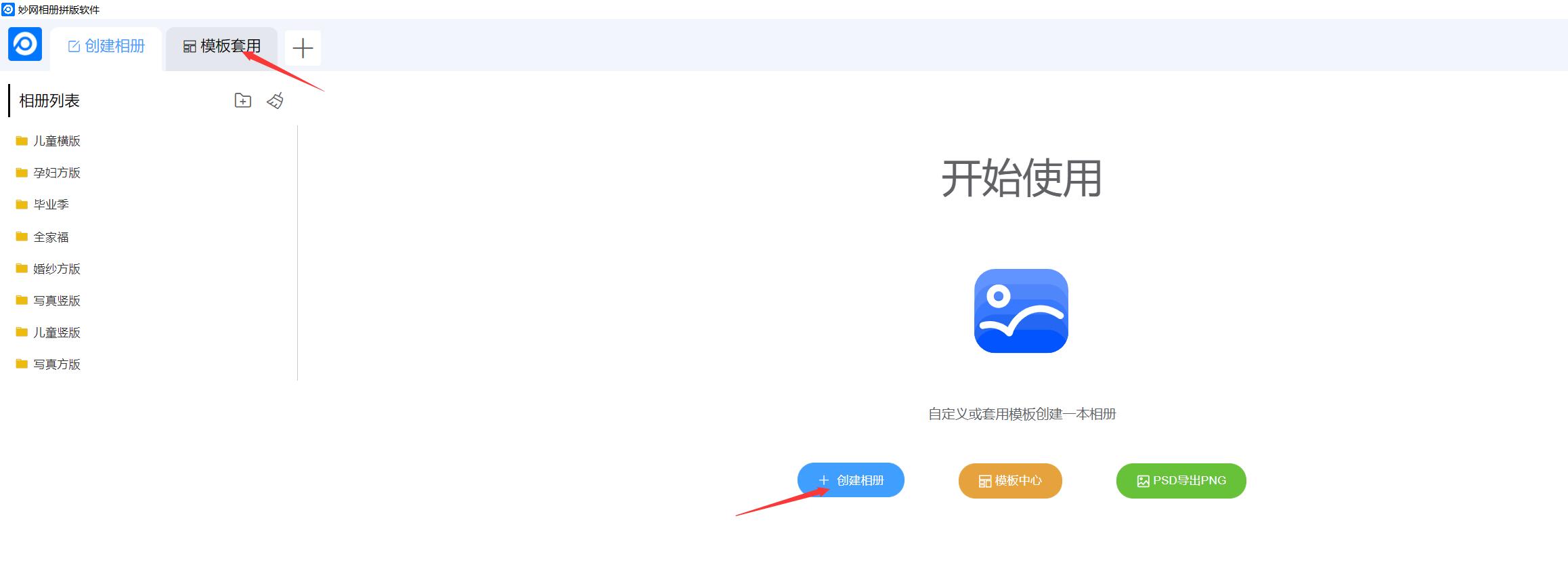
(2) Enter the album name, select the album specifications, and customize the number of album pages (default: 8 pages). Once completed, click OK to enter the editing page.

Important note:Only when the album size is customized can the album width and height be edited.
1. Create using a template
(1) Enter the software start screen and click the [Apply Template] button or [Template Center],

(2) Select the template you want to apply, move the cursor over the template cover, and click [Download Template],

(3) After the download is complete, click [Use Template] to enter the editing page.
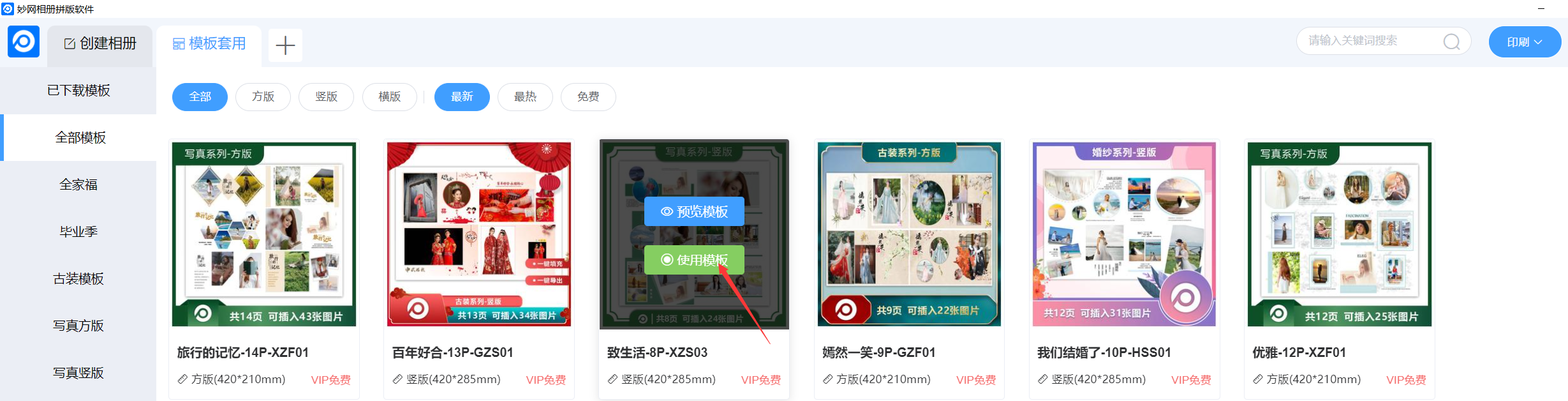
Important note:You can preview first to see the template effect and the number of images that can be placed on each page