


1. How to change text font size and color
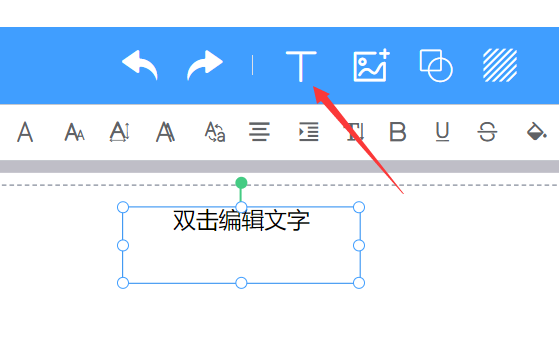
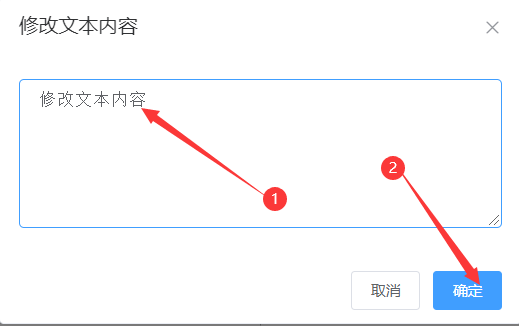
(1). Click [T] in the top menu bar to insert a text box, double-click to enter text, then click [OK]
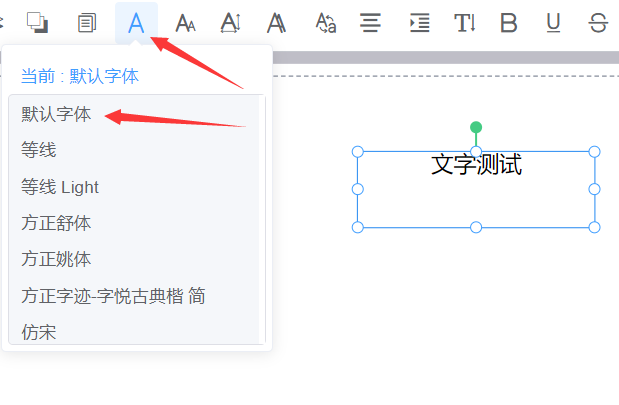
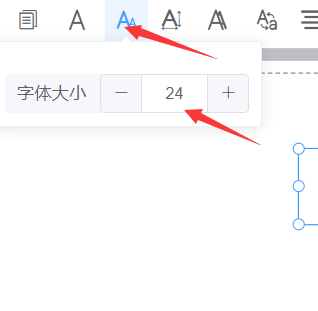
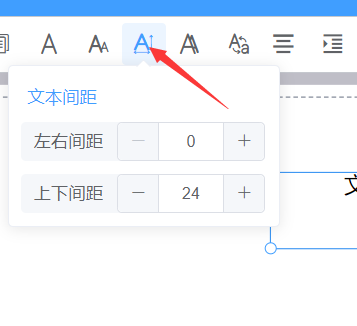
(2) Choose your preferred font, adjust the font size, and adjust the text spacing
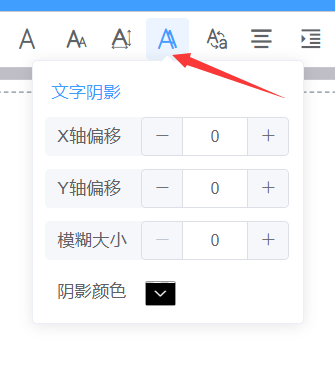
Set the text shadow and adjust the text color as needed

2. How to change the text box color

.