


How can I import a template with one click in MW Album Layout Software?
1. Use the template directly.
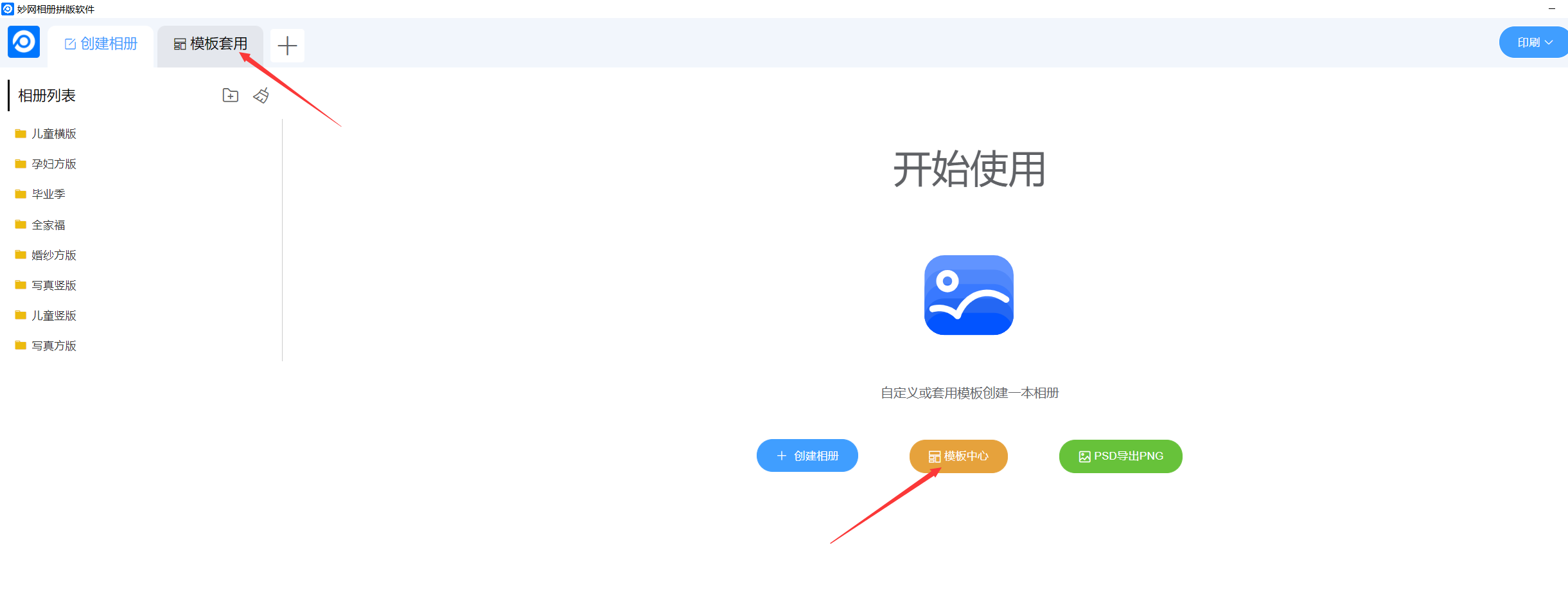
(1) Enter the software start screen, click the [Apply Template] button, or click [Template Center]
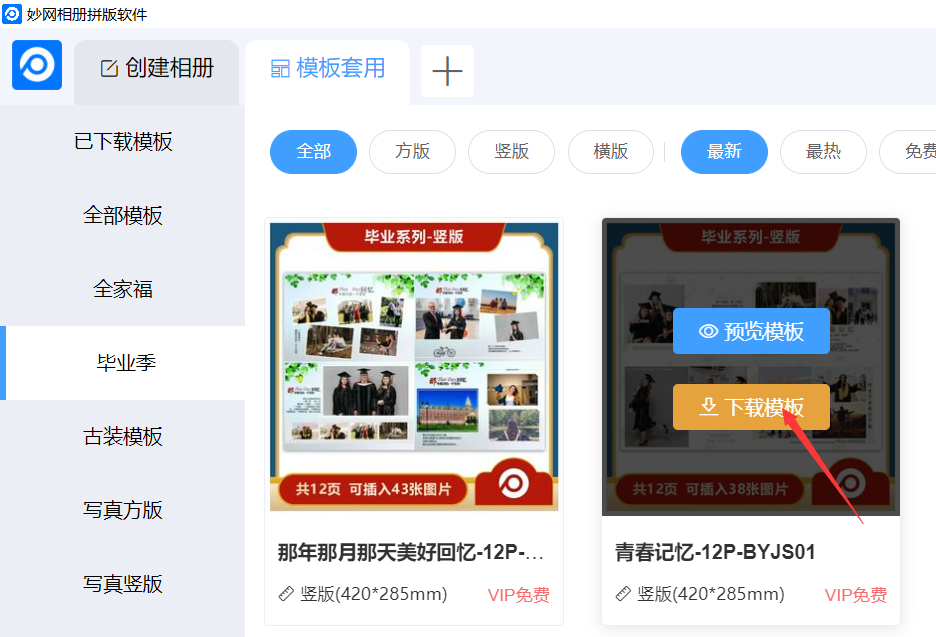
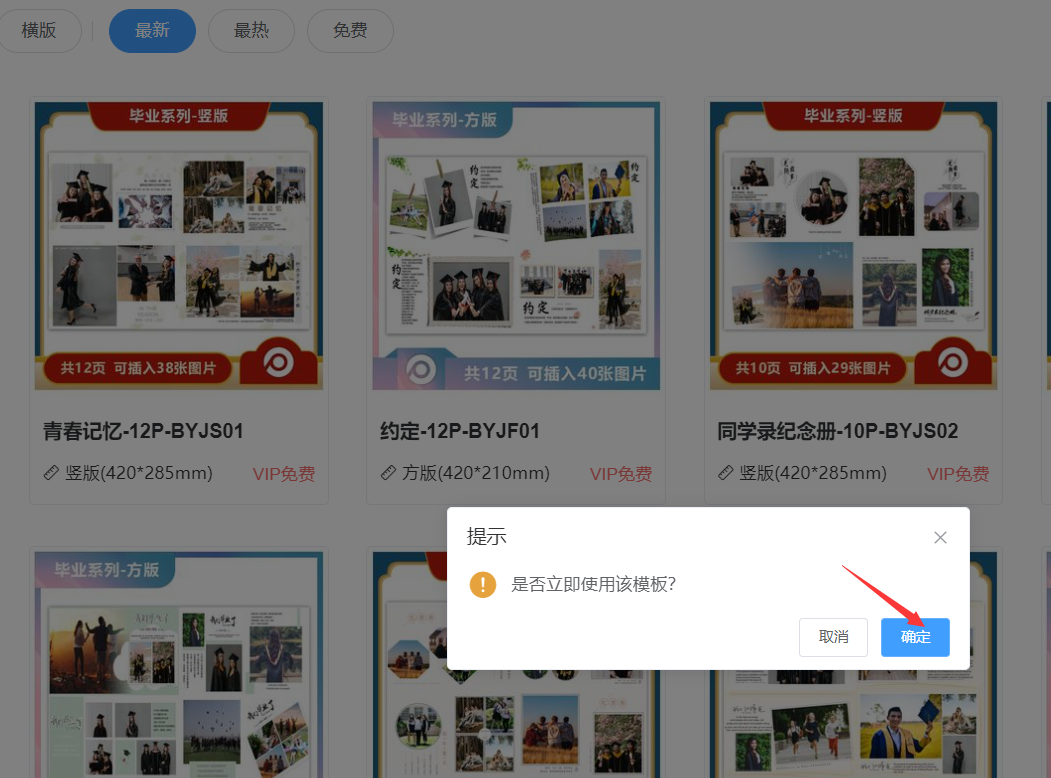
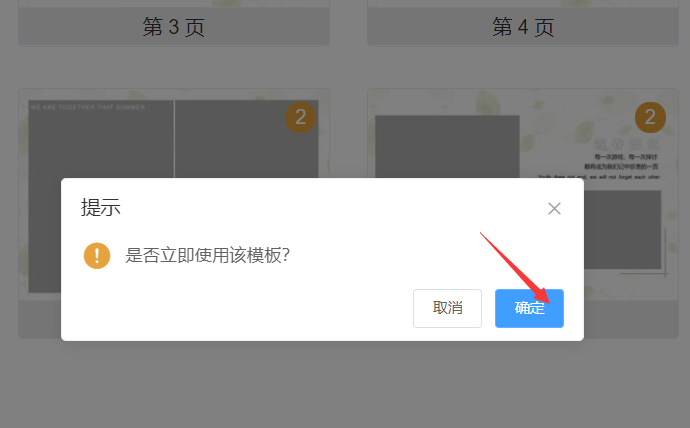
(2) Select your preferred template, move the mouse over the template cover, and click [Download Template]. Once the download is complete, click [OK].
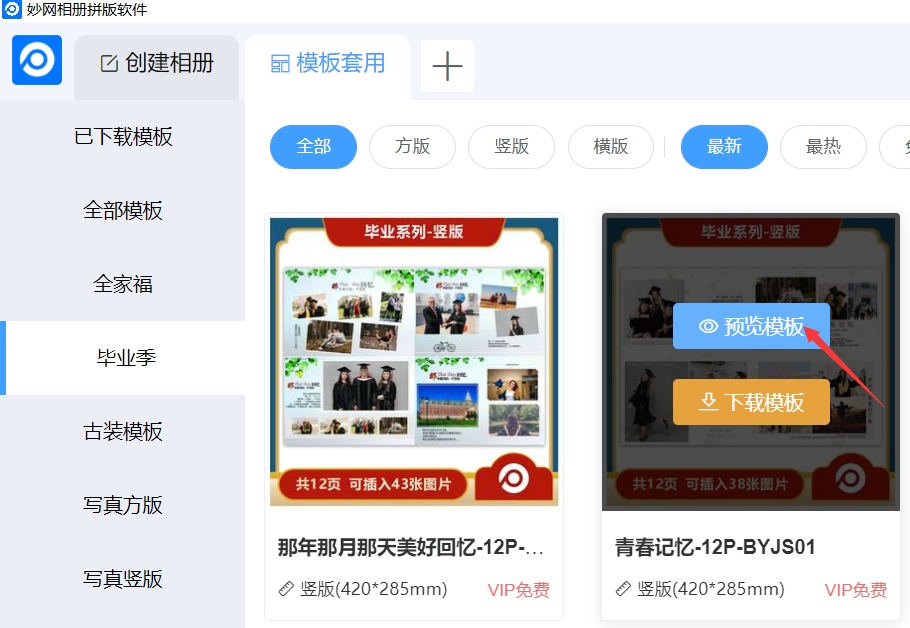
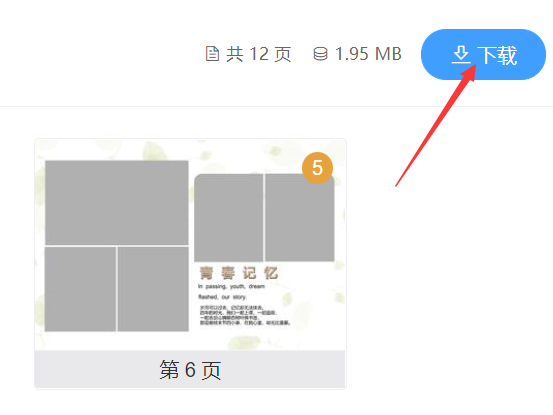
Or click [Preview Template], click [Download] in the upper-right corner, and click [OK] once the download is complete.
2. Create a blank page, enter the editing interface, and import the template with one click.
(1)After creating the blank page editor, click 【Please select a template to apply】 on the right, or click 【+】 in the upper-right corner to select your preferred template. Once the download is complete, click 【Confirm】.

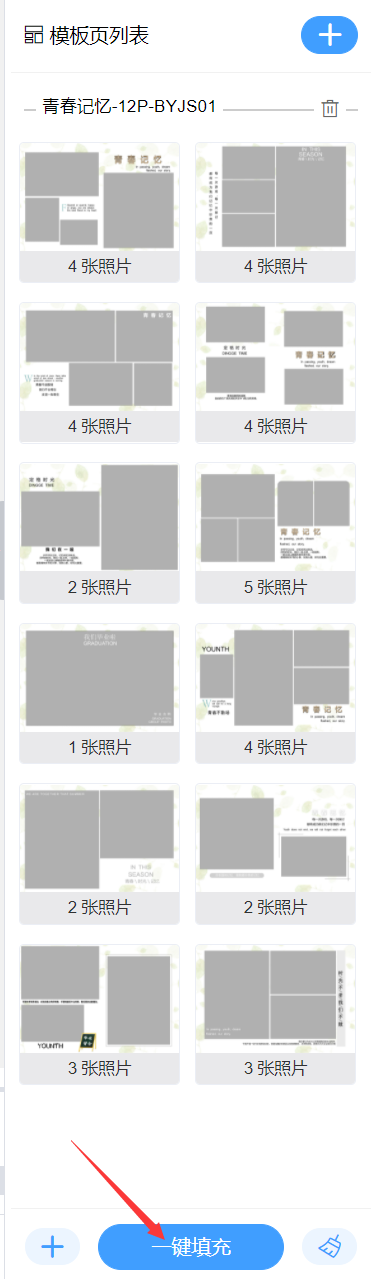
(2) Click [One-Click Fill] in the bottom-right corner, select [Fill or Overwrite Page] as needed, then click [Confirm].
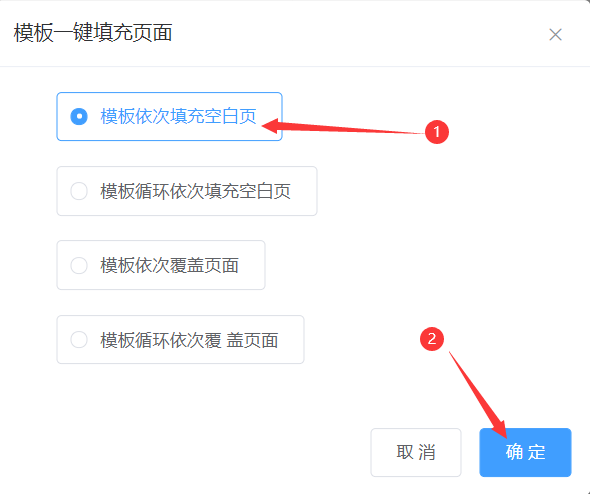
Important note:“Fill blank pages sequentially” and “Template loop fills blank pages sequentially” mean that the template only fills blank pages.
Sequential template coverage pages and template loop coverage pages refer to templates replacing the original page content.