
Choose template
Start with a blank canvas or a ready-made template, then define the dimensions, style, and page rhythm.
Place photos, templates, and layouts on a single canvas to quickly complete photo album imposition, portfolio layout, and print delivery, keeping every batch of work consistently high quality.
 PORTRAIT
 MOMENTS
 LIGHT
LIGHTConnect photo selection, layout, and output in one smooth workflow, ideal for personal projects and team batch production.
Start with a blank canvas or a ready-made template, then define the dimensions, style, and page rhythm.
Import images in bulk to quickly fill pages in order, or adjust cropping and positioning individually.
Review the page, then export a high-resolution PDF or JPG for sharing, archiving, and printing.

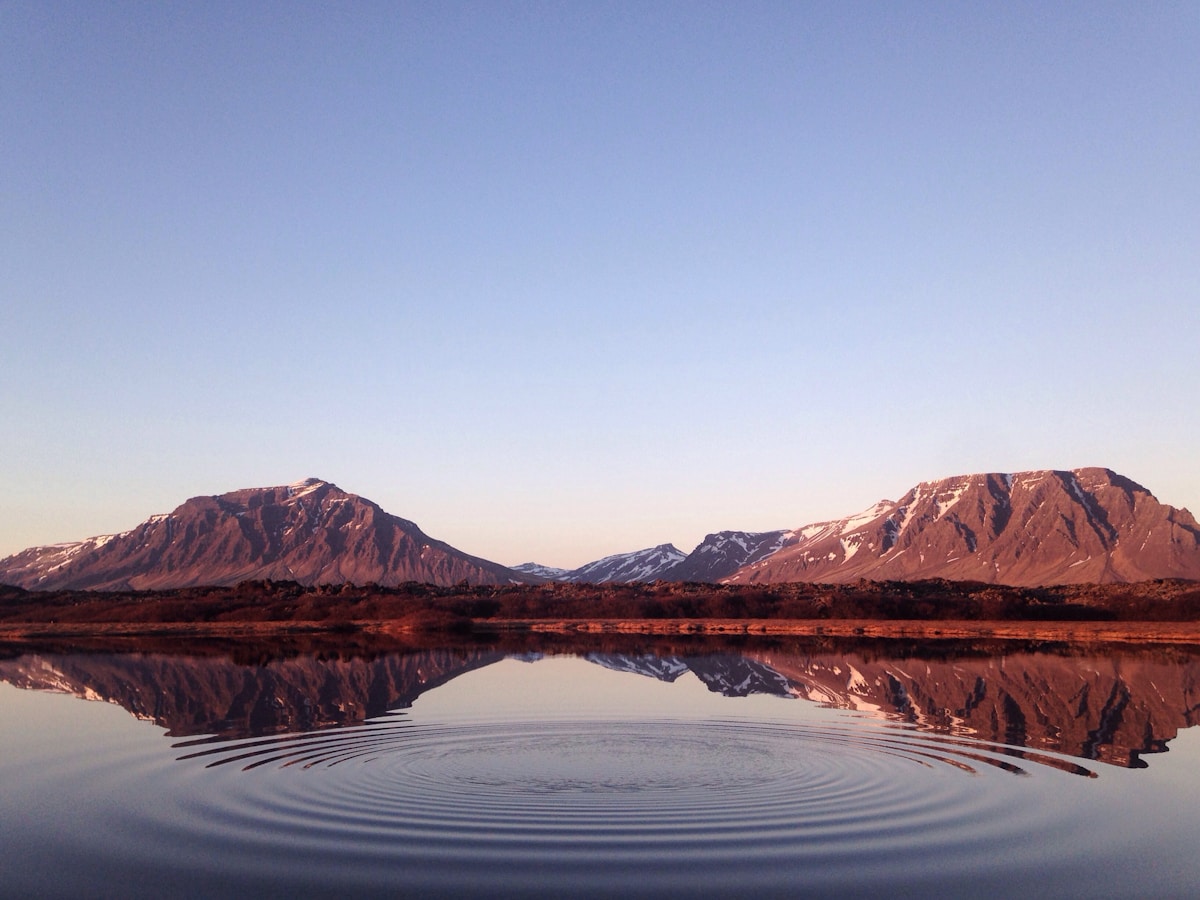

An album workspace designed for studios, photographers, and print teams, bringing more order to photo organization, layout adjustments, and final output.
From visual organization to final output, keep key operations simple, clear, and repeatable.
Choose a layout for your scenario to spend less time designing from scratch while keeping room for adjustments.
Precisely adjust photos, text, and whitespace, ideal for fixed-layout photo albums and art books.
Export high-resolution files for printing, sample book production, or client delivery.
Manage photos and pages by project, making it easier to find what needs updating.
Process album pages in image order to reduce repetitive manual work.
Project files are kept locally for easy backup, review, and future editing.
From the initial photo selection to the final files, every step is designed for more consistent finished results.
Export as PDF or JPG according to the use case, as the final delivery files for albums, portfolios, sample books, and photo materials.
Maintain consistency in layouts, image management, and delivery workflows for batch production projects.
From digital files to physical prints, your work can be output and preserved as needed.
Photo album creation for wedding, portrait, and children's photography.
Organize travel, event, and personal photography projects.
Quickly check the layout and high-resolution output.
Compile important moments into an album and preserve them for years.
Yes. You can build the layout yourself from a blank page, or choose a suitable template as a starting point based on your project's style.
The software supports exporting completed projects in common formats such as PDF and JPG, making them convenient for sharing, archiving, proofing, and print delivery.
Yes. Project management, template application, and photo filling workflows can reduce repetitive tasks and maintain a consistent page style.
下载 MW Photo Album Layout,从选片到输出,用更稳定的方式完成相册拼版。
2326597228