
MW eBook Maker

From writing in Markdown to publishing ebooks, organize chapters, layouts, and content in one clear workspace. Edit once, deliver in multiple formats.

版本 2.6.0win7,win8,win10 桌面端Free to use
chapter-01 · MW eBook Maker
CHAPTER 01
Focused on content creationOrganize long documents with a clear structure
Manage multi-level directoriesChapter order can be adjusted at any time
Export in Multiple FormatsDesigned for reading, sharing, and archiving
Save local projectKeep control of your content at all times

Turn complex publishing into three steps

Writing, layout, and publishing are completed in one workflow, reducing the burden of repetitive整理 and format conversion.

01

Focused Writing

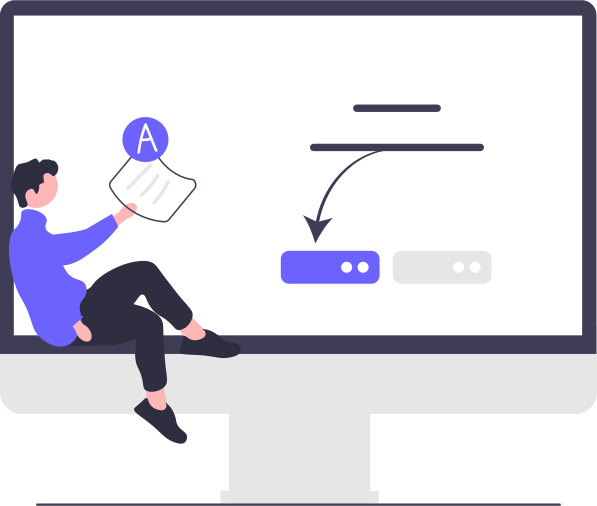
Use Markdown to quickly record content while keeping headings, lists, quotes, and code blocks clearly structured.

02

Organize Chapters

Organize long documents with a multilevel table of contents, adjust the order as needed for each project, and always keep the structure of the entire book in view.

03

One-click Publish

Choose the target format and layout to create an e-book file suitable for reading, sharing, printing, or archiving.

CONTENT STRUCTURE

Keep the structure clear, no matter how long the content is

From an e-book to a complete set of product materials, good content is not only written but also made easy to edit, review, and maintain over time.

  • 1
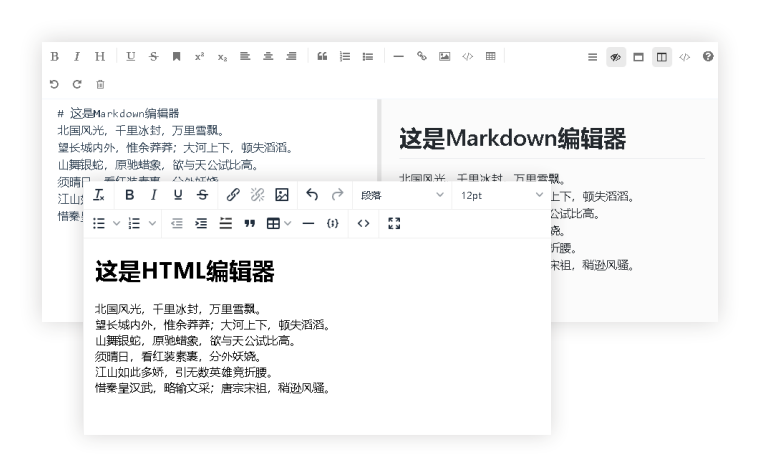
    Edit and preview syncSee the layout as you enter content, with less repeated exporting and proofreading.
  • 2
    Visualize chapter hierarchyQuickly find what needs editing and keep even long documents under control.
  • 3
    Final check before outputConfirm the table of contents, chapters, and formatting before delivery to reduce rework after publication.

Designed for real content work

Lightweight, stable, and controllable. Let software serve your content, not force your content to adapt to the tool.

Markdown Editor

Focus on text and structure to create content more effortlessly.

Unlimited nested directories

Suitable for long-form document projects such as books, courses, manuals, and corporate materials.

Stable Export

Keep the heading, paragraph, and table-of-contents structure intact for easy delivery and ongoing maintenance.

Project-based management

Create projects by book or resource to locate editing progress and content more easily.

Supports text and image content

Let text, images, and descriptions come together to create a complete reading experience.

Available offline

Store project files locally, ideal for personal writing and handling internal materials.

Edit once, deliver in multiple formats

Generate the right file for your publishing goal, making your work easier to share and preserve.

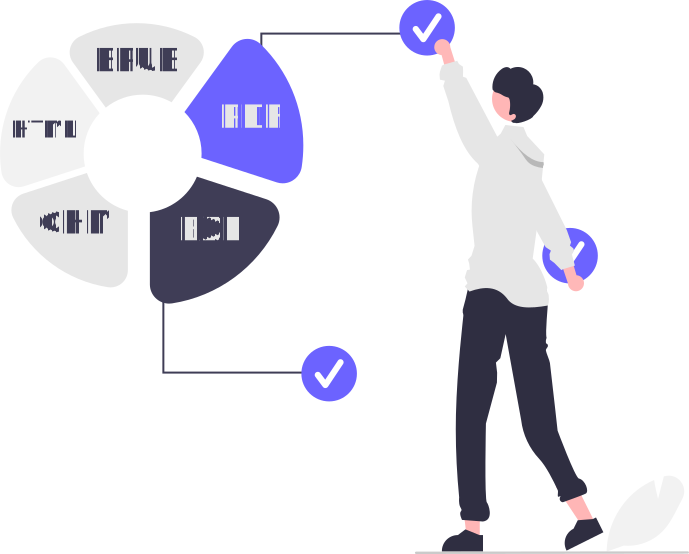
Output for reading, sharing, and archiving

No need to reorganize content for different use cases. Choose the format you need to generate an ebook file suitable for your target platform.

PDFHTMLEPUBEXECHM
Product manuals and internal materials

Standardize document structures to facilitate team review, version retention, and external publication.

Personal Work and Knowledge Organization

Turn articles, notes, and course content into e-books that are easy to read and share.

Adaptable to different content projects

01

Fiction and Prose

Maintain a steady chapter rhythm and focus on completing a full work.

02

Courses & Notes

Turn knowledge into resources that can be continuously updated.

03

Products & Manuals

Standardize document structures and quickly create formal deliverables.

04

Digital publishing

Designed for sharing, archiving, and reading across devices.

Before you start, you may want to know

Is it suitable for users without a Markdown background?

Yes. The software is designed for both users who want to write quickly and those who need to organize content structurally. You can gradually learn to use common elements such as headings, lists, and images.

Can exported files be printed or sent to customers?

Yes. You can choose formats such as PDF, HTML, and EPUB based on your delivery needs, for printing, saving, sharing, or reading.

Where is the project content stored?

Project content is stored locally, so you can back it up, manage it, and maintain it continuously.

Start with your next piece of content and create a real ebook

下载 MW eBook Maker,用更清晰的方式写作、整理并发布你的内容。

Free Download